DFI Lan Party UT X58 T3eH8 - Motherboard Review
- DFI Lan Party UT X58 T3eH8 - Motherboard Review
- Page 2 - Packaging, Content and Overview
- Page 3 - Closer Look, Connectivity, BIOS
- Page 4 - Testing methodology
- Page 5 - Performance: SATA, eSATA and USB 2.0
- Page 6 - Performance: Cinebench 10
- Page 7 - Performance: WPrime, SuperPI
- Page 8 - Performance: Memory (Everest Ultimate 4.60)
- Page 9 - Performance: Memory (SiSoft Sandra Lite XII.SP2c)
- Page 10 - Performance: image processing
- Page 11 - Performance: WinRAR
- Page 12 – Overclocking, Conclusion
Page 3 - Closer Look, Connectivity, BIOS
Page 3 - Closer Look, Connectivity, BIOS
Here comes the time to look closer into the design of DFI Lan Party UT X58 T3eH8 in matters of its extension capabilities. Maybe you already noticed that they are not very large. Naturally we have 3 PCI-Ex16 slots, which have enough space between them to accommodate 3 video controllers, but unfortunately the only other PCI-E slot is the lonely x4, which directly becomes unusable when a video board is placed in slot 1. the other slots you see are ordinary PCI which on the whole makes the choice of peripheral cards complicated. The slots are only 6 in numbers due to the fact that there are no built in audio connectors and the board has to rely on the services of extra extension card:
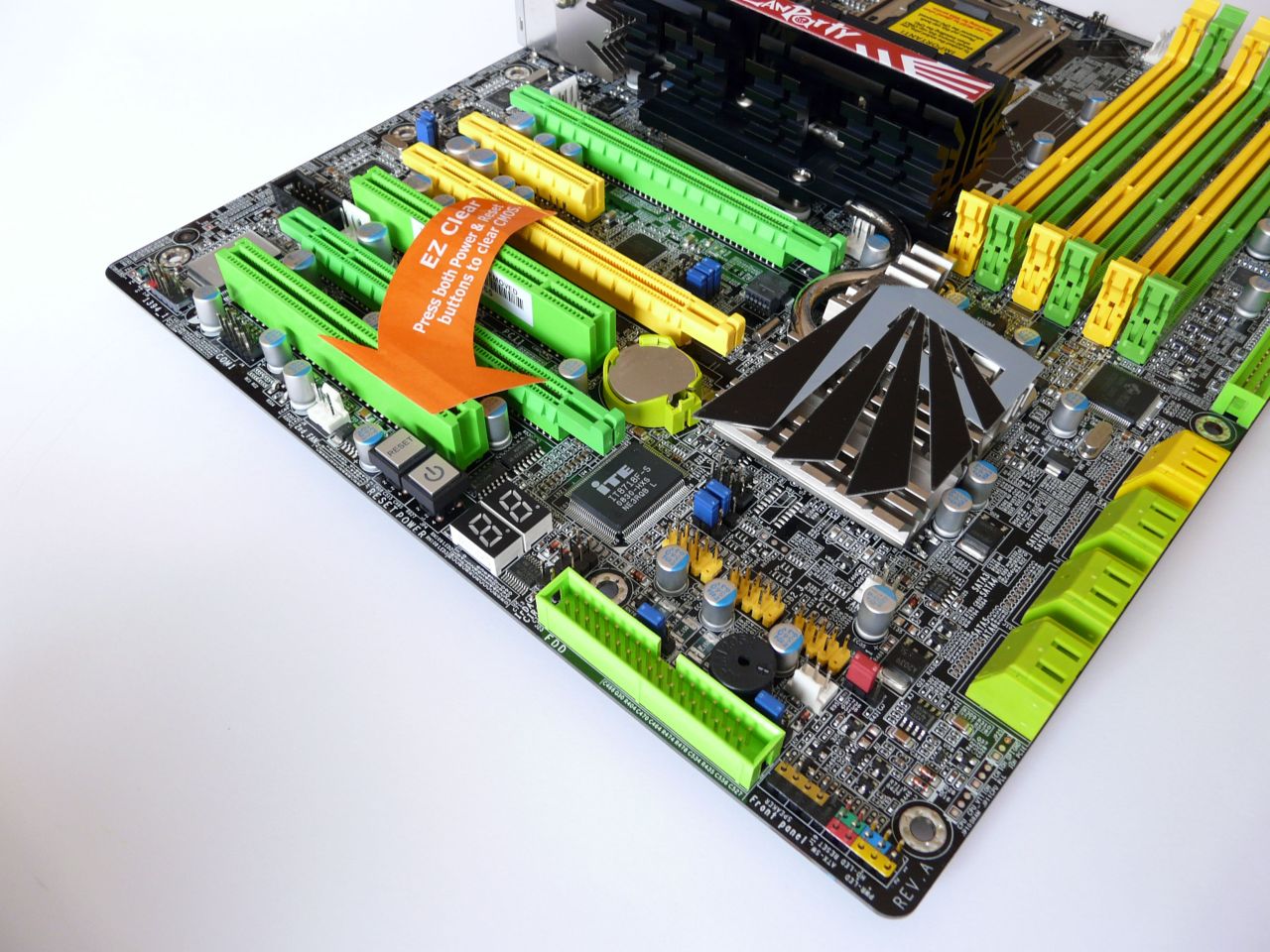
Maybe you noticed the Restart and Power buttons under the extension slots, but they concern one of the other important features of the board. When simultaneously pressed, the two buttons clear the CMOS settings – pretty handy, way more comfortable than the well known jumpers. Beside the buttons there is the well known status LED display, which more or less is very common addition, but this in no way diminishes its usability:
Naturally there are 6 slots for using triple channel memory, and as for their coloring, we already tookinto account the question:
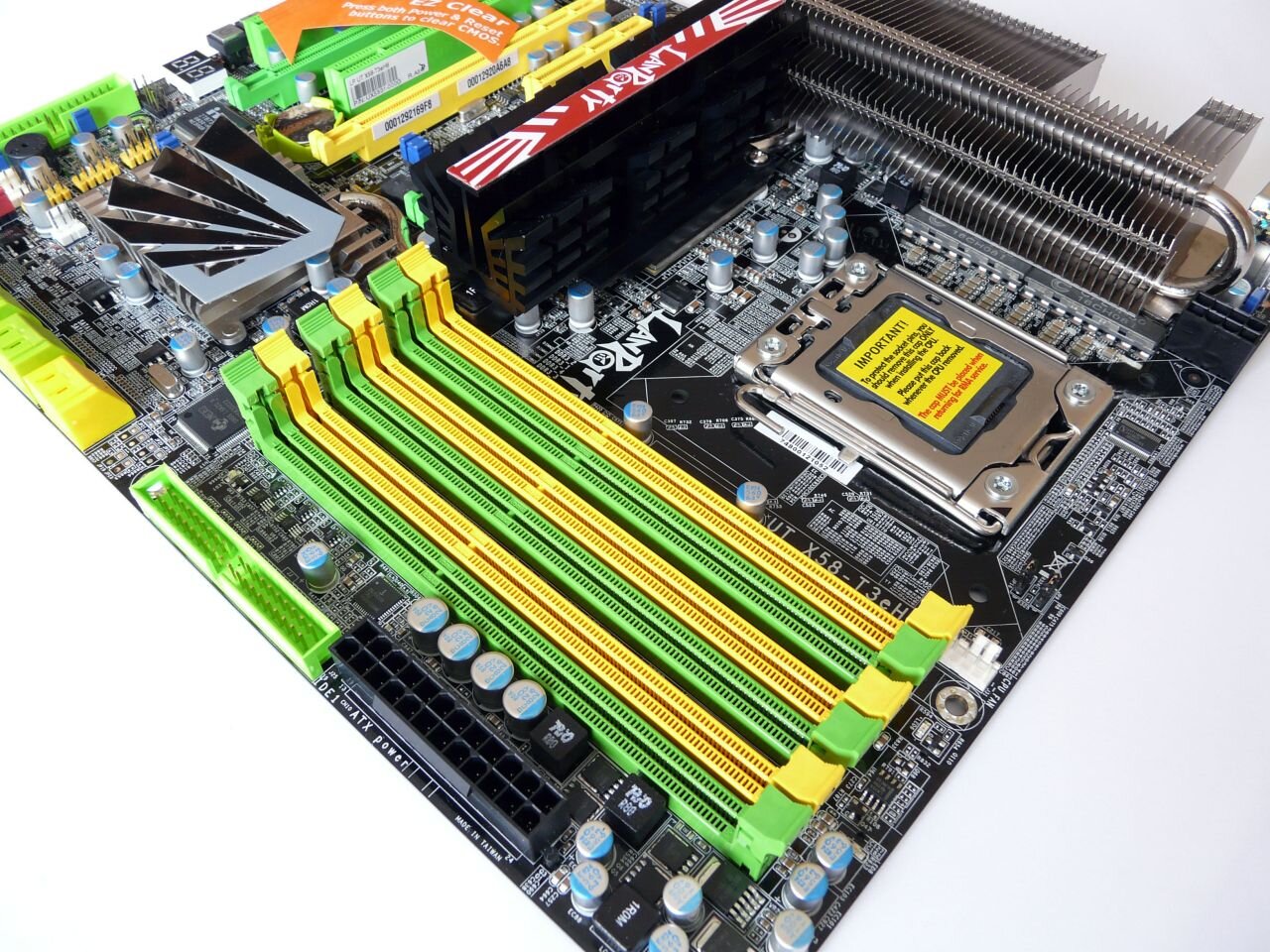
And now let's say a few words about the back panel. As you see, it is quite crippled due to the existence of an external cooling module, which fastens directly on this place. For the audio connections we already wrote, but maybe it makes an impression that there are no eSATA connectors. This on one side is bad, but on the other this way there is more space for USBs, as well as for two network controllers. In another point of view, most middle and high end computer cases nowadays have integrated eSATA connectors and when you buy high end motherboard it implies that you probably already have also a high end case. But after all...
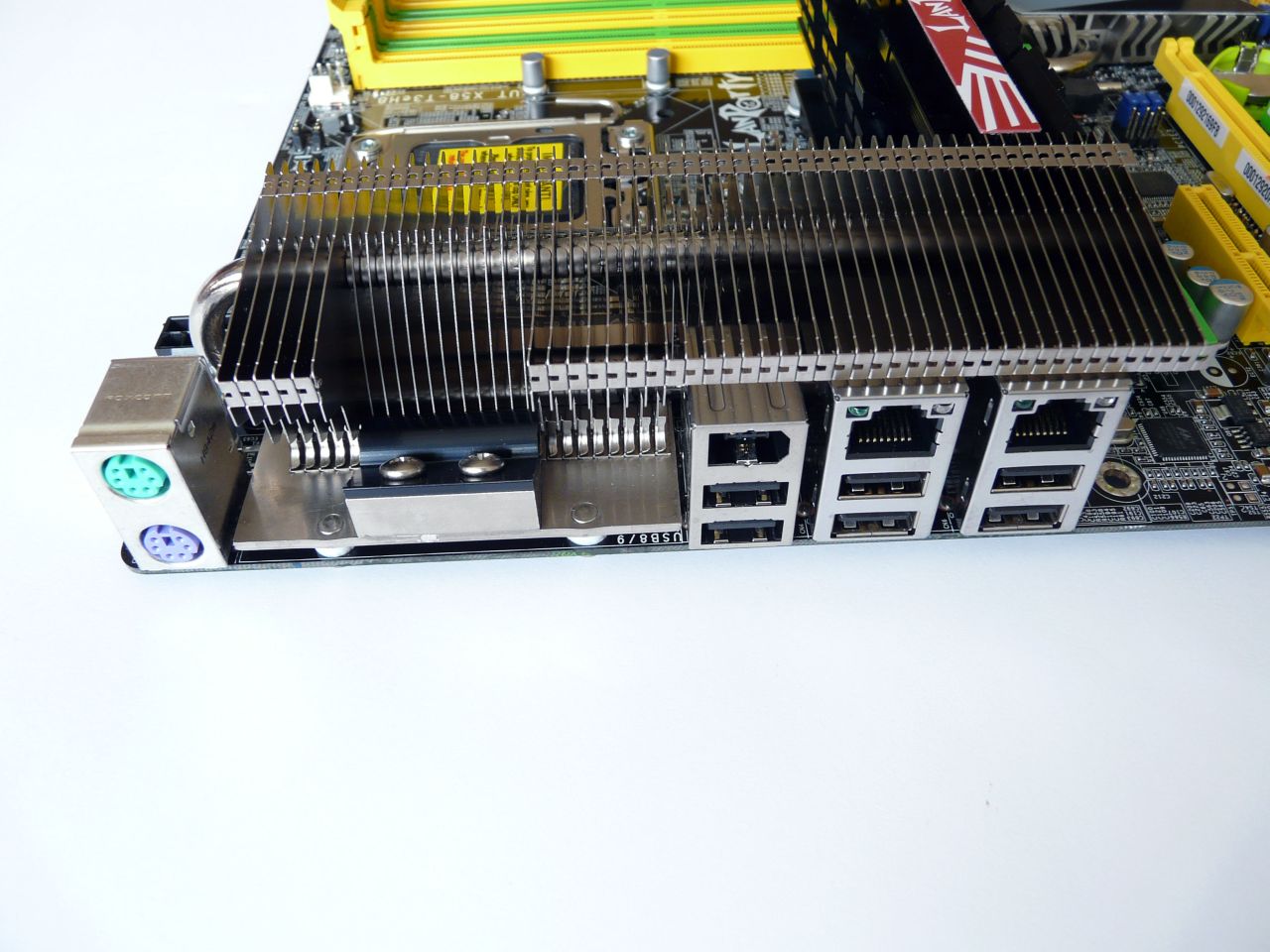
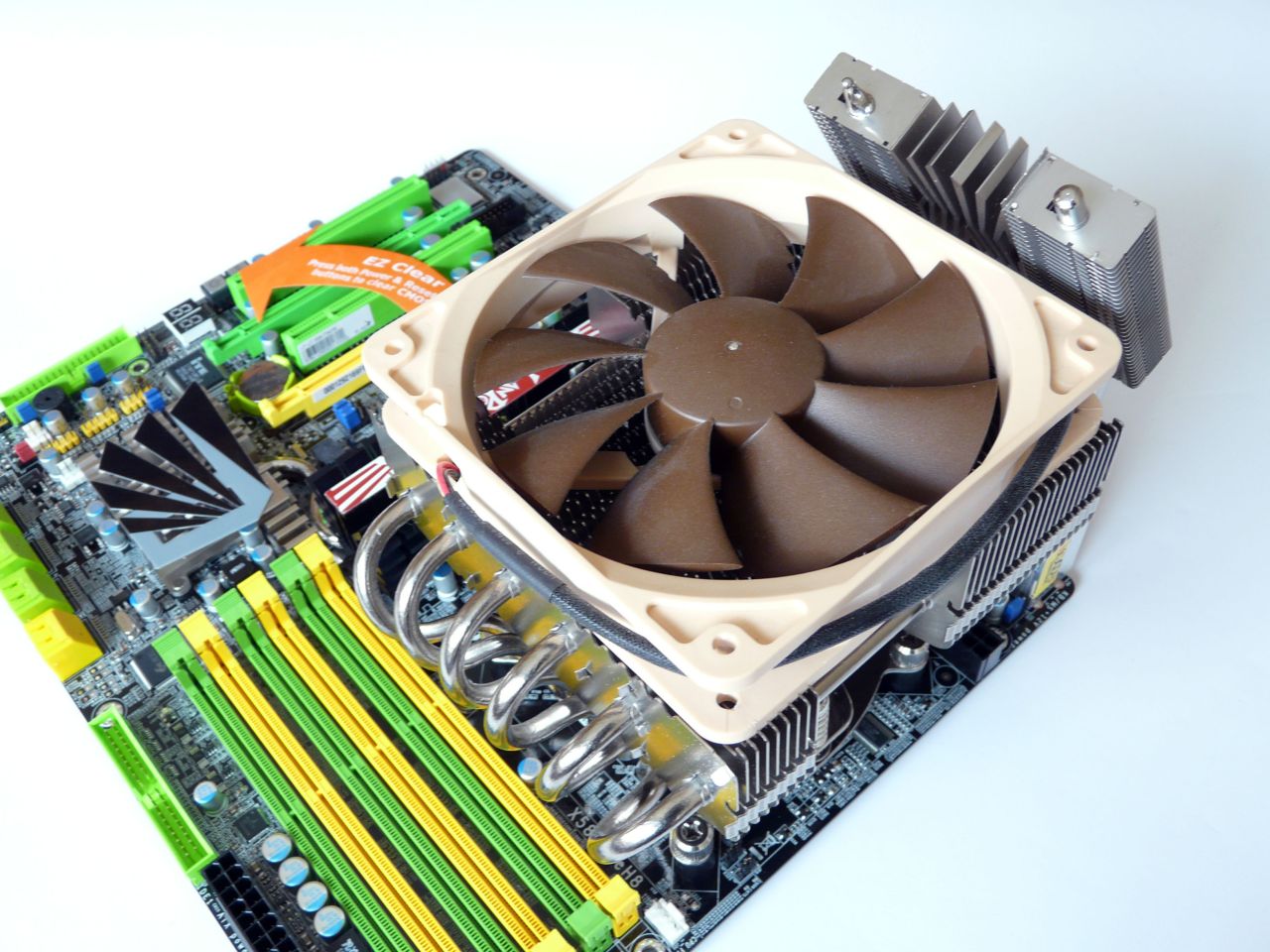
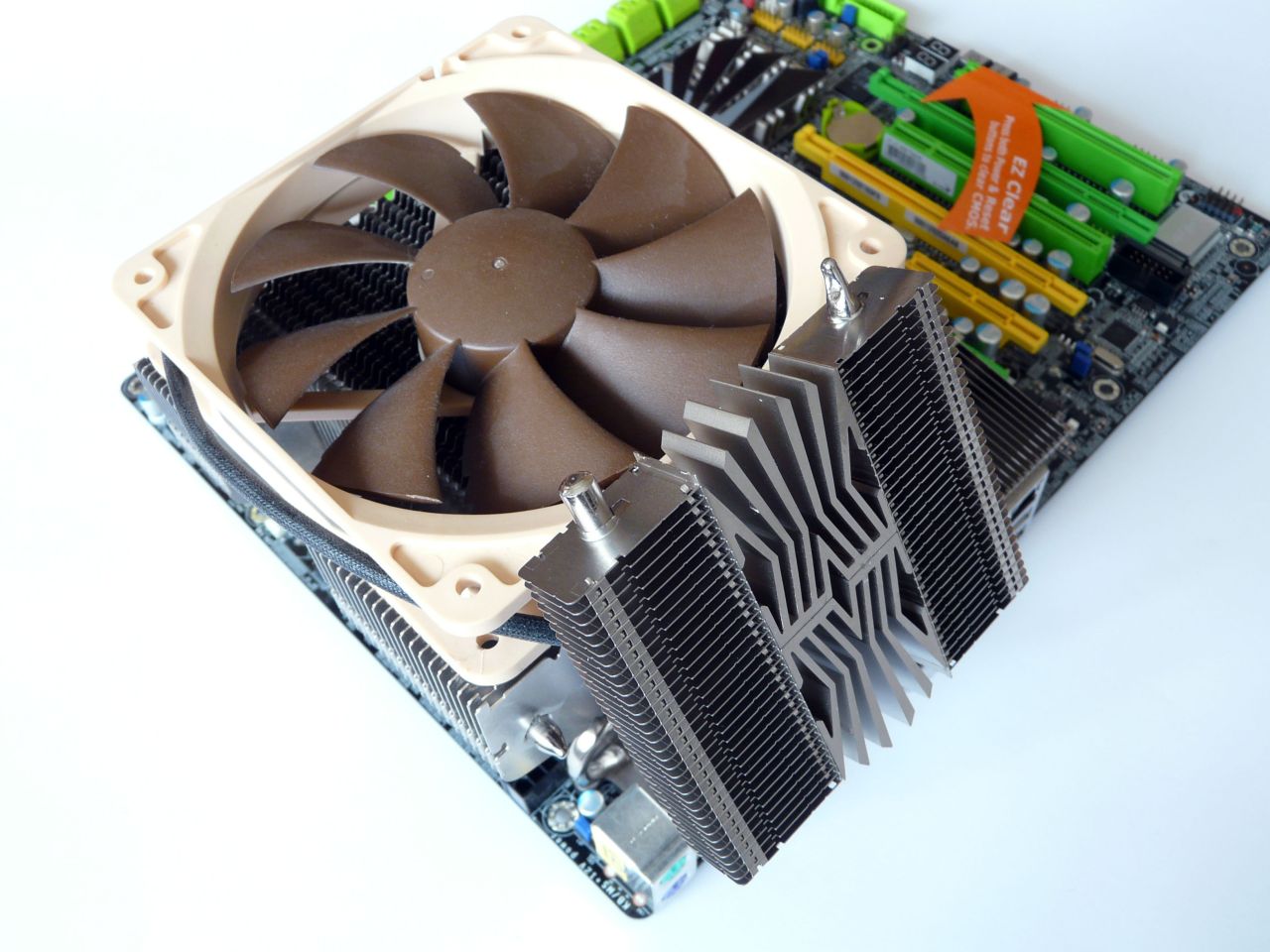
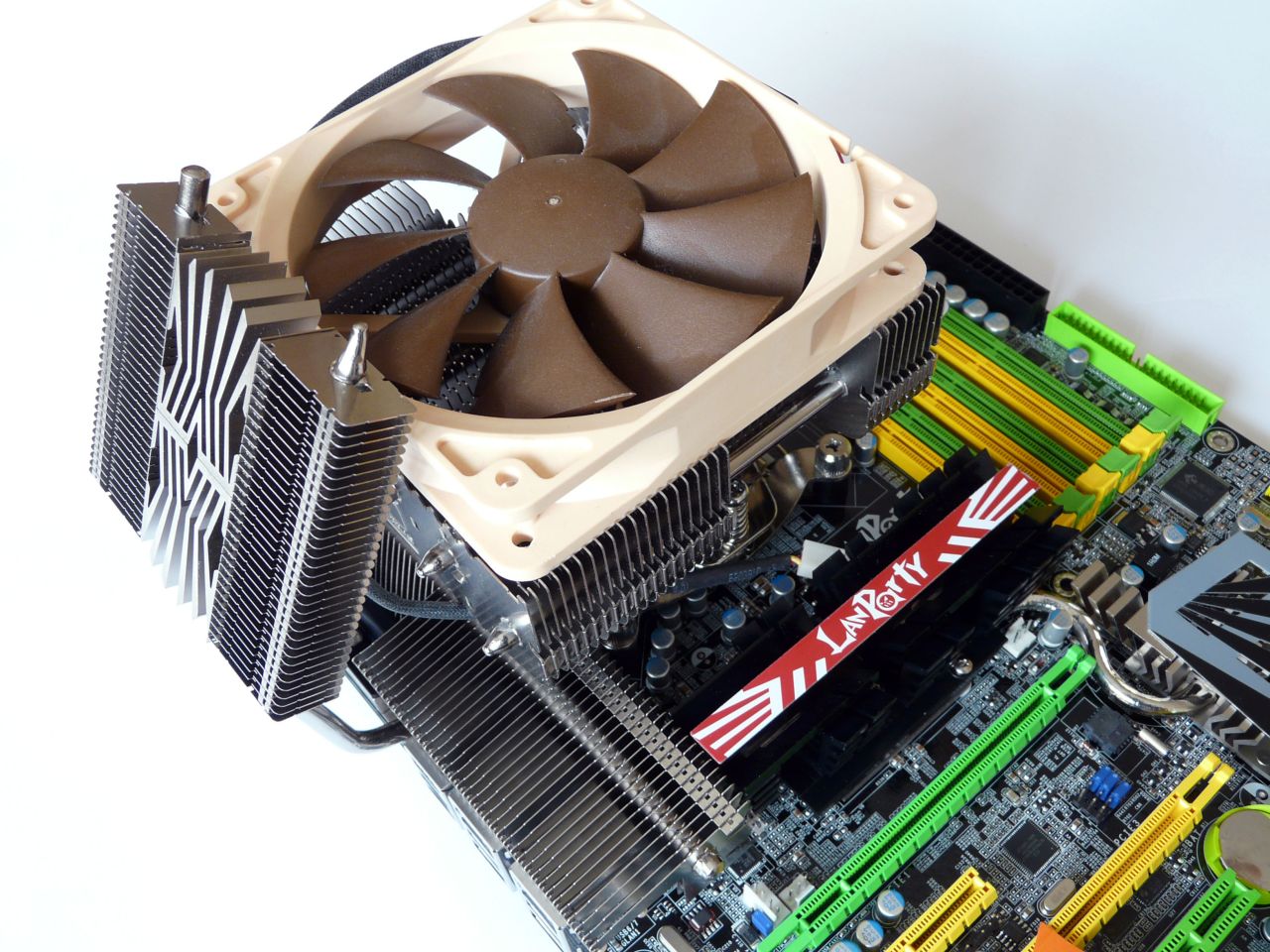
It is time to mount the external cooling, which we frankly may say, looks pretty impressive and besides its obvious cooling function, definitely has a purely aesthetic one:
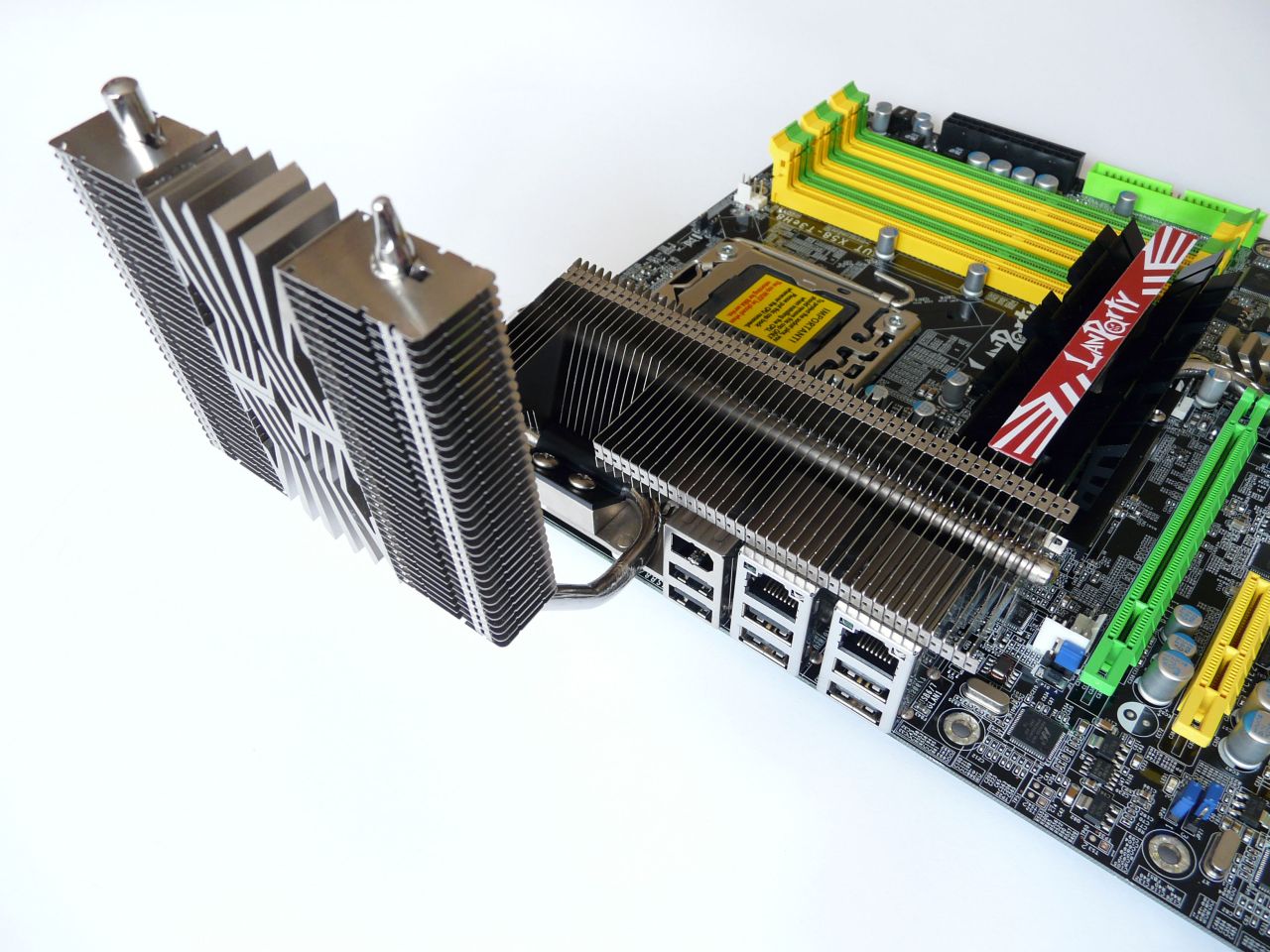
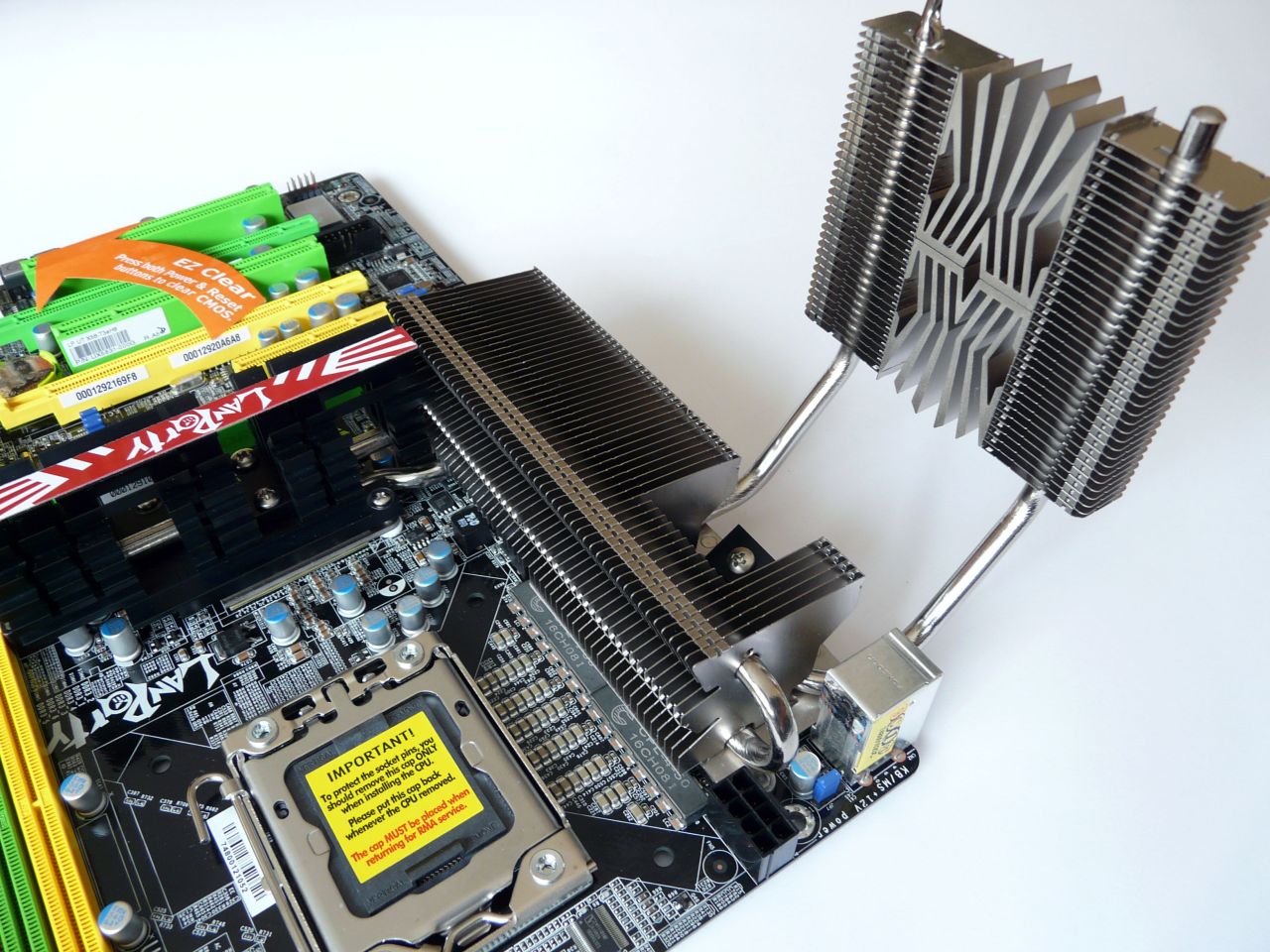
Now is the time to put the CPU on its place:
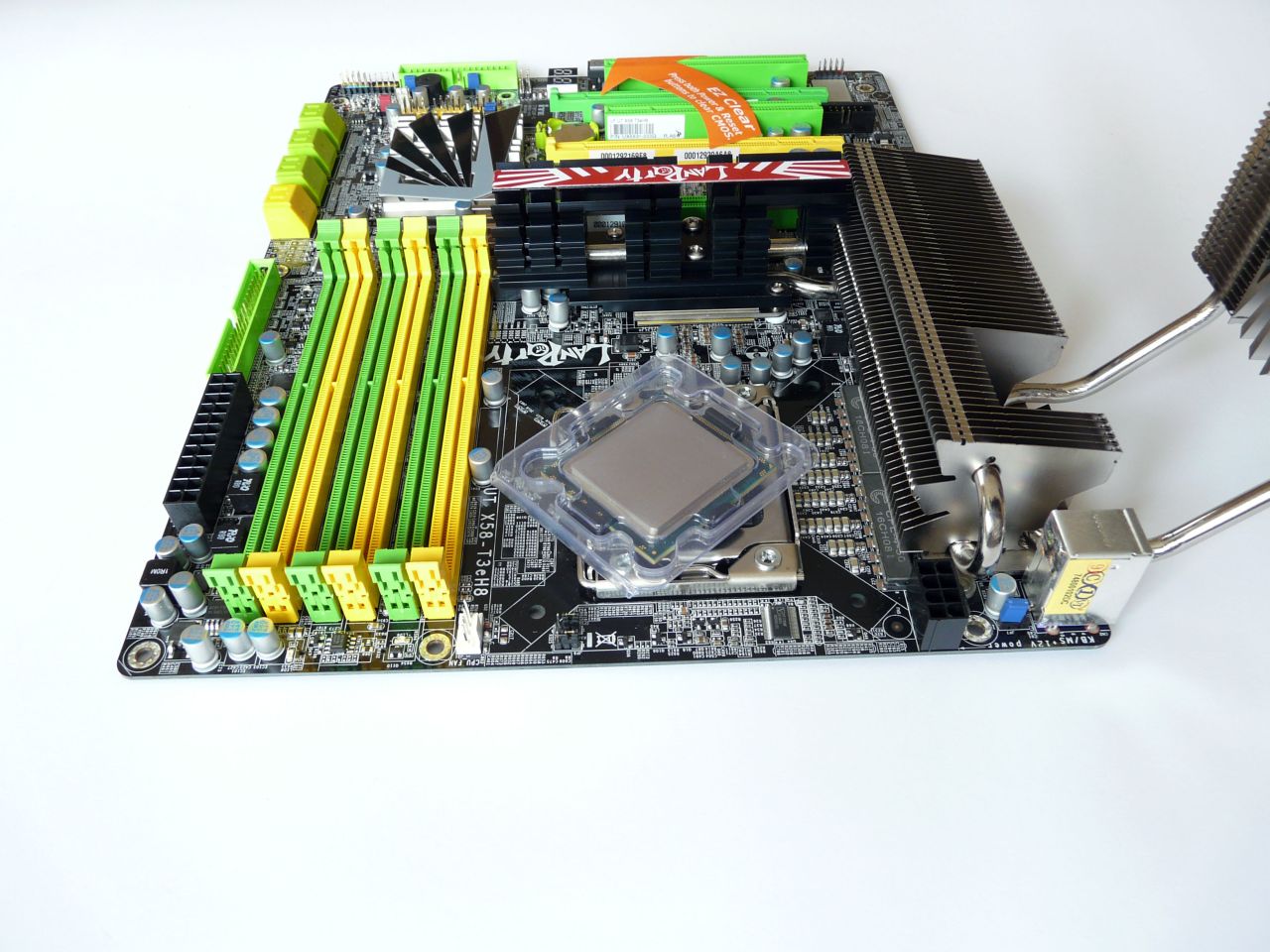
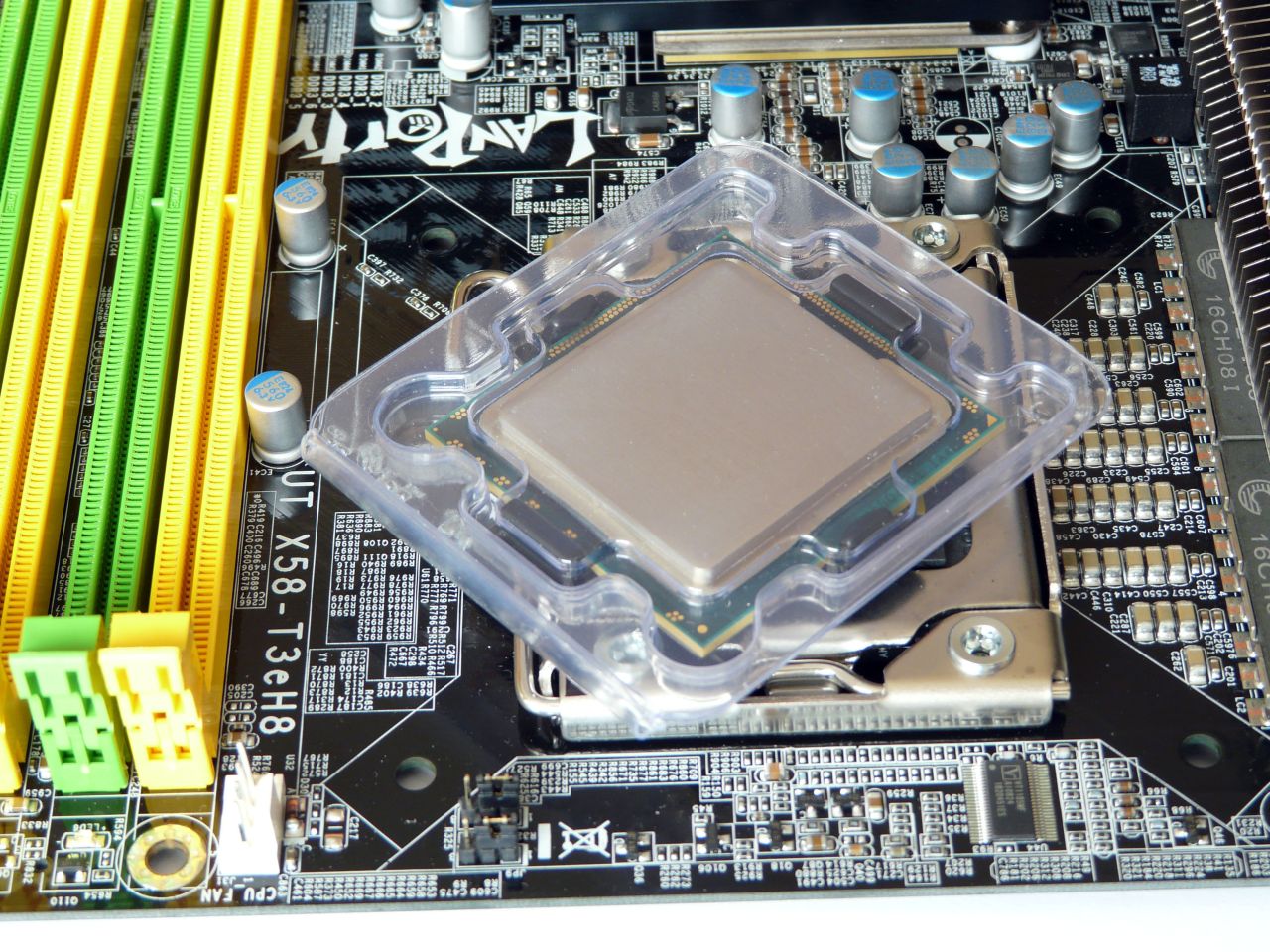
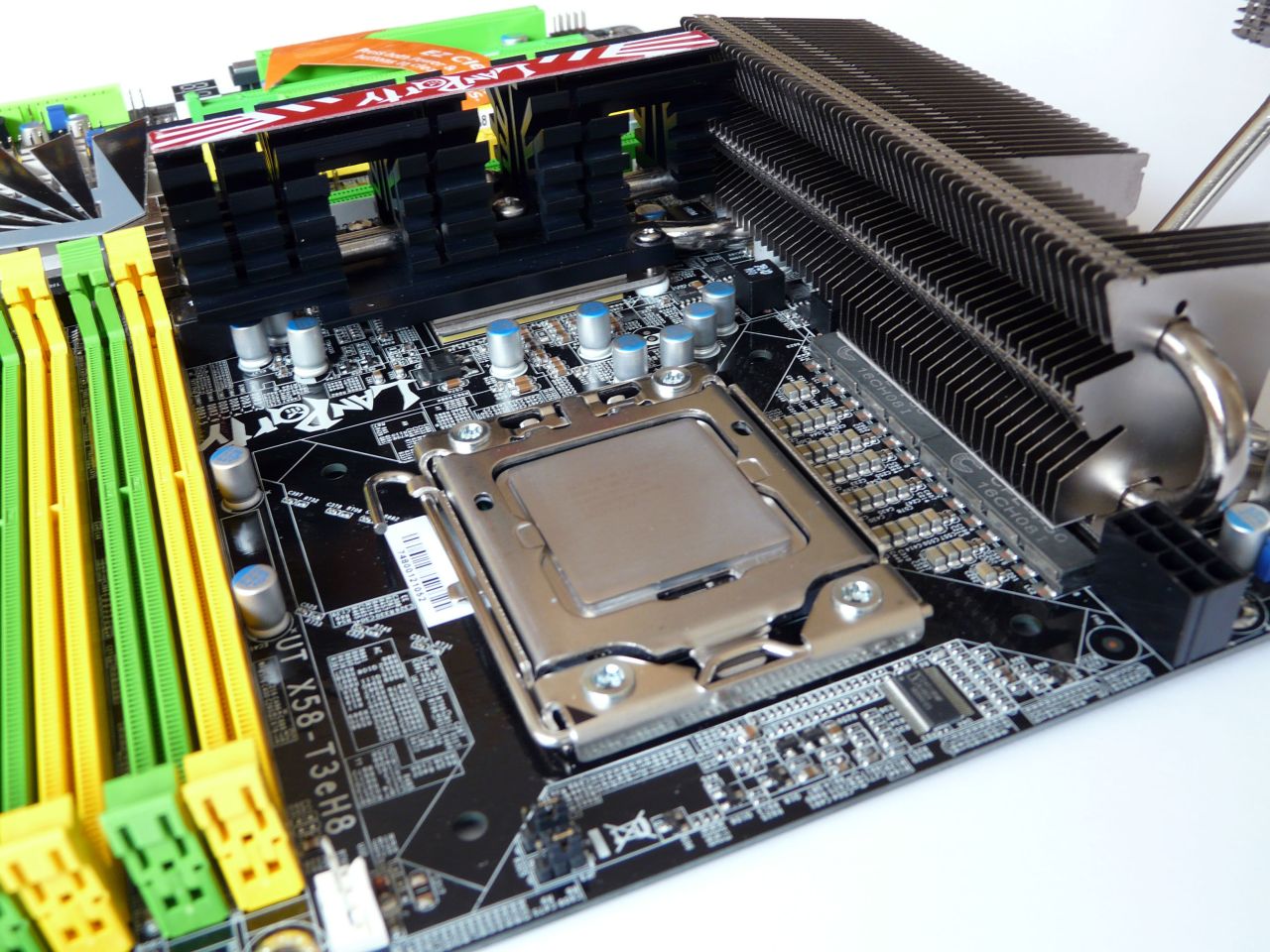
And now the massive cooling, that we use nowadays for testing:
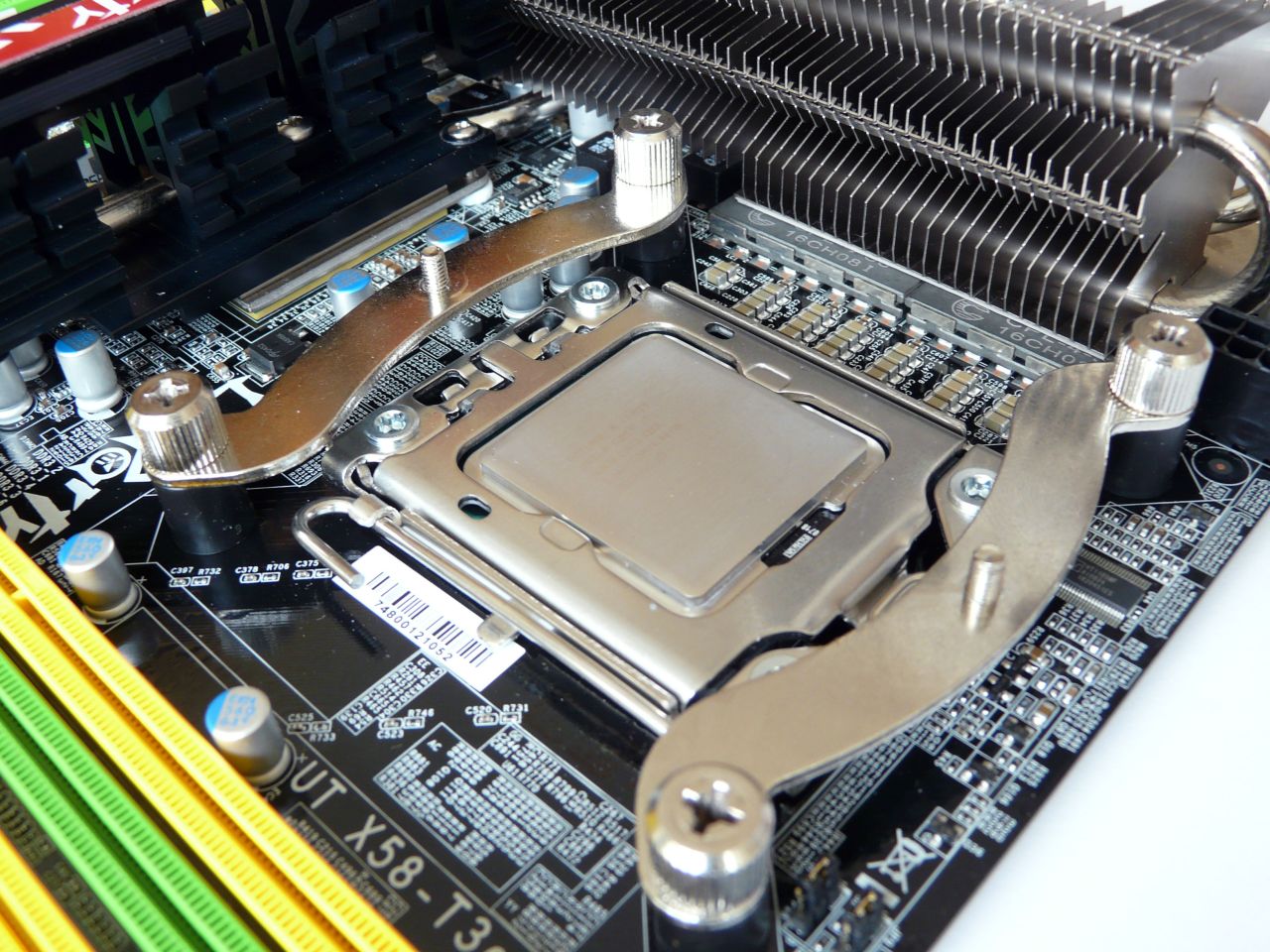
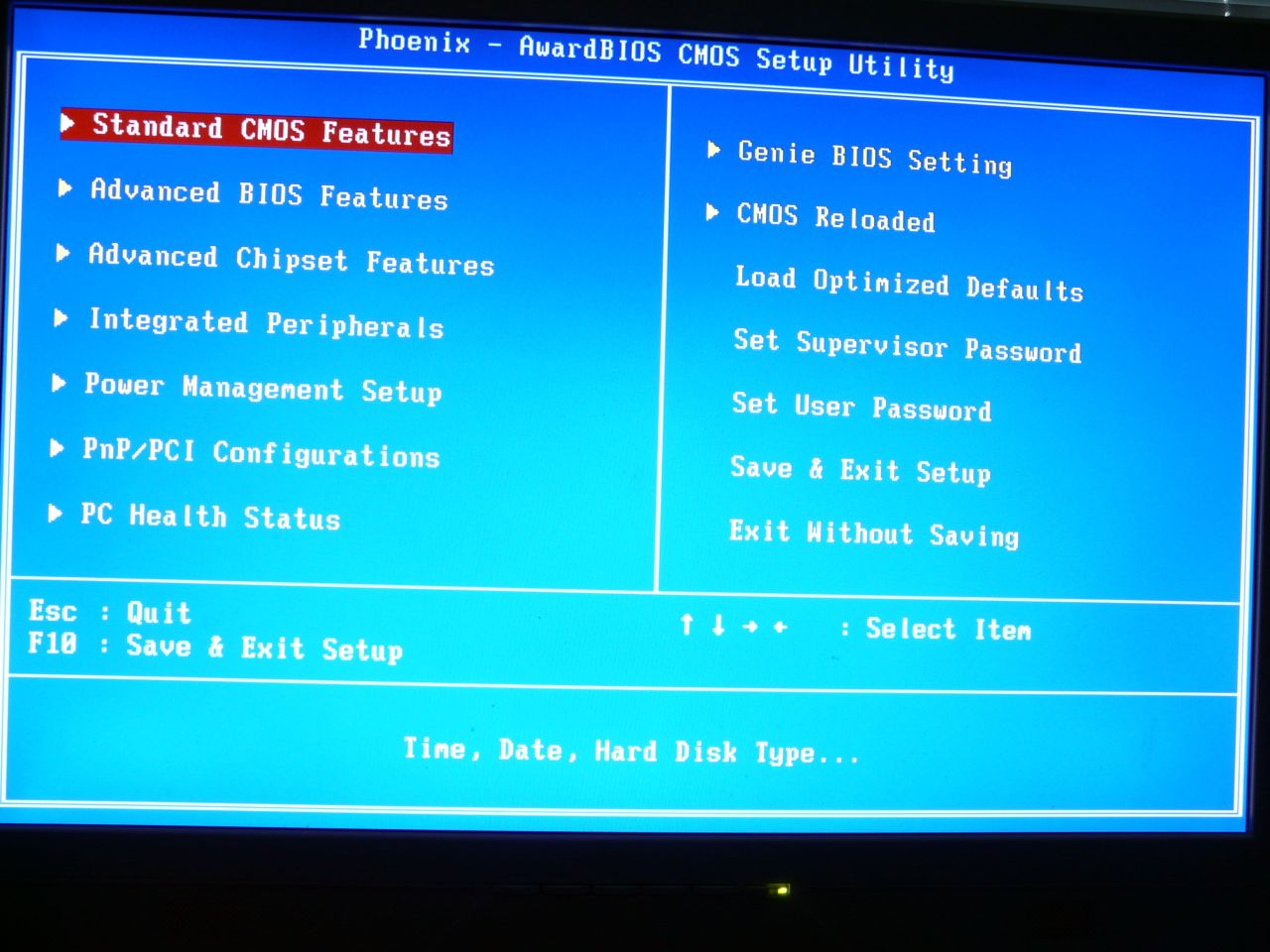
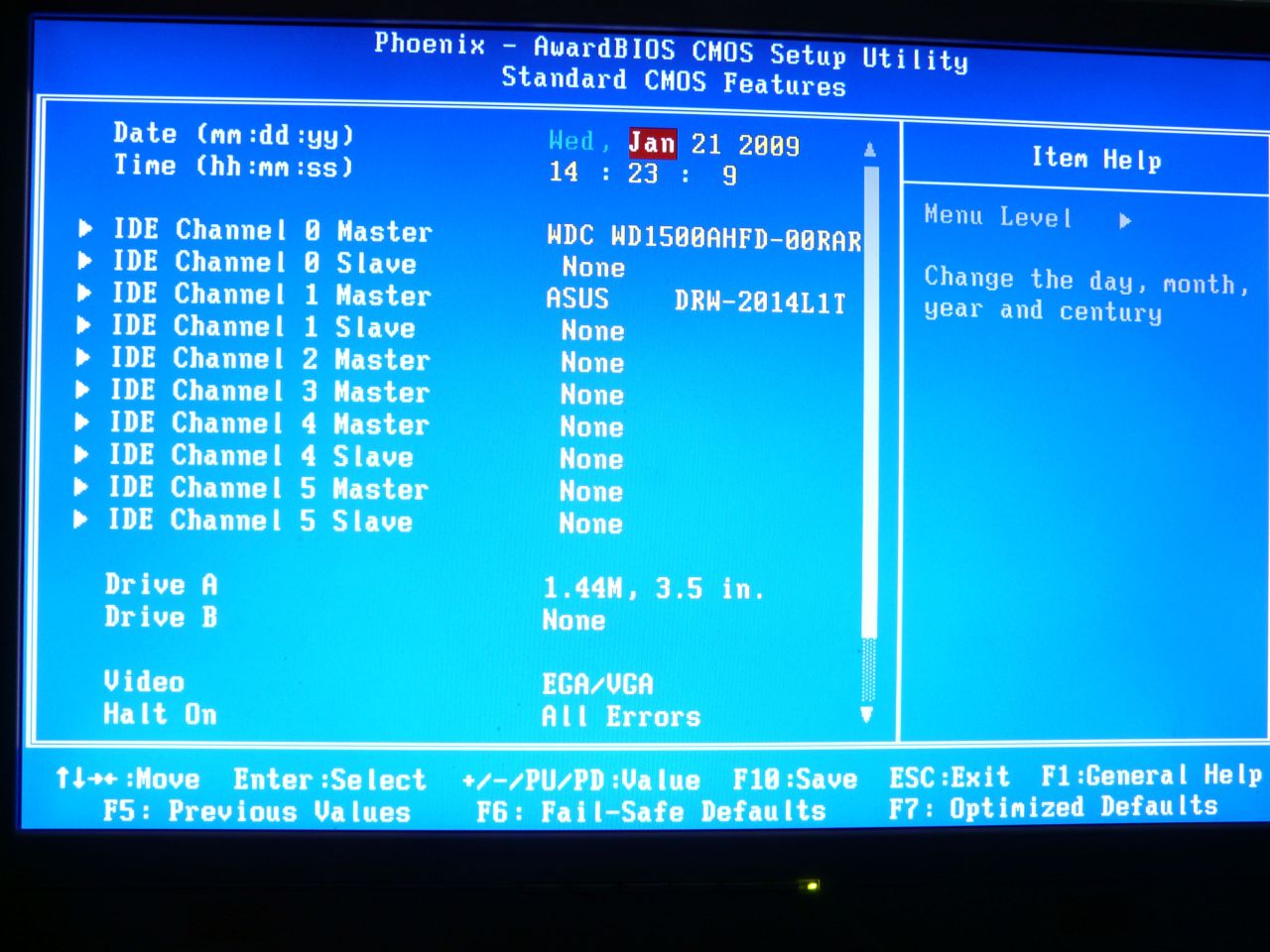
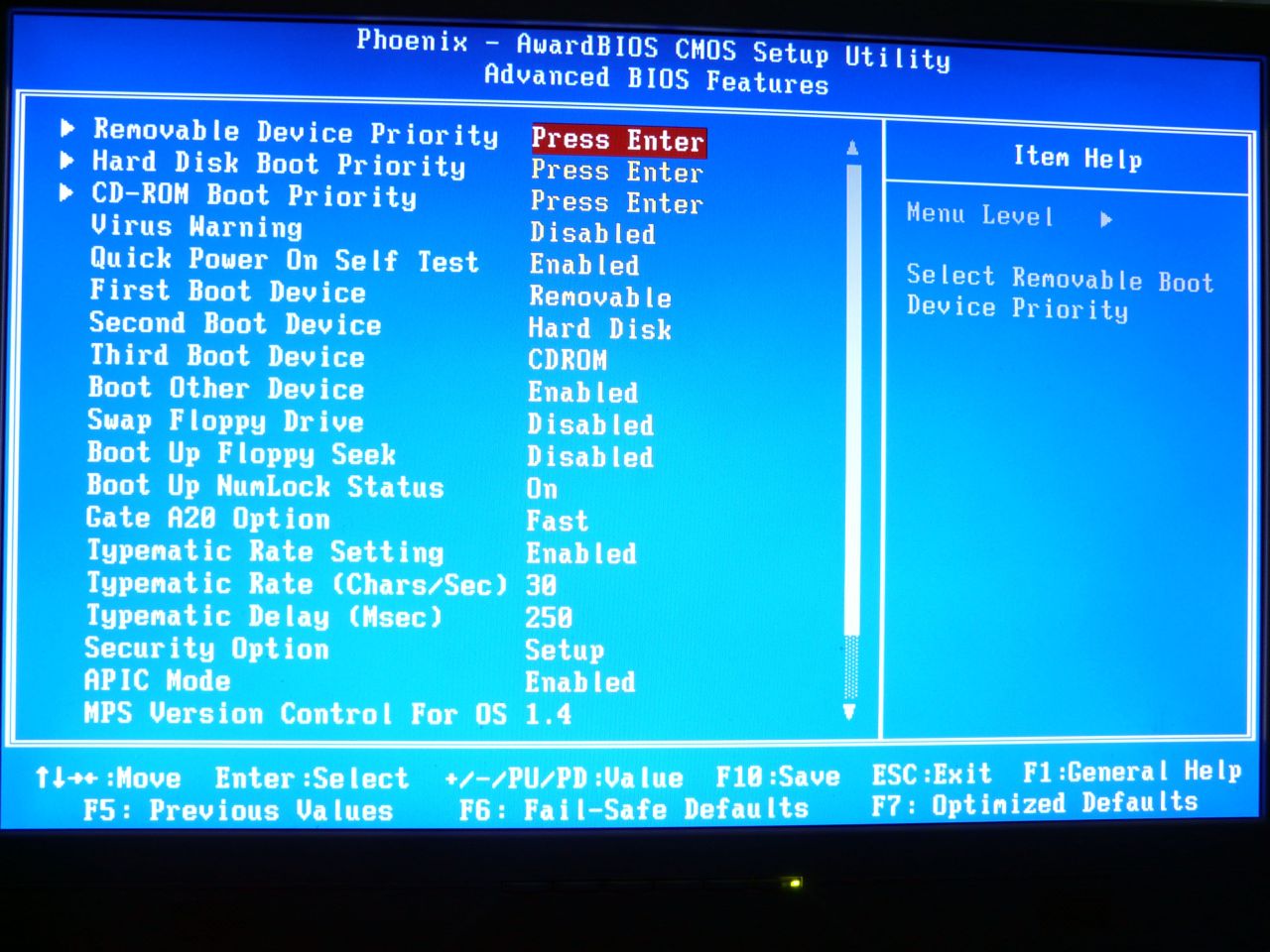
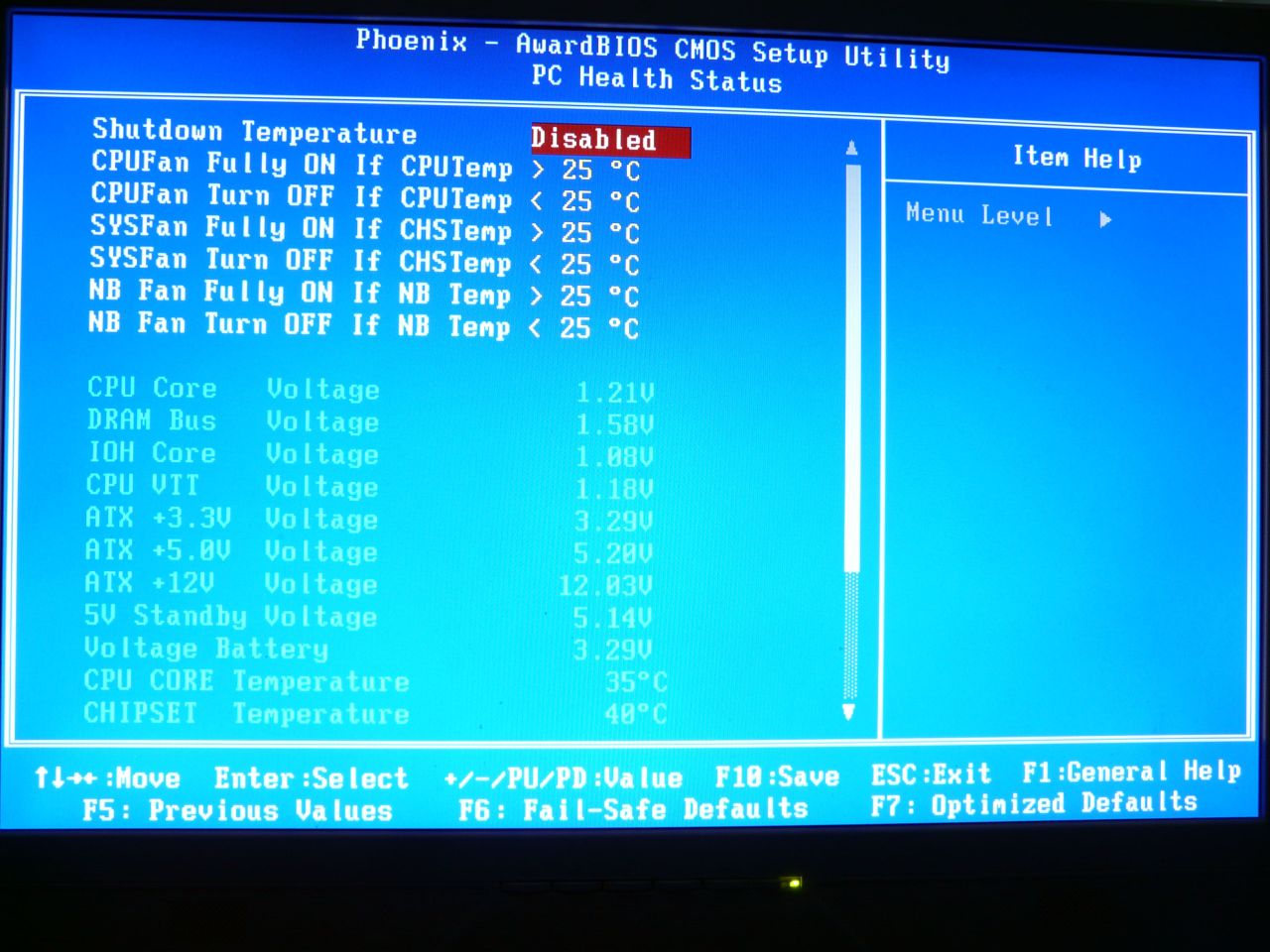
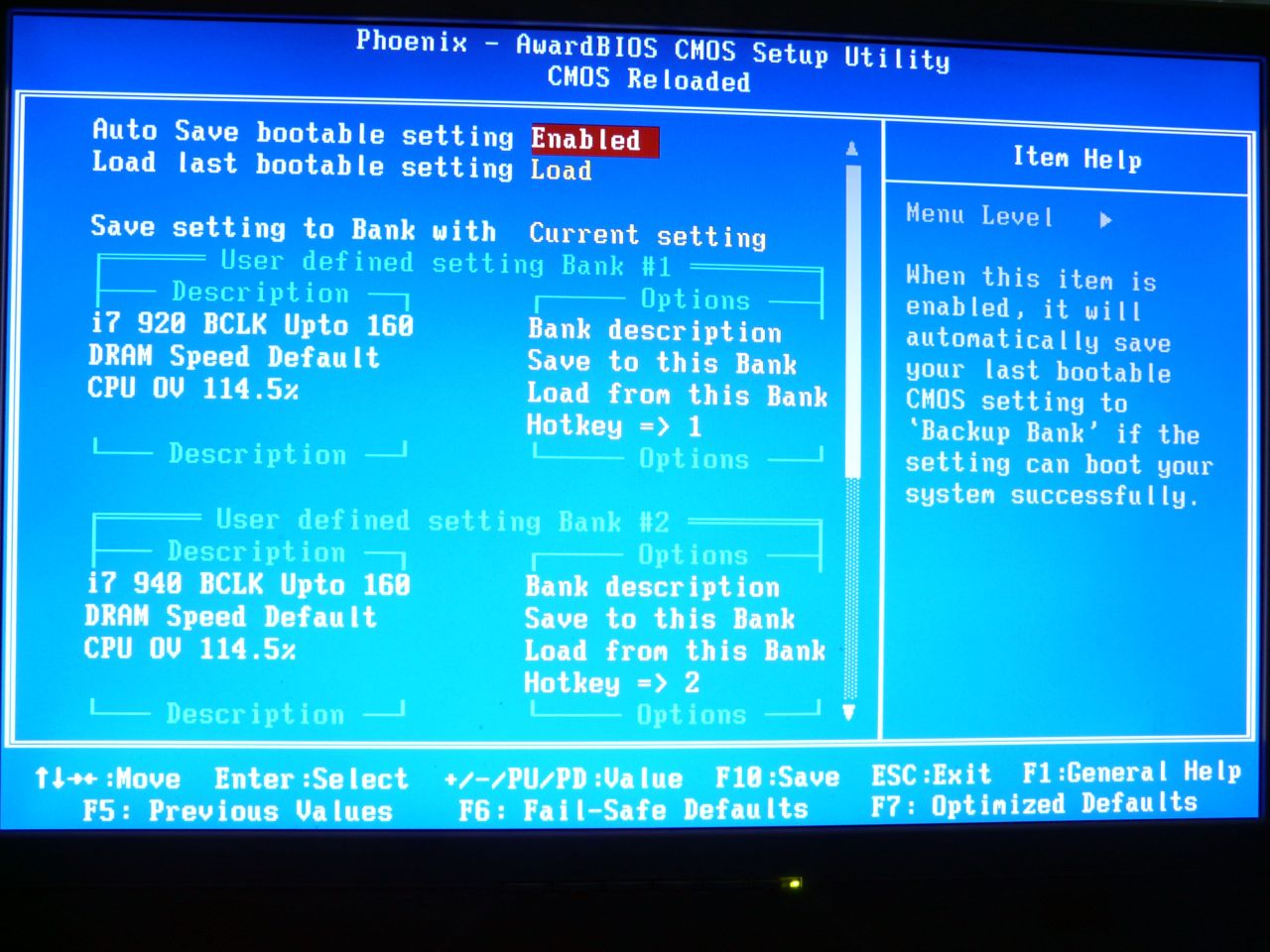
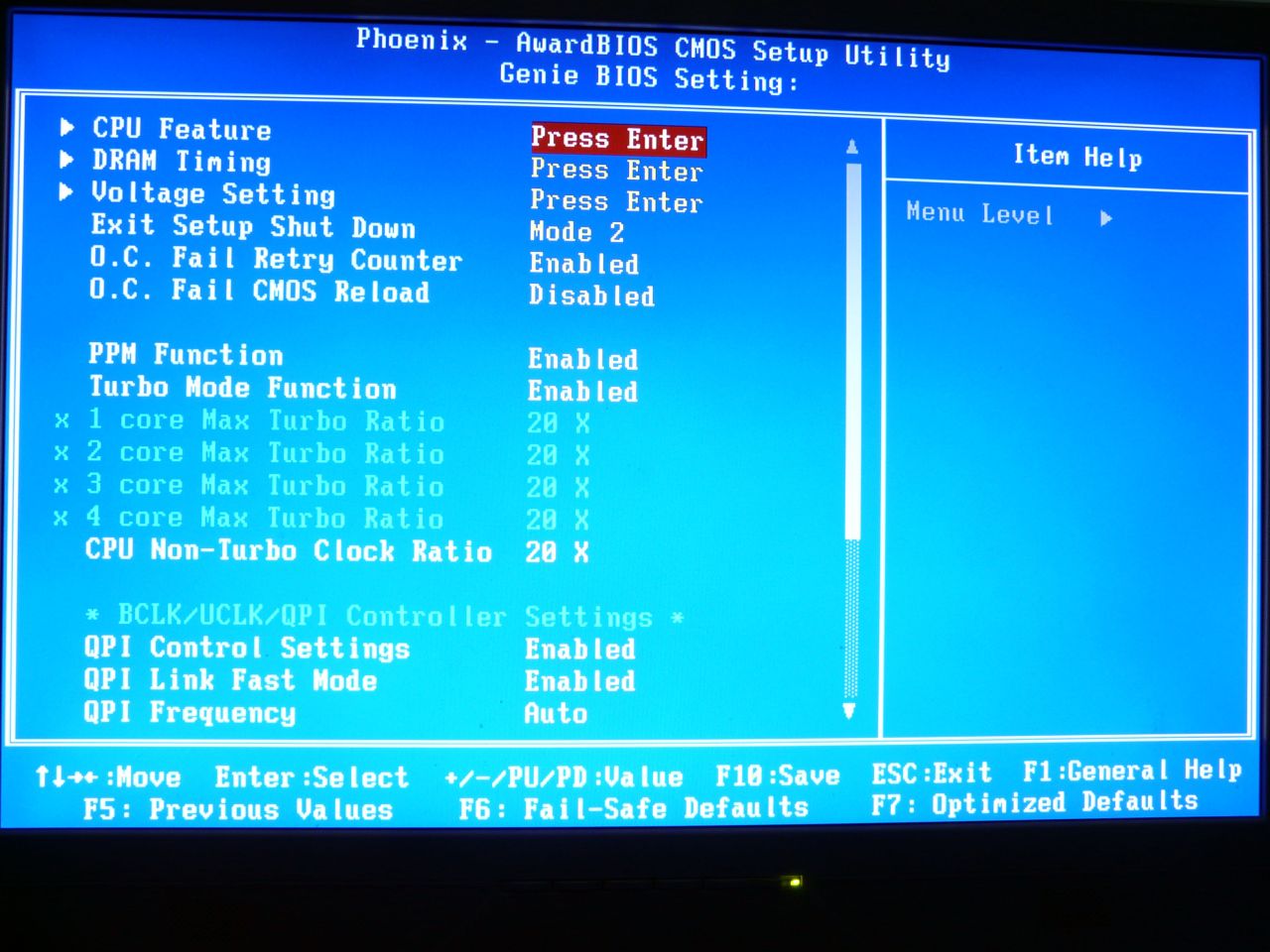
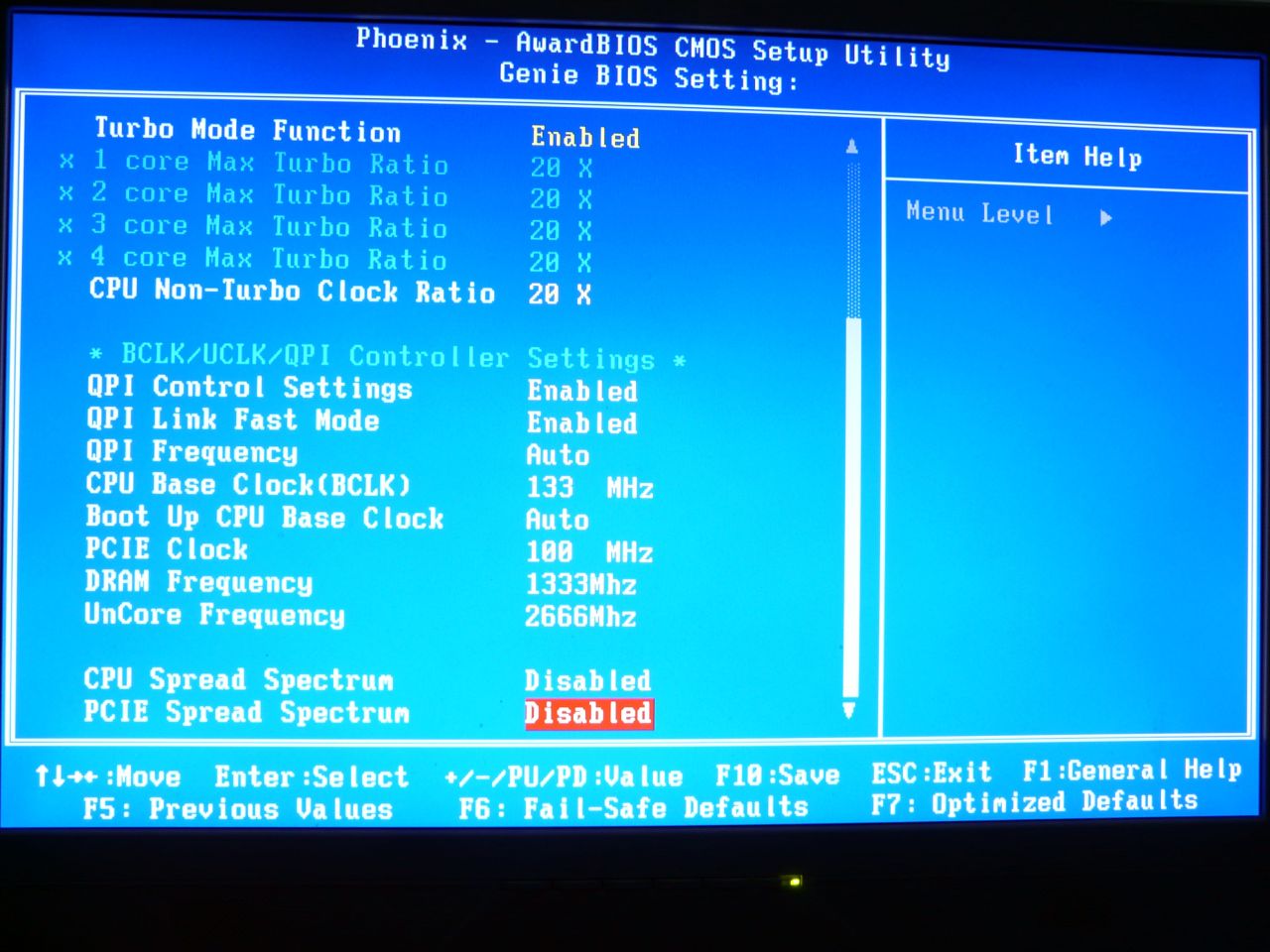
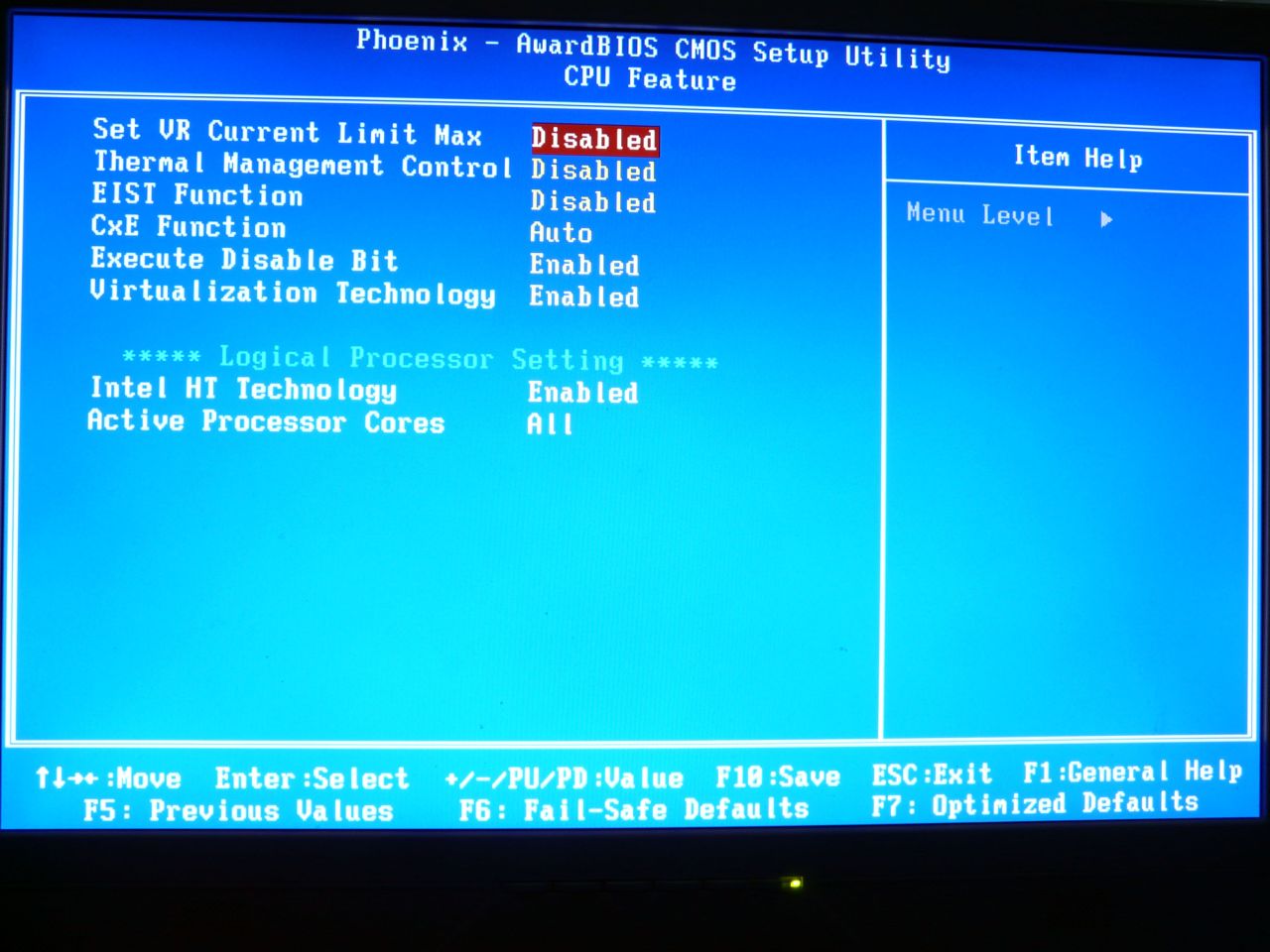
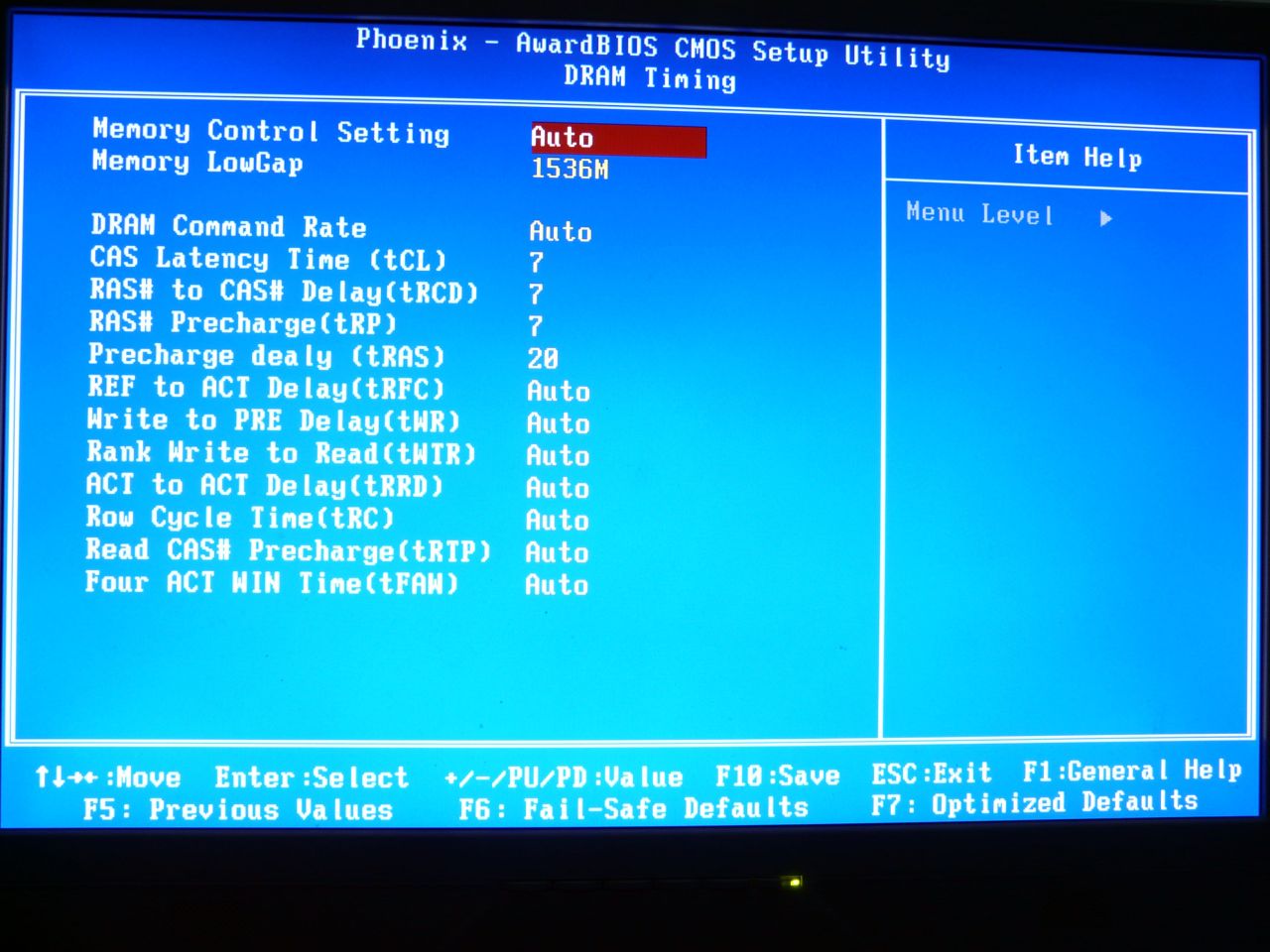
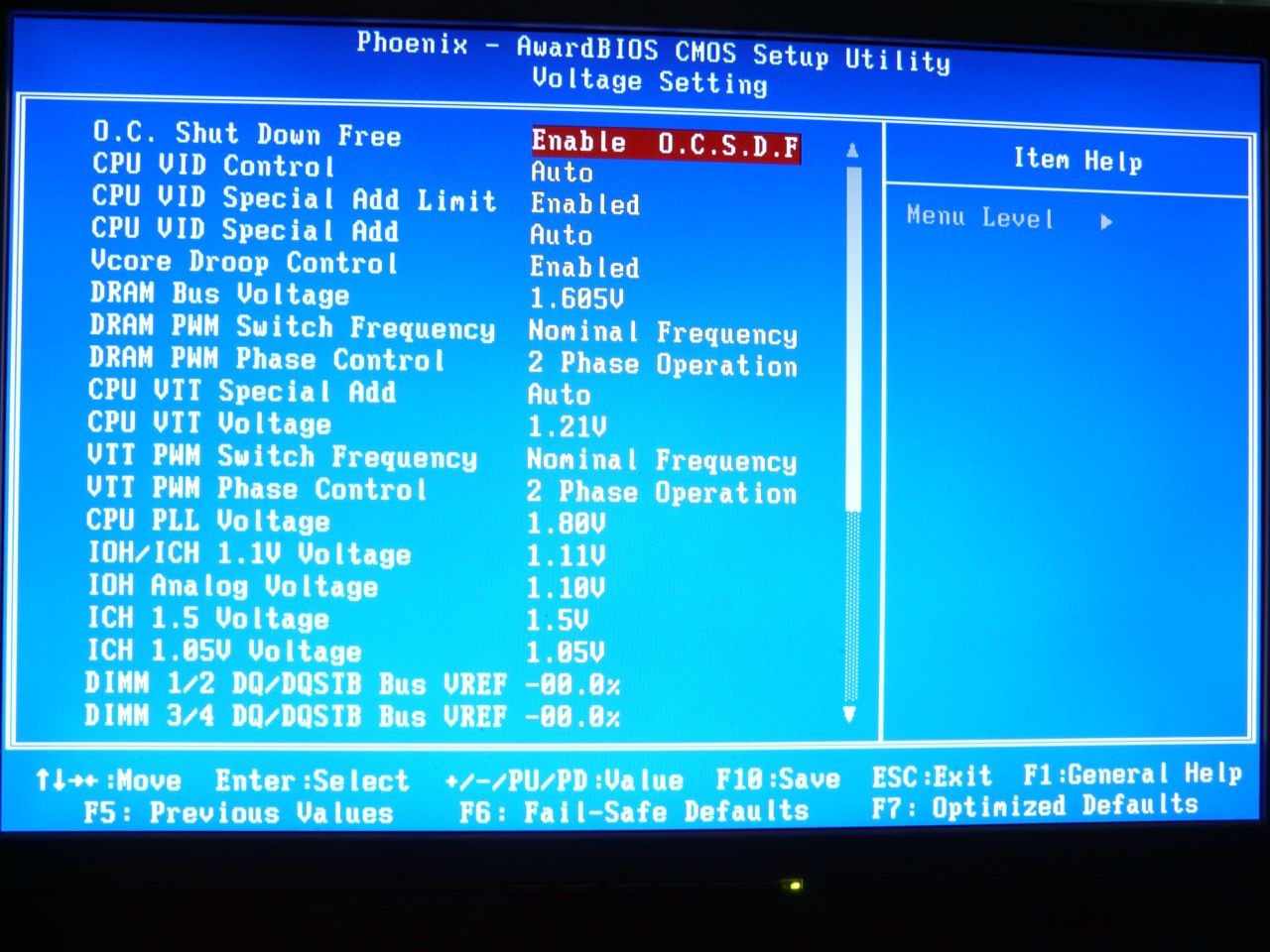
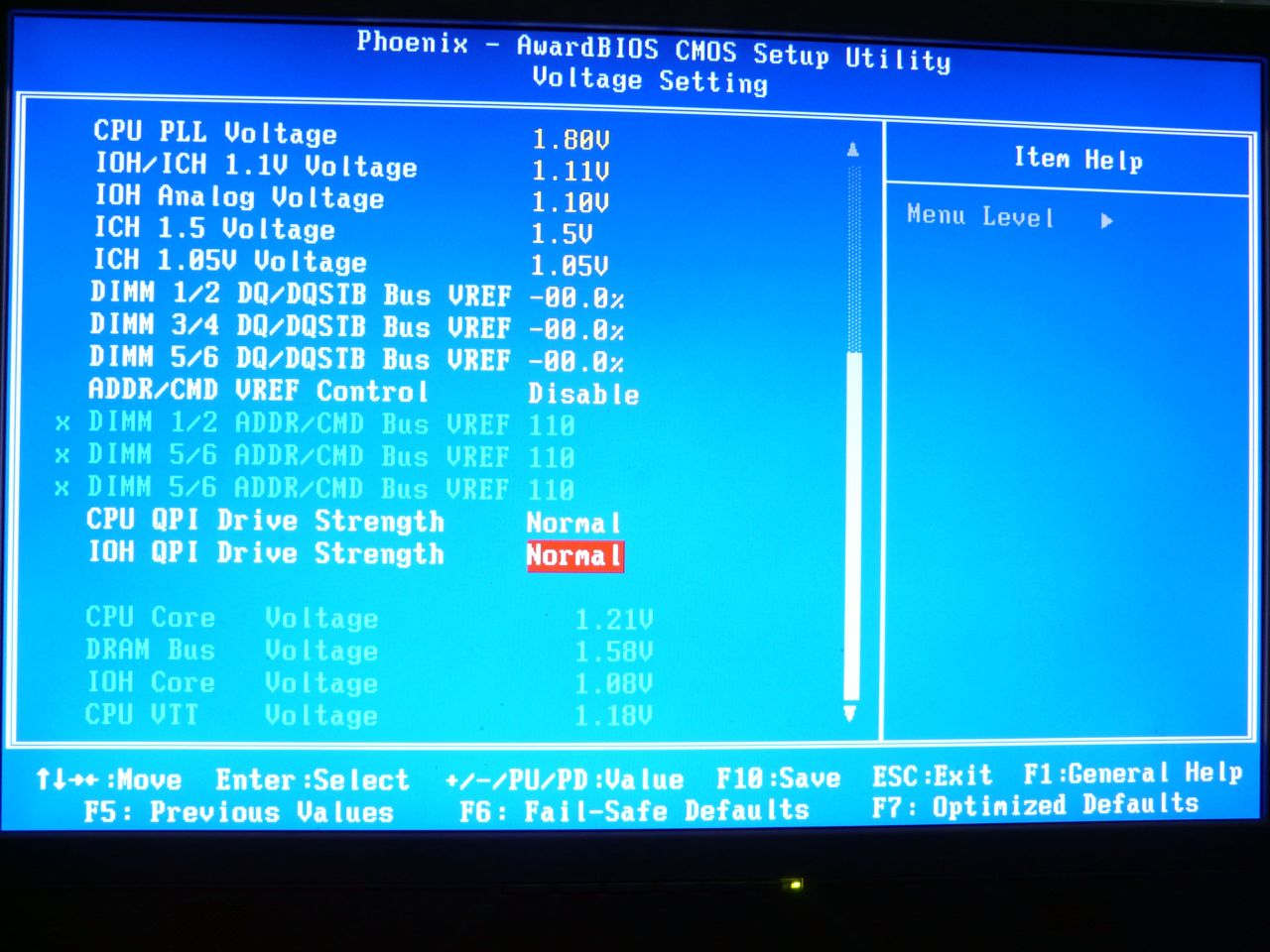
Now is the time to plug in the system and start testing. But first, let us show some screenshots from the Genie BIOS, which as it turned out really has lots of settings, just as the DFI people advertise: