GMC Bulldozer R4 - Computer Case Review?!
- GMC Bulldozer R4 - Computer Case Review?!
- Page 2 - Packaging, general appearance
- Page 3 - Closer look
- Page 4 - Installation, test system and methodology
- Page 5 - Tests and results
- Page 6 - Conclusion
Page 3 - Closer look
Page 3 - Closer look
Time to remove the right cover of the case and take look at its guts. Right away you can see the 120mm fan and front panel cables, along with the fact that the case does not contain any of the flashy features common for expensive cases – the motherboard back plate is non removable, not it allows access to the back of the processor an so on. The only accessibility option is the adjustable hard drive bay and that's about it, it's not even toolless.
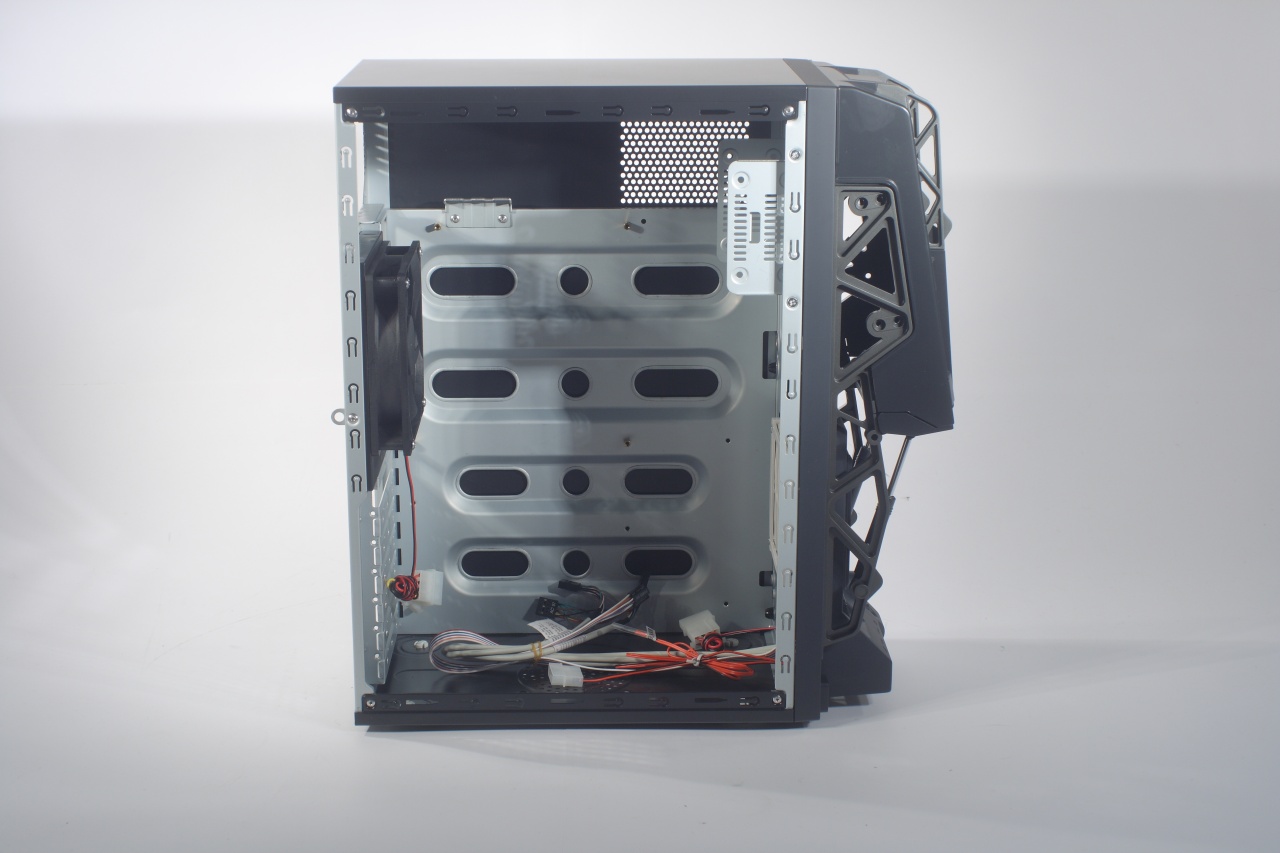
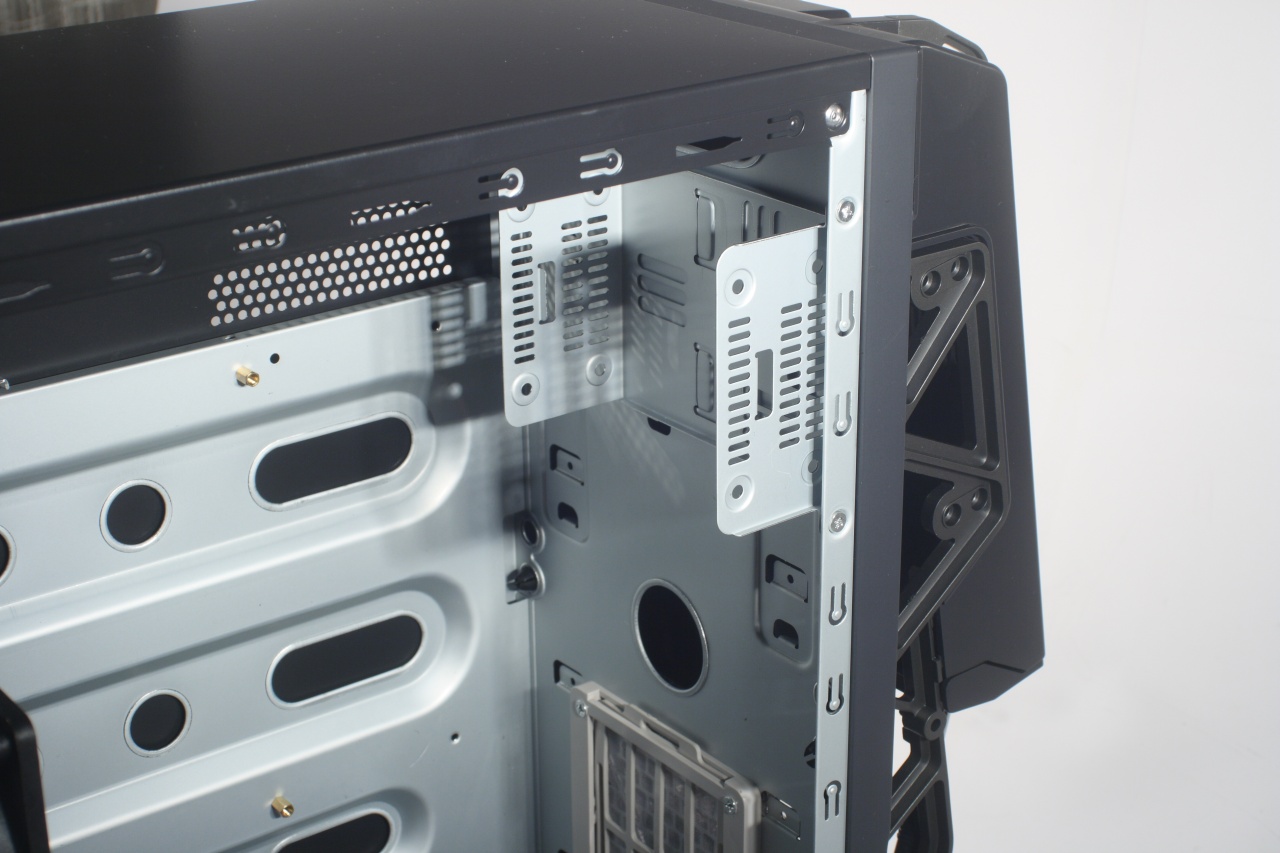
This photo clearly illustrates how the proper air flow of the 120mm fan is obstructed by the panel perforations intended for use of two 80mm fans:
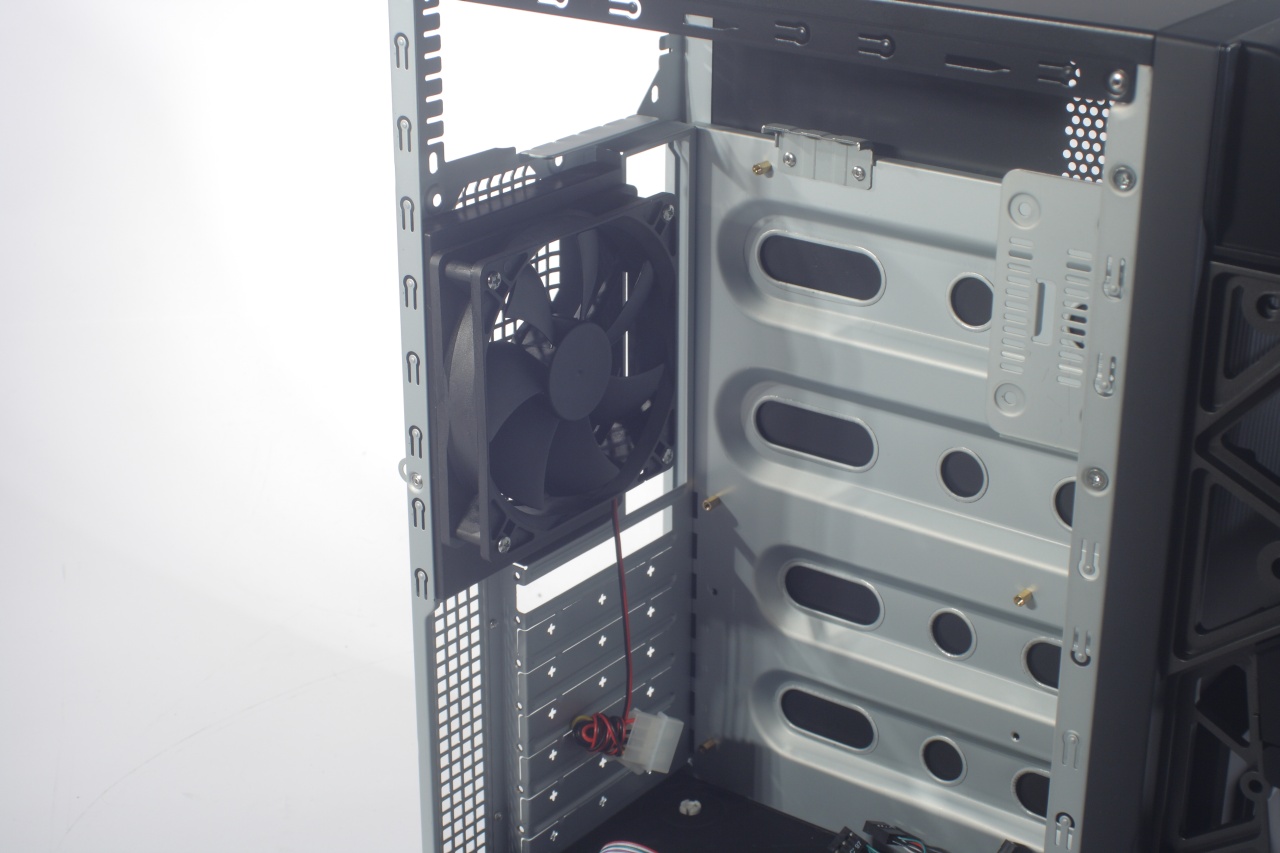
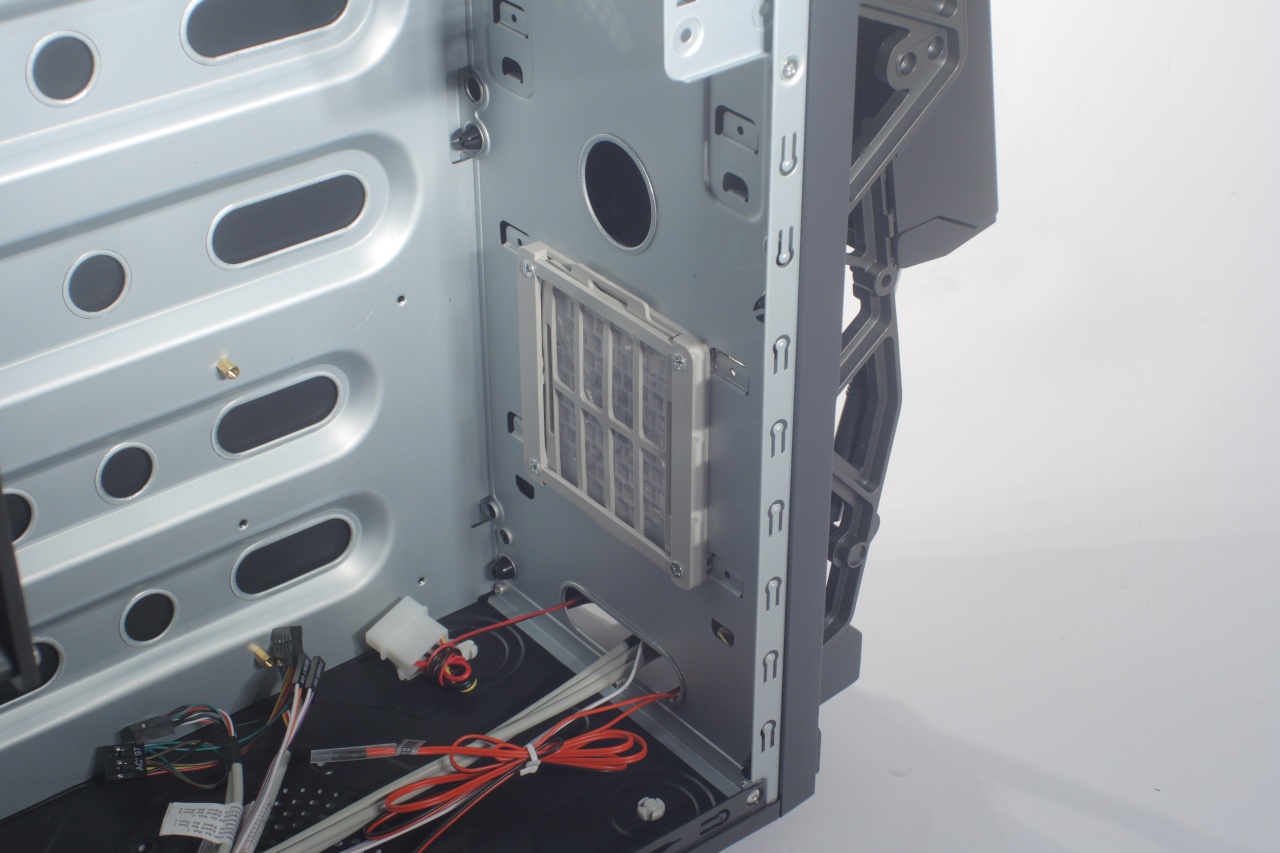
And a closer look at the adjustable hard drive bay – it is held in place by tho screws through the side girder of the chassis. At least the air filter of the 92mm is easily accessible and cam be removed easily by pulling it up, unfortunately as you can see right bellow it is the opening for the front panel cables. That in one side is good as it provides additional air flow, but on the other - it lacks any filtering and will inevitably, seriously diminish the effectiveness of the above mentioned filter by allowing the dust to flow freely. The front panel is kept in place by mere plastic pegs and is easily removed with even light pull:
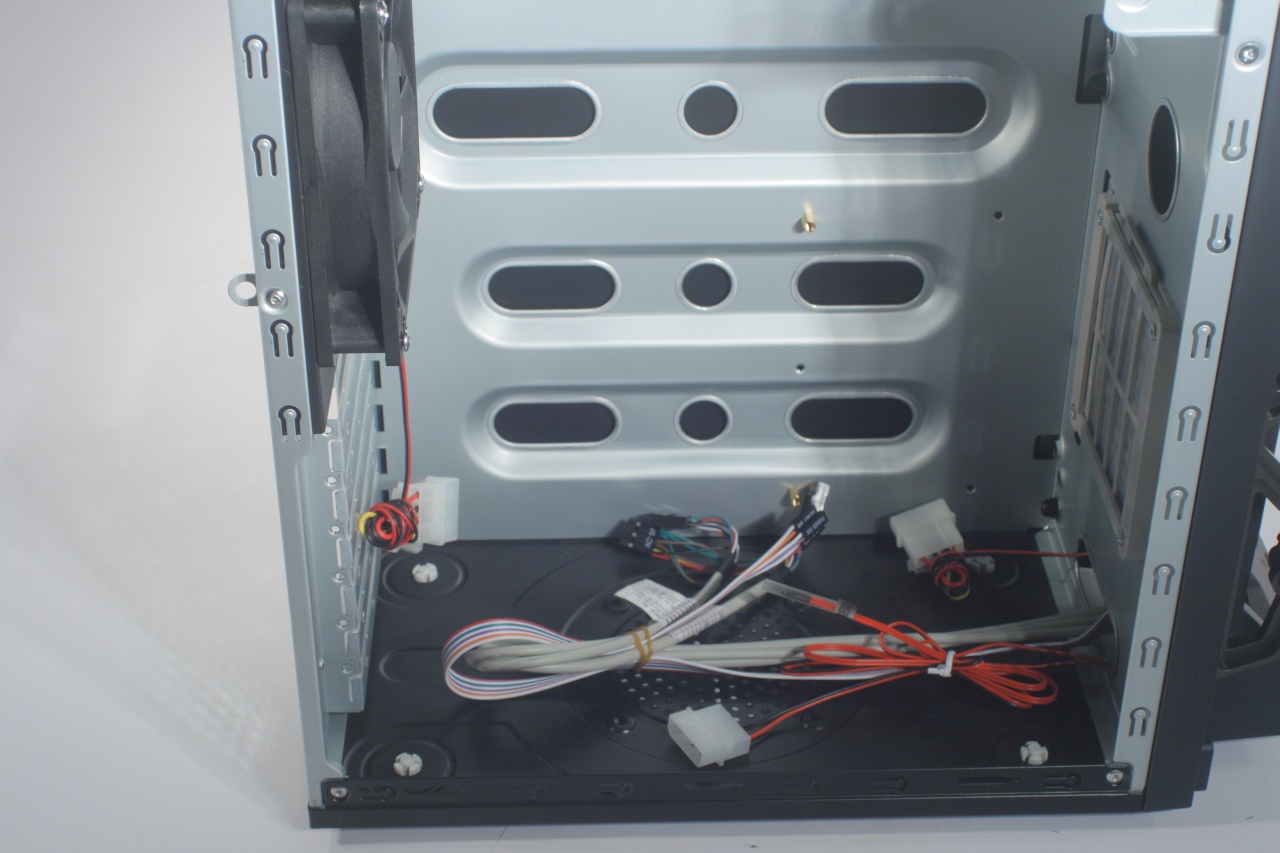
These are the cables for the additional devices in the case – the front panel multi port, the digital thermometer, it's sensor, the two fans. Interestingly enough all of the case fans do not use adapters, but instead plug right in any free PSU connector, which ain't good – you simply cannot connect them to the motherboard. At least they all allow other devices to be plugged after them, meaning you will not lose a molex for each one you power:
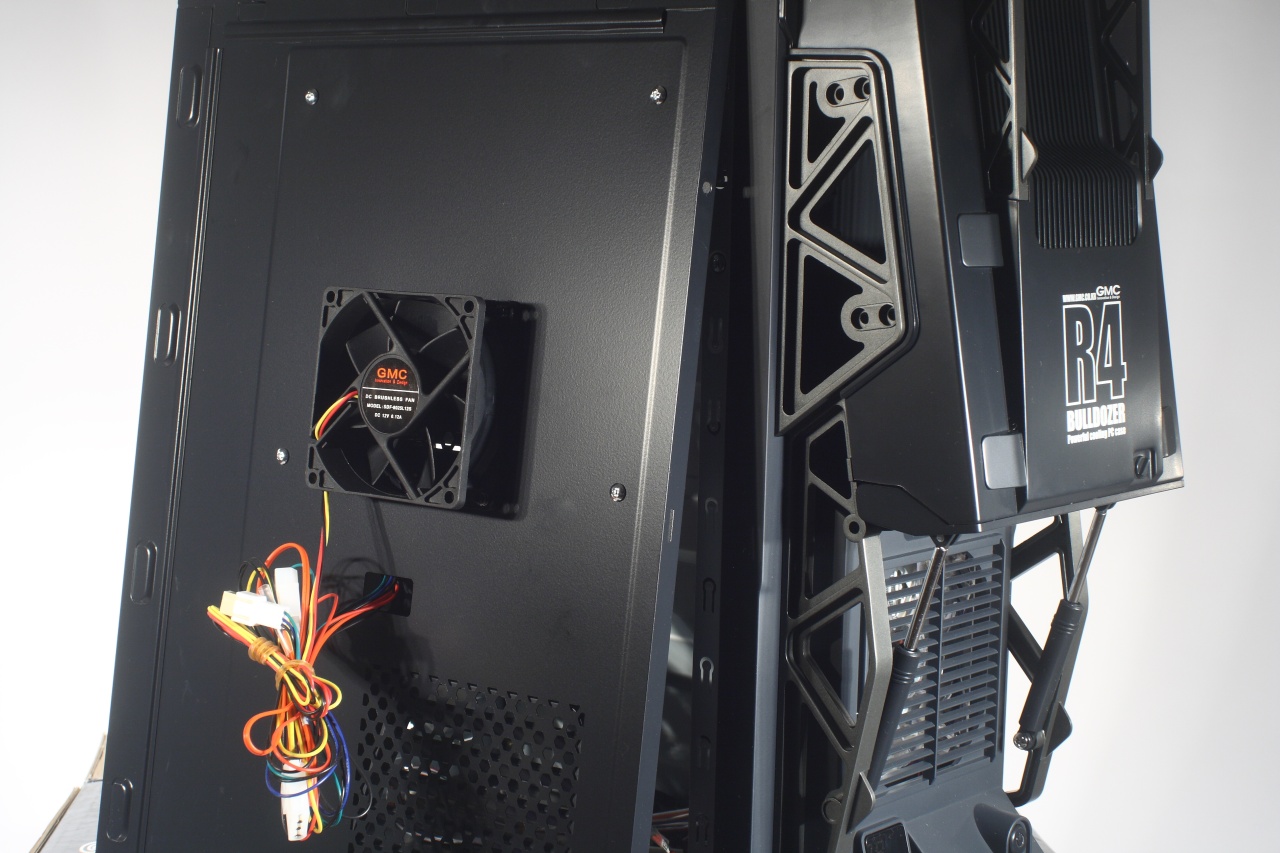
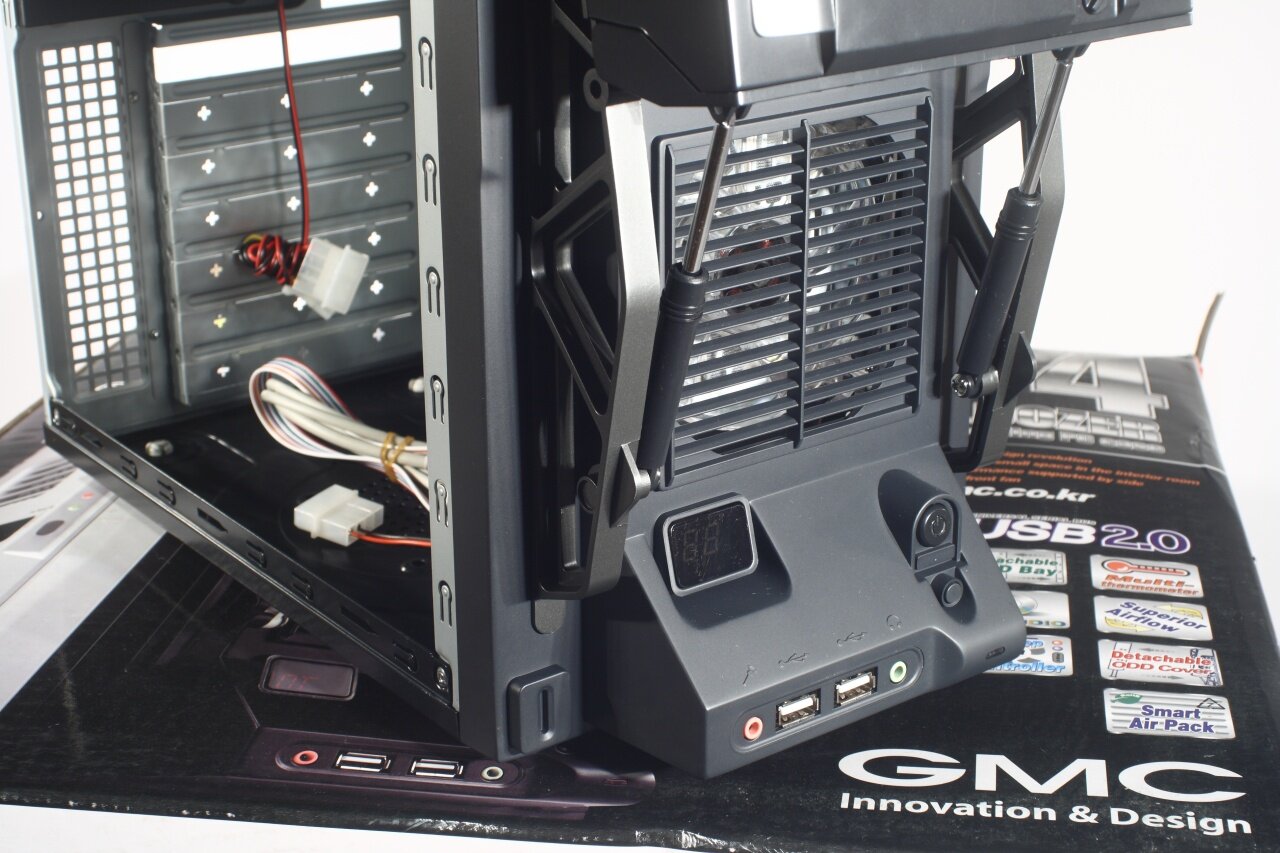
The closer look at the front panel reveals gives us more details about the buttons, multi port, fan... etc. The more interesting thing to notice here is the door for the optical drive. In effect the pseudo hydraulic pistons don't even have springs in them, they are in fact in the door itself:
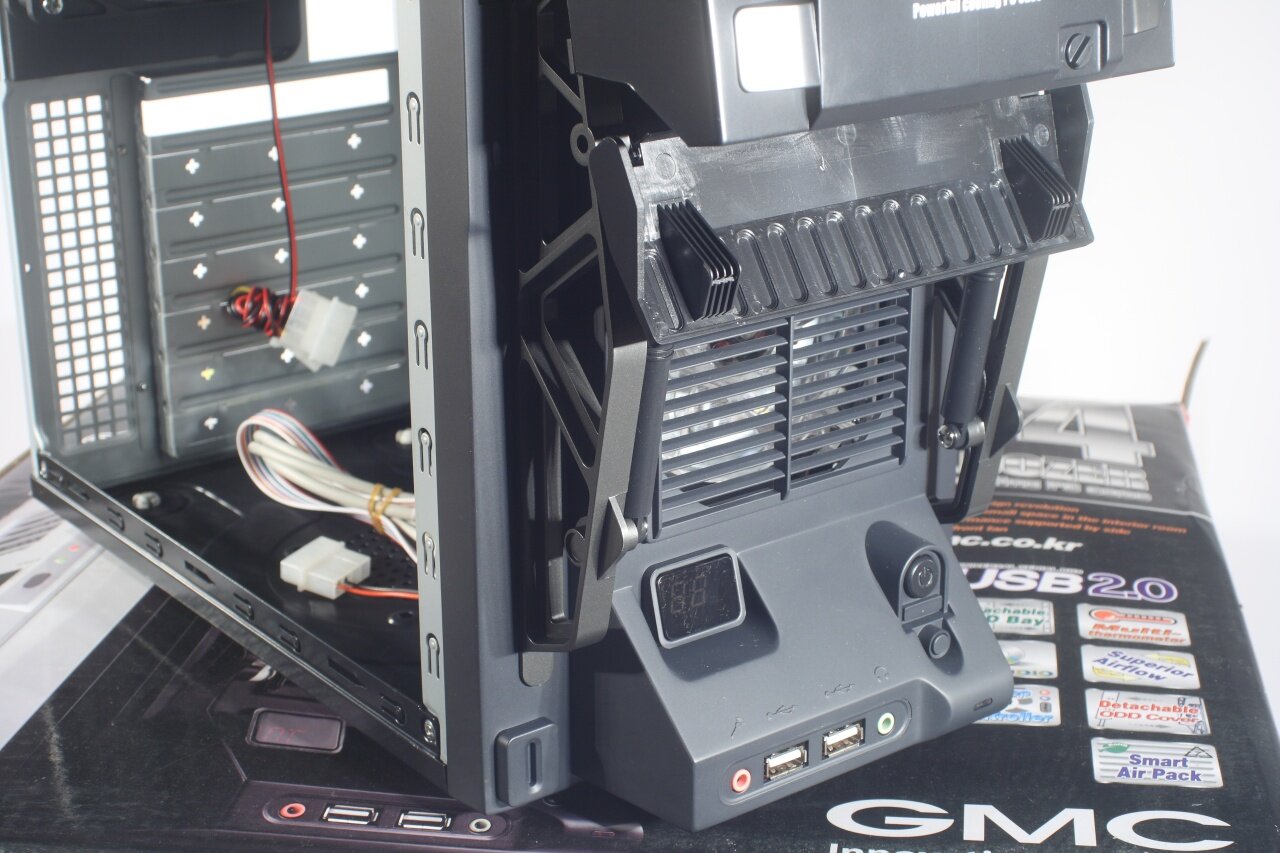
This is how the bay for the optical drive looks like. On its left side you can find the "lever" for opening and closing it
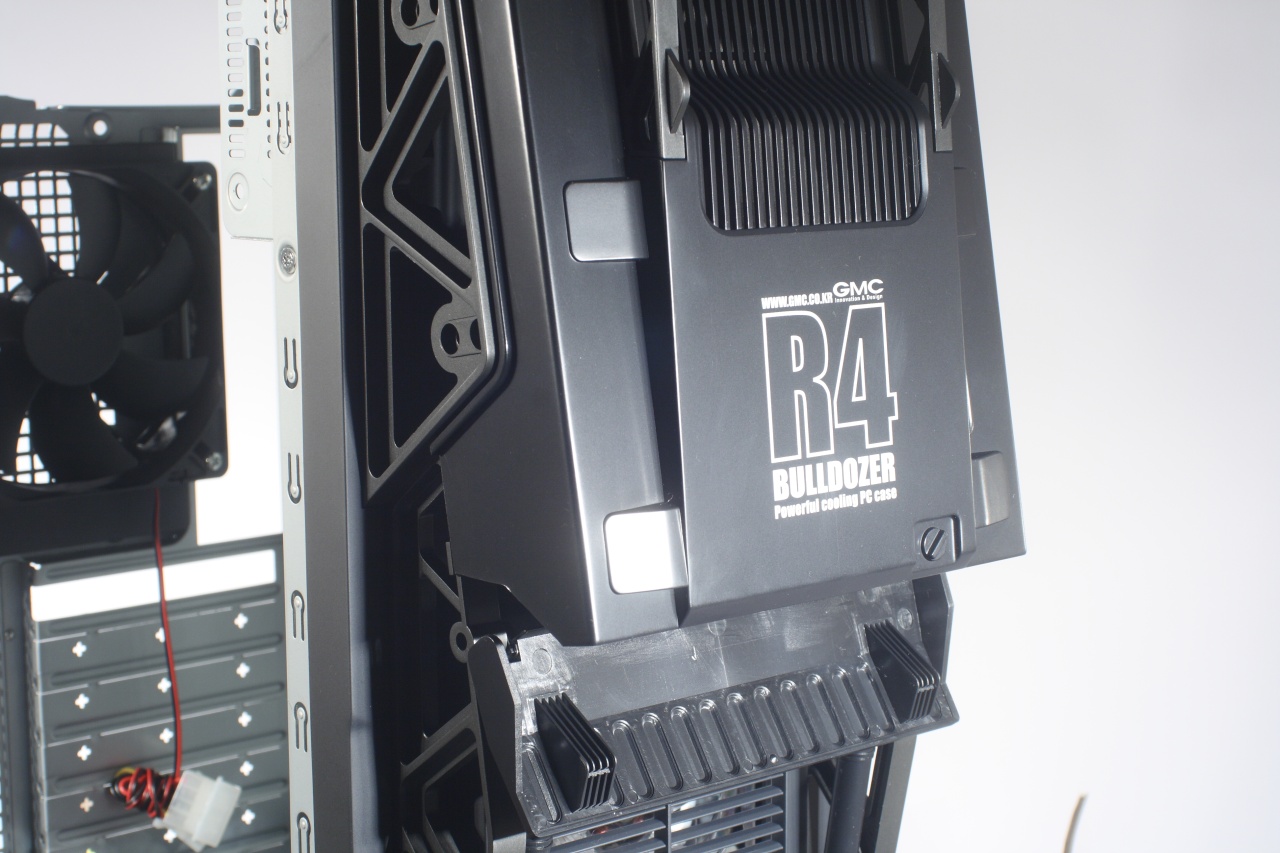
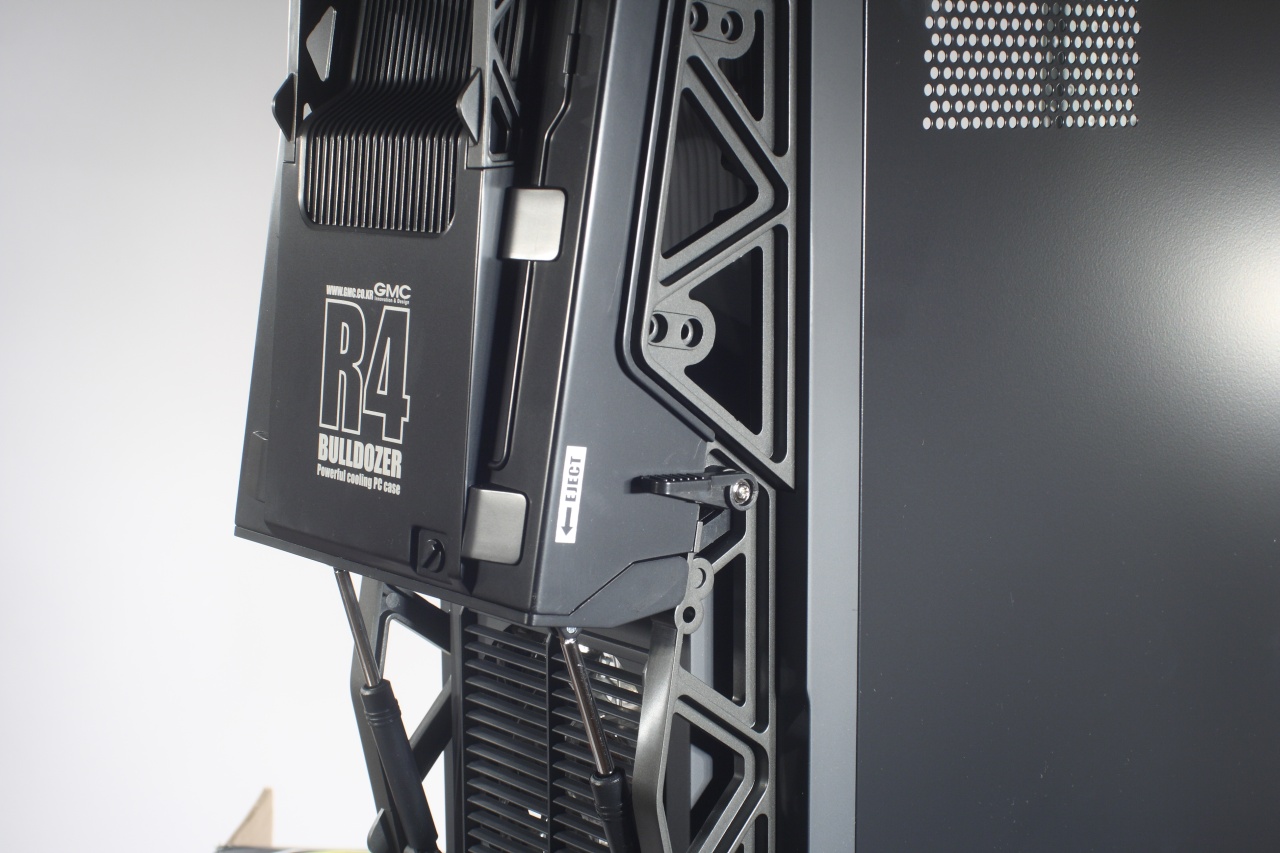
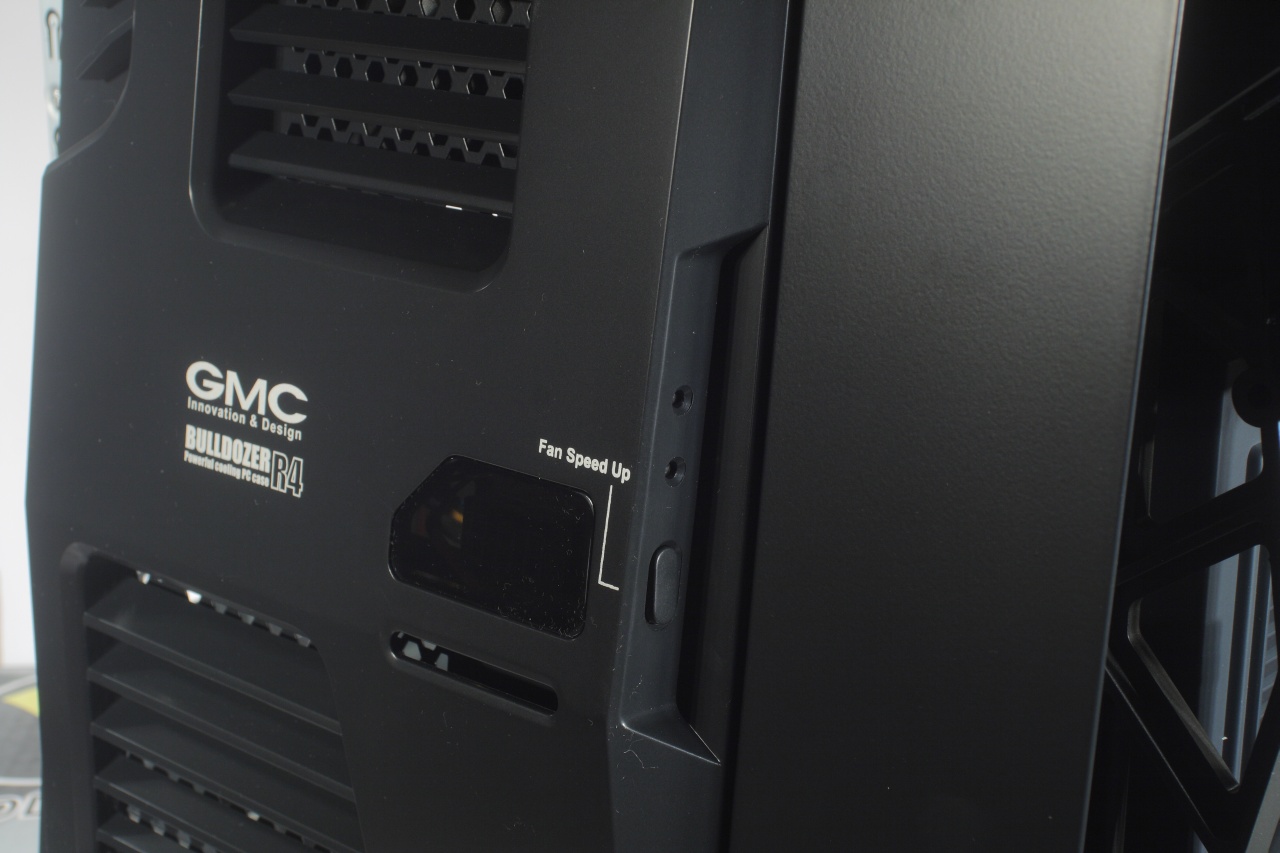
As we mentioned before the case has two digital thermometers. The second one being at the right cover along with a fan controller. Which is responsible for the 80mm fan mounted on the inner side of the cover. The right panel is also provided with openings for additional air flow around the area of the graphic and other cards plugged to the motherboard: