The Cus N0204 mini NAS Review
- The Cus N0204 mini NAS Review
- Page 2 - Closer look
- Page 3 - Installation, software
- Page 4 - Tests
- Page 5 - Conclusion
Page 2 - Closer look
Page 2 - Closer look
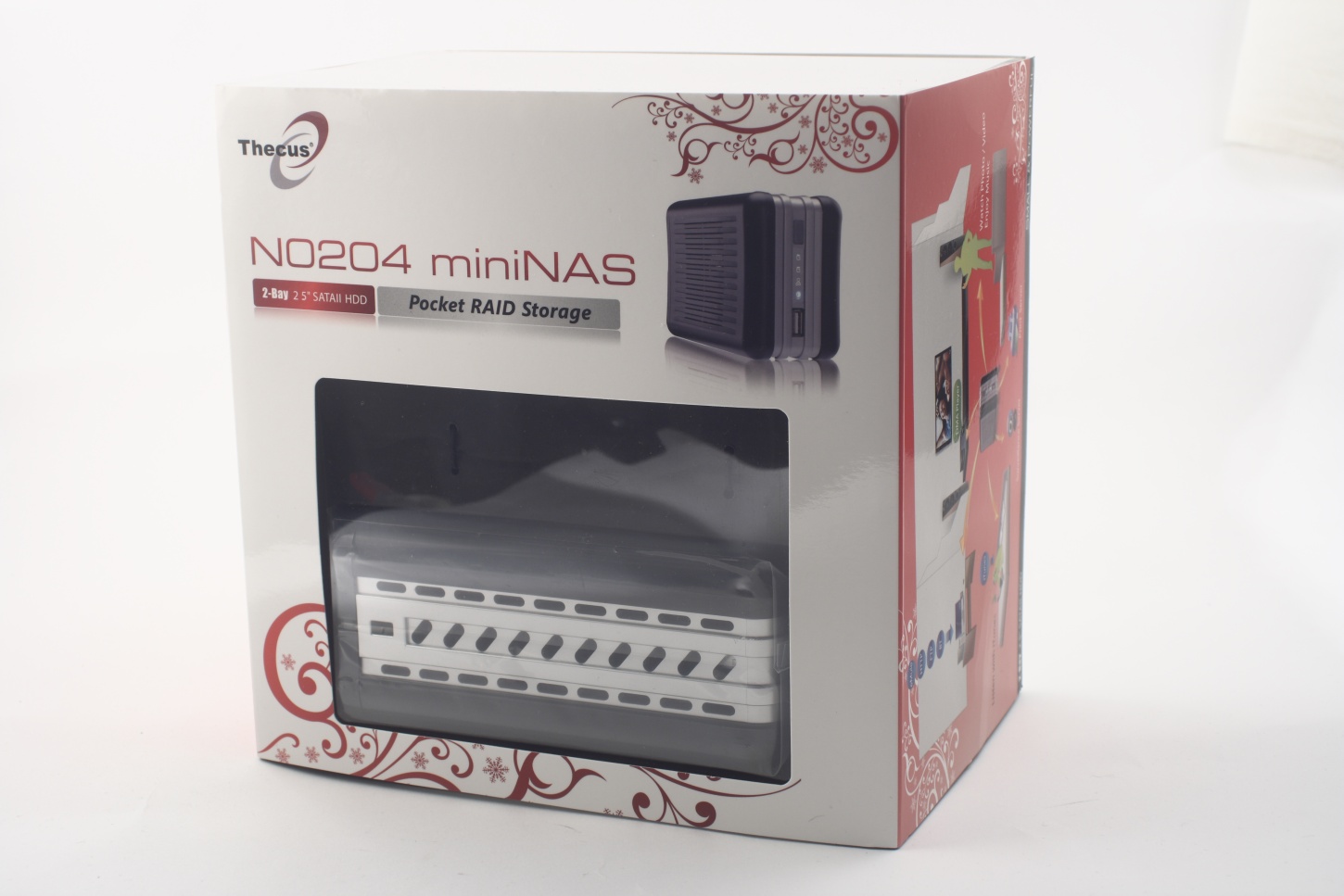
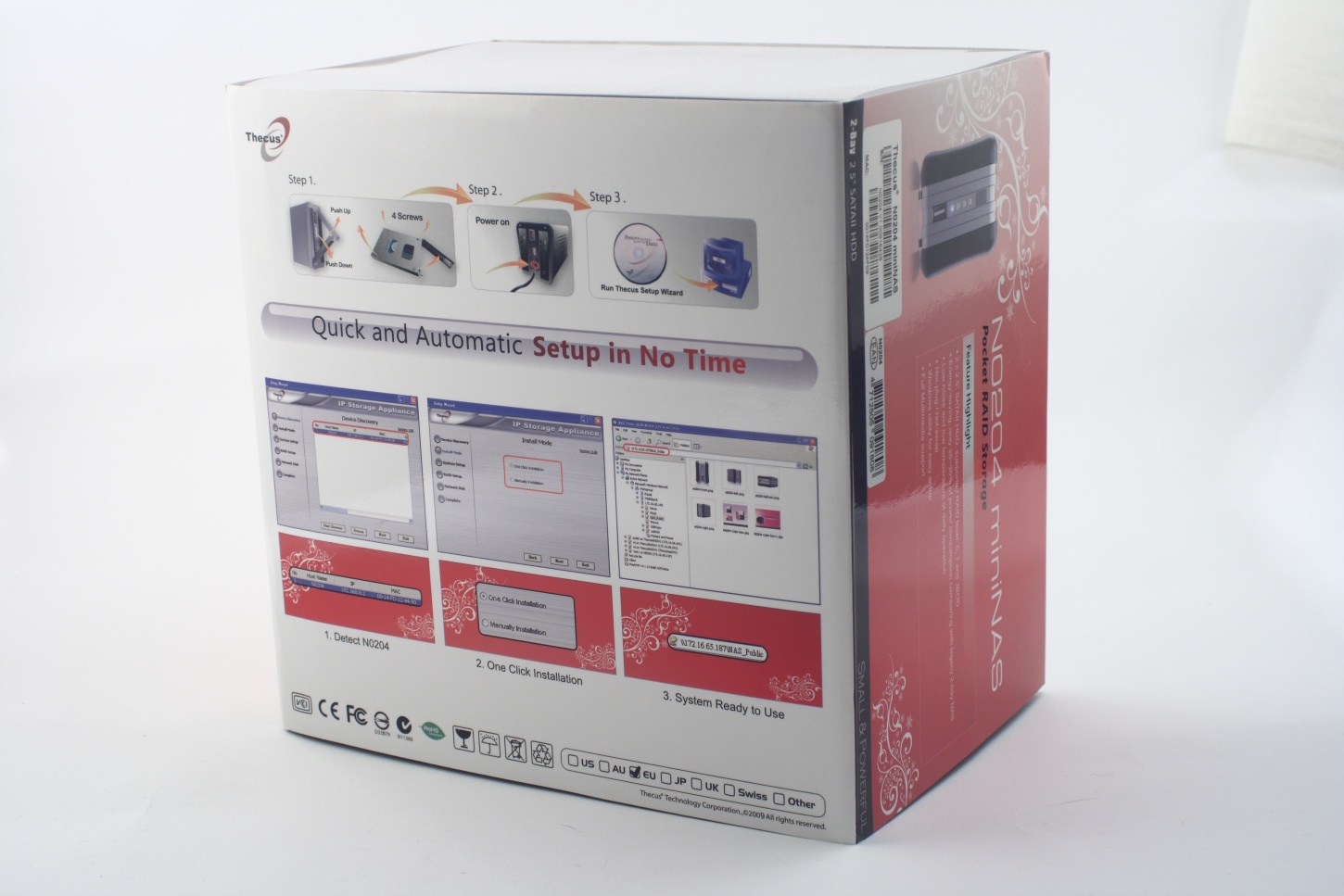
The Cus N0204 mini NAS resides in a medium sized box, decorated with floral motives. And the back of the box provides a quick installation guide:
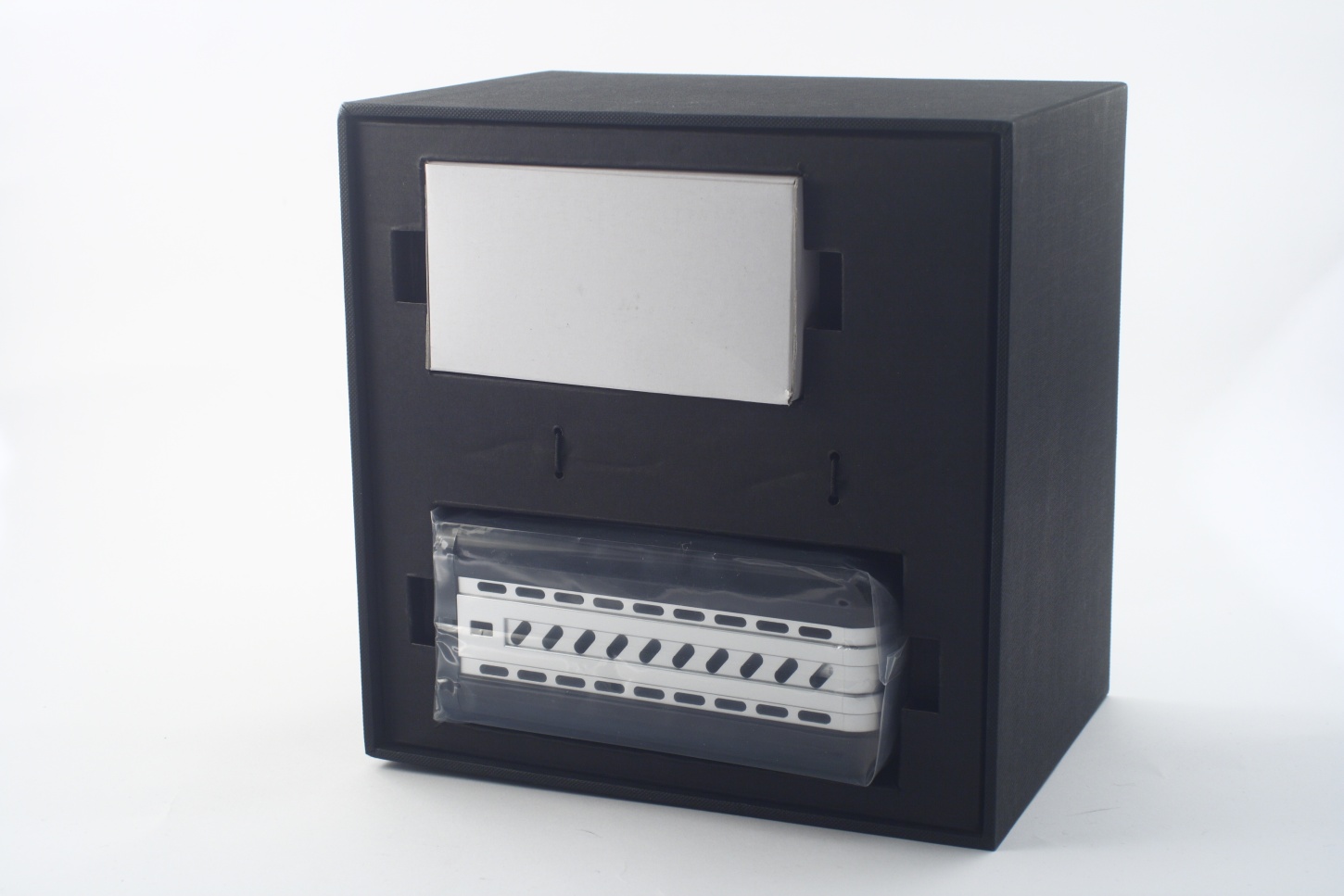
The internal padding is not foam of any kind, but a thick cardboard instead. The white box contains the power adapter:
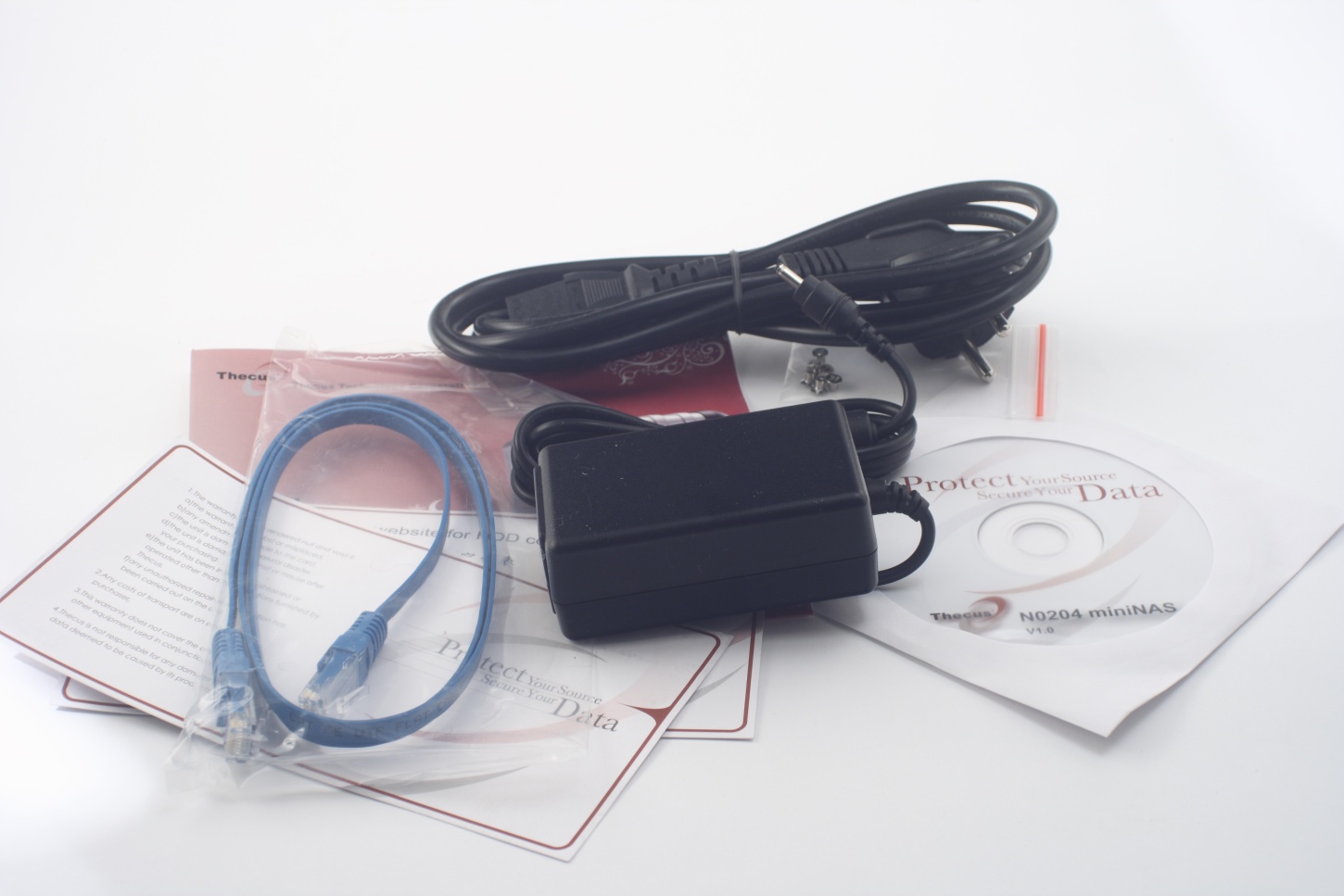
Along with the adapter we find some warranty cards, a software CD, few screws and network cable:
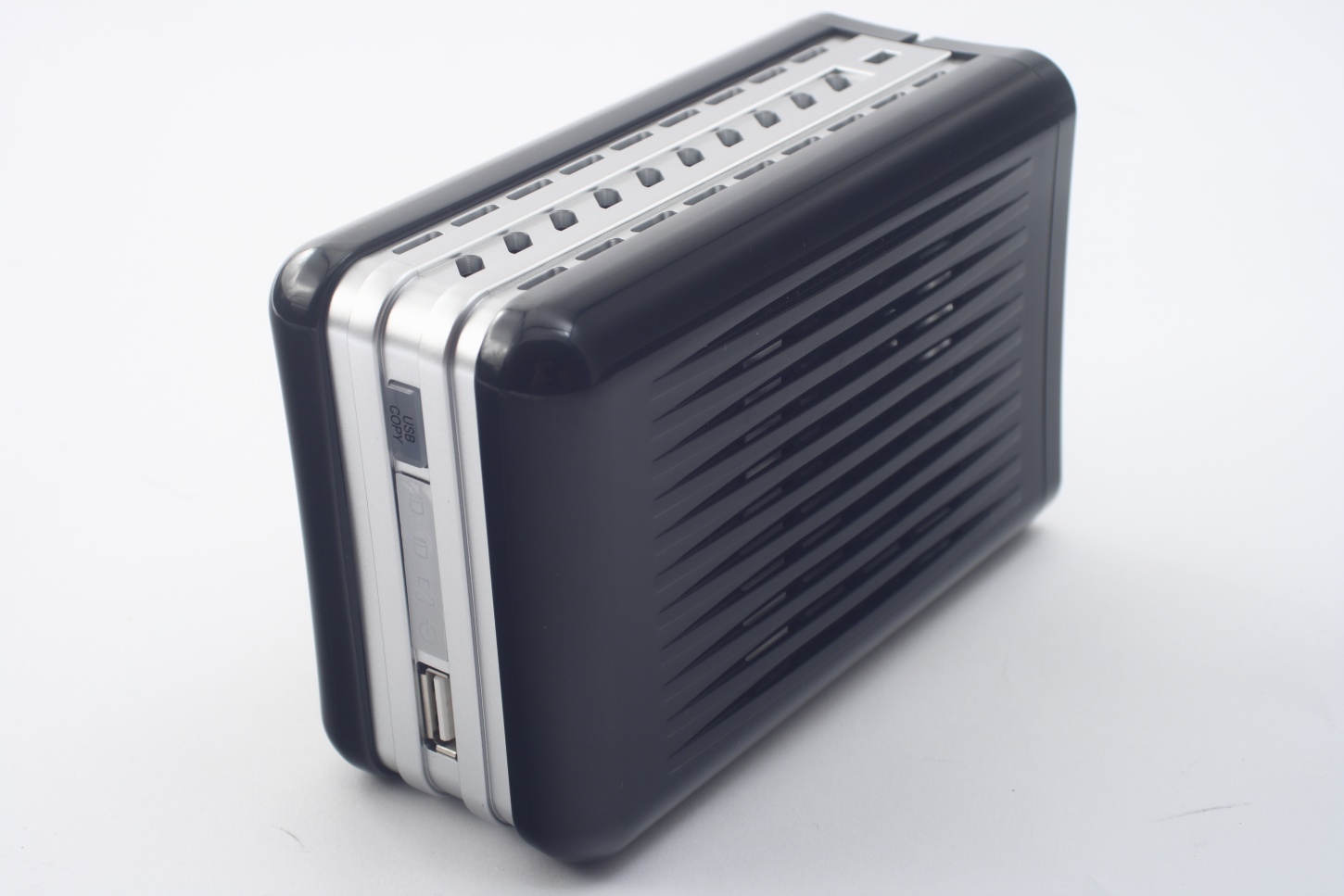
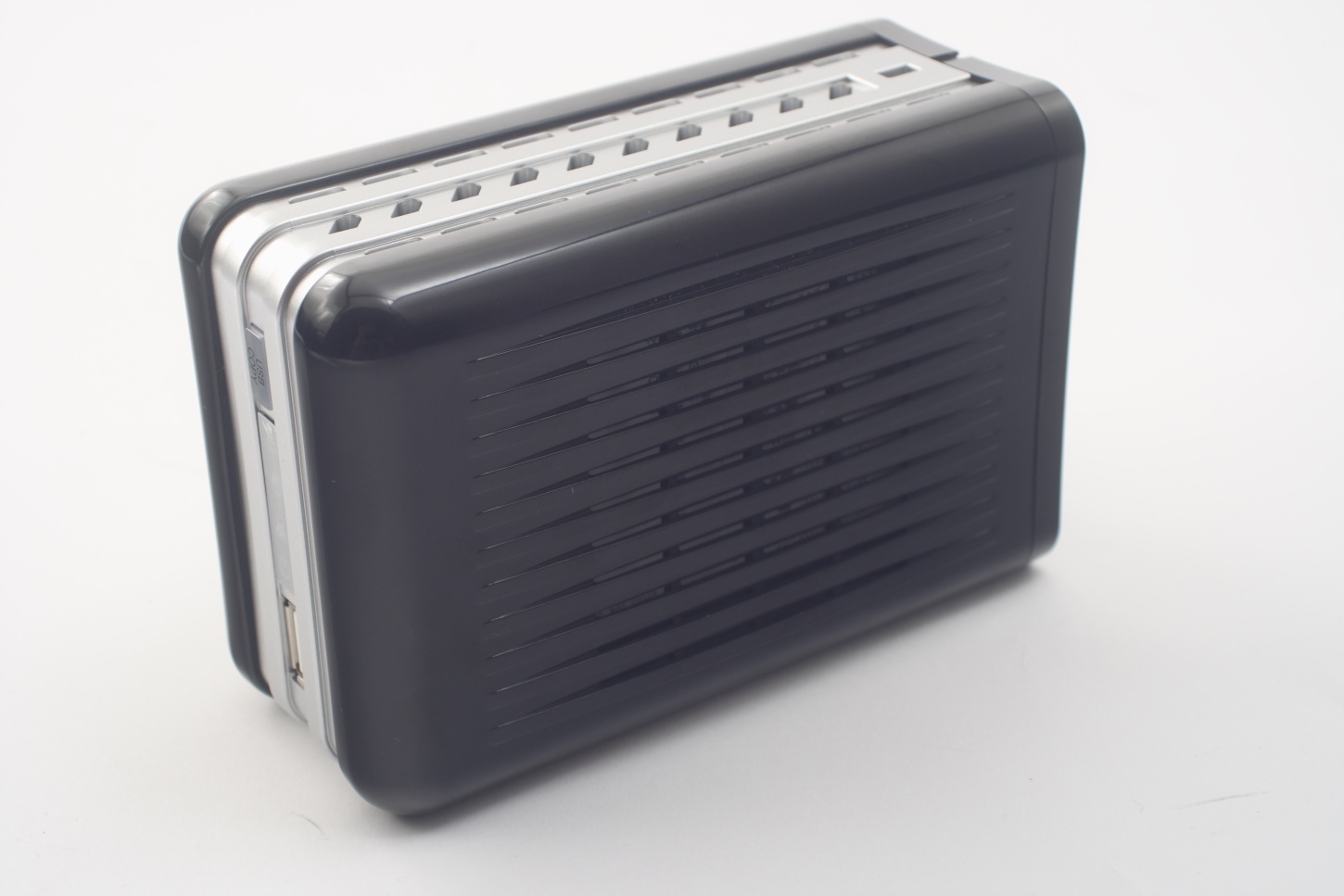
Here is what The Cus N0204 mini NAS looks like – gray main body with black side covers and multiple cooling openings:
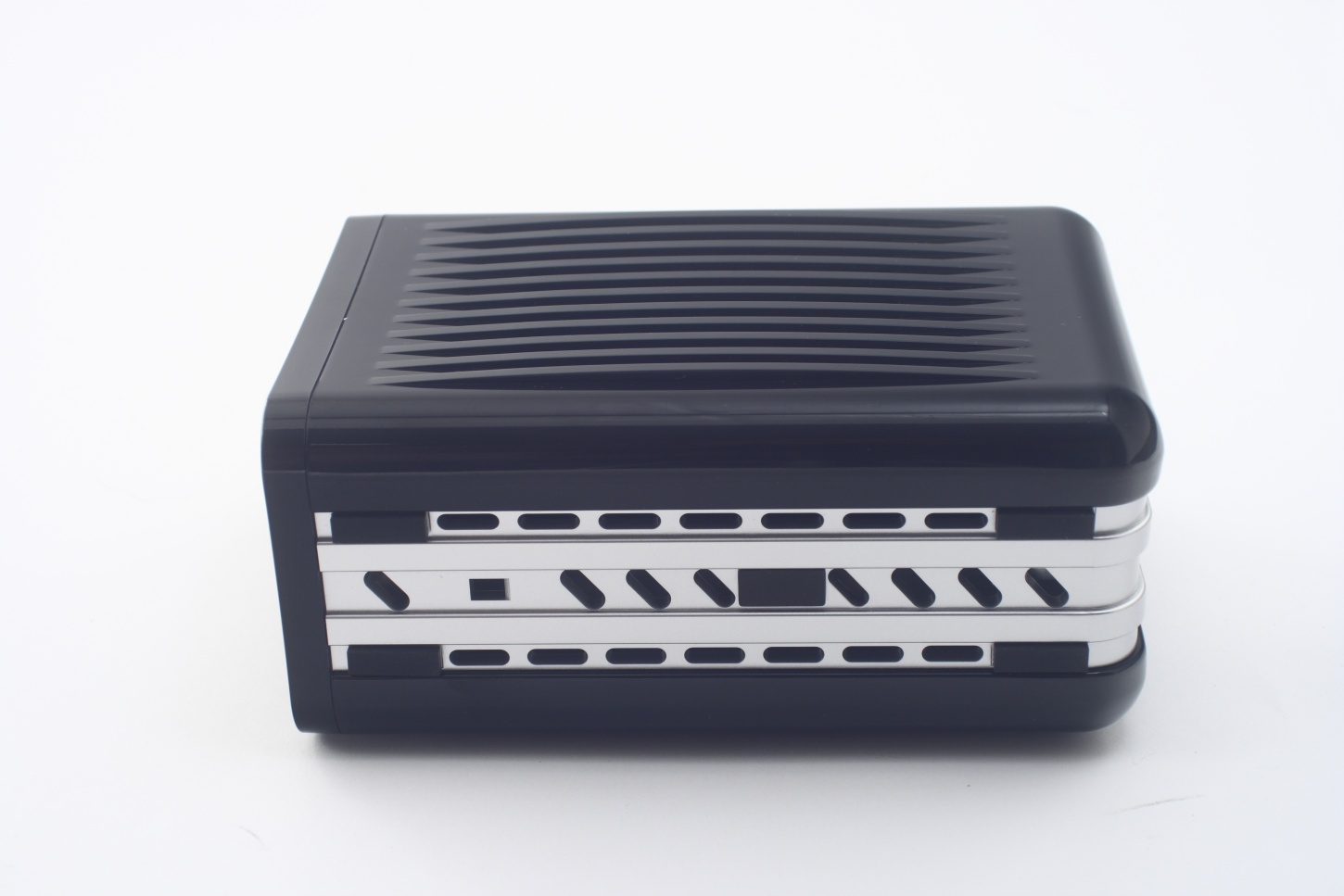
On the bottom besides the multiple cooling openings we find 5 rubber feet:
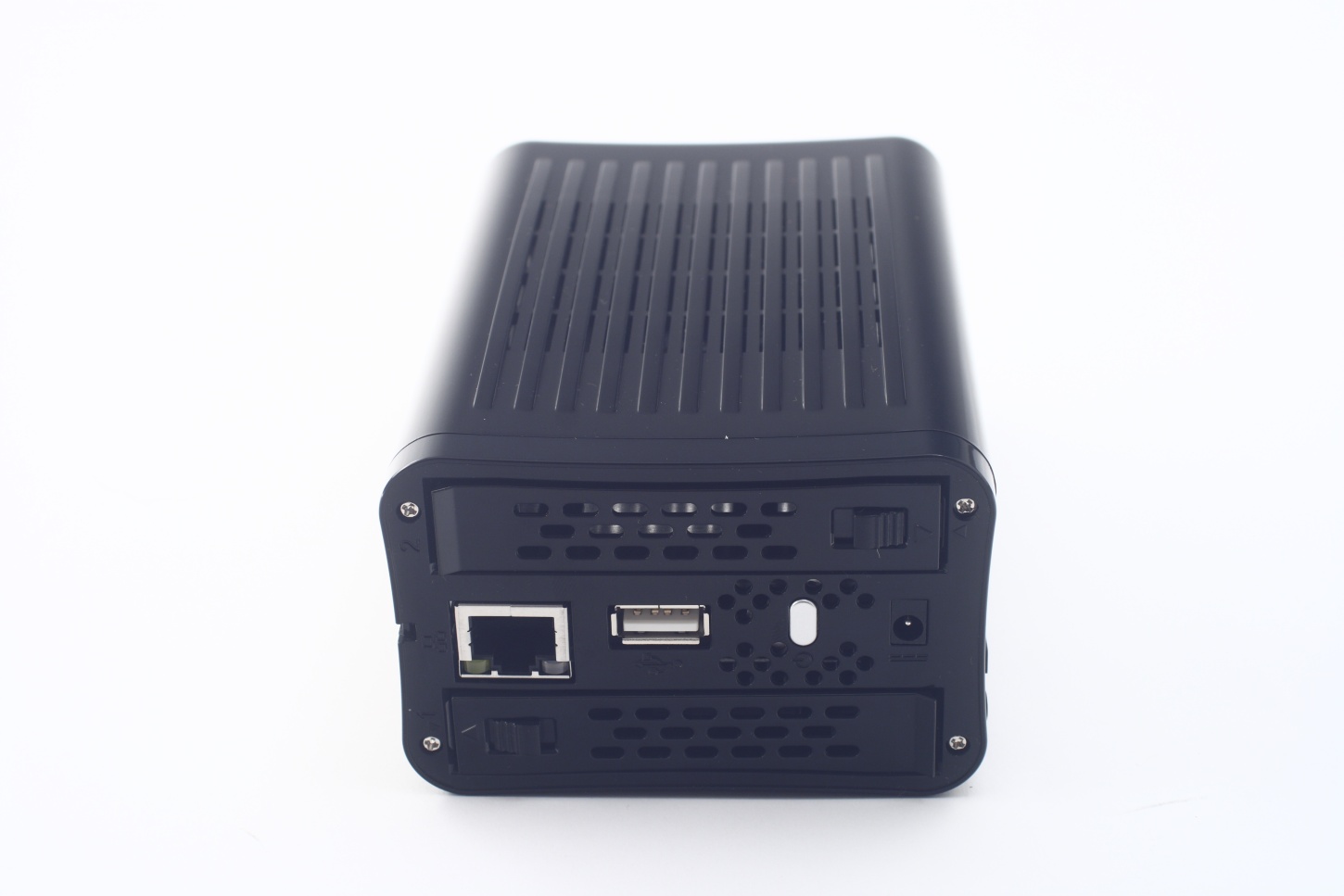
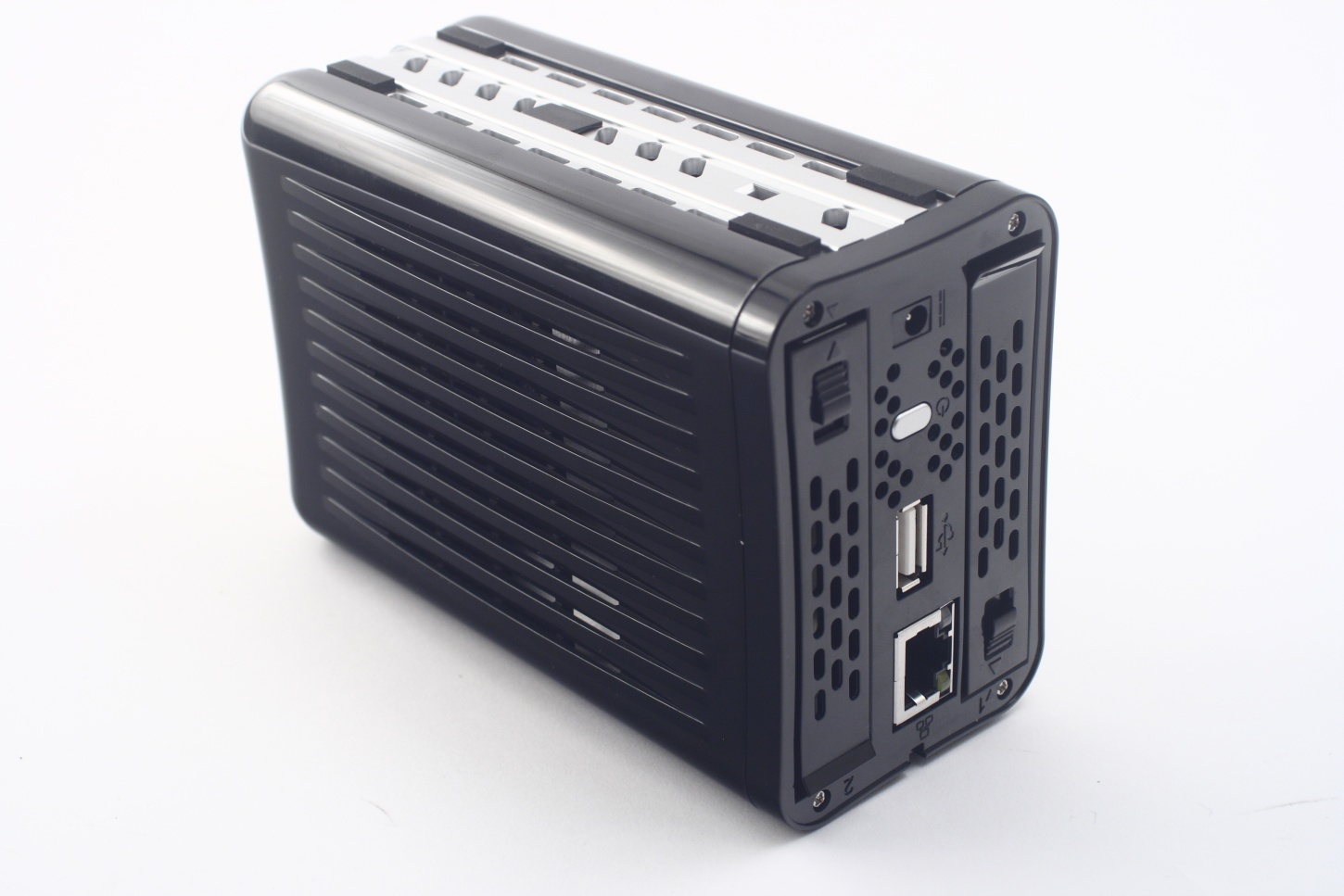
At the back are situated a RJ45 port, a USB порт, power on/off button and the power jack. The two doors for the hard drives are locked by the small buttons at their top ends:
The top is home for yet even more cooling openings and a Kensington lock:
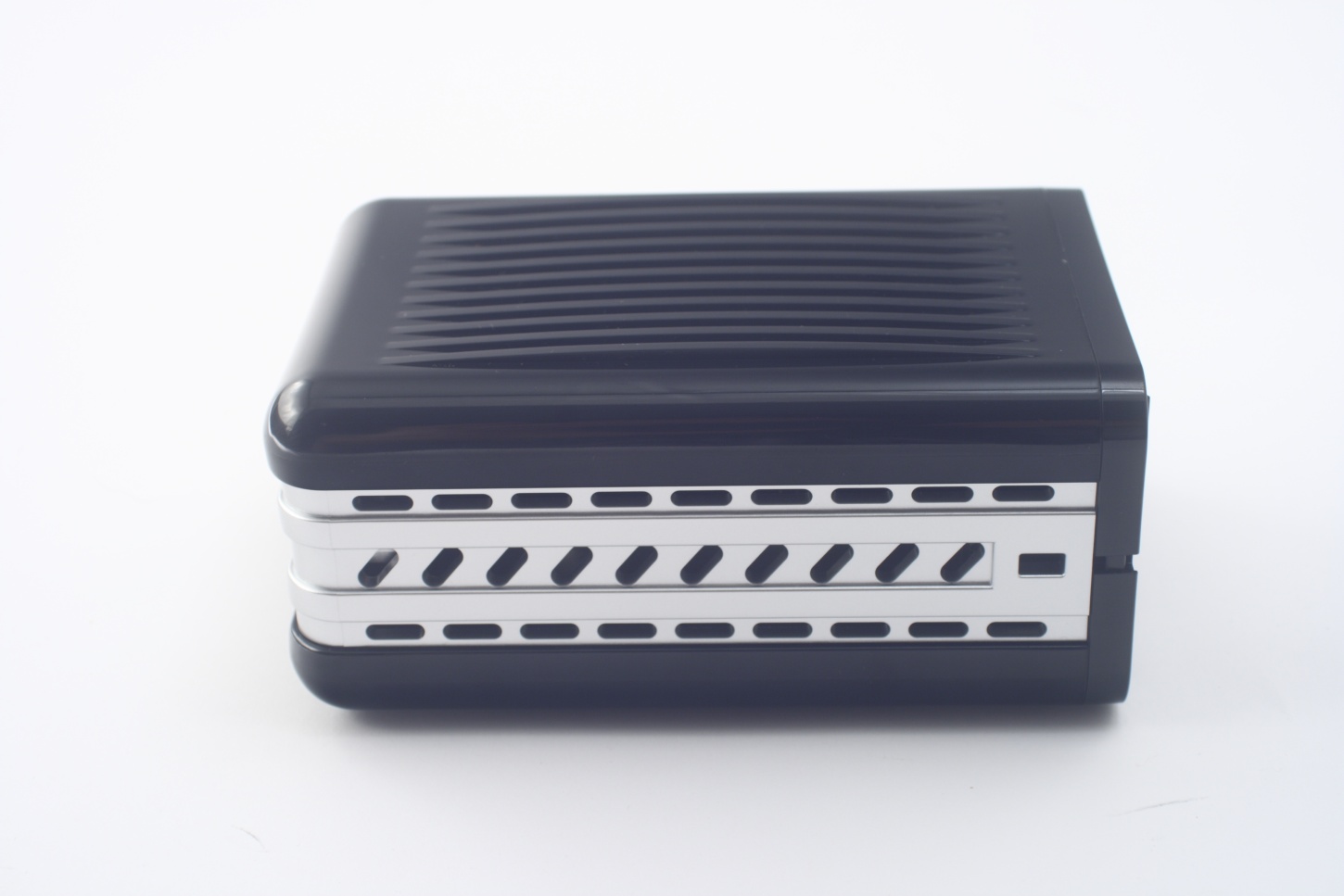
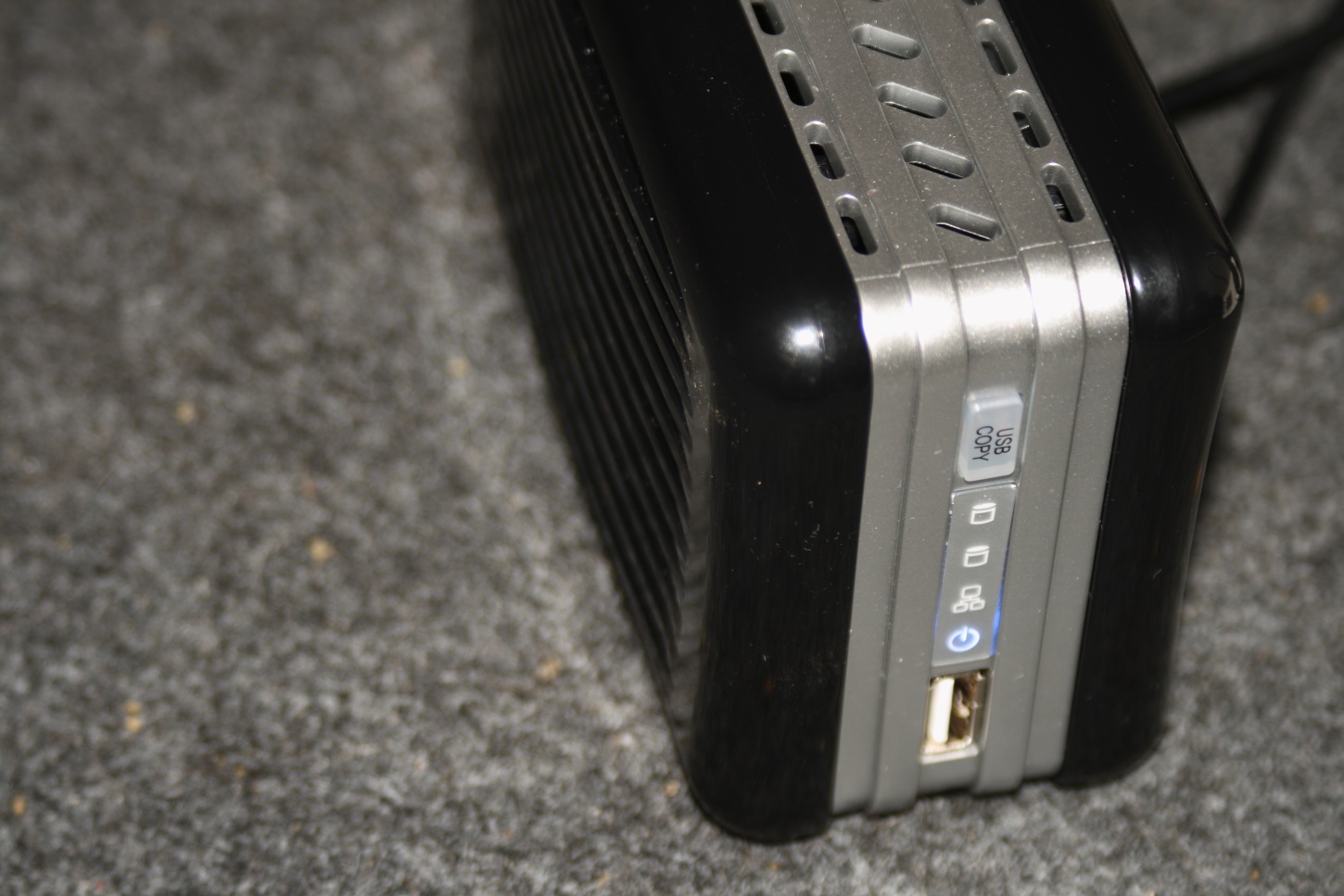
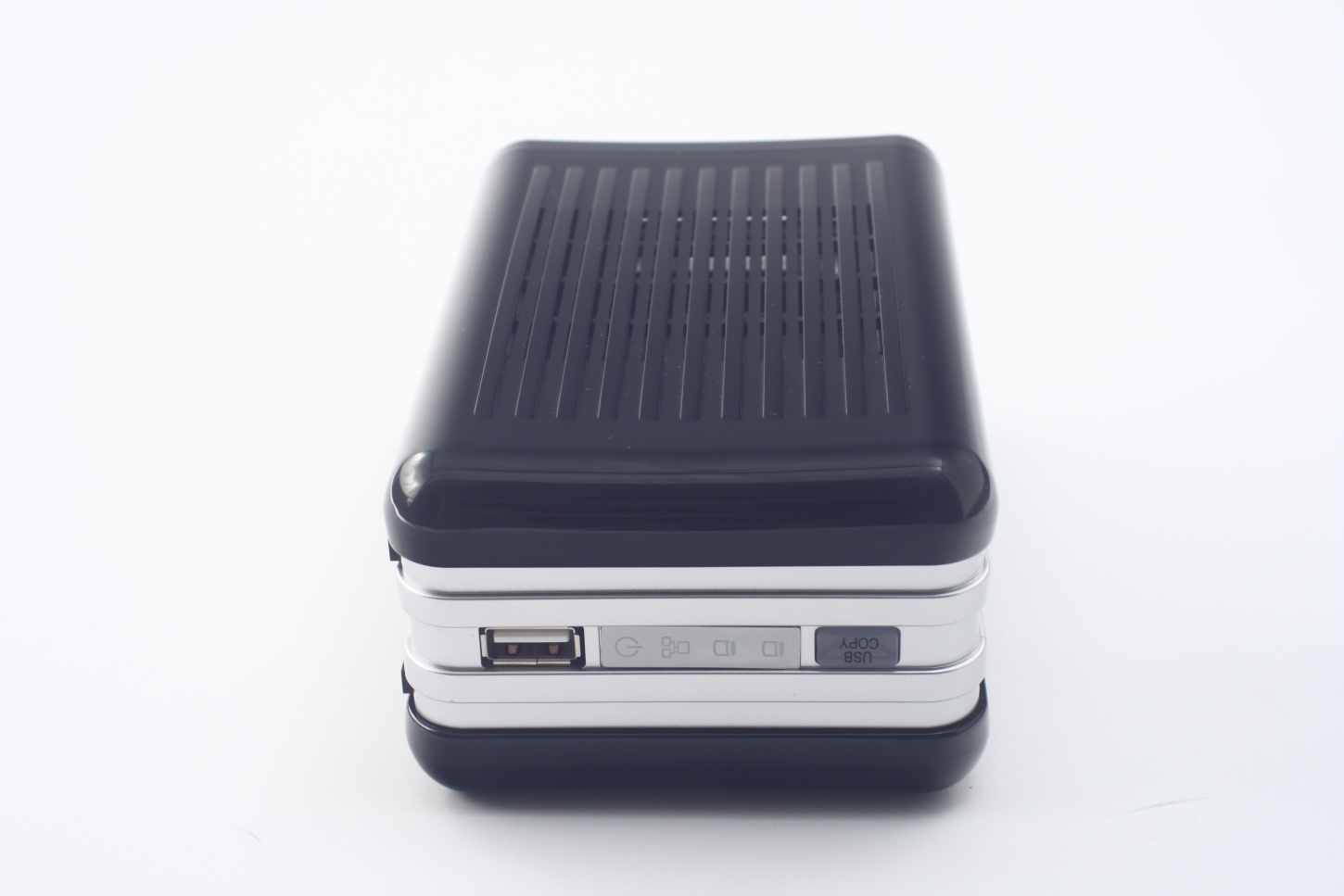
The front panel has light indicators for system status, network connection and operation status of both hard drives. There is also an additional USB port and a button for making quick copies of flash drives on to the hard disk array:
Upon opening the plastic doors we simply pull out the metal sled that holds the 2.5” hard drive:
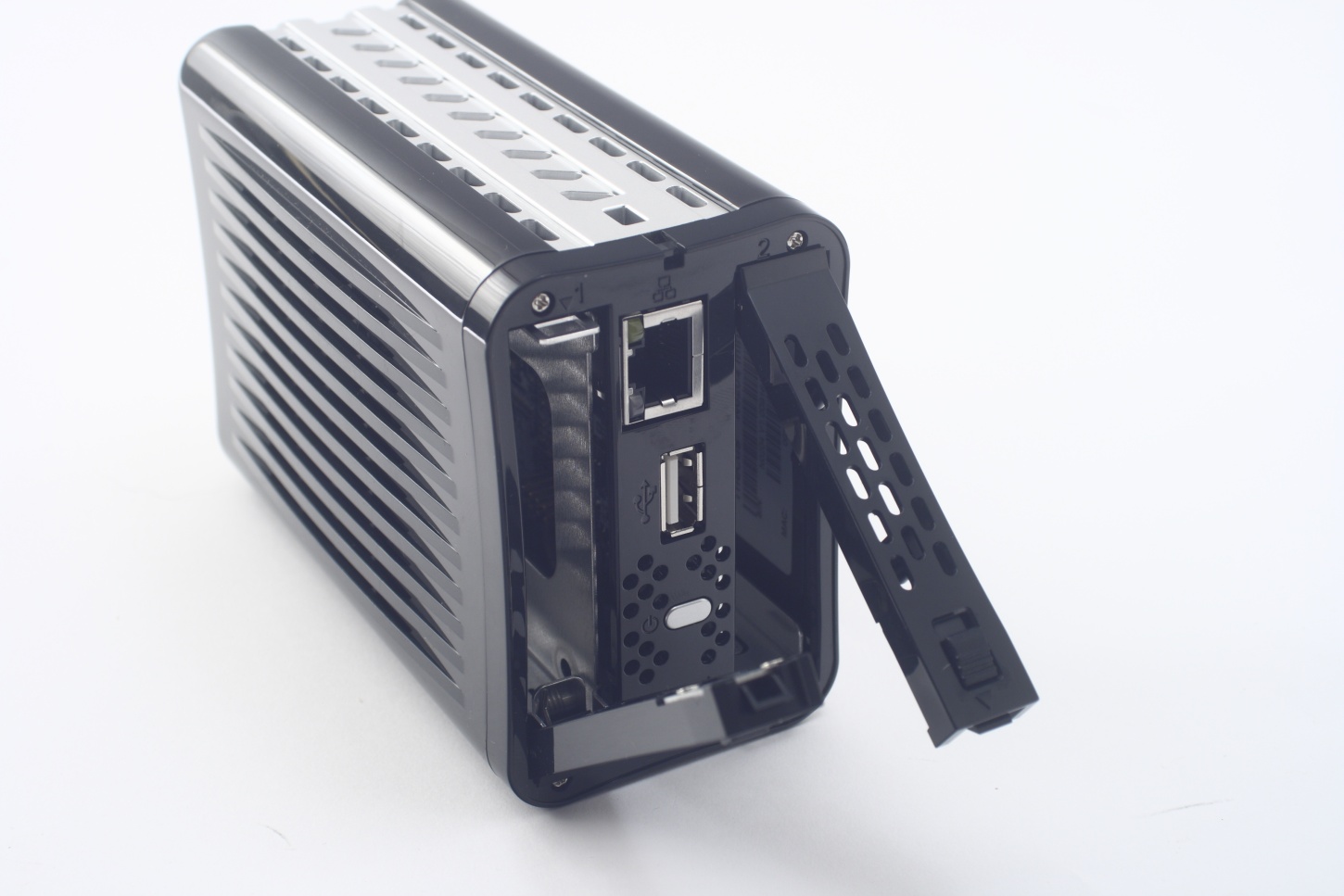
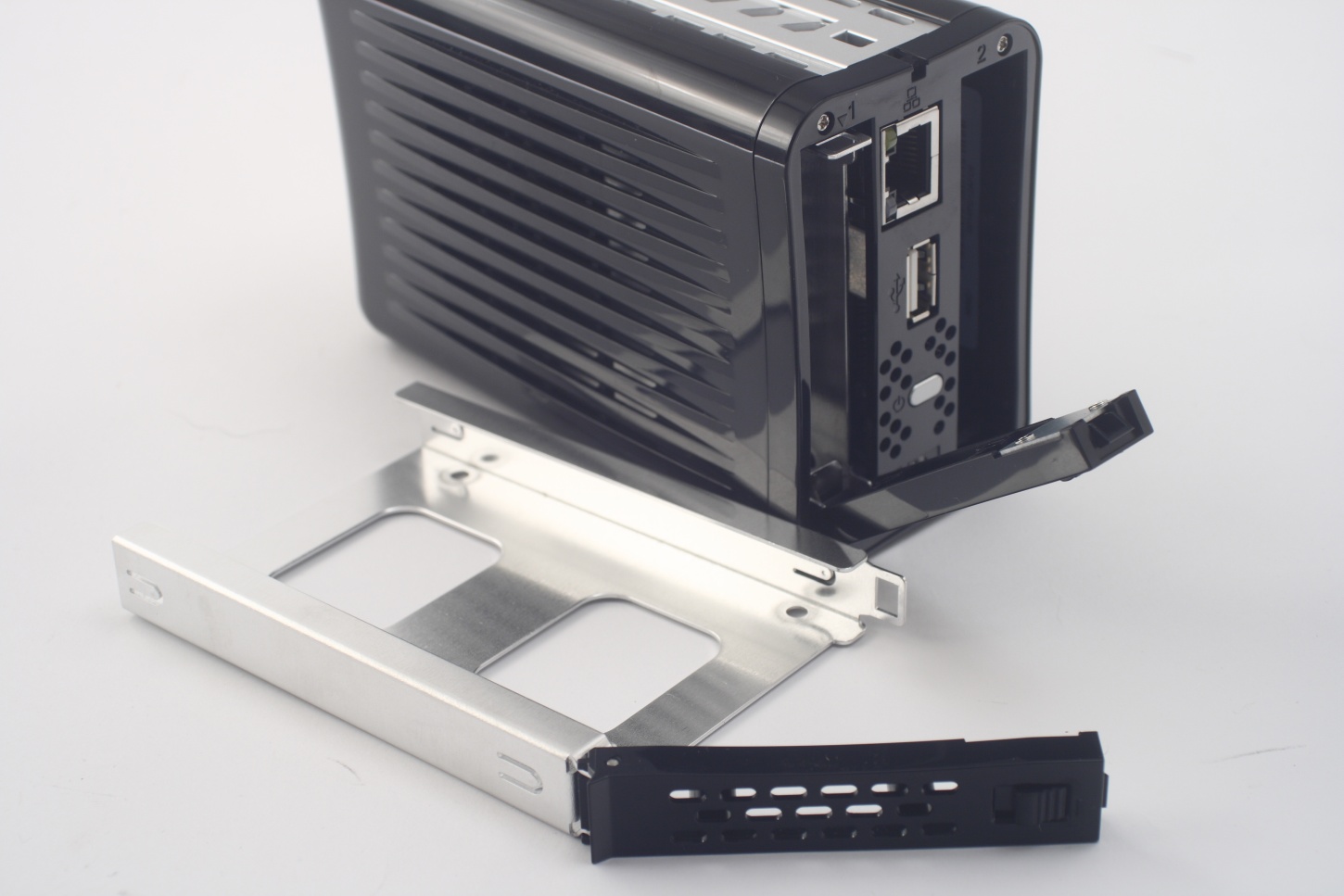
The N0204 controller is clearly visible in its place (between the two hard drives) – it is indeed on a very compact PCB:
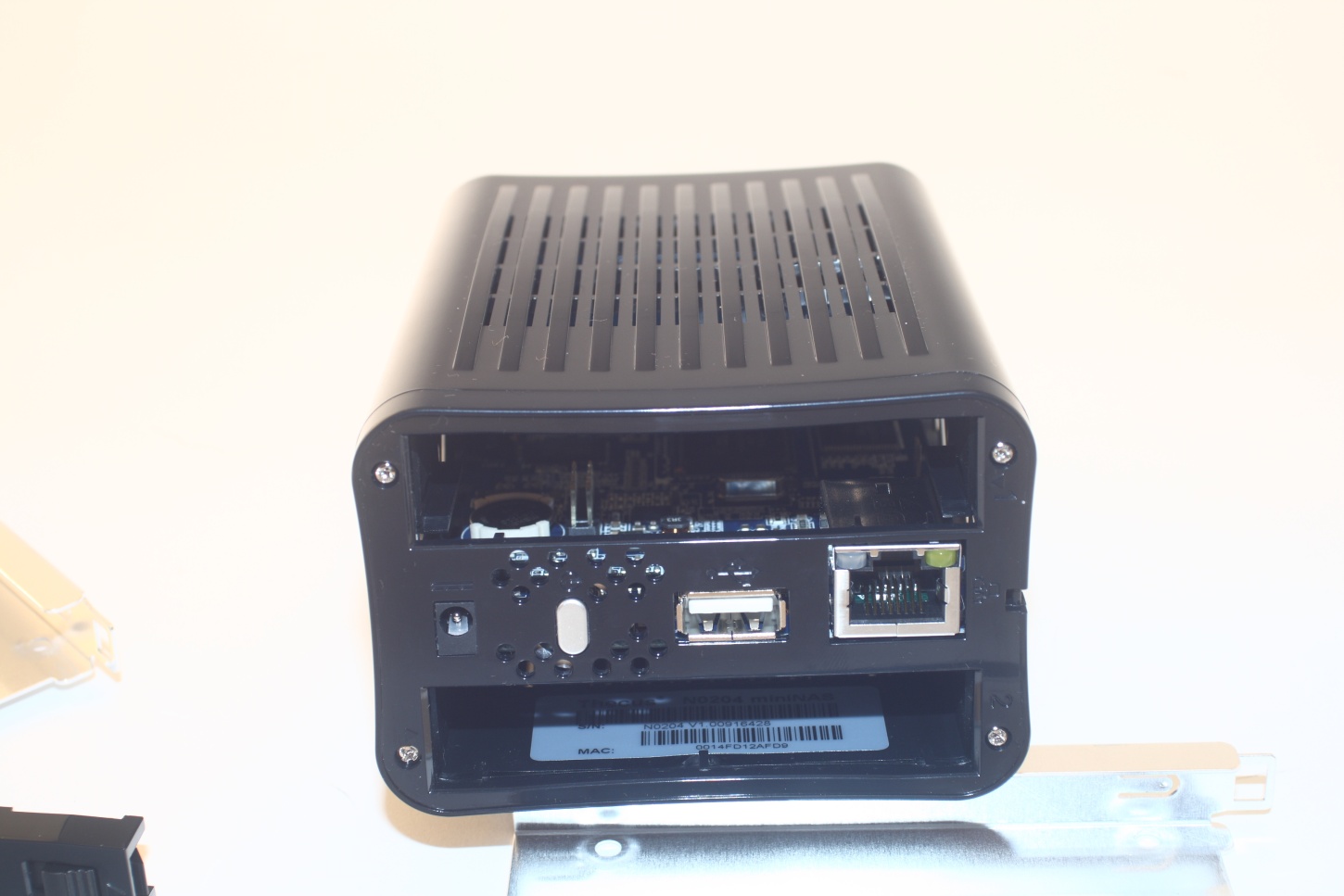
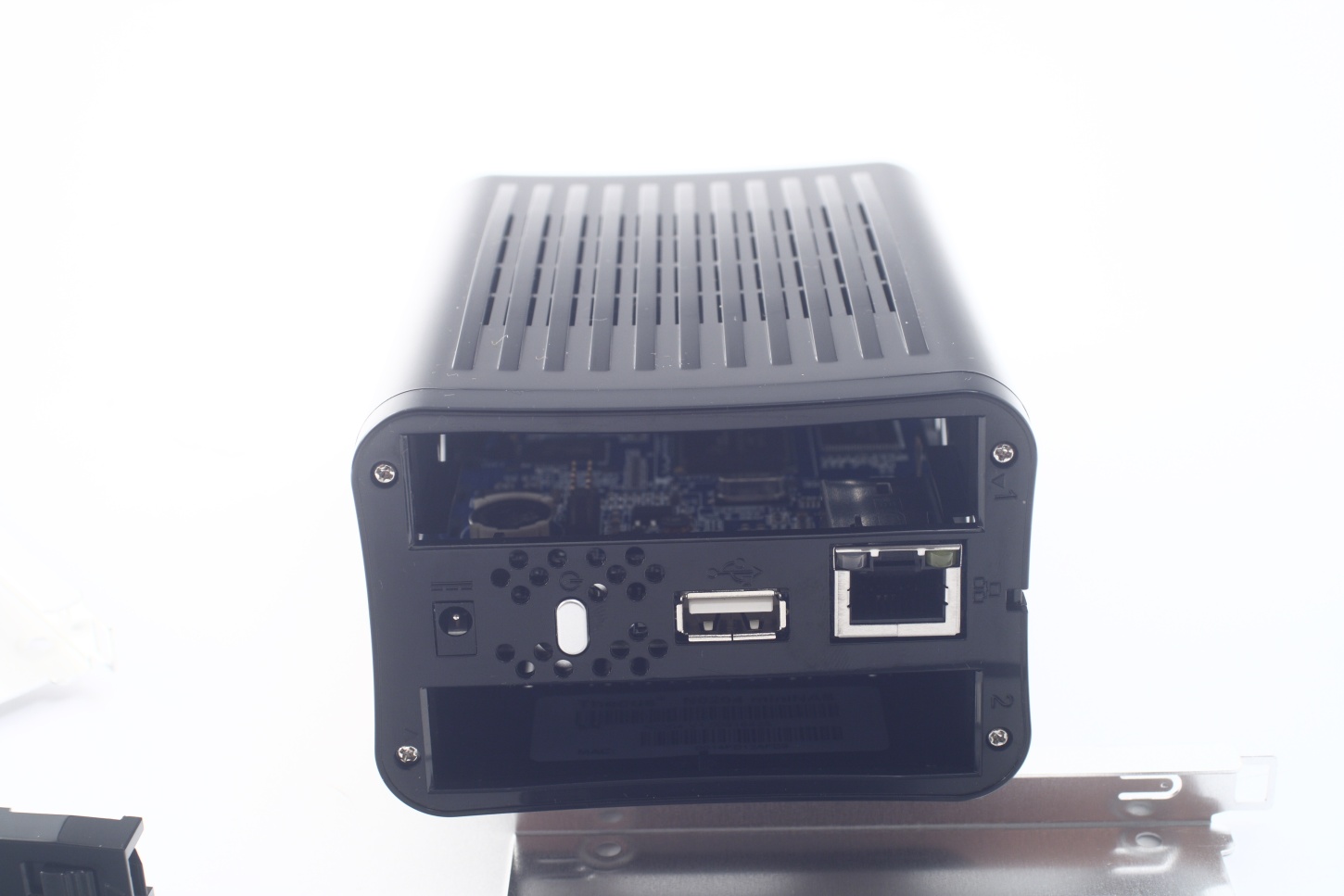
Then we simply slide in the tray with the disk and lock the door in place:
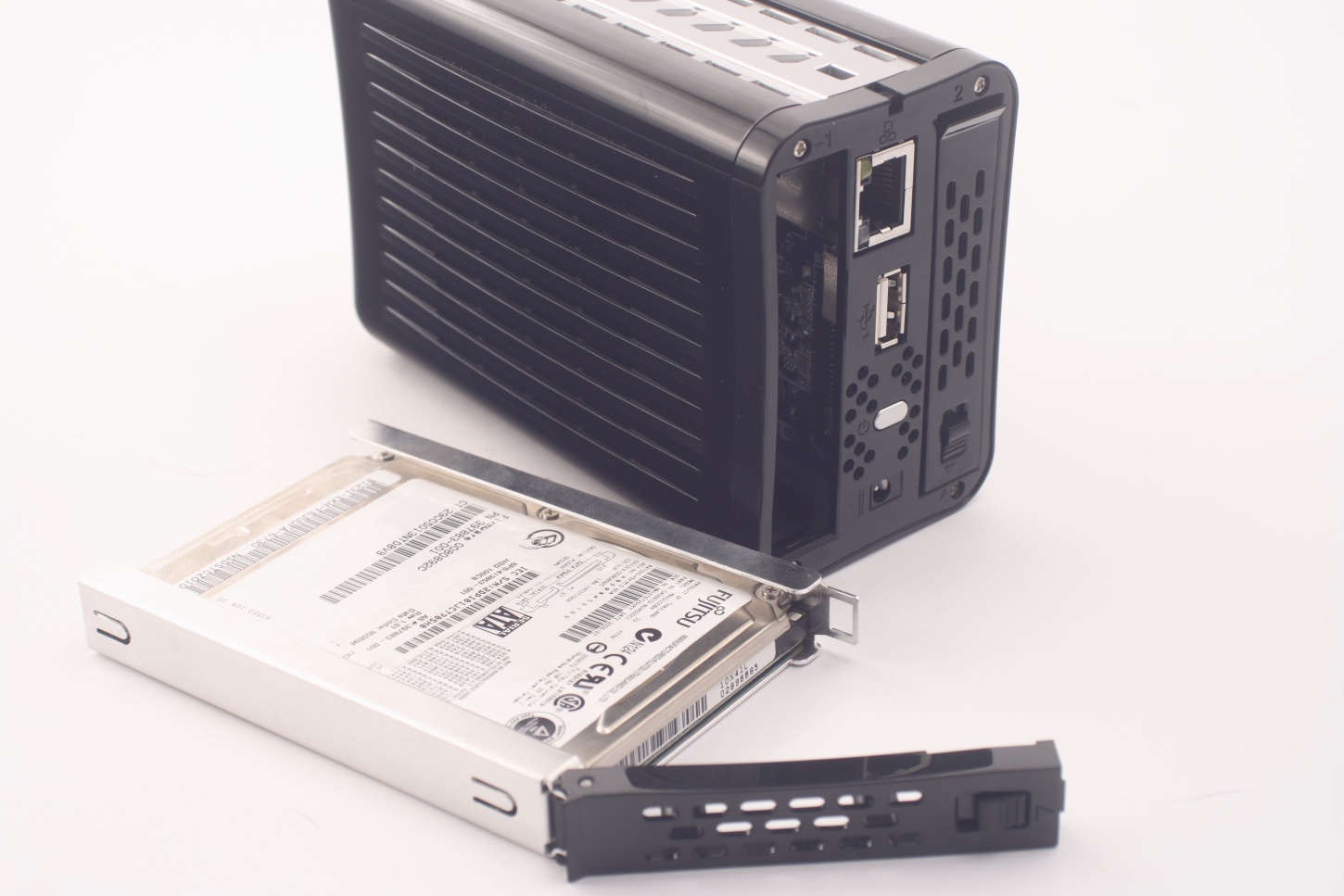
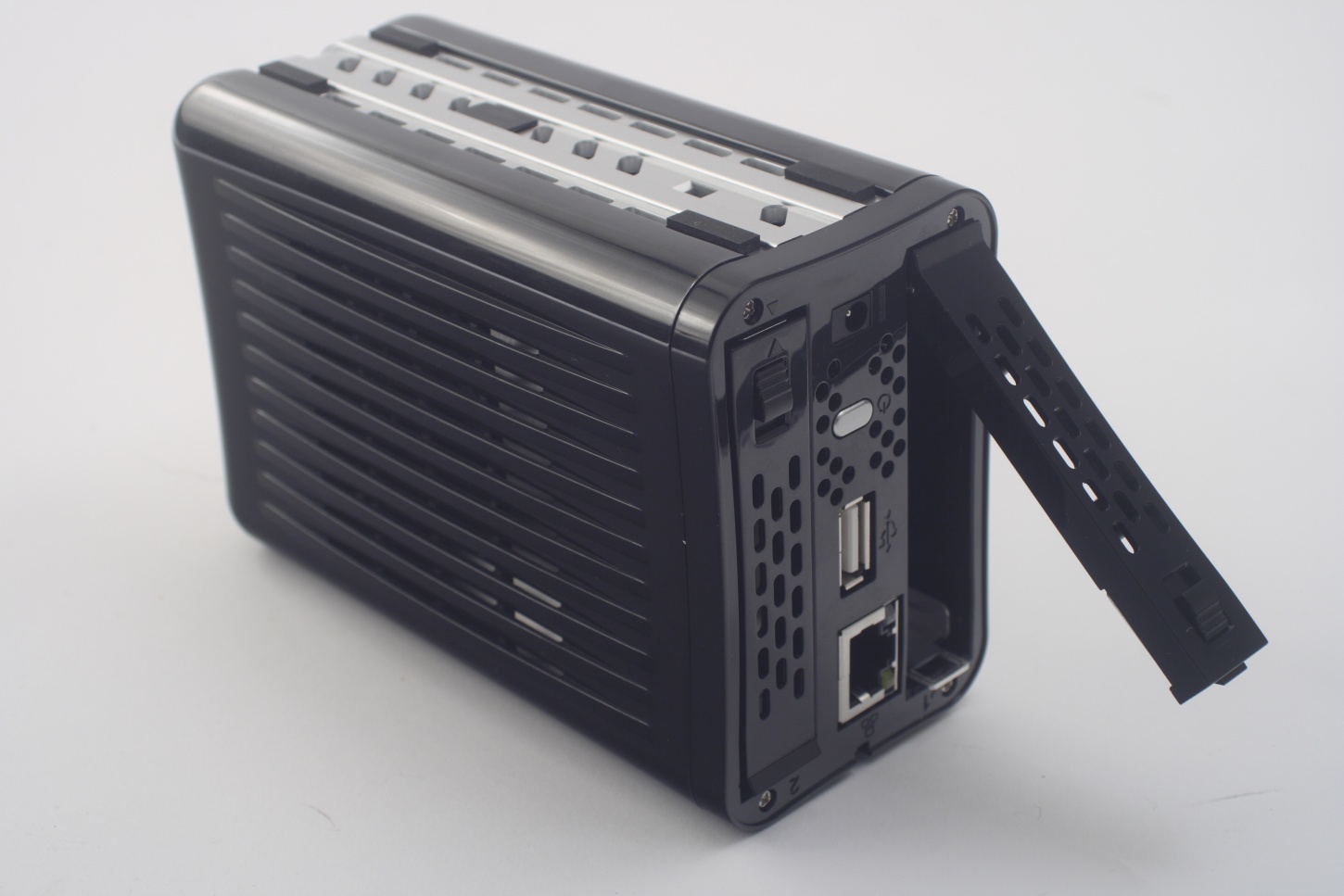
There - The Cus N0204 with a hard drive in it. Not that you can see the hard drive...
Once the NAS is plugged in the network and power we can proceed with installing it: