
Razer Megalodon - 7.1 Channel Headset Review
- Razer Megalodon - 7.1 Channel Headset Review
- Page 2 - Packaging and specifications
- Page 3 - Razer Maelstorm
- Page 4 - Tests
- Page 5 - Conclusion
Page 3 - Razer Maelstorm
Page 3 - Razer Maelstorm
There are two types of headphones that reproduce sound in more than two channels. The first type of headphones simply use more than one speaker, thus they reproduce each channel by "hardware" means, through more speakers. Those are cheaper, but more heavy and bulky. The other method used to create multiple channel sound is through software. Ant this is exactly the type used in Razer Megalodon. Through their audio engine Maelstorm, they manage to create volumetric sound using just one speaker, which naturally makes them lightweight and compact. Razer are truly proud with their audio engine, and indeed they should be it is that good. The headphones are marketed as "True plug and play" and that's no marketing trick, due to the fact that all you need in order to use them is to simply plug them to the computer and run a game/movie/music. Thanks to their external audio card and the Maelstorm engine, they do not require any additional software.
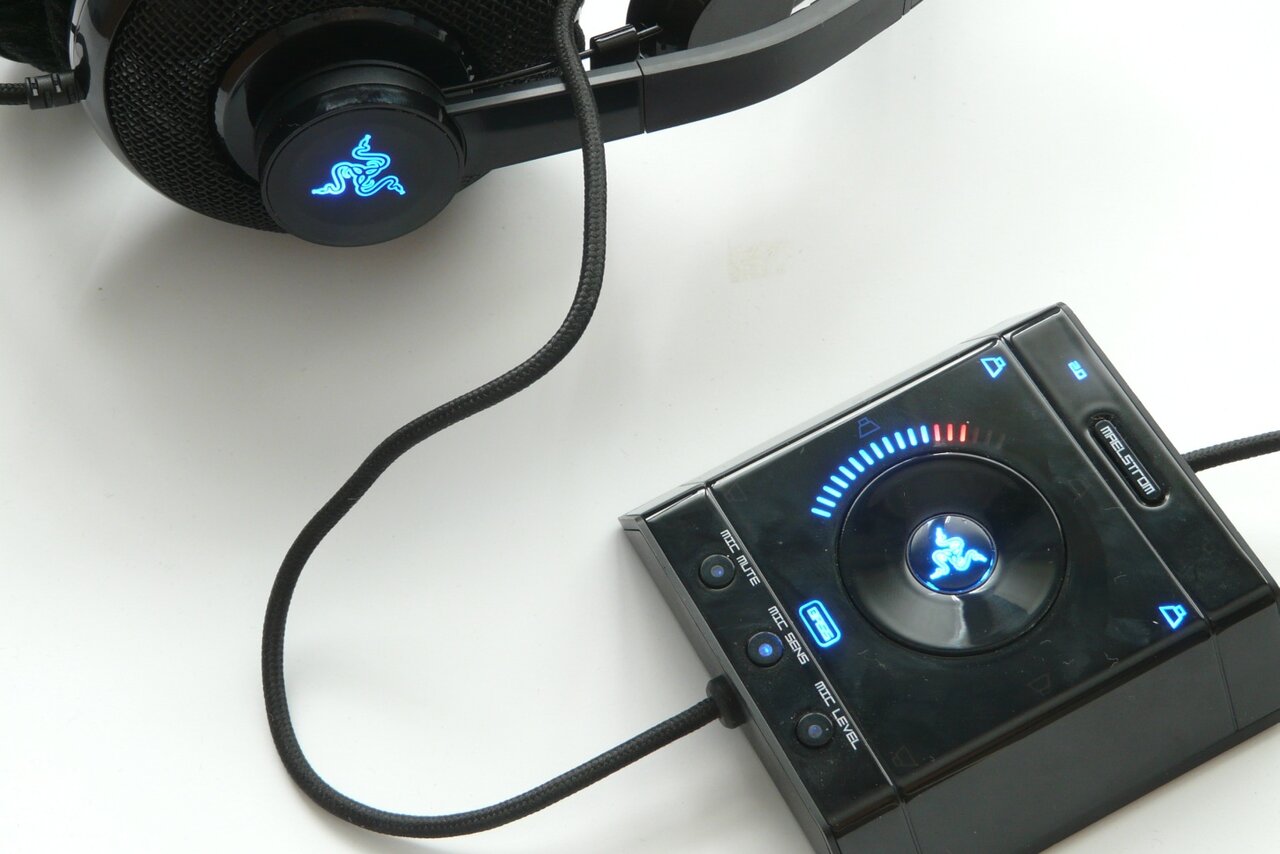
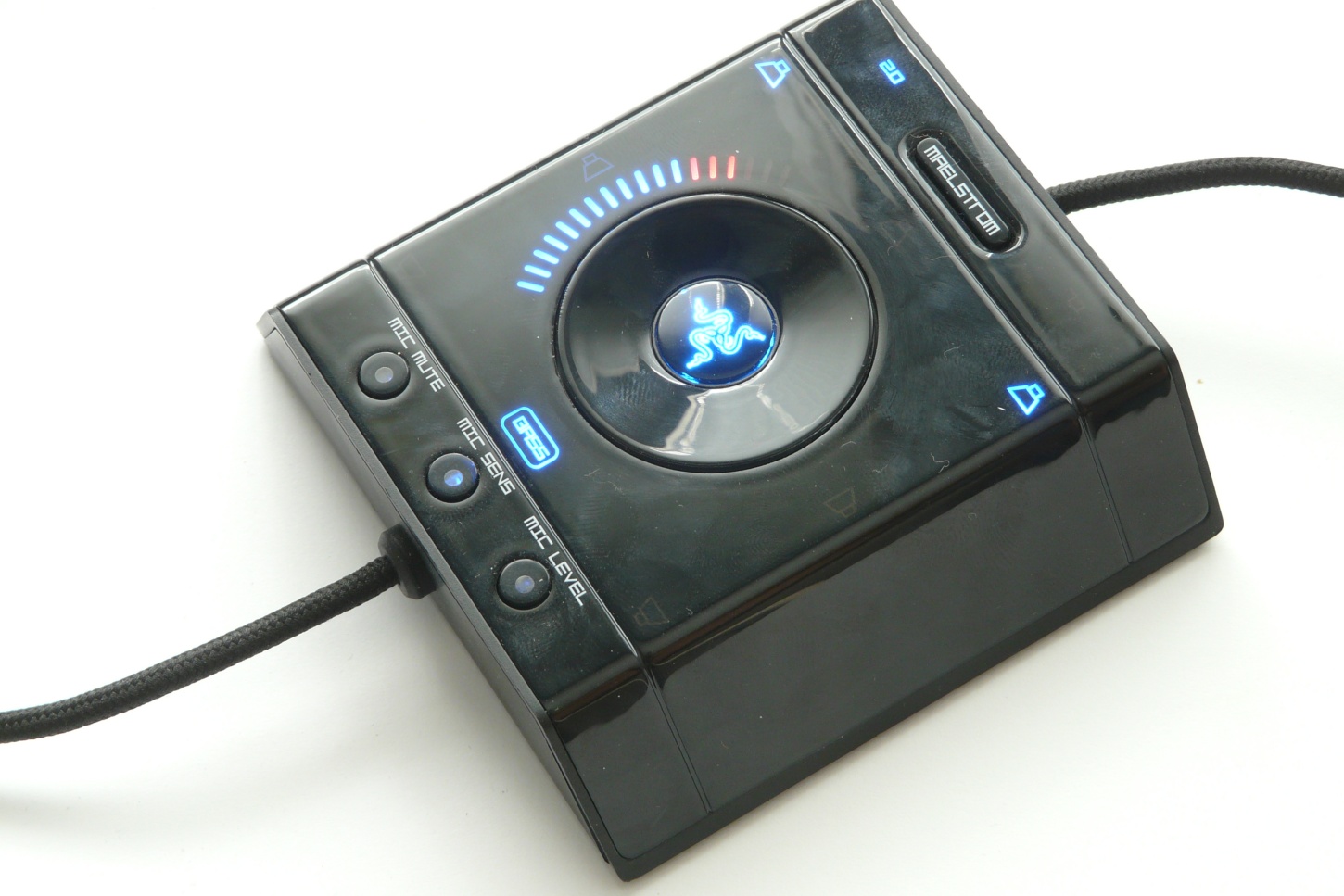
The Maelstorm controller itself is a small parallelepiped with two oblique parallel sides that is initially quite shiny. Alas within few minutes of use all its shine goes away as it is in fact a dust and fingerprint magnet. Still, even though that's not exactly pleasant situation it is by no means a serious problem. The controller allows you to switch between 2 and 7.1 channel mode, depending on the source you listen to at the time, it also allows you a very precise control over the levels of:
- Master volume, center speaker, front speakers, side speakers, rear speakers, bass level. As the switching between each is performed by pressing the main button that bears the Razer logo.
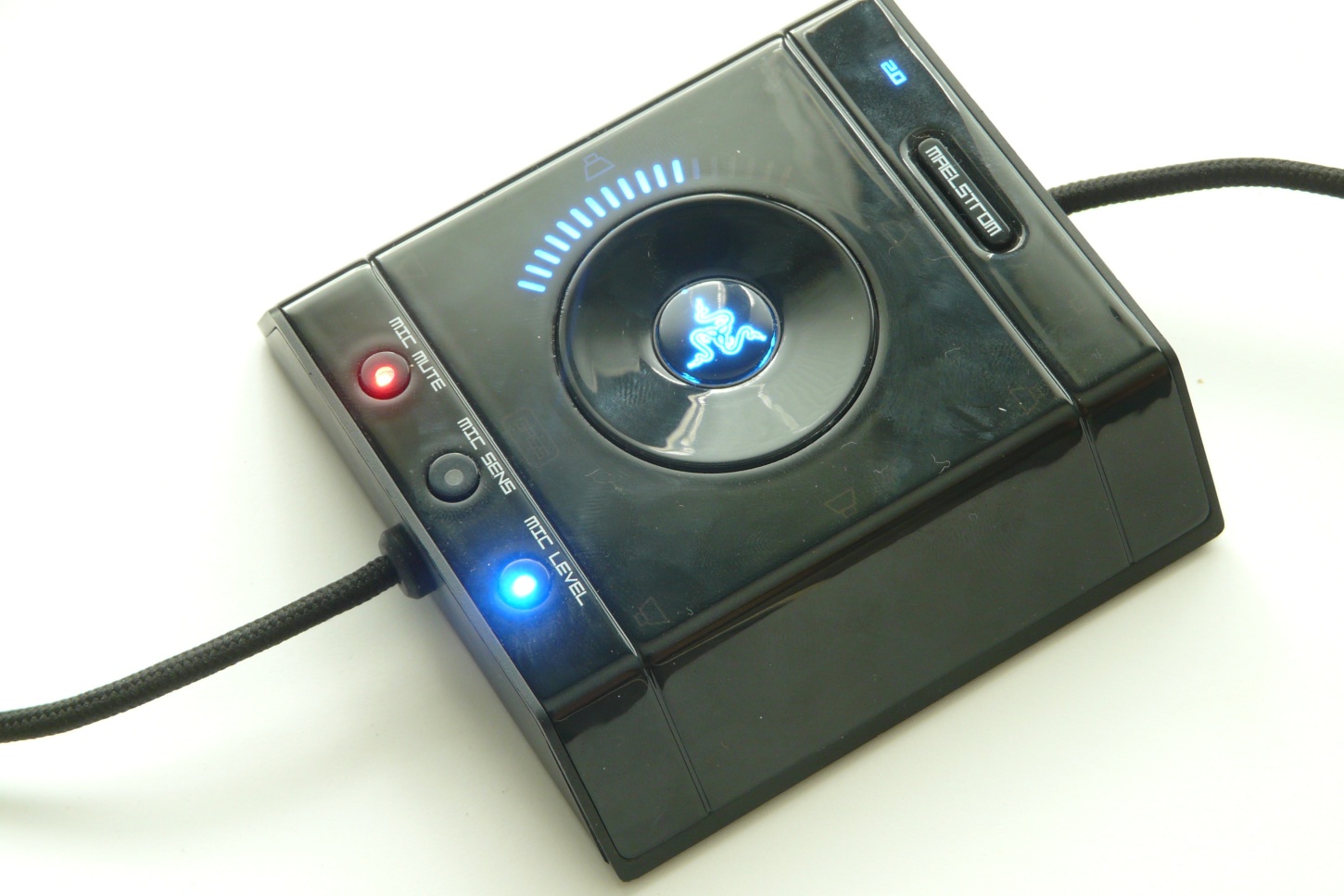
- microphone mute
- microphone leveling
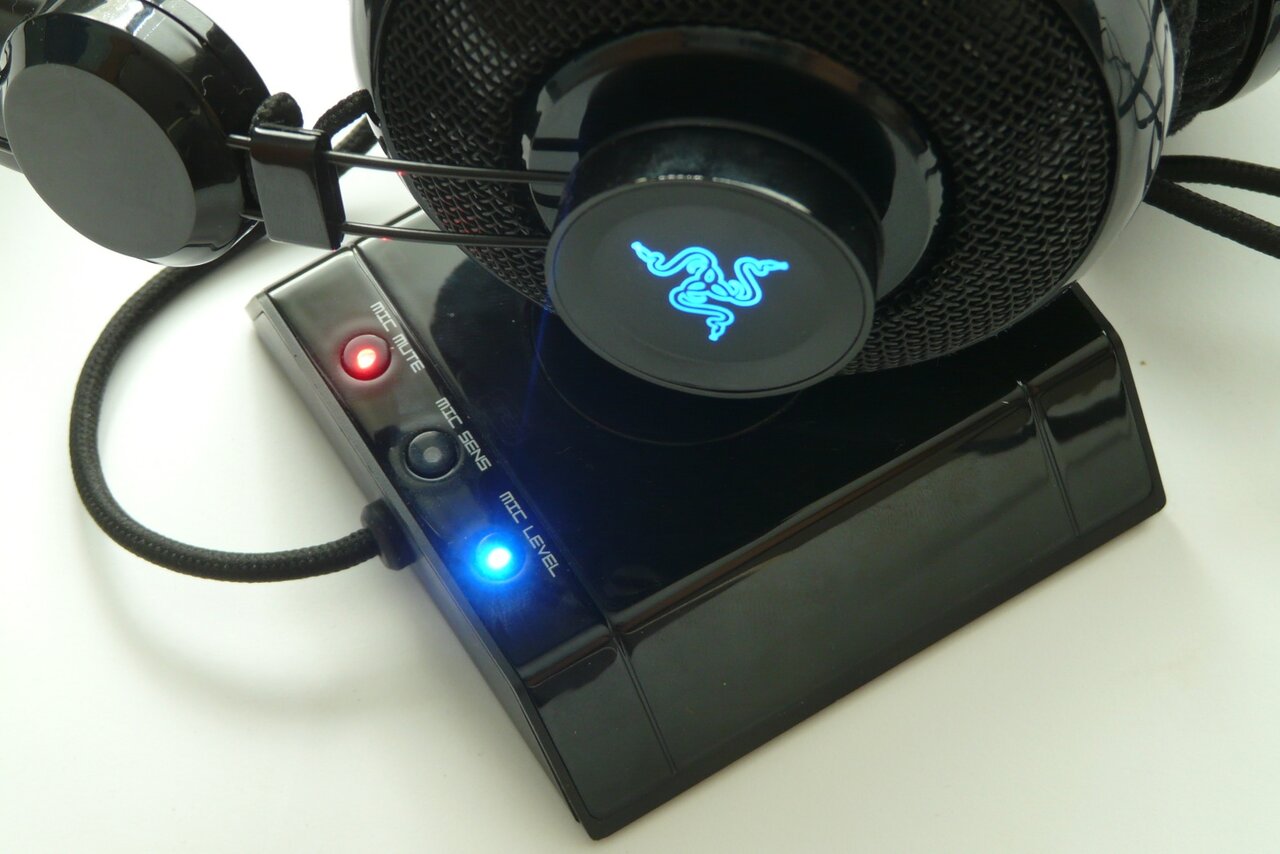
We also must note that that the controller padding is from a rubber like material that sticks very well to any surface preventing slipping. A single flaw of the controller in our eyes is the rotating switch, its surface is very slick and quite often the fingers just slide on it.