MSI GT640X - Gaming Laptop Review
- MSI GT640X - Gaming Laptop Review
- Page 2 - Packaging, overview
- Page 3 - Closer Look
- Page 4 – Insides, test configuration
- Page 5 - Tests - 3D Synthetic
- Page 6 - Tests - Media operations
- Page 7 - Tests - Performance
- Page 8 - Tests - Games
- Page 9 - Tests - Temperatures, battery and general impressions
- Page 10 - Conclusion
Page 3 - Closer Look
Page 3 - Closer Look
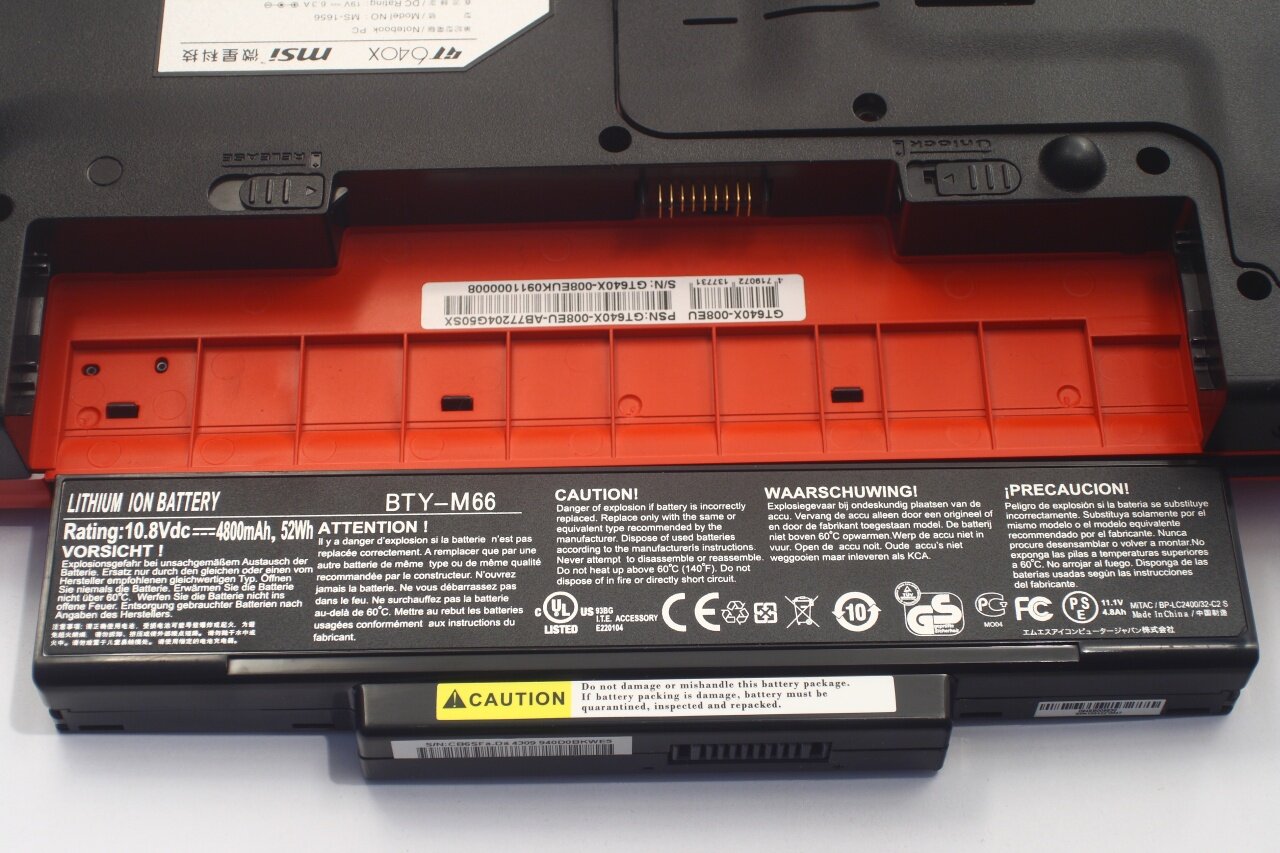
Battery is 6 cell 4800mAh, 52W. As for how suitable for powering such high performance machine it is - we'll find later in the review:
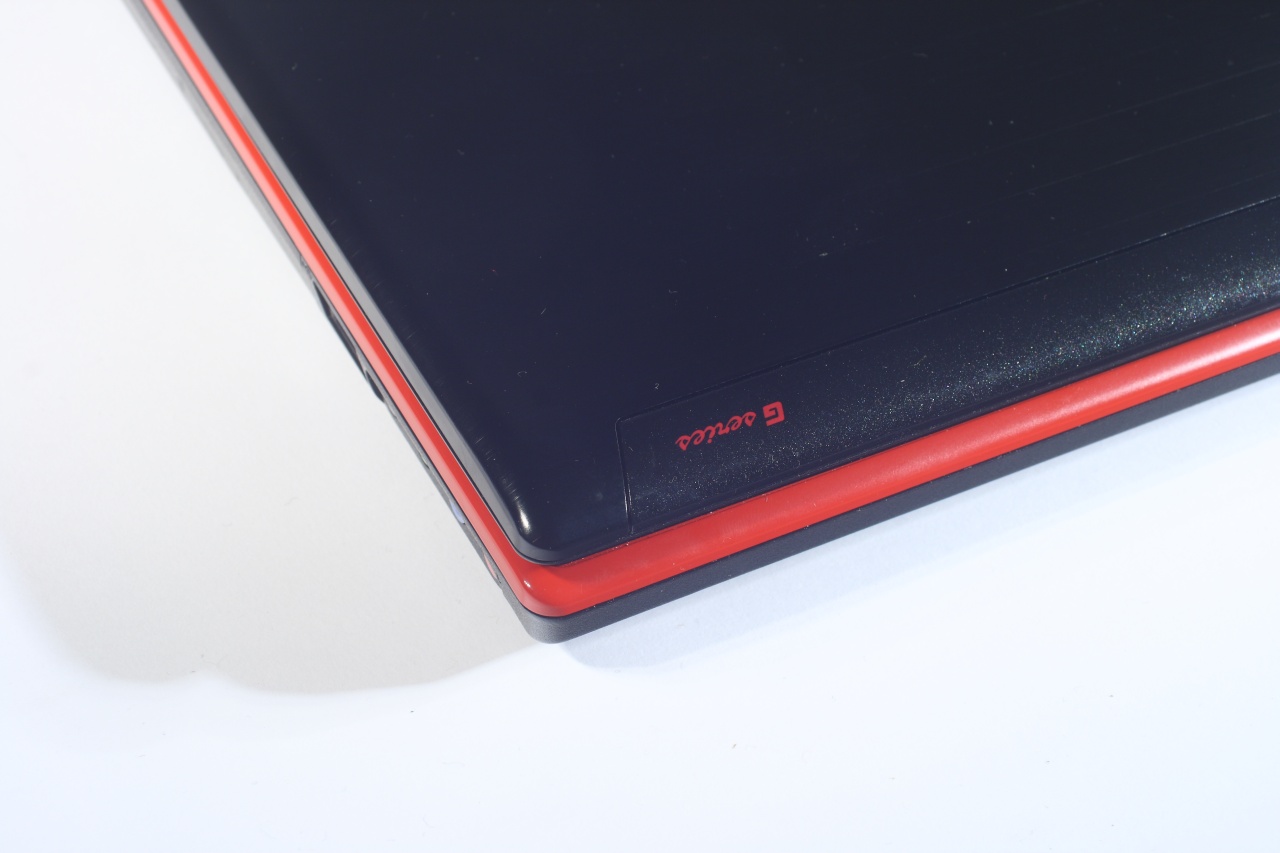
The top right corner of the cover displays stylish marking that certifies that the machine belongs to the G-series of MSI laptops:
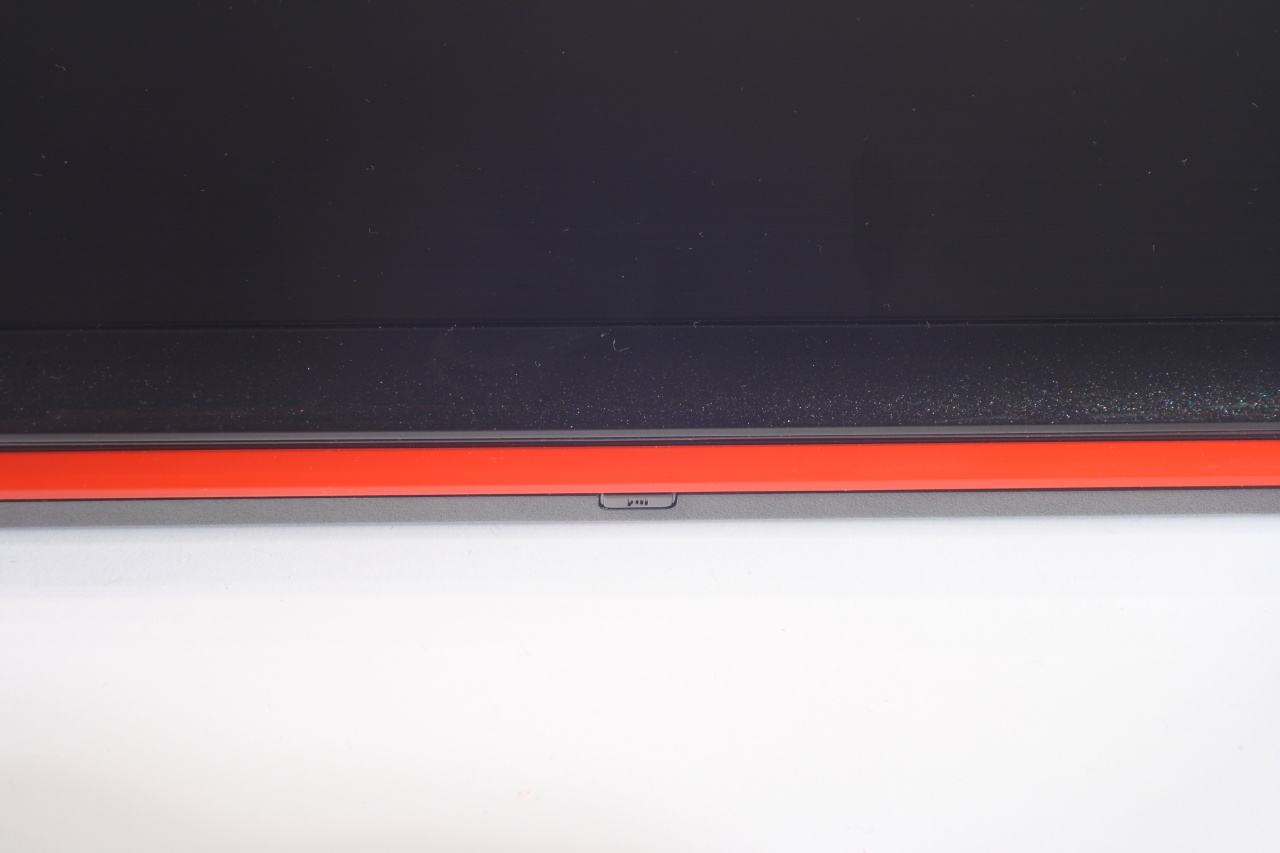
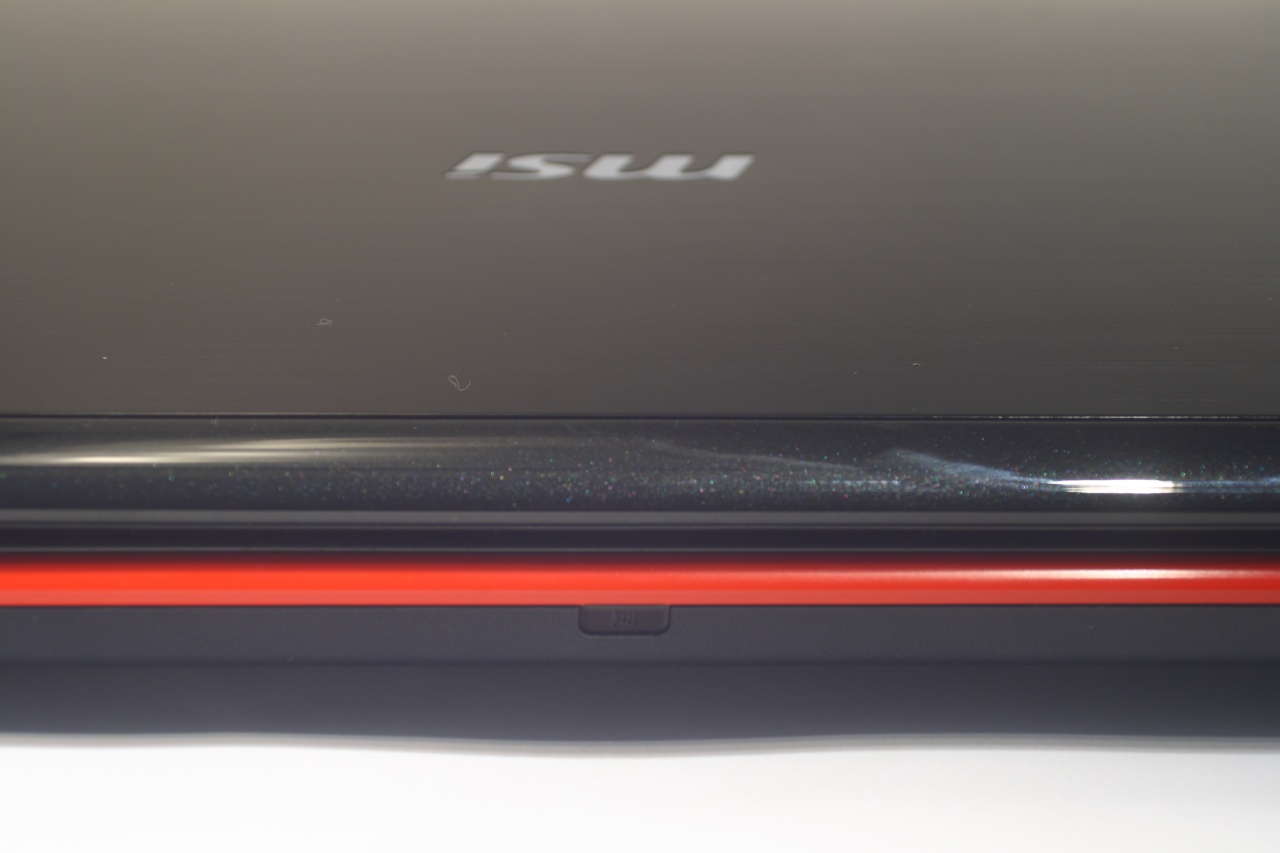
And here is the well hidden IR receiver (something uncommon nowadays). We can also see the textures on the plastic detail as well as the aluminum cover that bears the MSI logo:
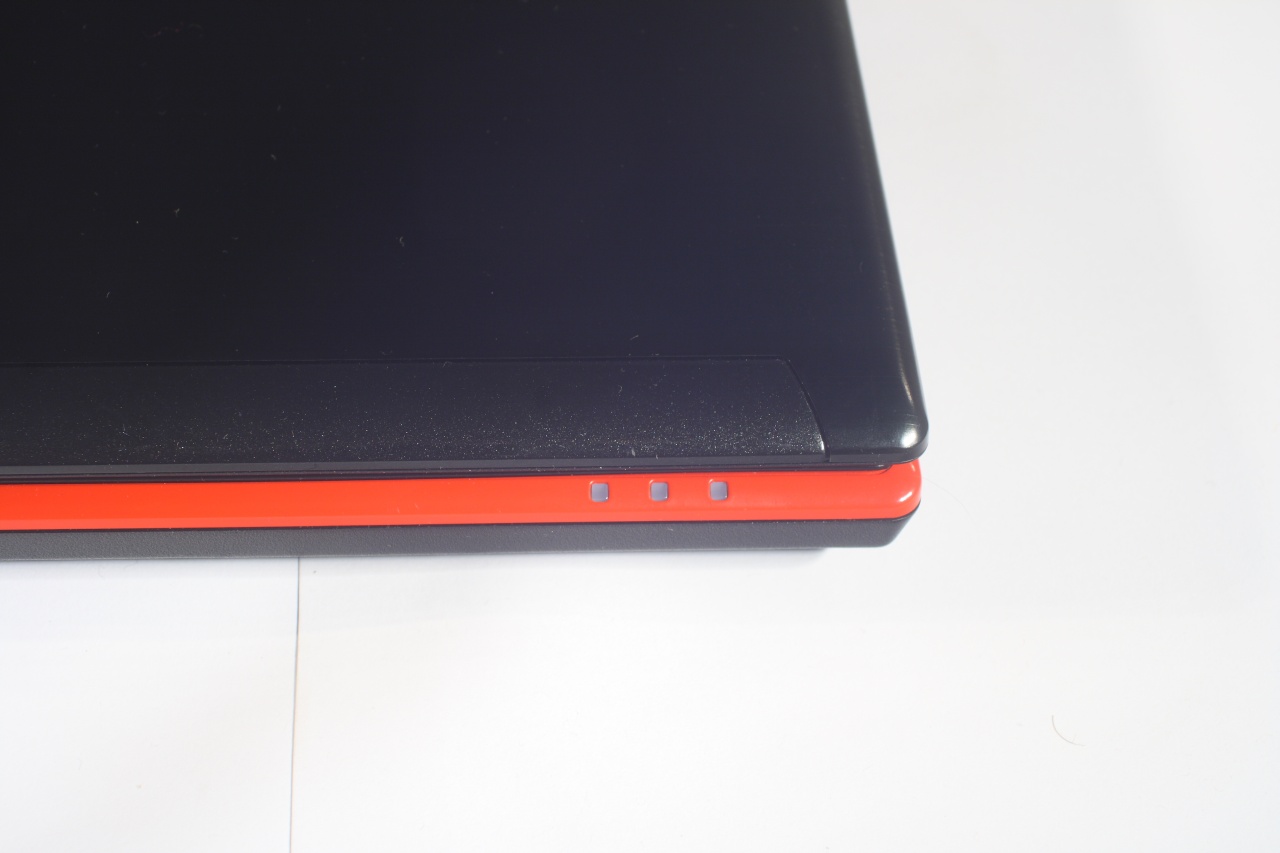
Closeup on the three indicator lights (purpose of which we'll explain later):
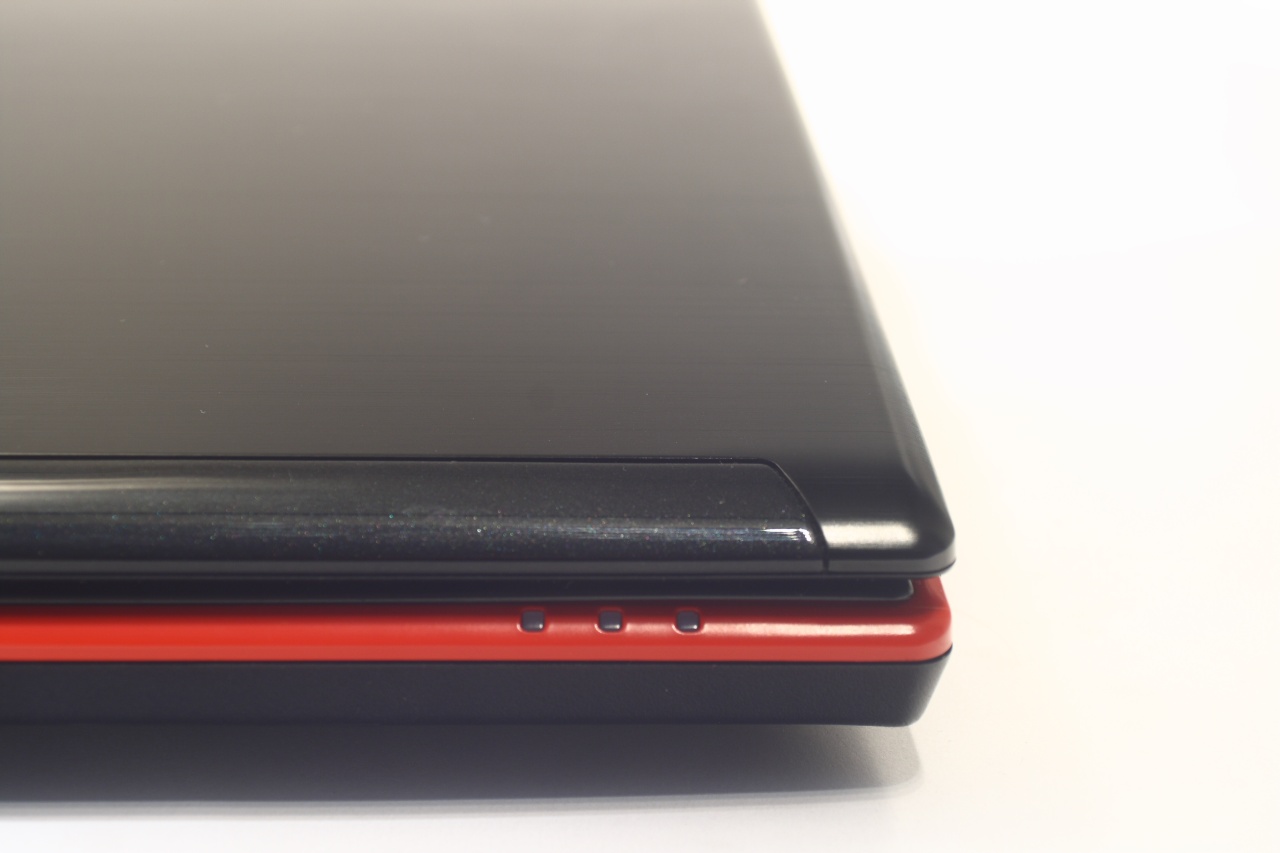
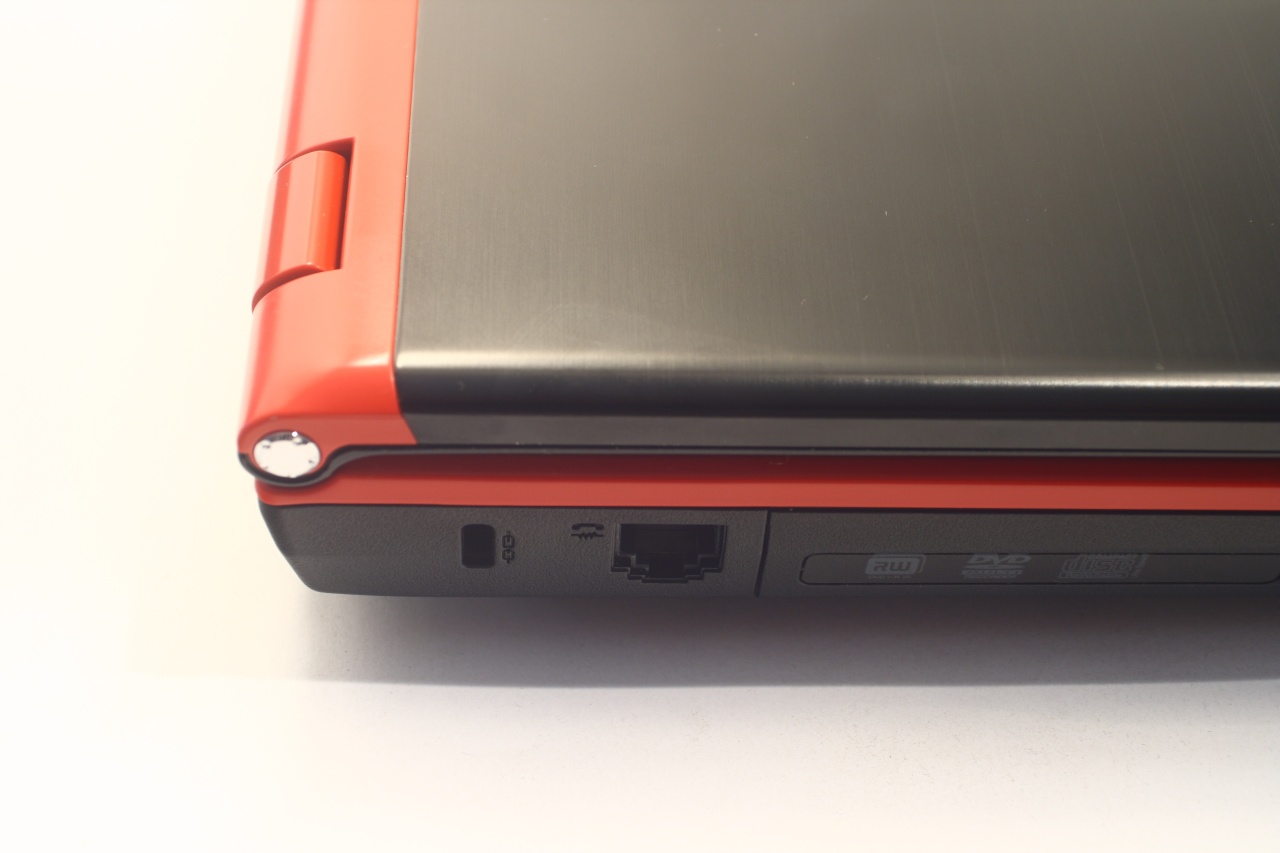
And the left side with all we said it has. Notice the four audio connectors that allow plugging in a 7.1 channel system:
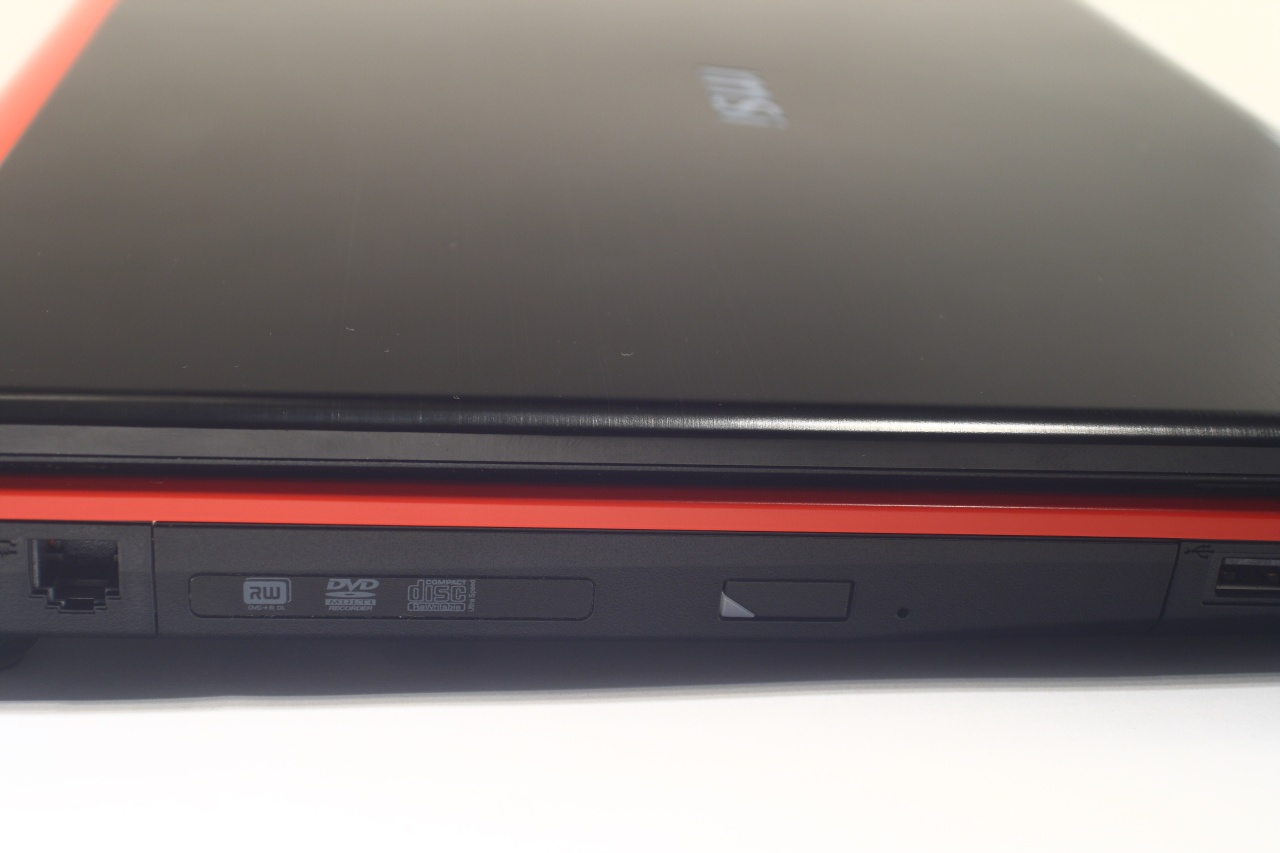
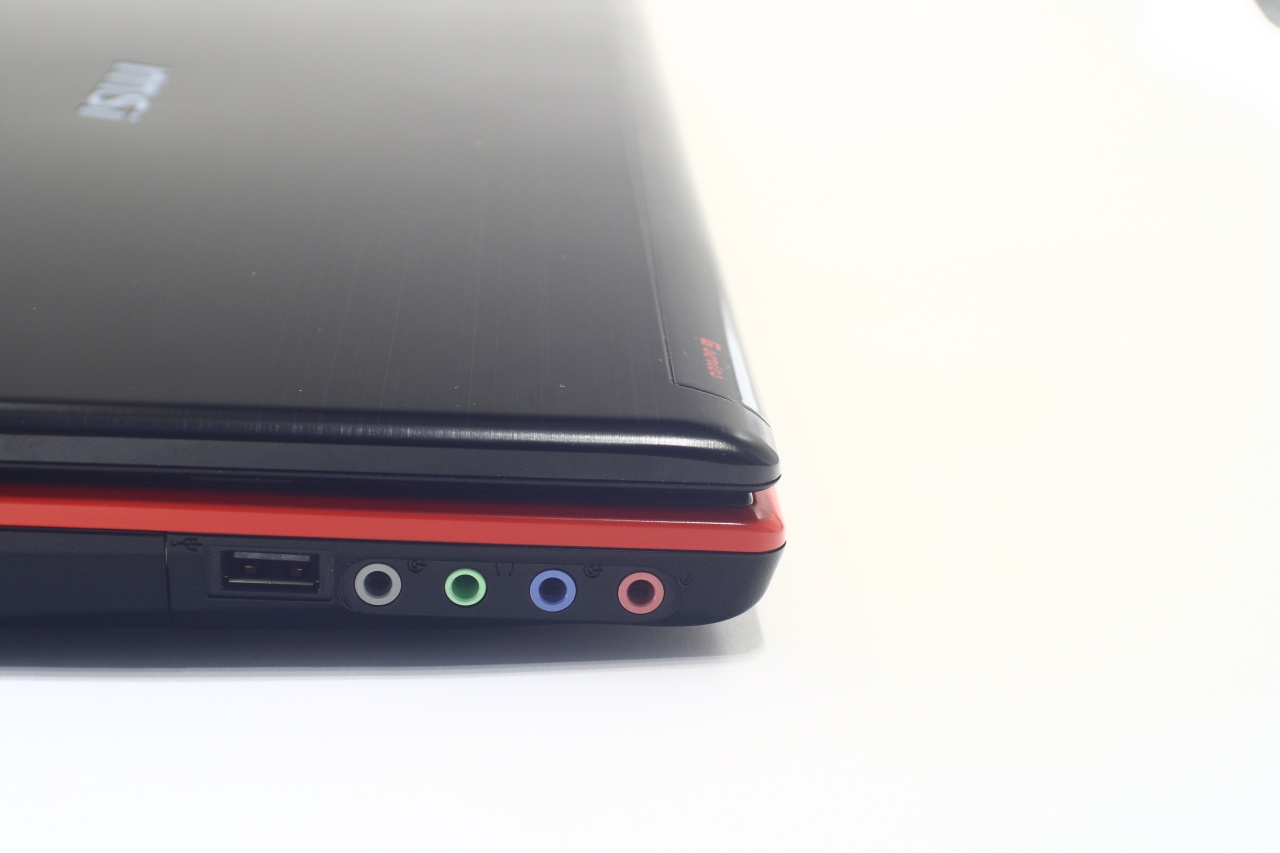
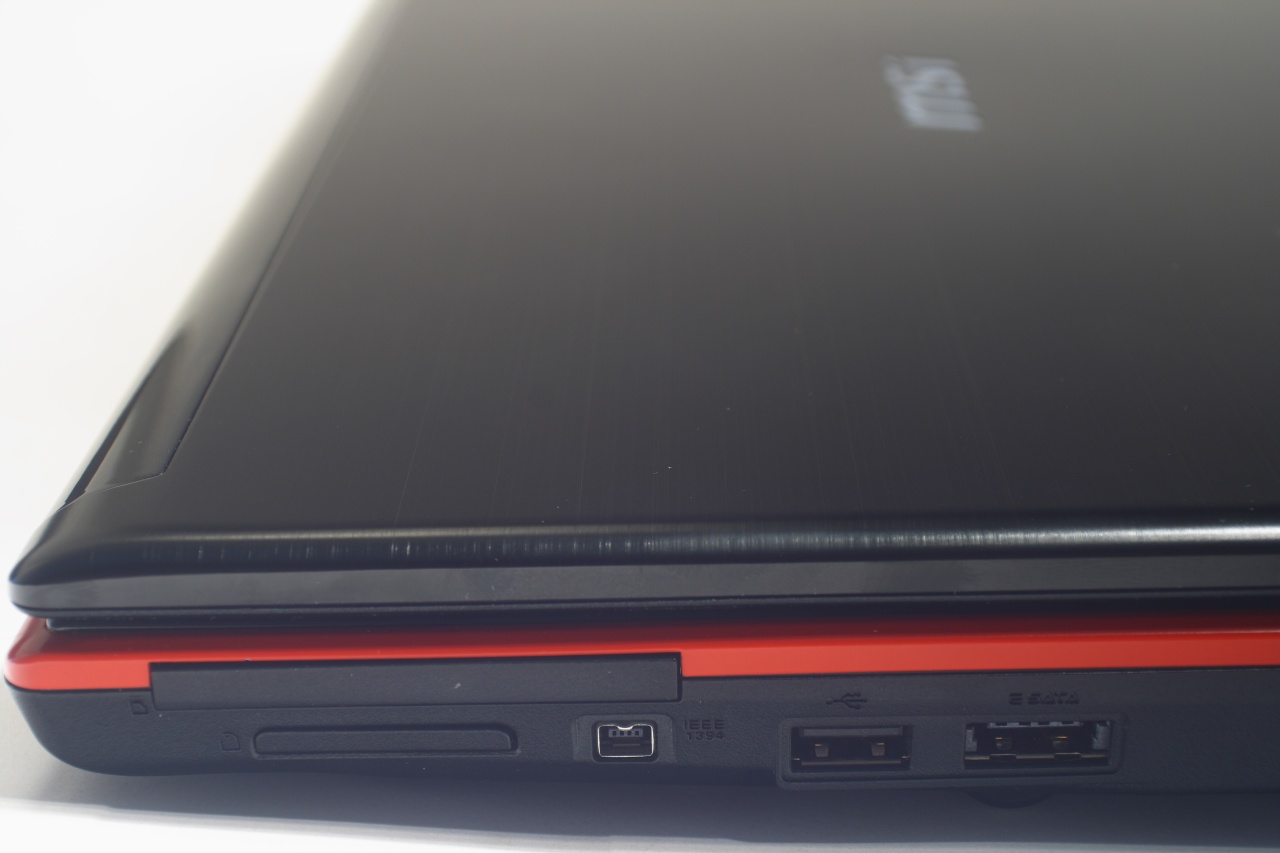
And the right panel, large part of which is occupied by cooling opening. While not always the most comfortable solution (due to most people being right handed an usually using mouse) it will keep your hand warm in the winter at least:
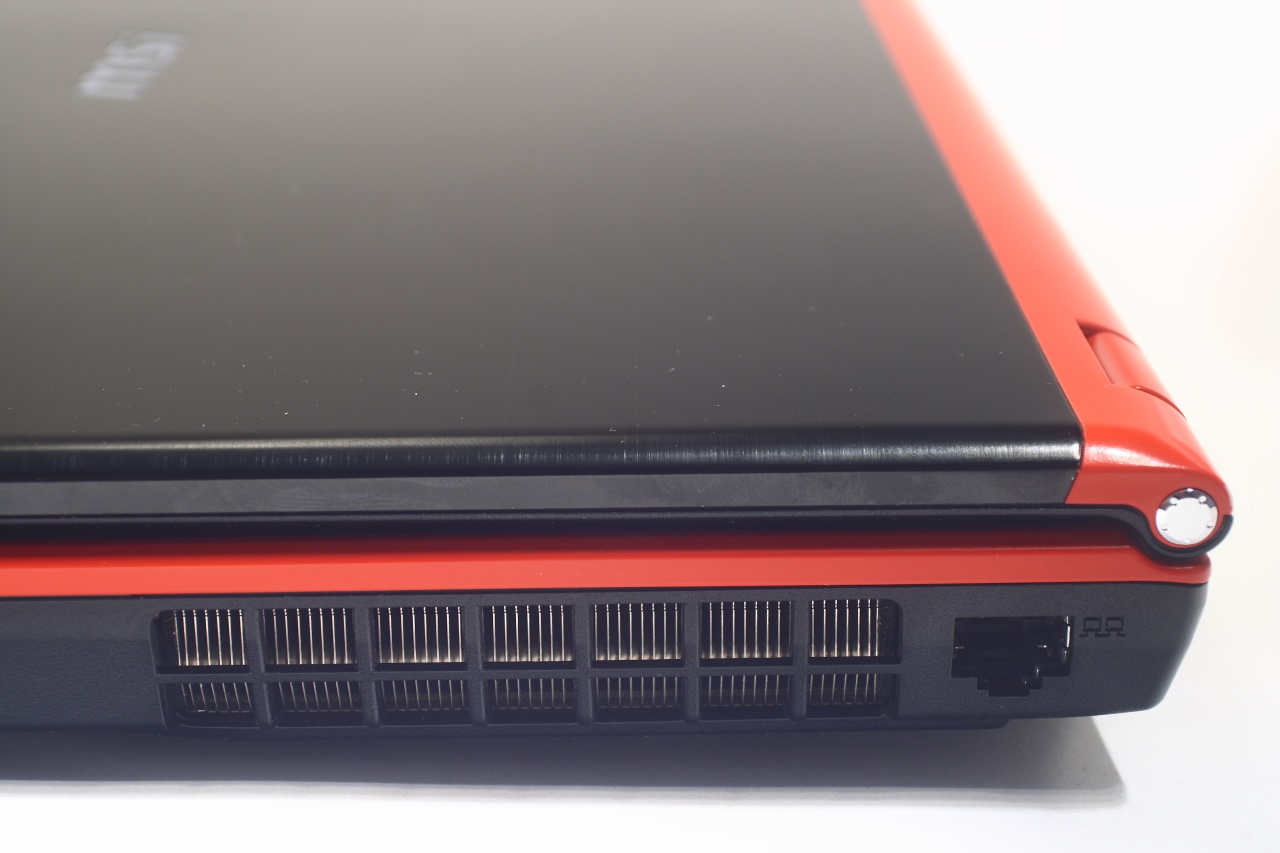
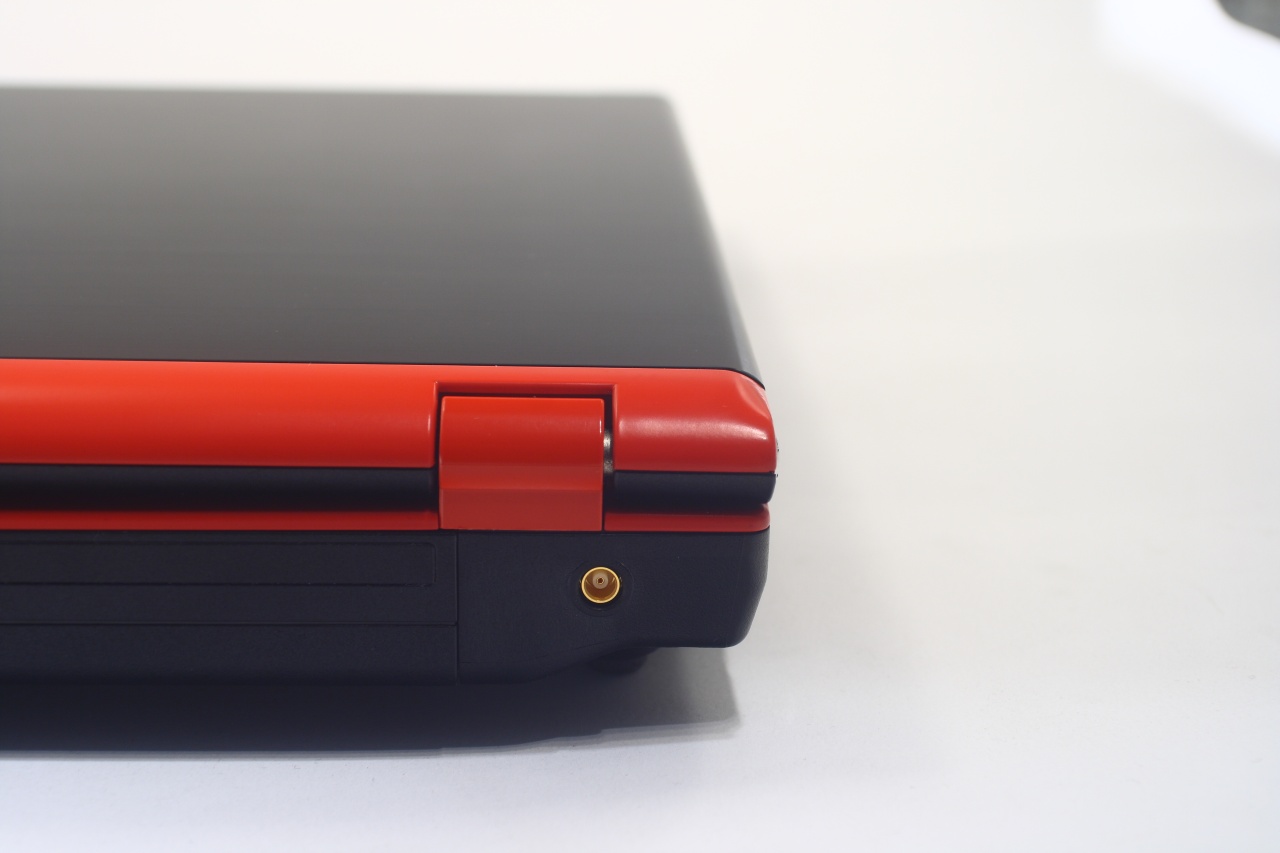
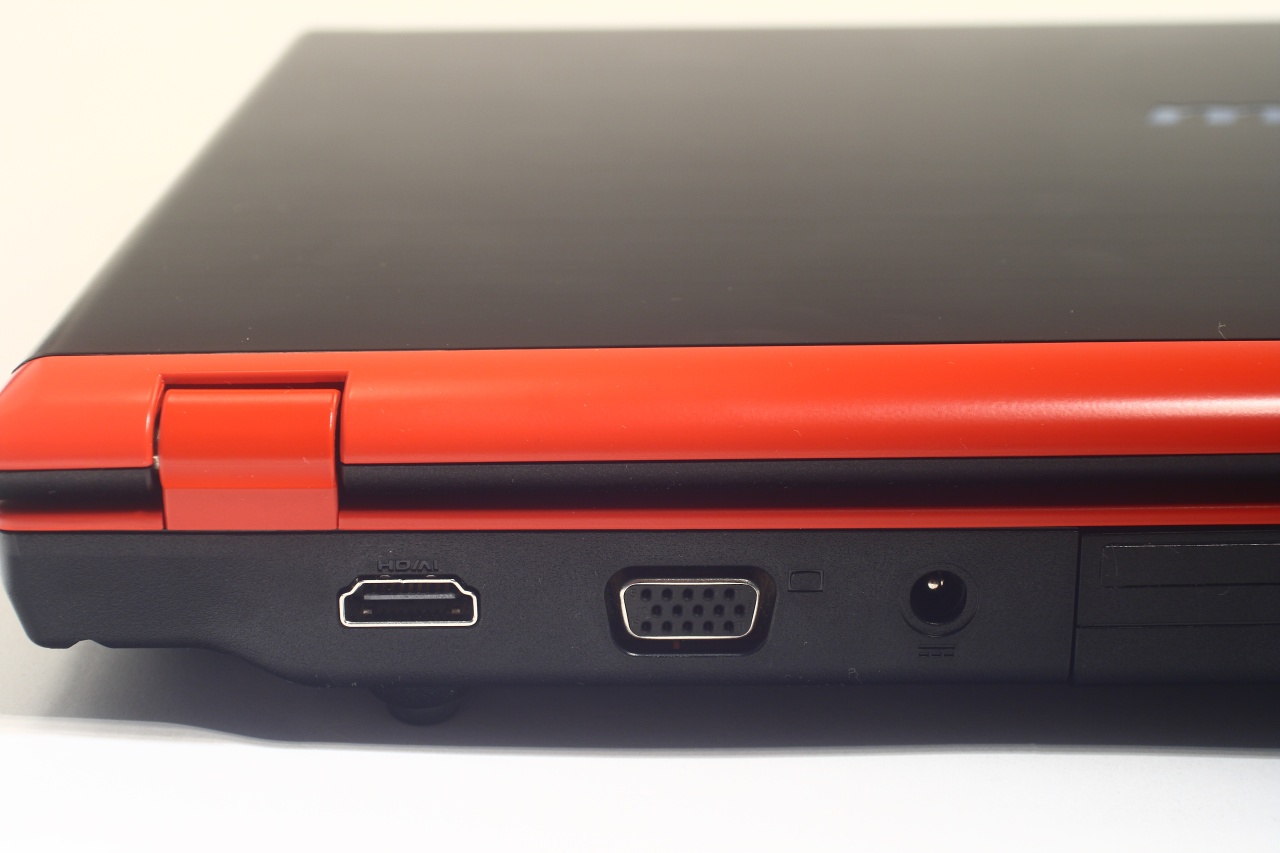
At the back is the connector for additional external antenna, a thing rarely seen. You can also see the wide hinges of the display:
And now for a look "under the hood", where a full size keyboard is to be found along with touch pad, additional set of sensor buttons and considerably large metal mesh over the speakers. All indicators are blue. Interesting thing we noticed is that the panel below the keyboard is aluminum too:
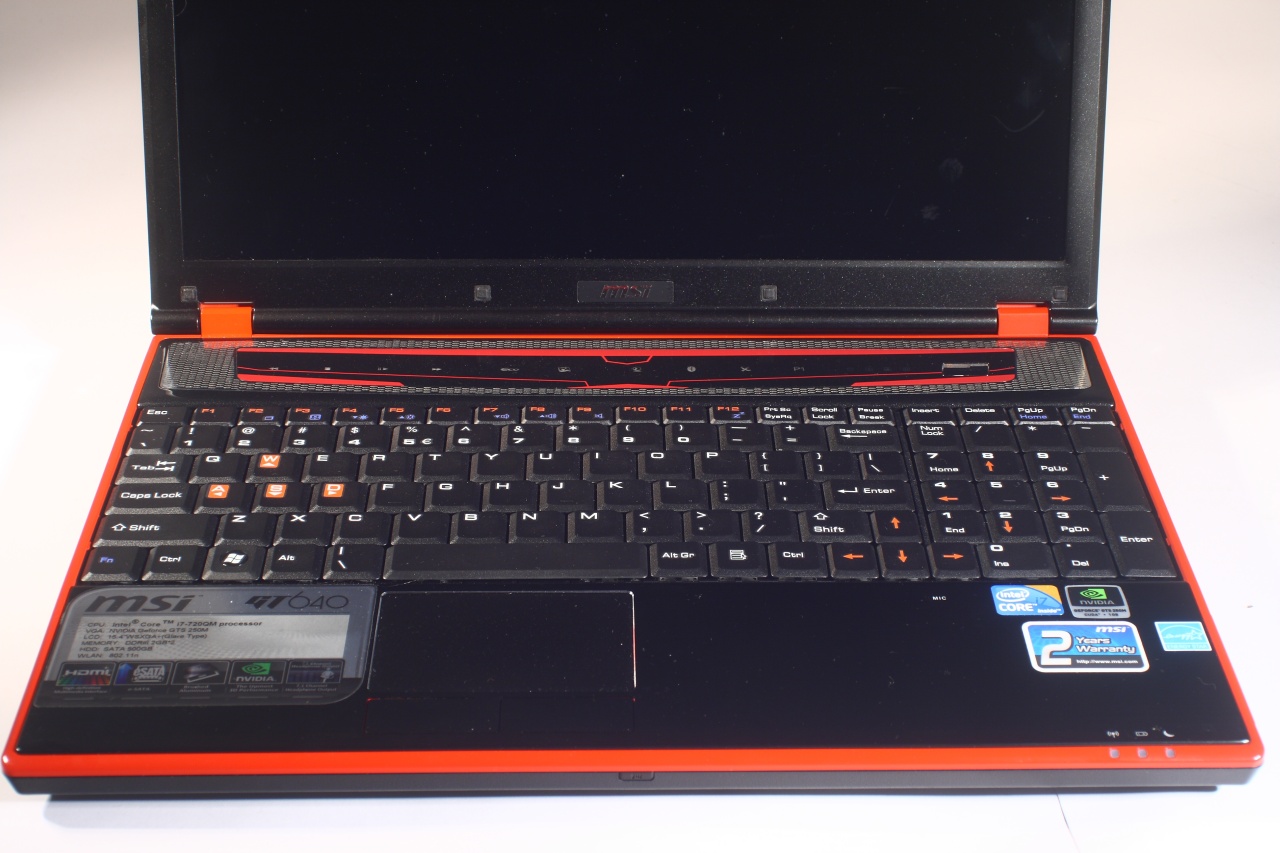
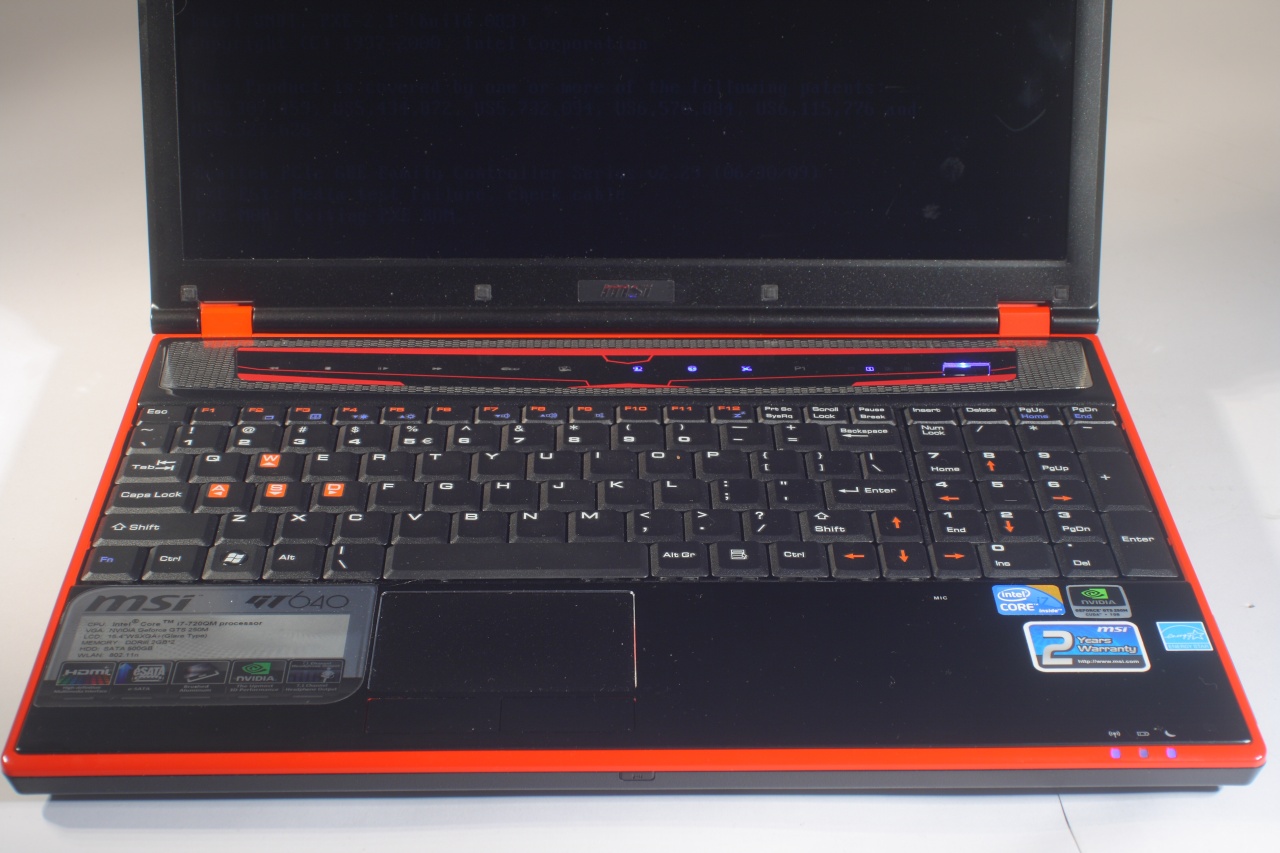
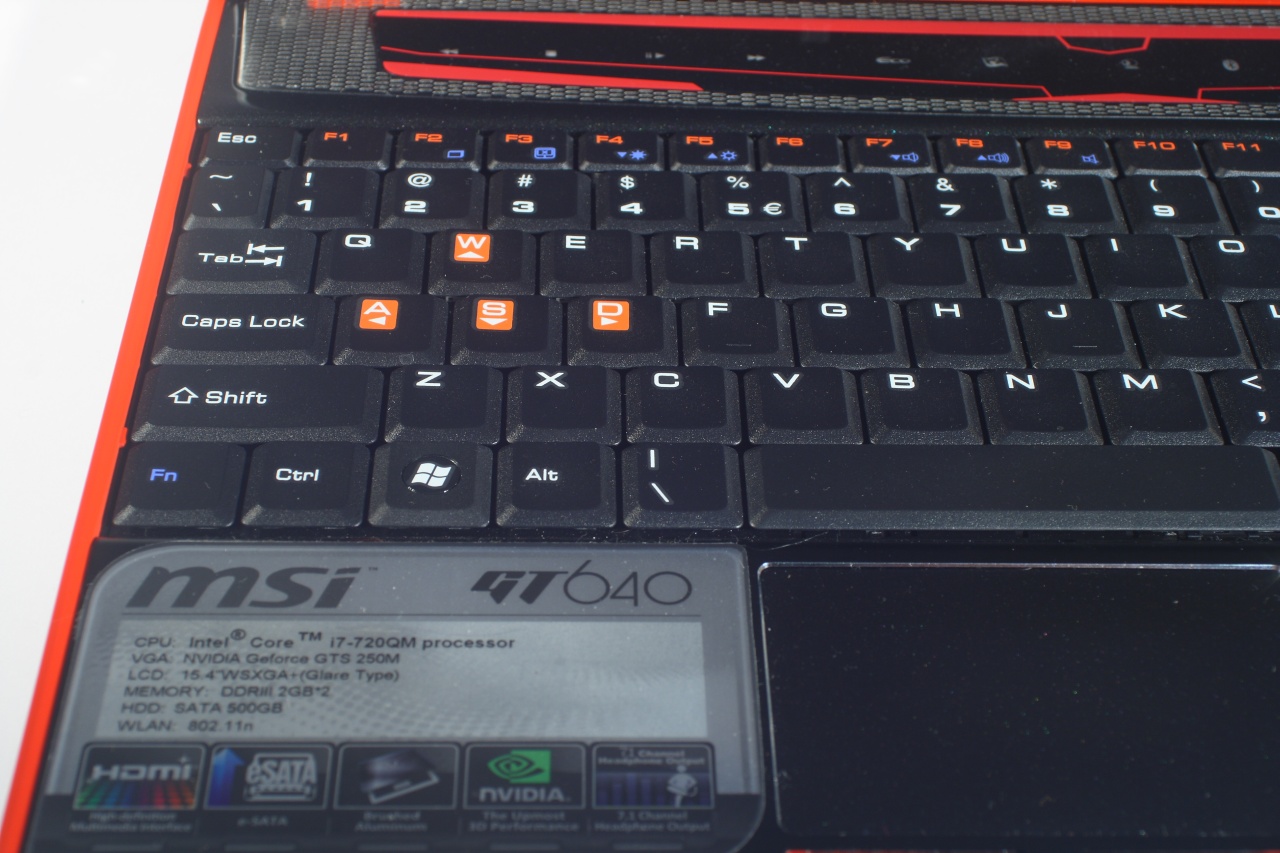
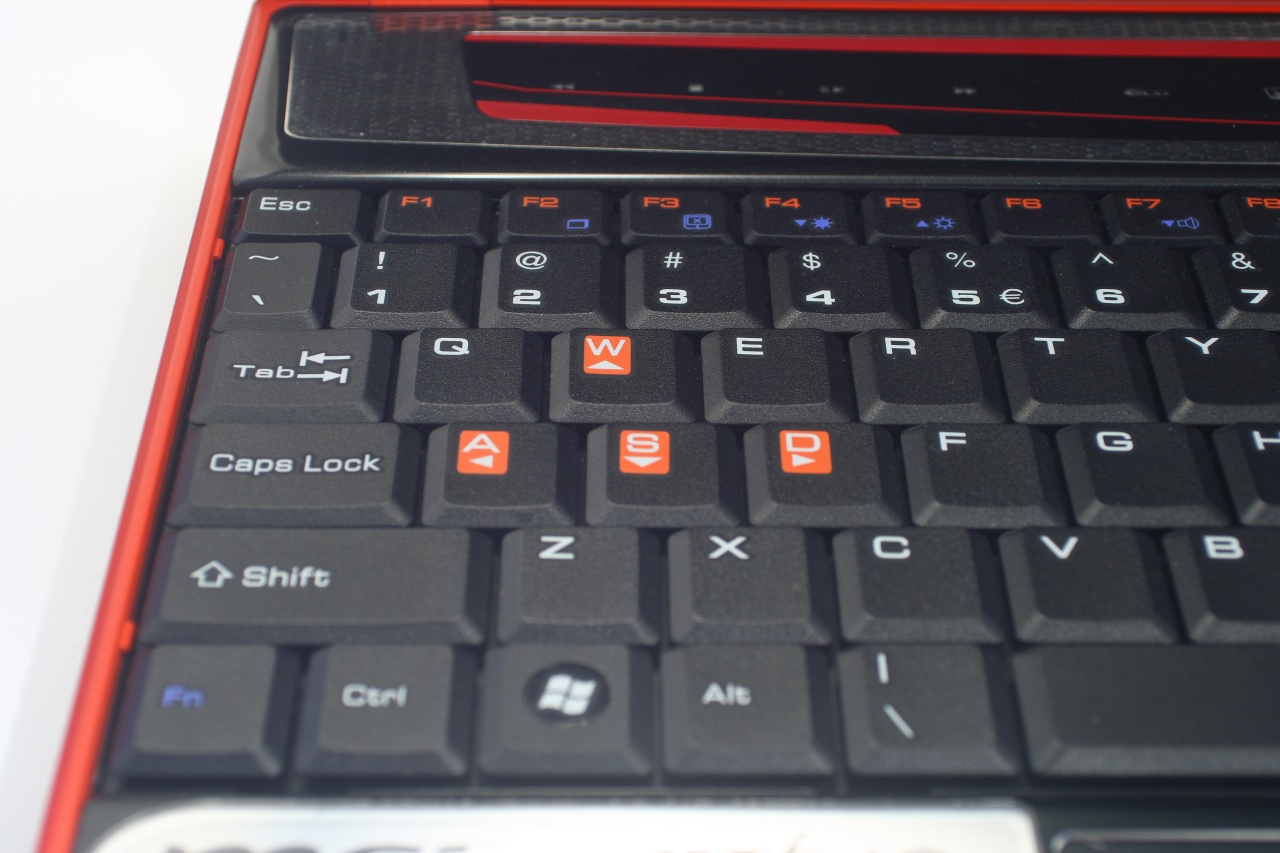
The WASD buttons (it is after all a gaming laptop) and functional keys are marked with bright orange colour that aids us finding them on the crowded keyboard in the dark. Sadly, once again here we find that MSI did place the Fn on the far left where Ctrl should be – this is indeed a confusing decision, especially for gaming machine where this button would be frequently used:
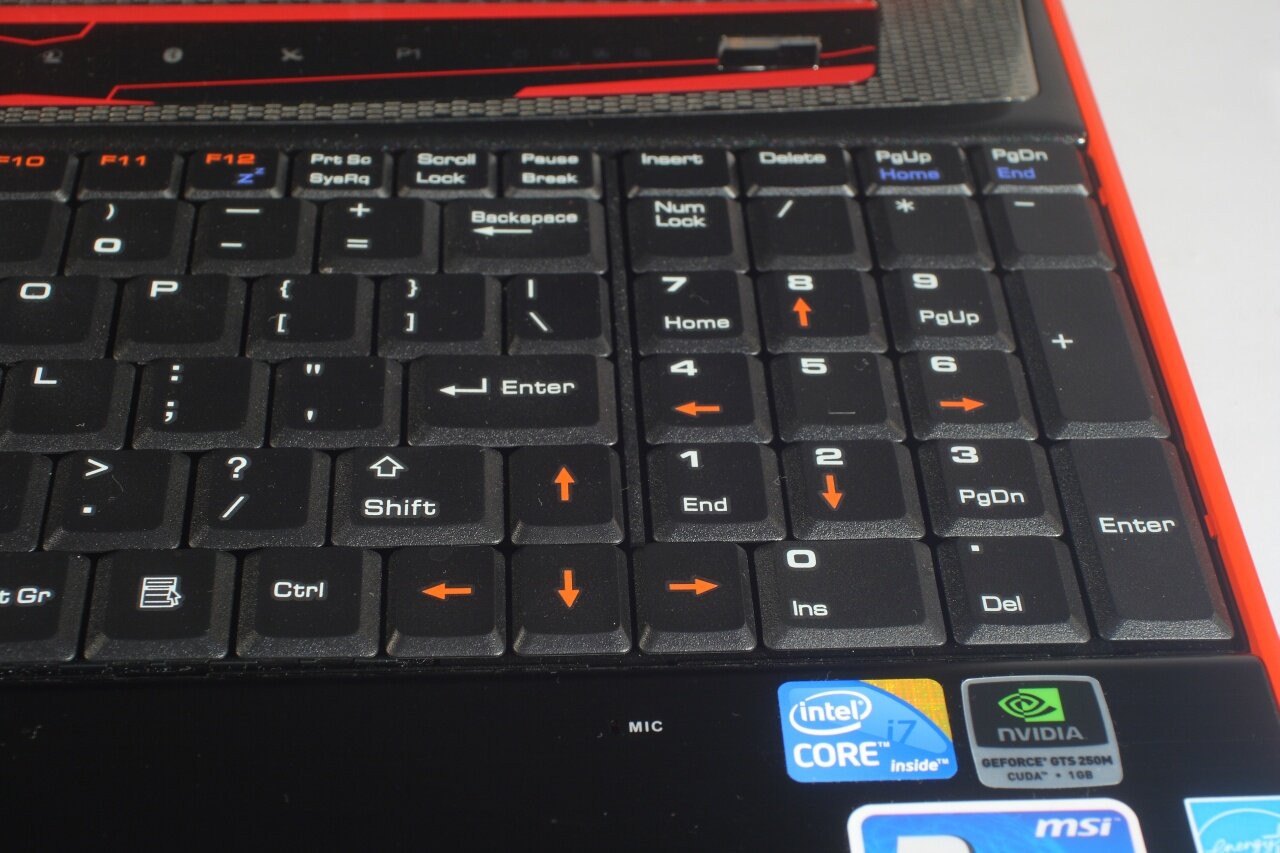
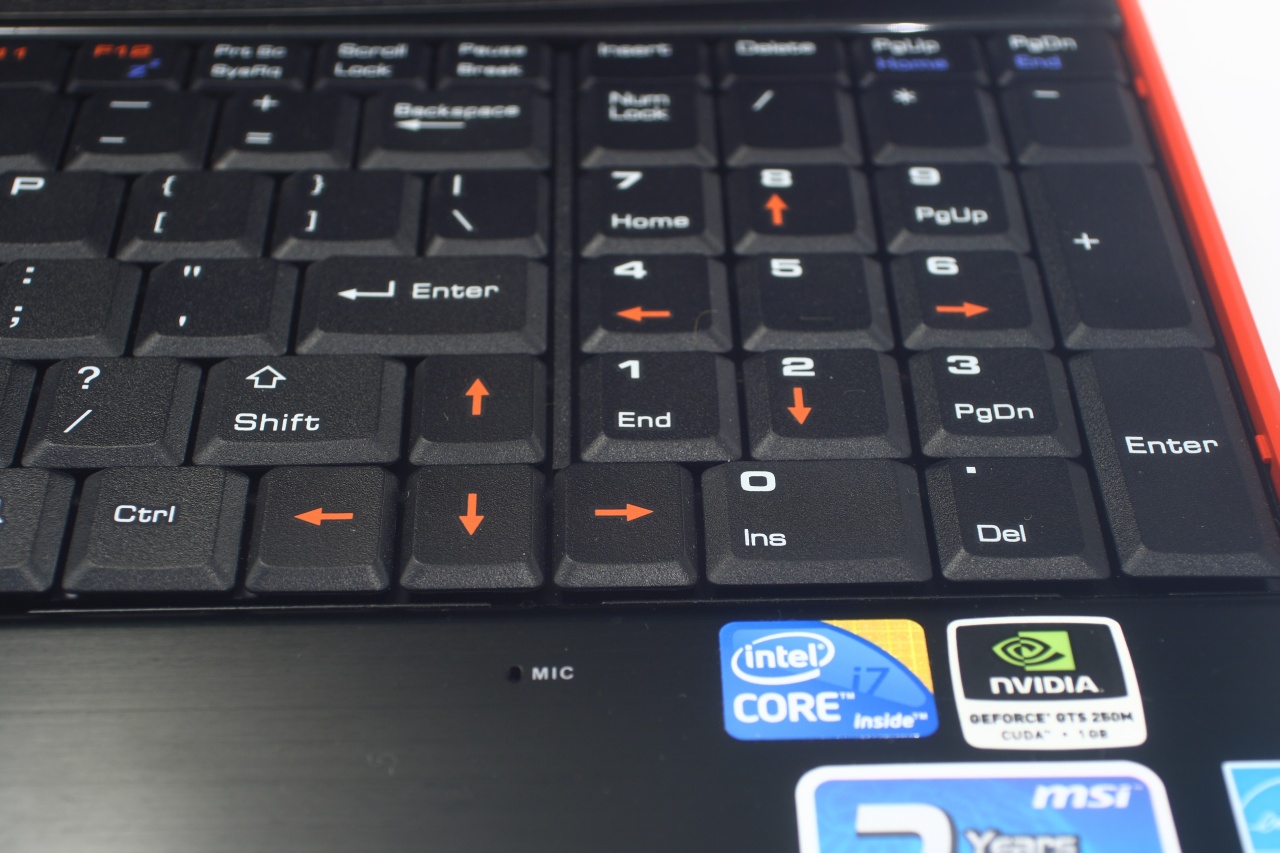
The right side reveals even more disappointing things – Enter, Shift and Backspace are way too small along with the arrow keys, the numpad is nearly merged with the main keyboard, thus making Enter even harder to hit. At least the keyboard is full sized i.e. we have a separate numpad and all arrows are marked in orange. Right bellow the said arrows keys is located the integrated laptop microphone, yet another dubious decision – it will surely pick up strongly any noise from the keyboard, then again this is common for most laptops, so we're pleased enough by the mere presence of the integrated microphone:
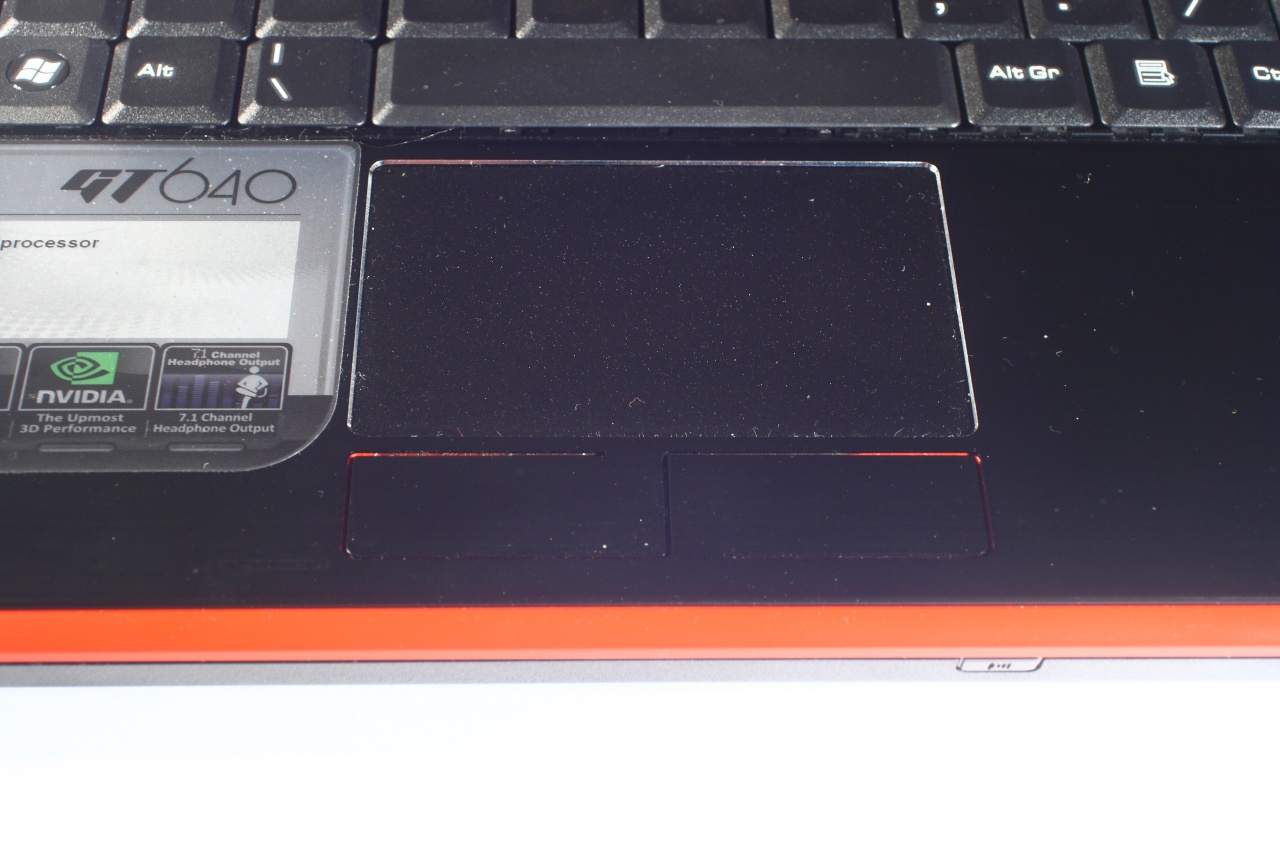
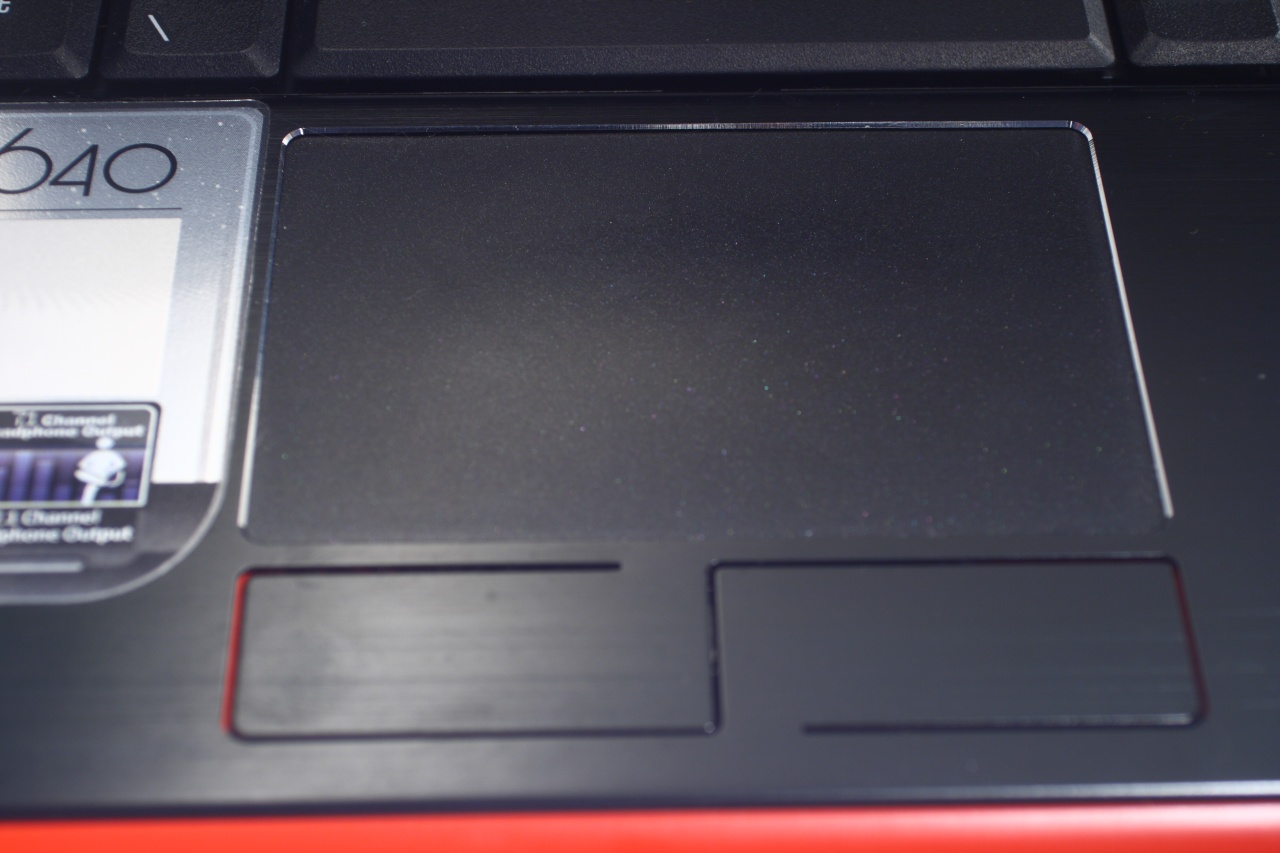
The touch pad however is quite stylish with great area and very well masked buttons (with sufficient size):
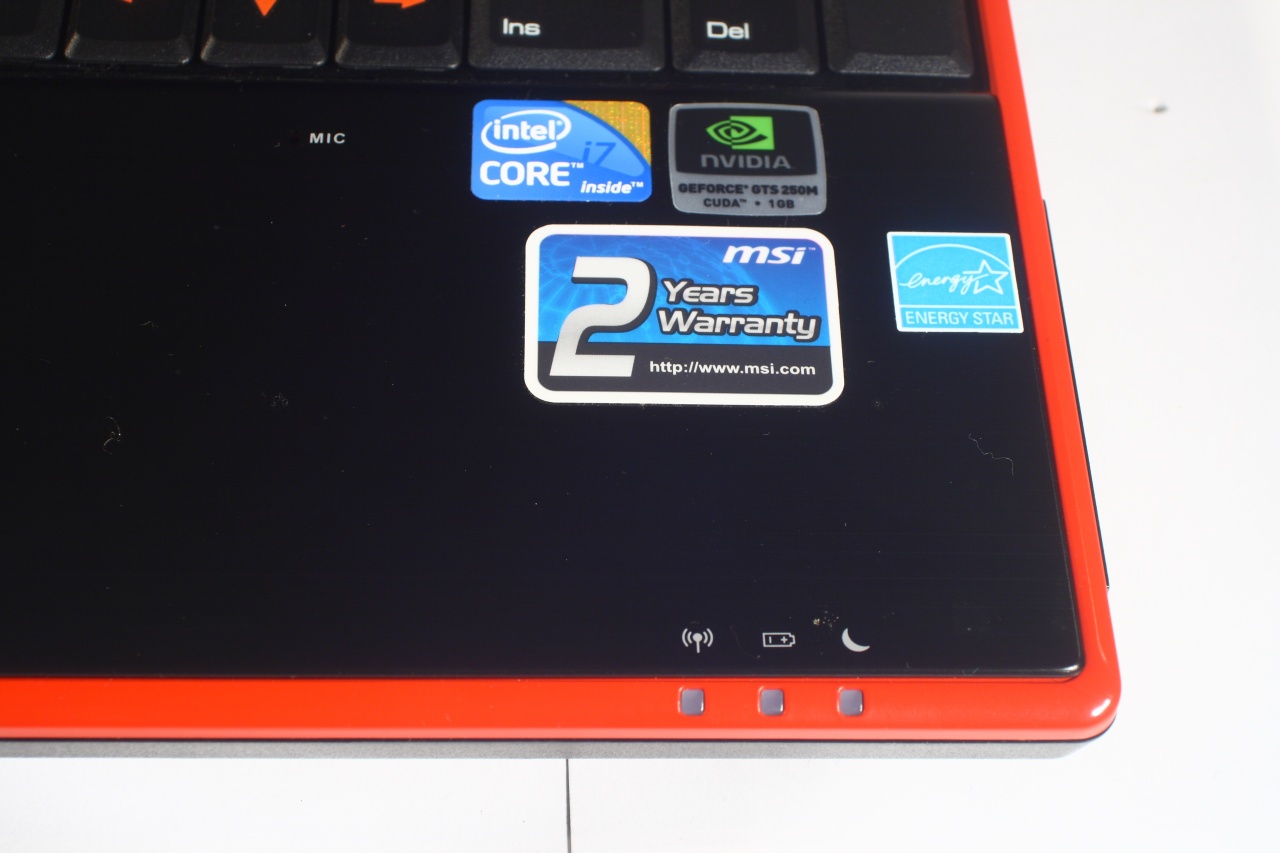
The LED indicators for wireless connection, battery and system state:
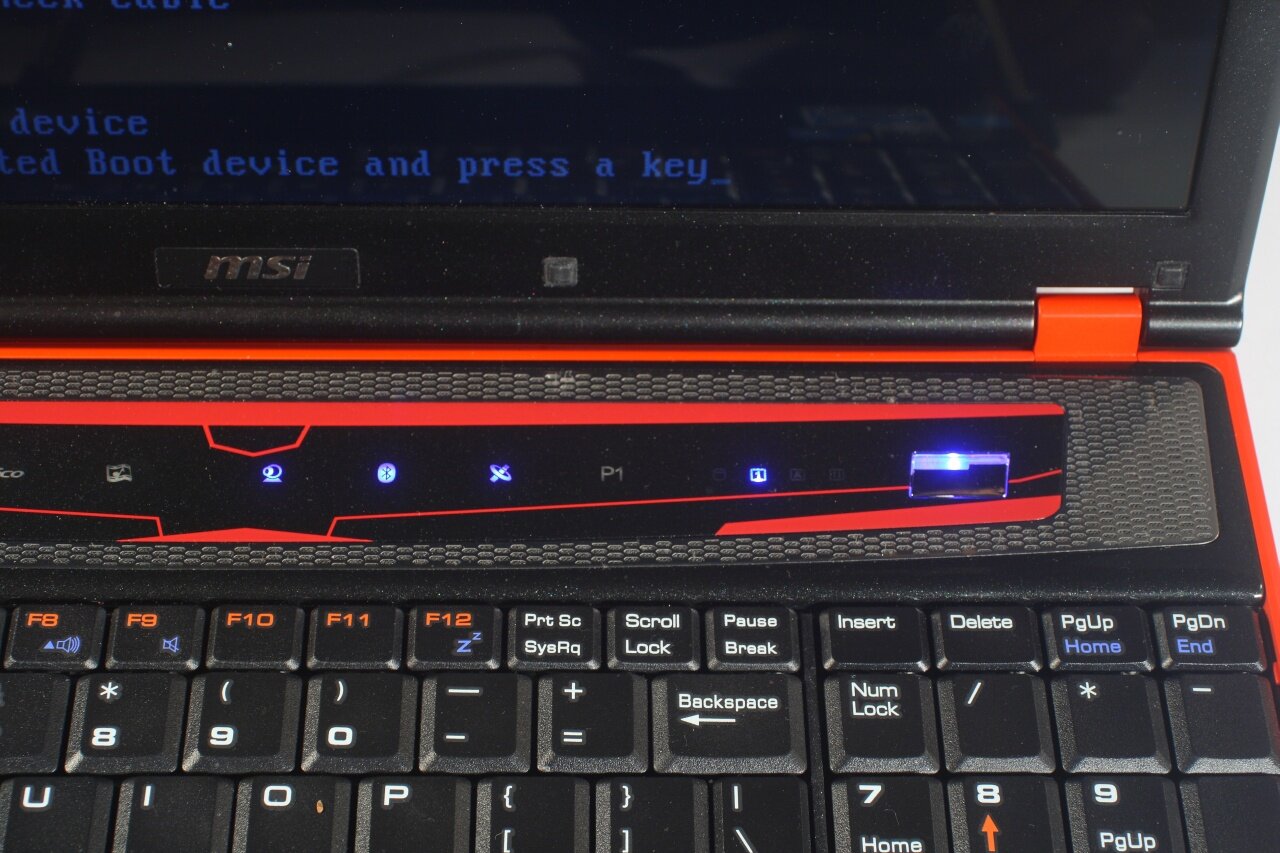
The sensor button panel includes media buttons, two buttons for the Eco and Cinema Pro modes, ones for the webcam, Bluetooth and wireless connection along with one programmable button that that can be "attached" to any program of the users choice. The very same panel also hosts all other system indicators (LEDs for HDD activity, Num Lock, Caps Lock and so on) along with the power button:
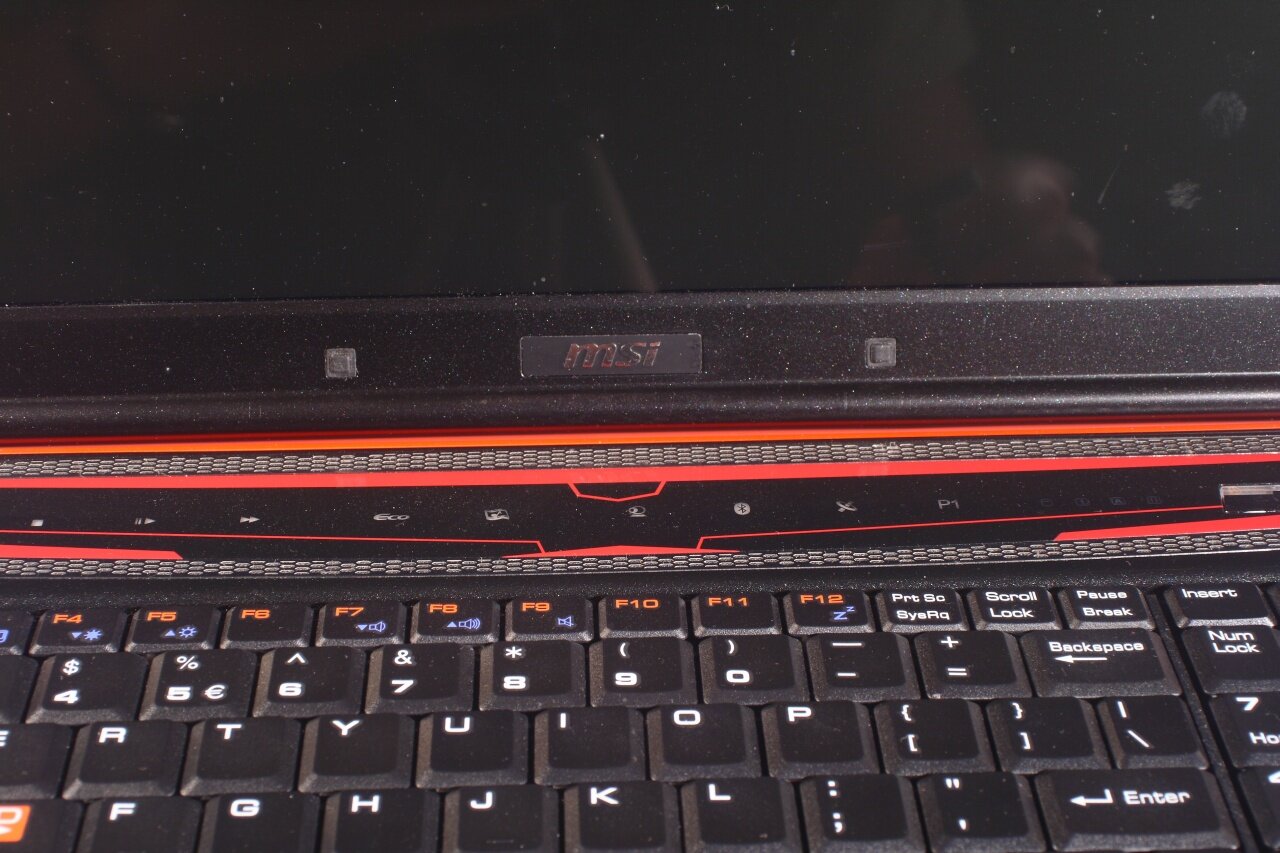
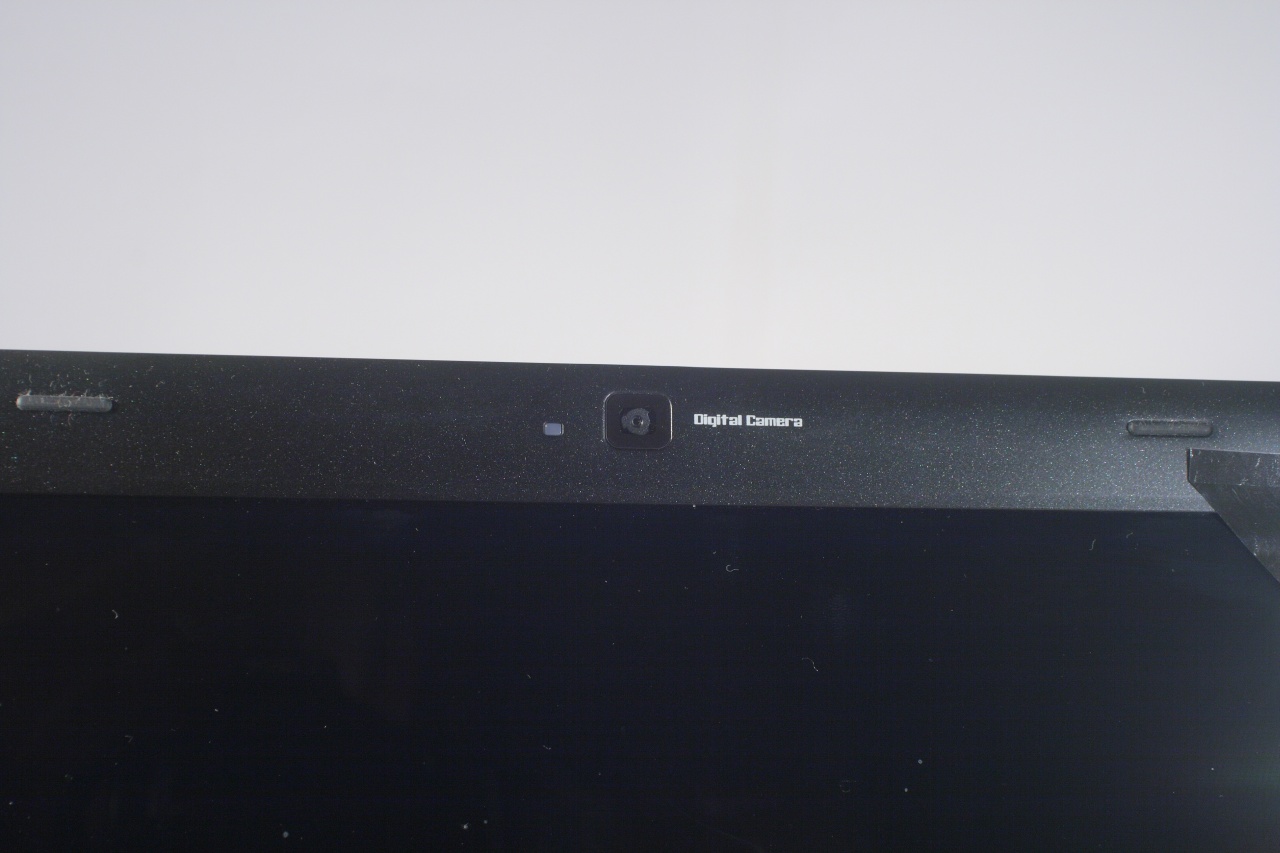
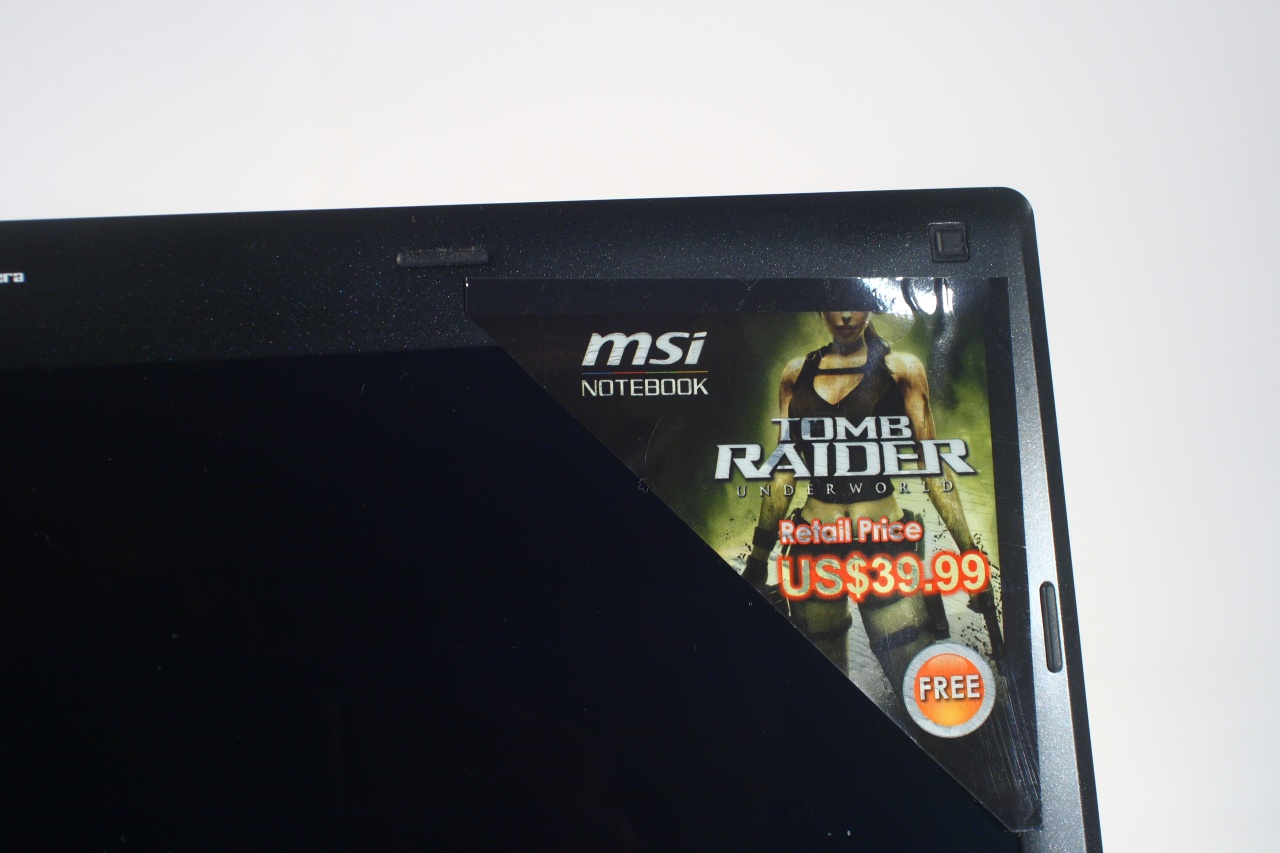
On the standard spot on the top of the display frame we have a 2 megapixel webcam. On its right we found a sticker with Lara Croft, or at least the most important parts of her (nudge nudge, wink wink):
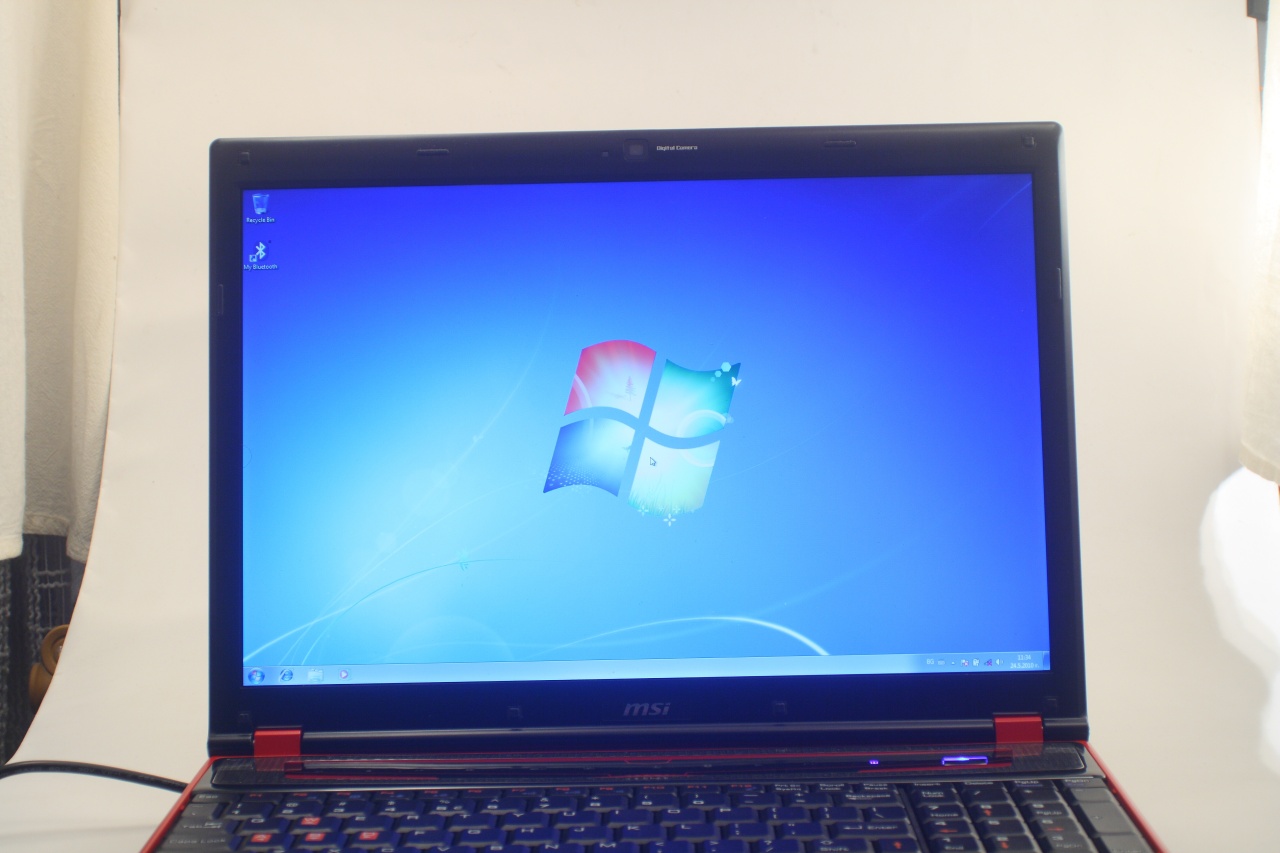
All that's left now is to install a OS and get on with testing: