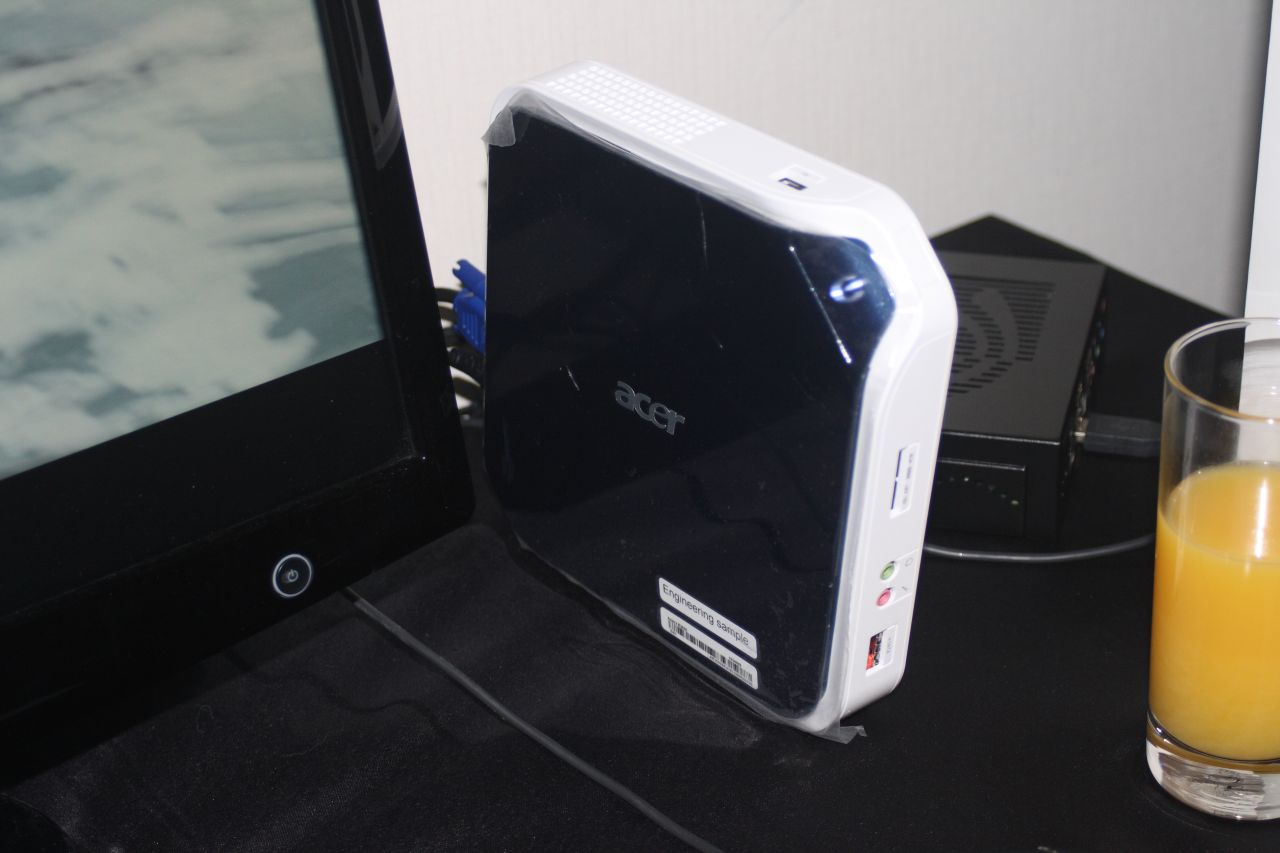
Acer Aspire Revo R3600 - NVIDIA ION Nettop Review
- Acer Aspire Revo R3600 - NVIDIA ION Nettop Review
- Page 2 - Packaging, contents
- Page 3 - Closer look
- Page 4 - Tests, test configurations
- Page 5 - Tests - Overall performance
- Page 6 - CUDA , power consumption and some thoughts
- Page 7 - Conclusion
Page 3 - Closer look
Page 3 - Closer look
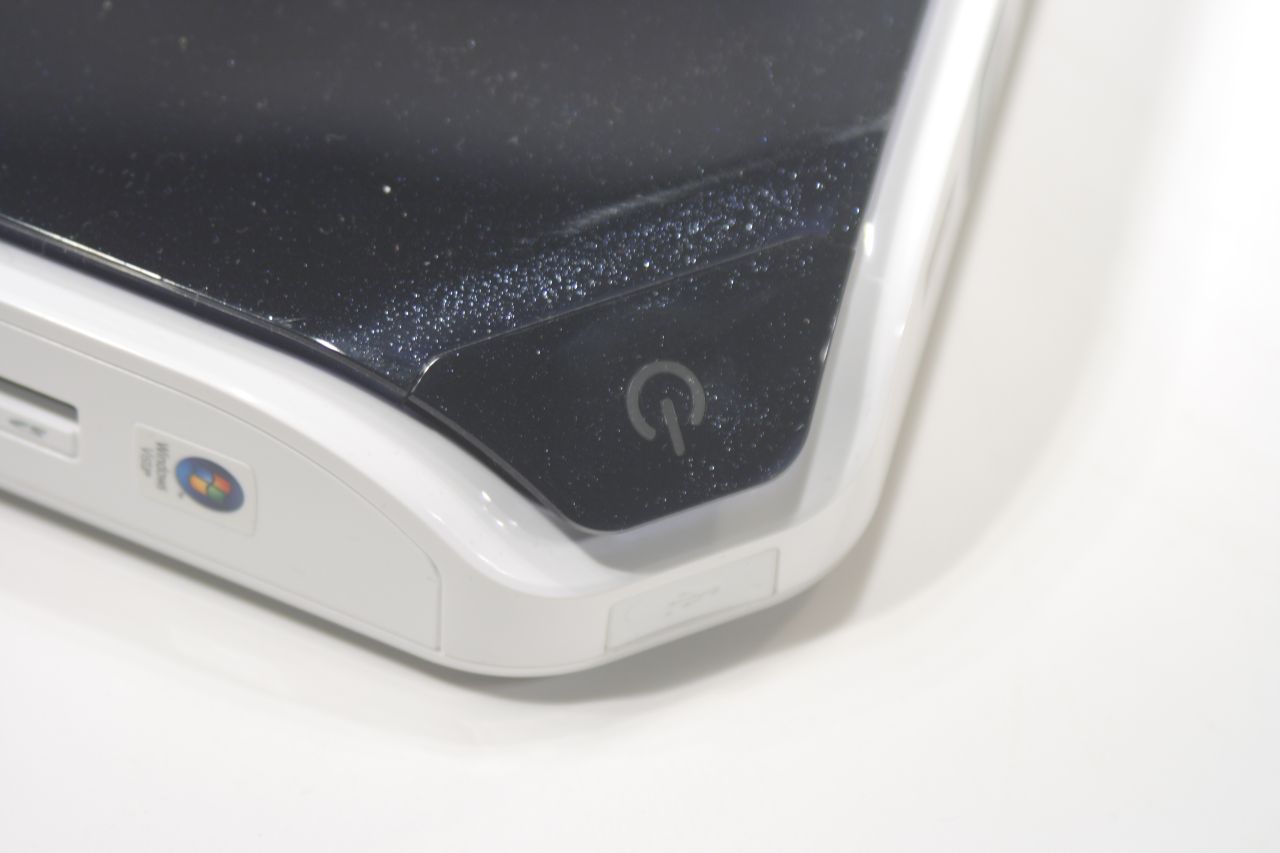
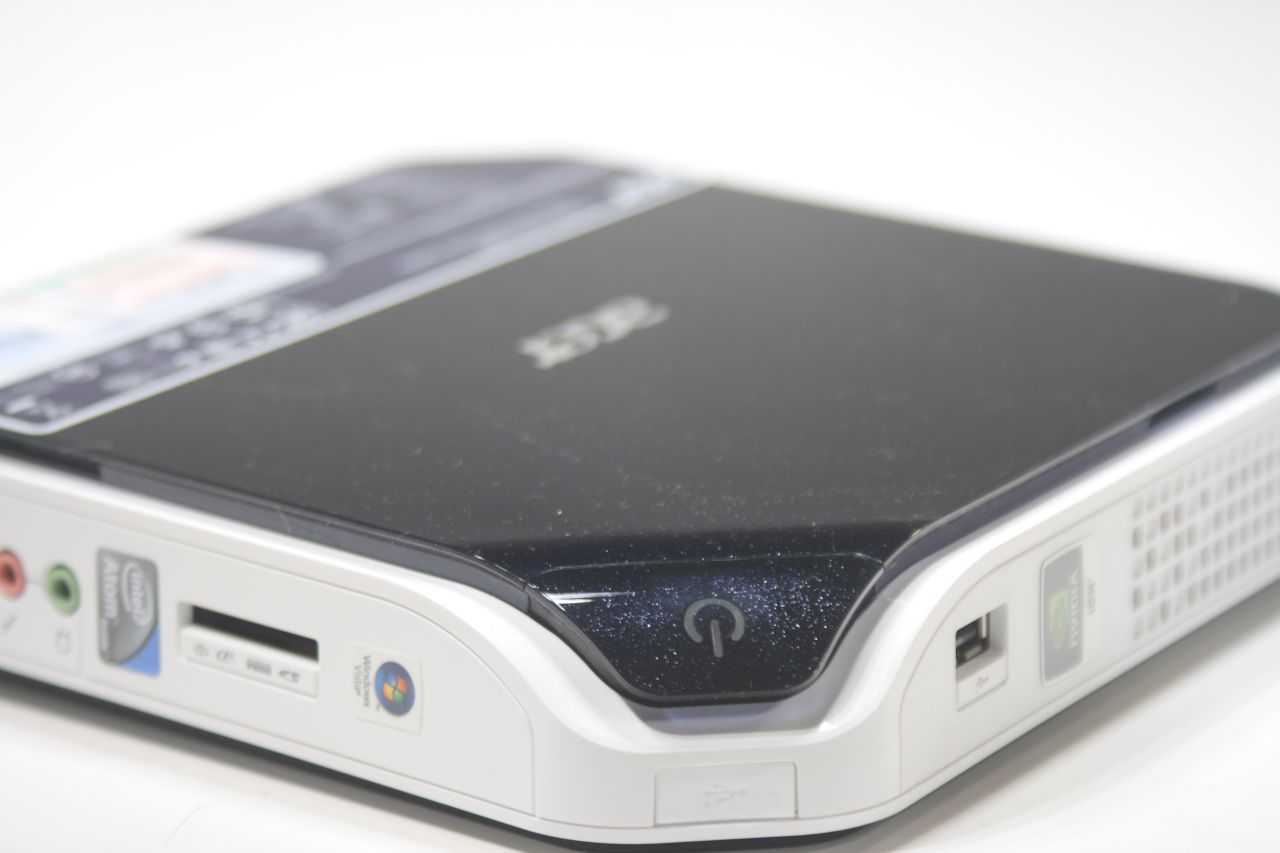
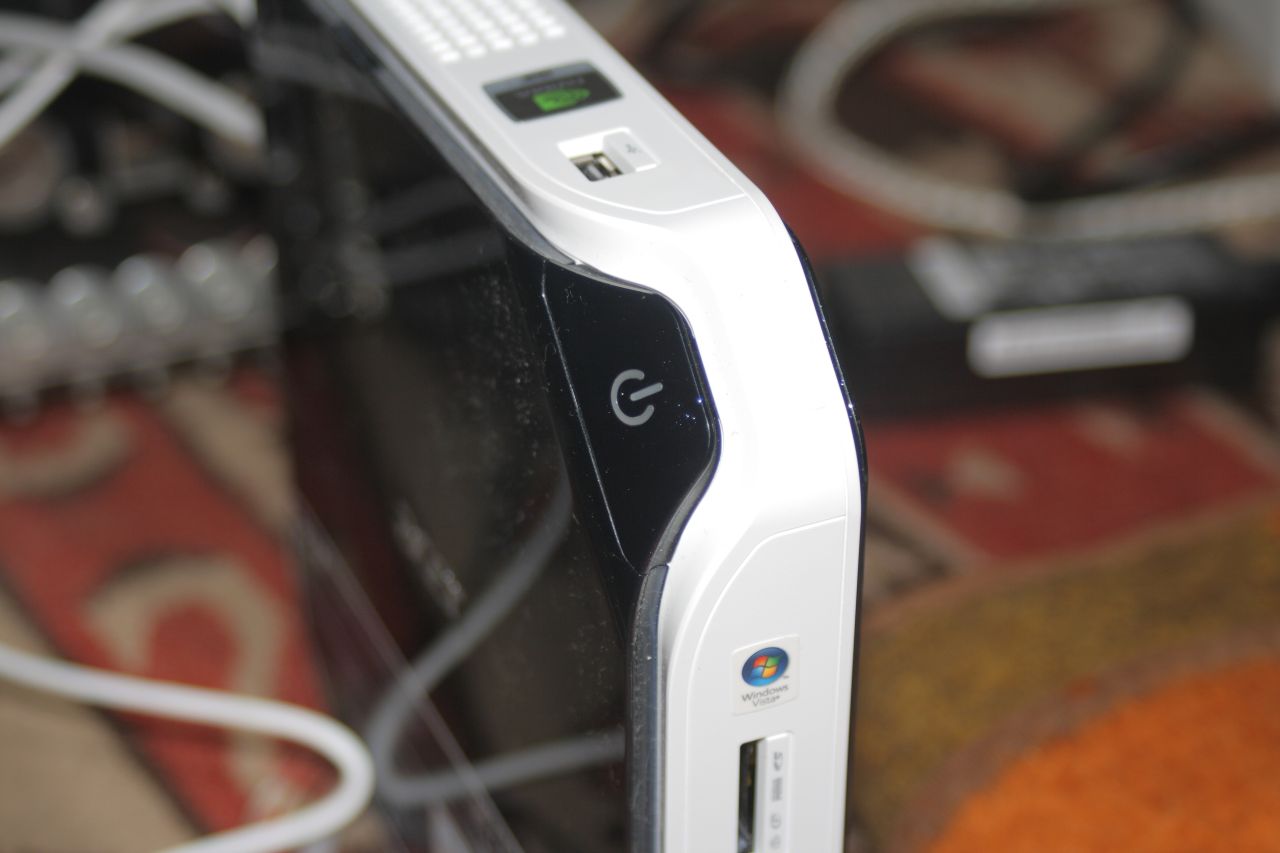
The illuminated power on/off button is placed on the top front angle of Acer Aspire Revo R3600 body (in upright position). Right beside it we find a USB port (hidden by white rubber cap):
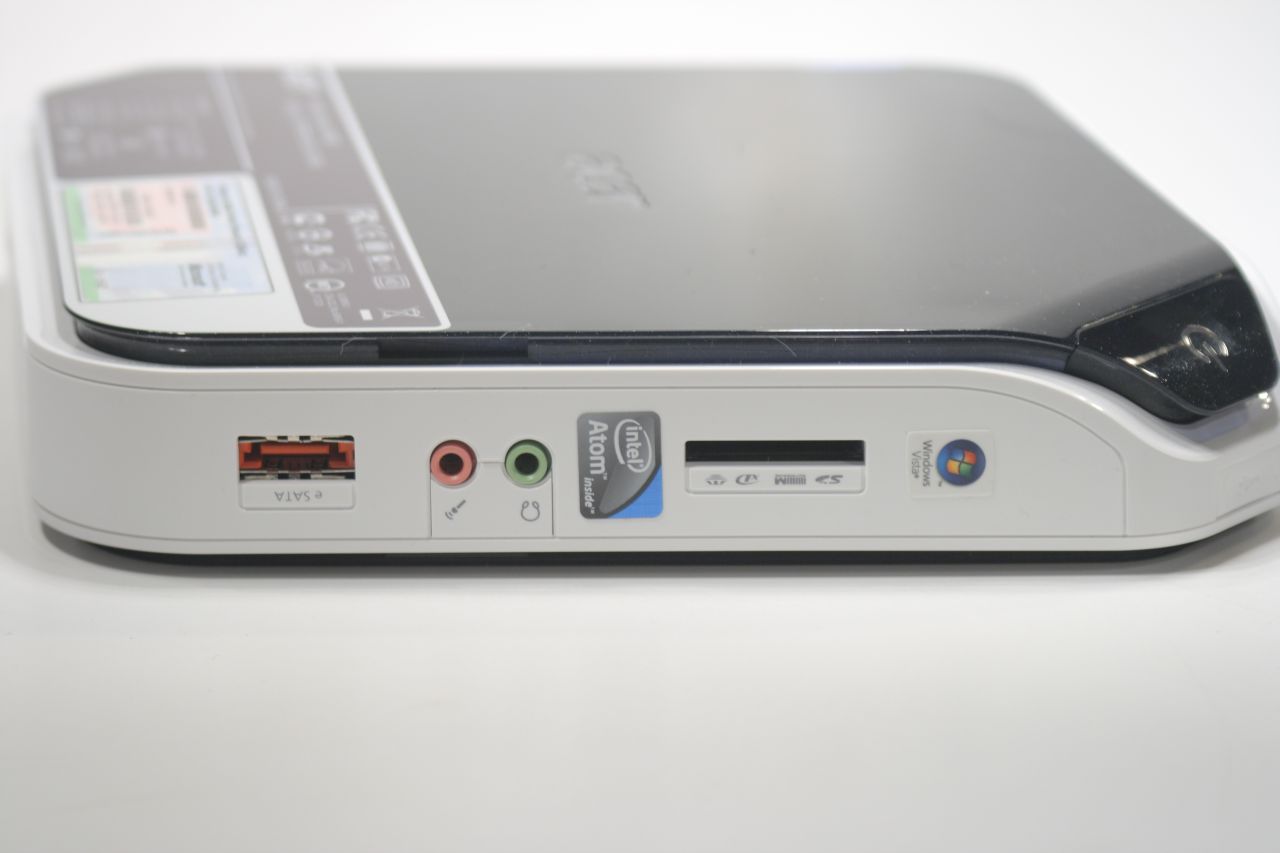
The front panel provides access to an eSata port, card reader, headphones/microphone jacks garnished by the inevitable brand stickers:
The bottom is shared by an opening for cooling purposed and mount for the desk stand:
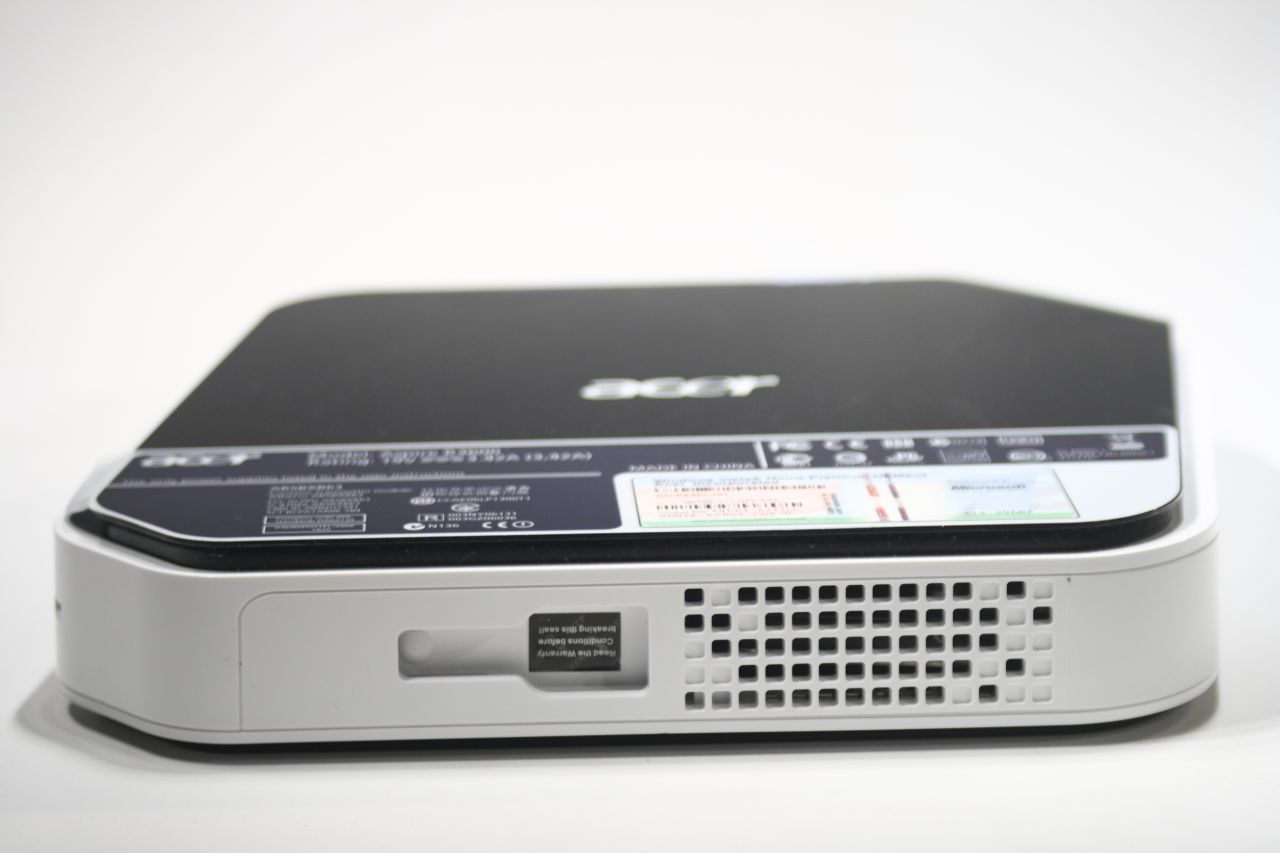
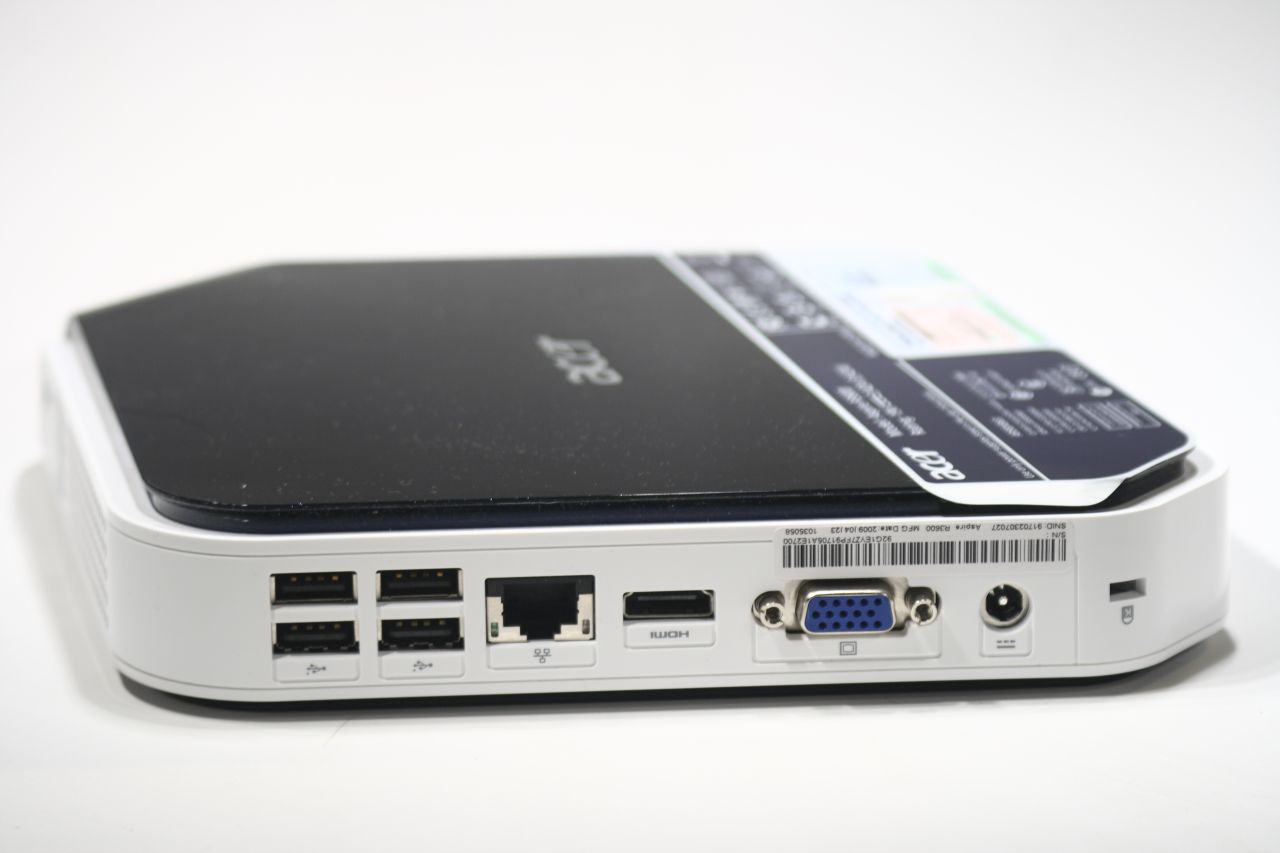
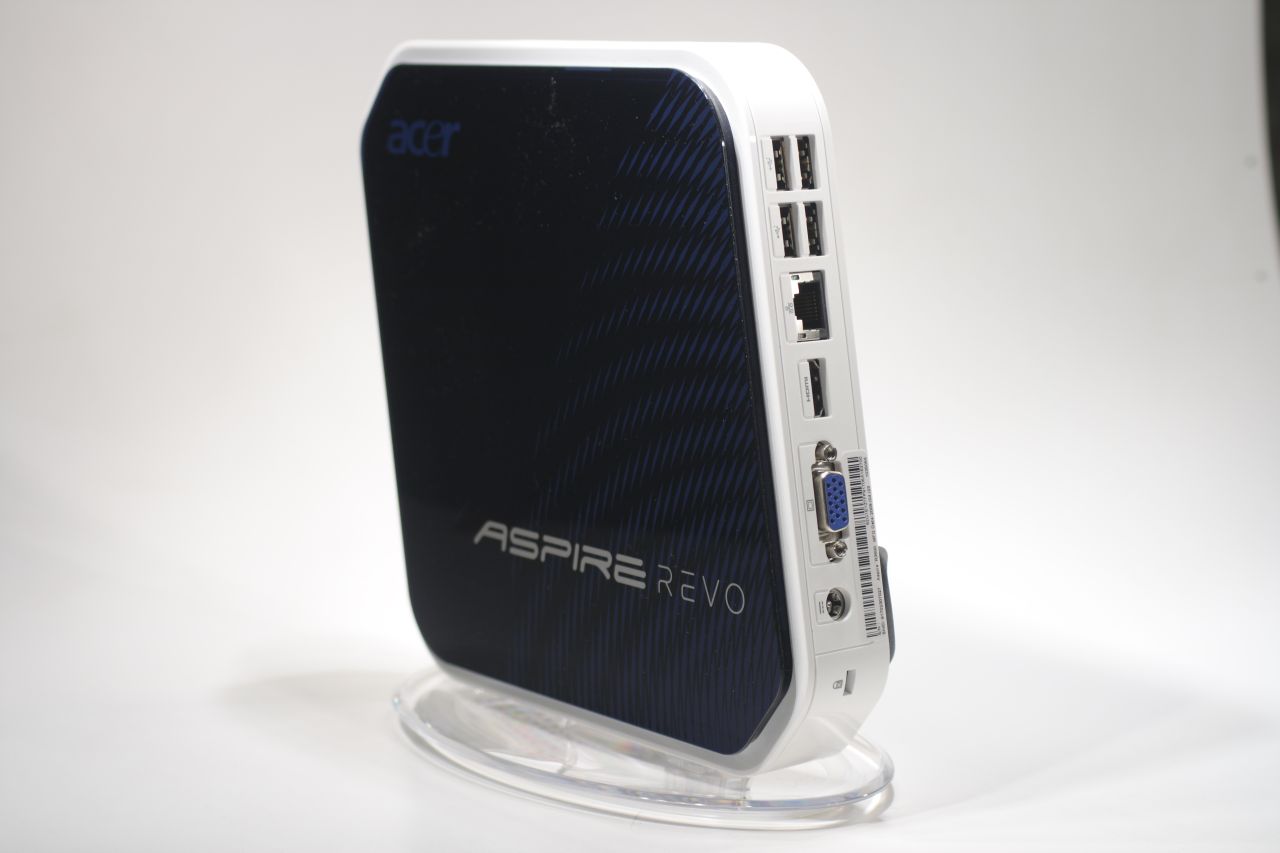
The rest of the expansion slots are on the back - HDMI, D-SUB5 monitor connector, LAN, 4 USB ports, power cable jack and a Kensington security lock
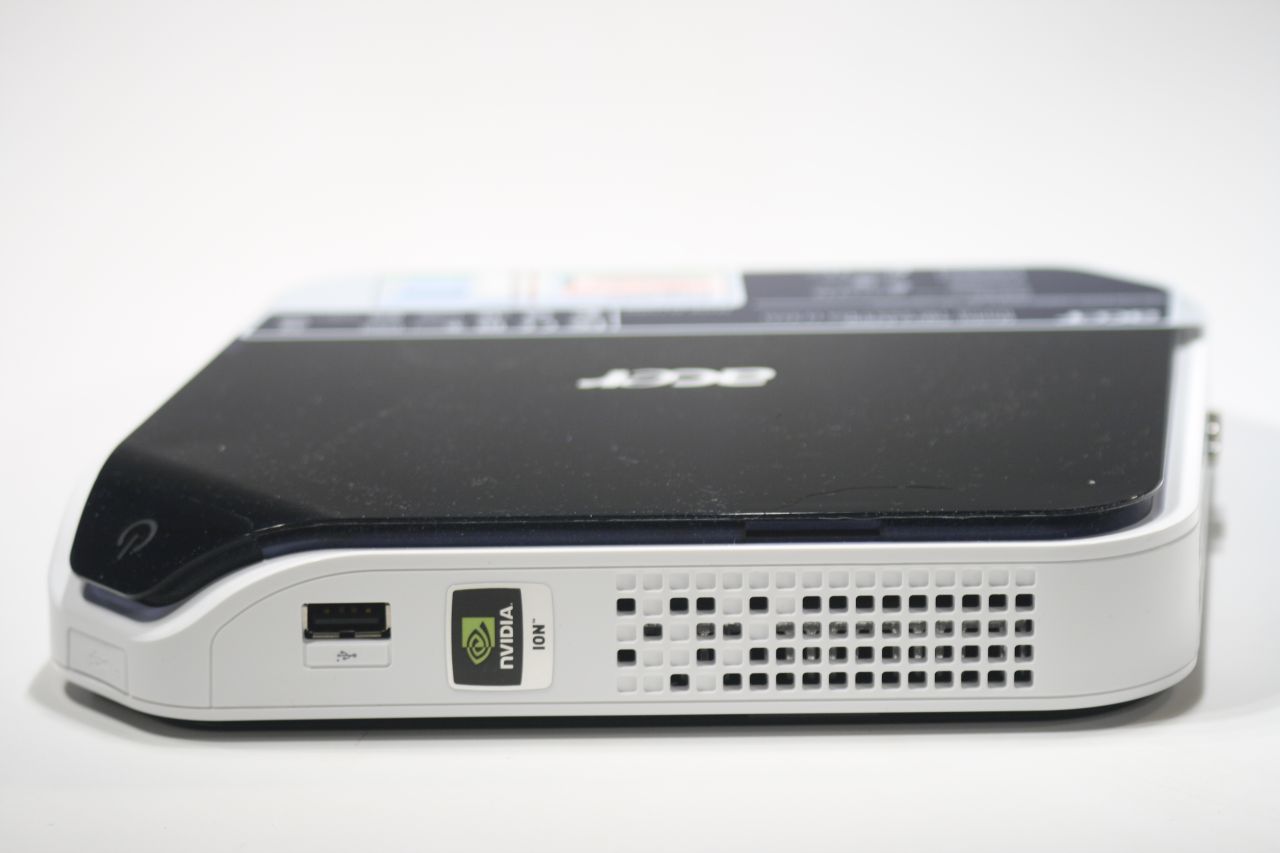
The top besides the cooling vent has a single USB port and a sticker boldly proclaiming the presence of NVIDIA ION inside the case:
Here is the cap we mentioned before, the one hiding the port besides the on/off button
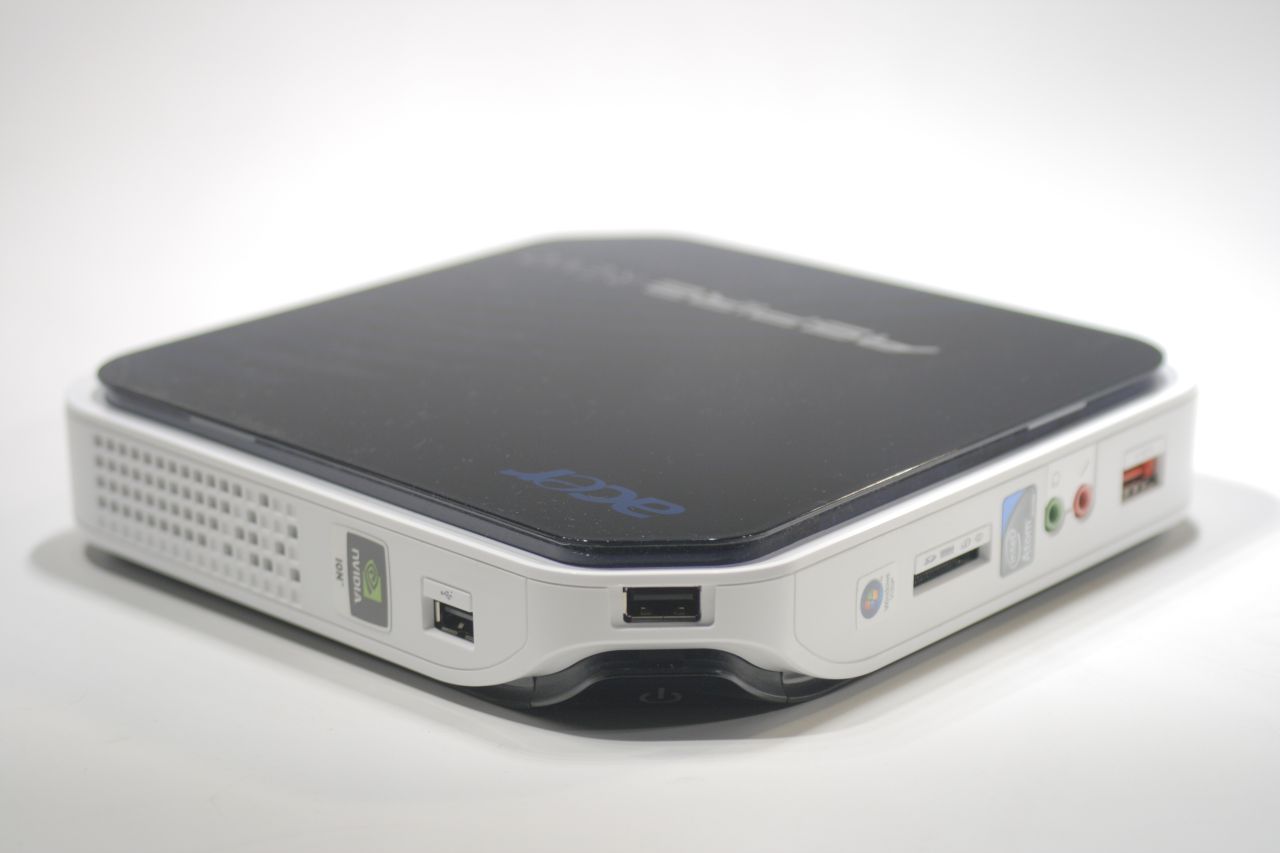
Aspire Revo in all its loveliness:
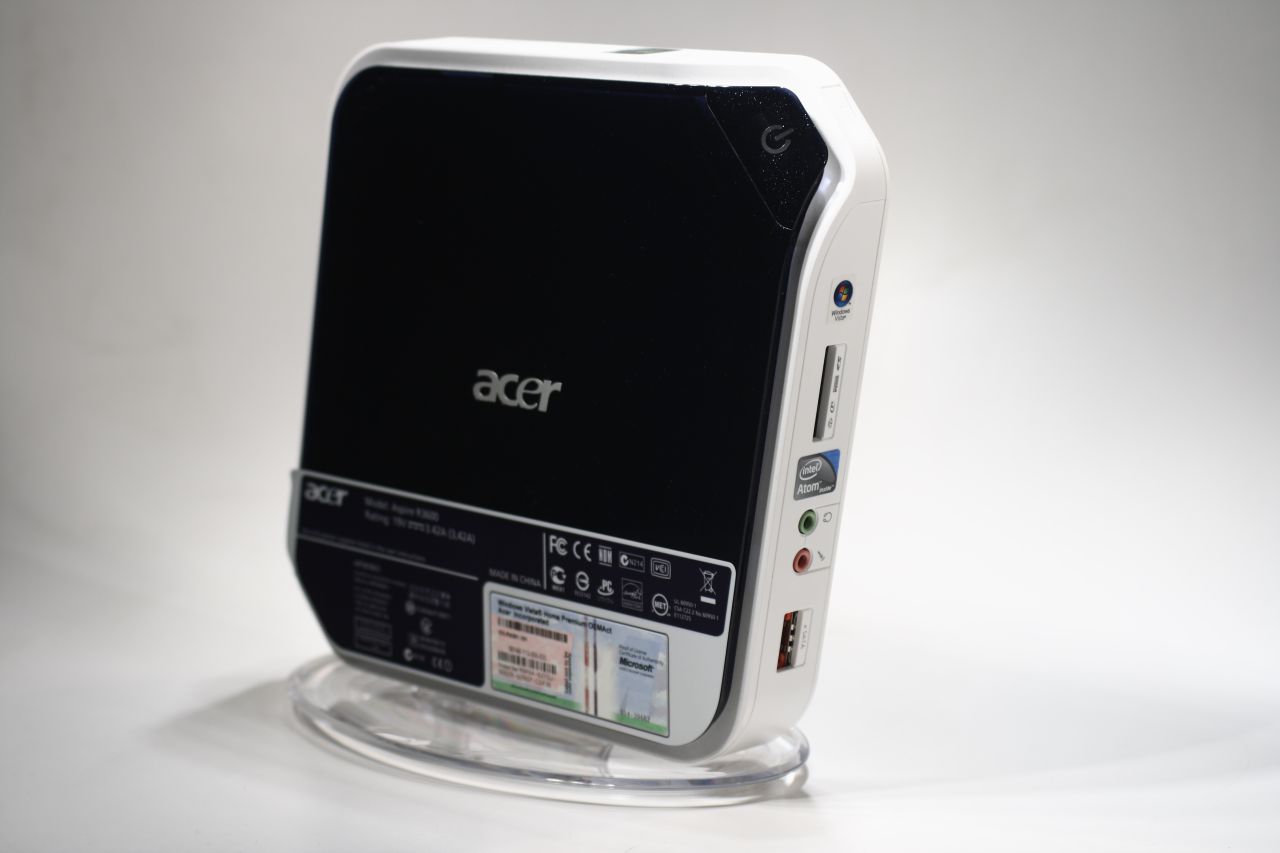
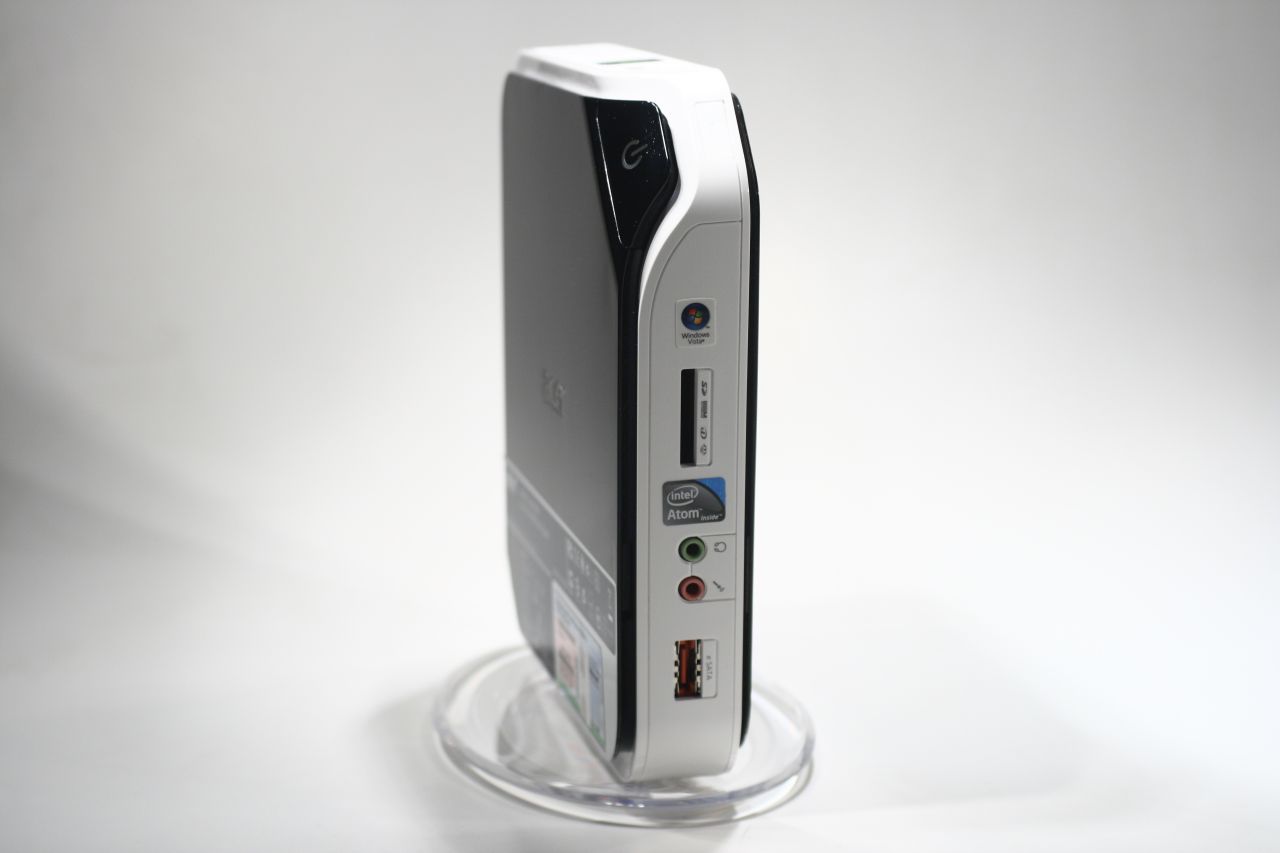
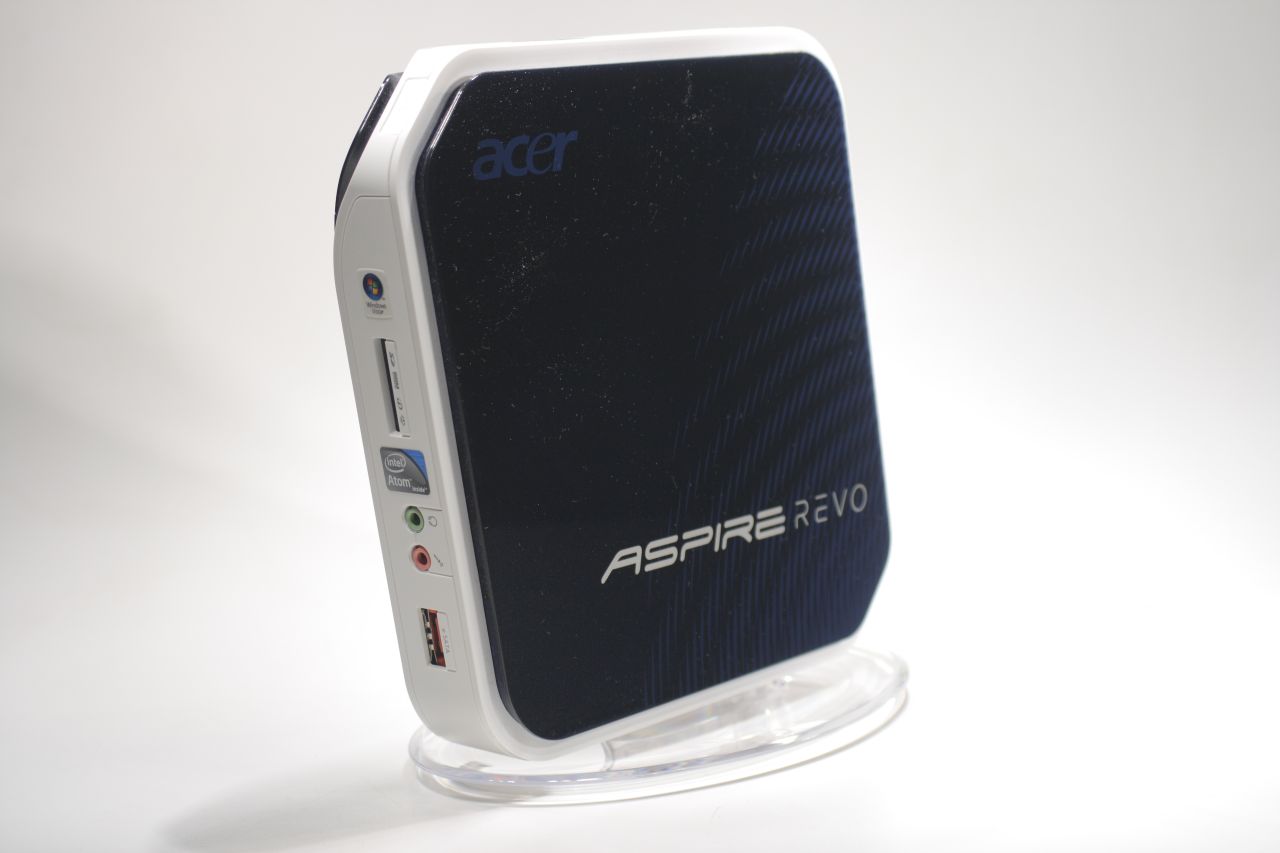
Time for some testing. On the photos below you can compare this jewel to a standard 15" CRT monitor (one of days past, when LCD's were fiction and 20" CRT was the luxury top range, in case you've forgot ;)):
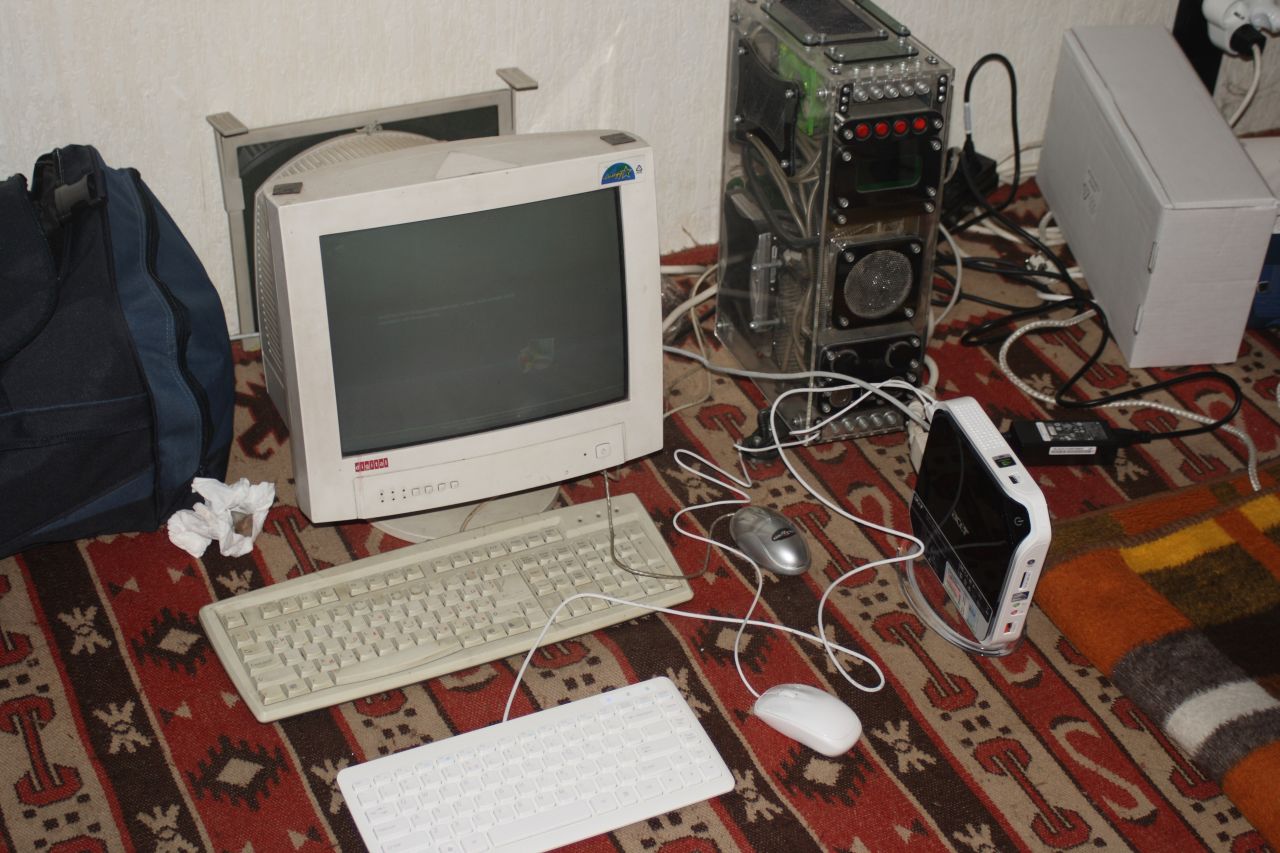
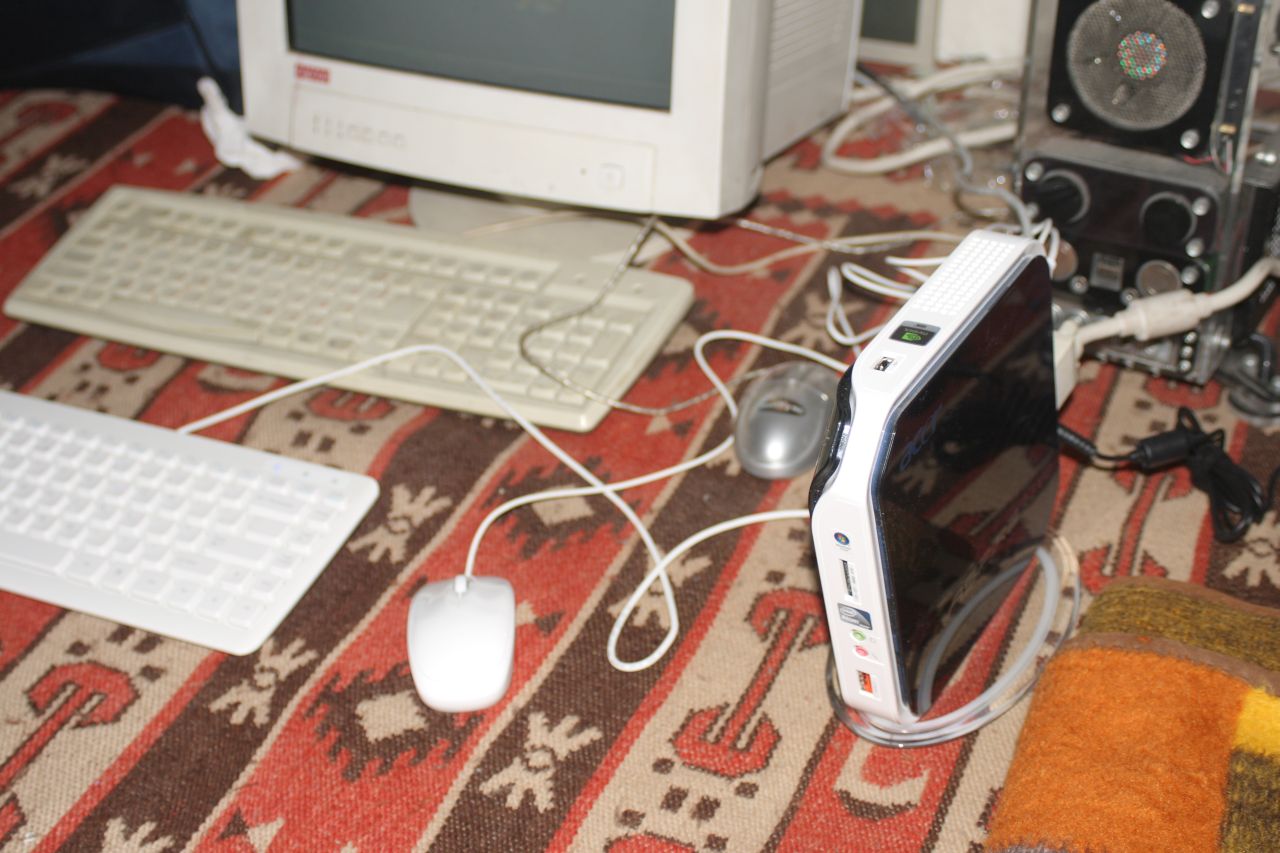
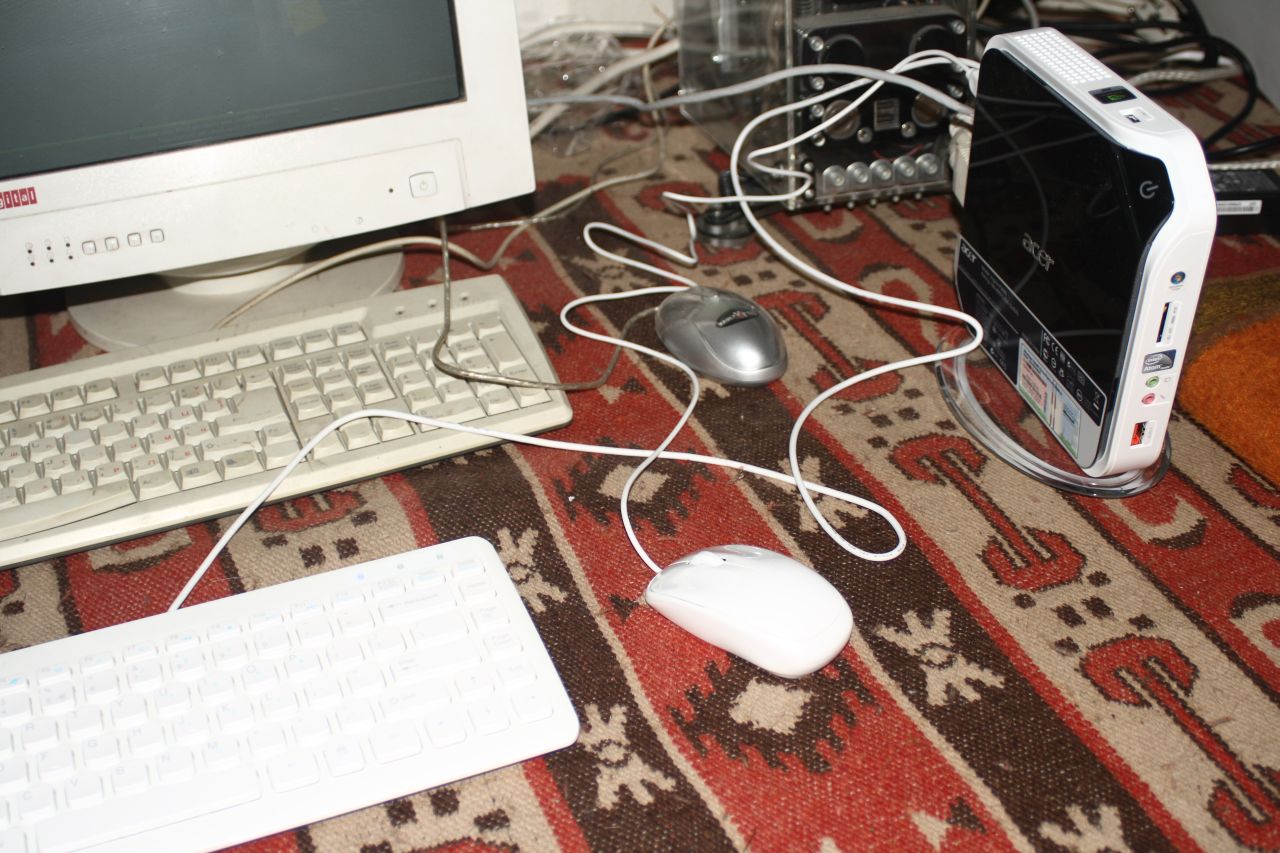
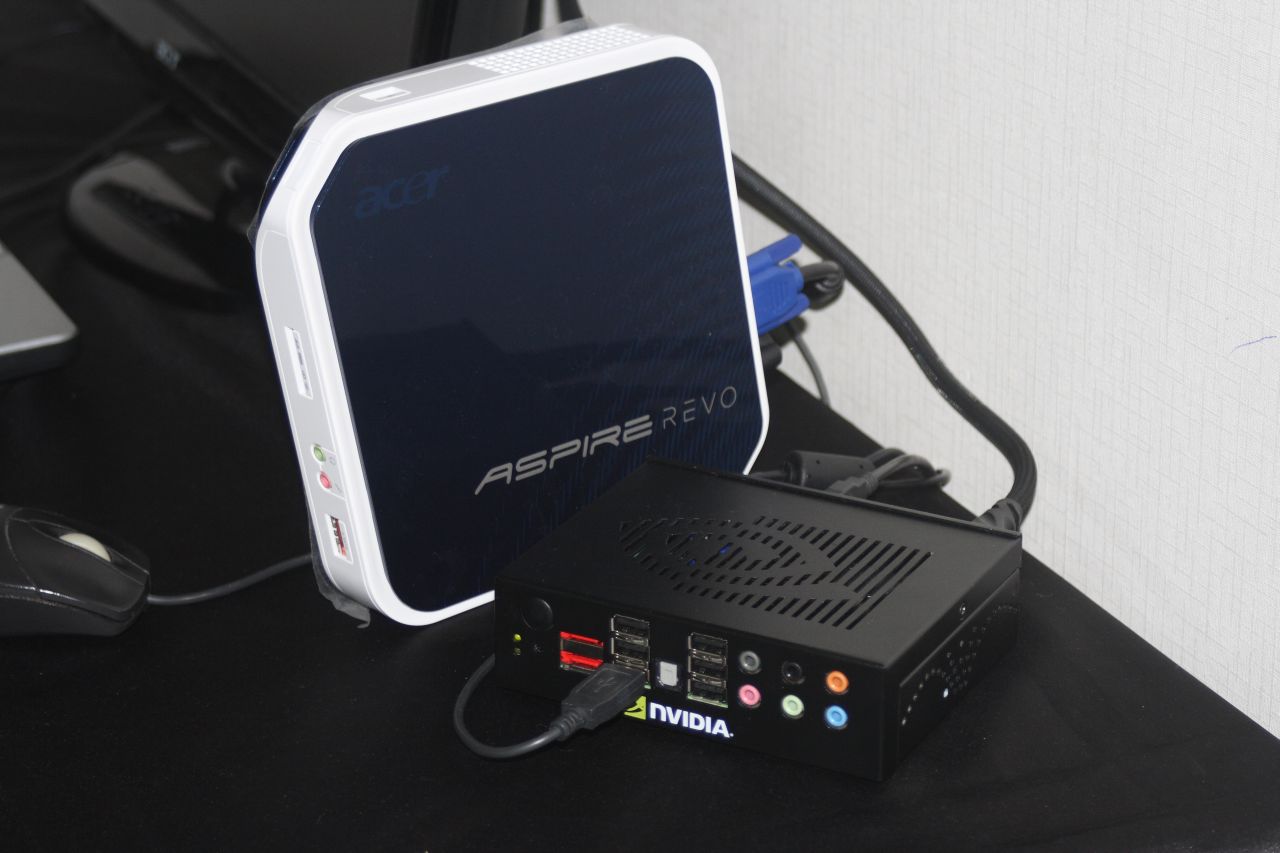
Here are few more photos comparing Aspire Revo with a referent NVIDIA ION system, that's even smaller than it. And no less appealing.