Lian Li PC-7FW Computer Case Review
- Lian Li PC-7FW Computer Case Review
- Page 2 - Outside look
- Page 3 - Inside look
- Page 4 - Installation
- Page 5 - Tests
- Page 6 - Conclusion
Page 4 - Installation
Page 4 - Installation
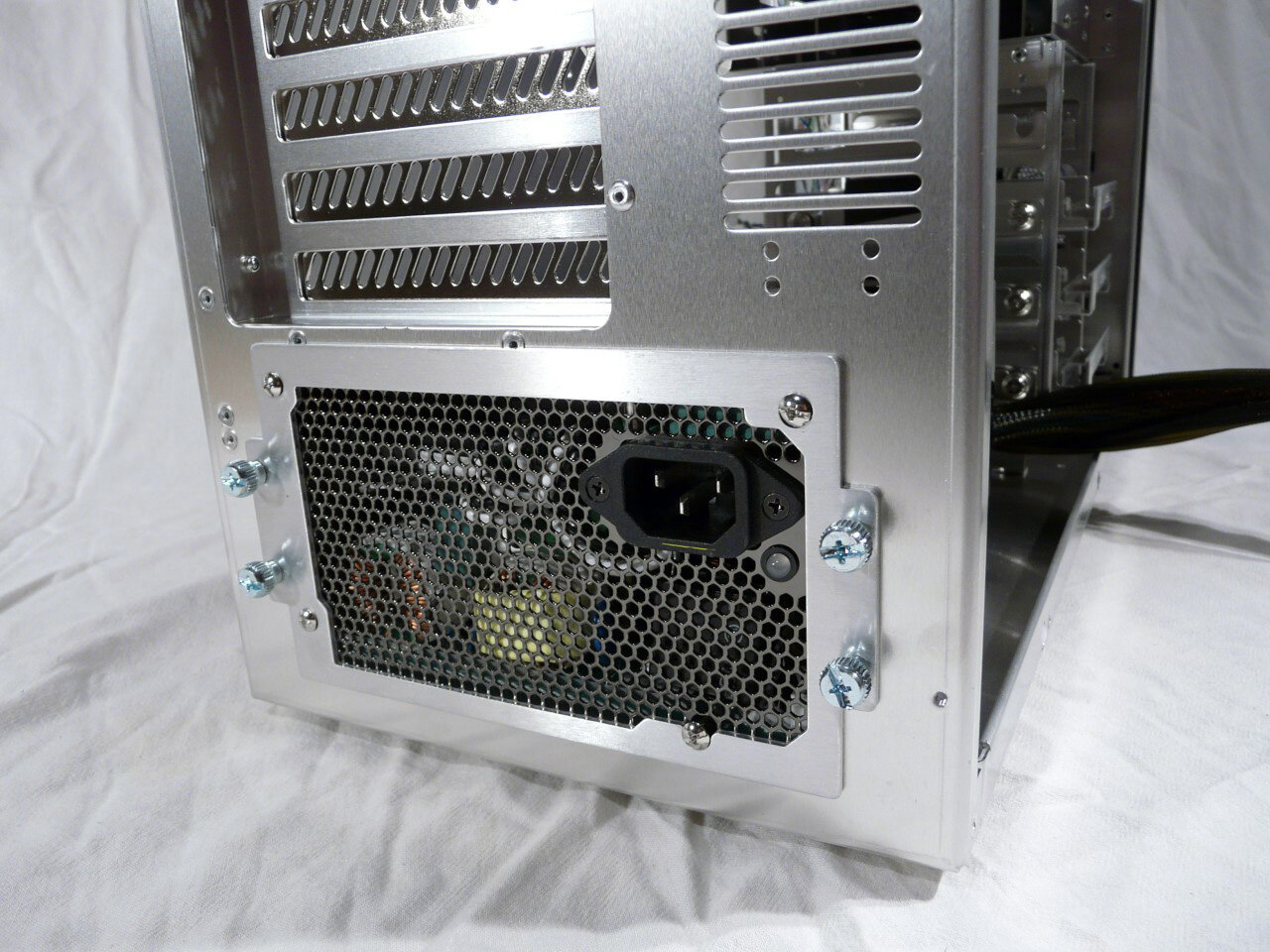
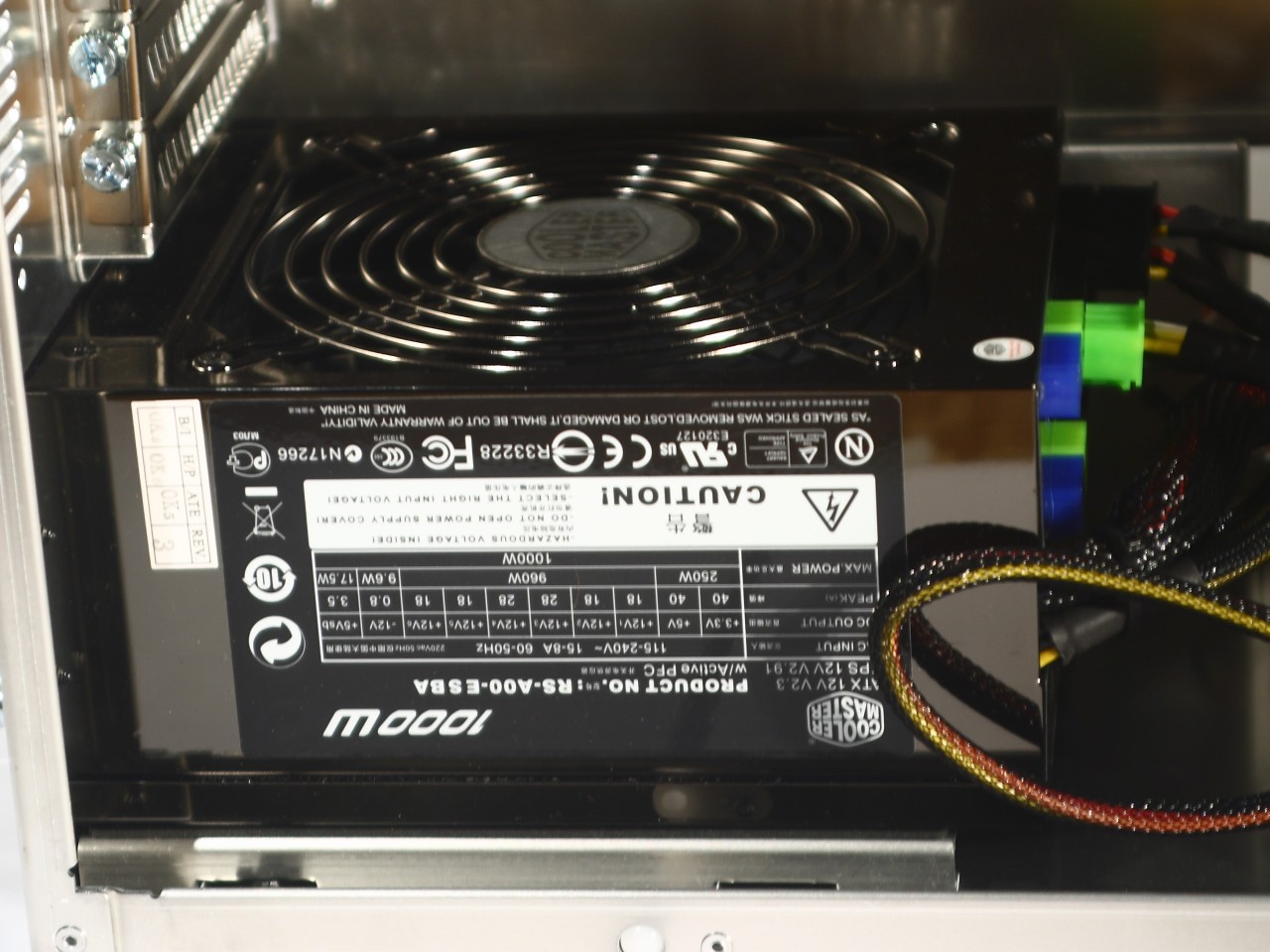
Now it's time to put a computer inside the case. We begin with the PSU. As you probably noticed it is placed at the bottom of the case, which makes its installation and cable management easier:
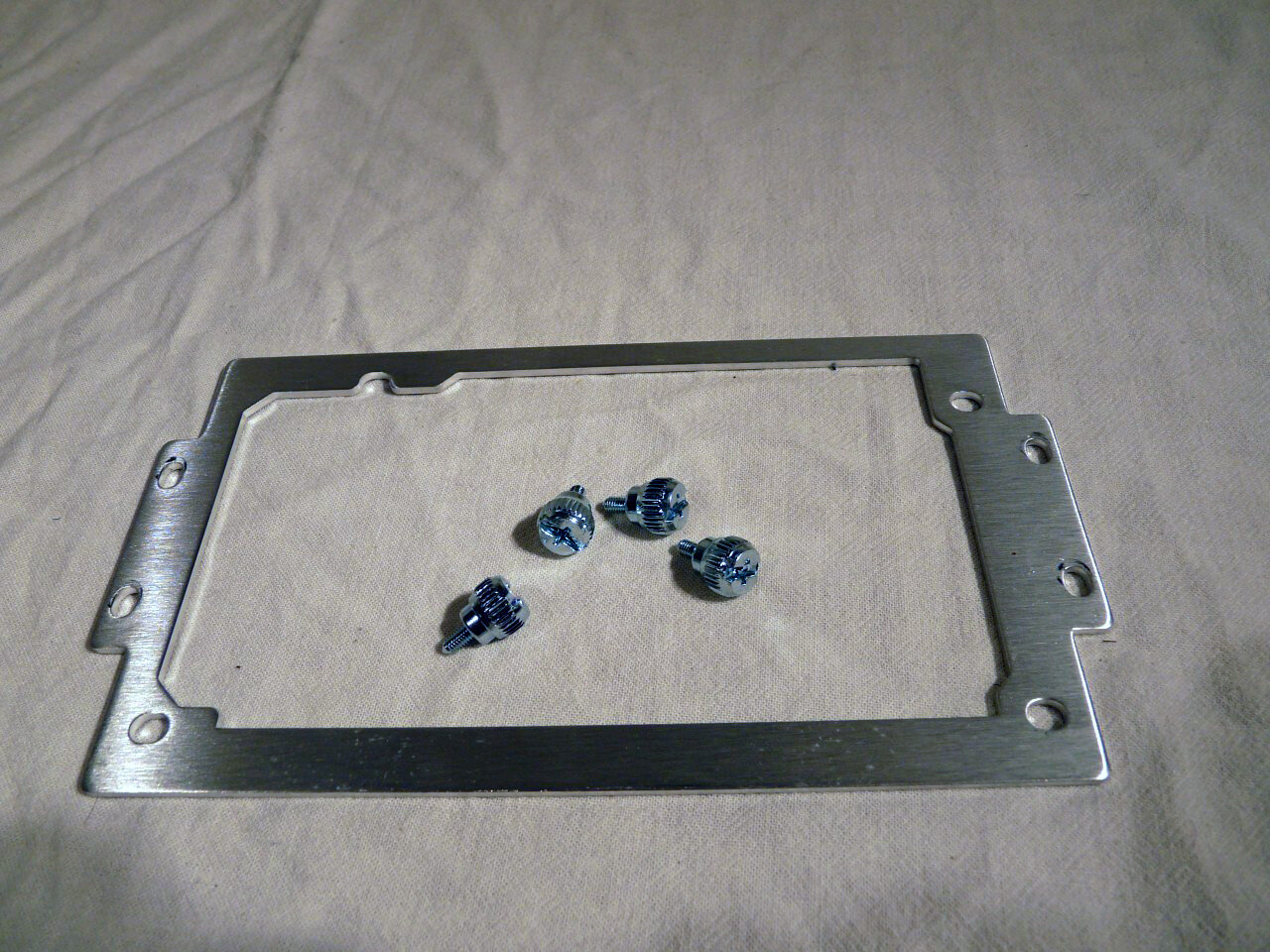
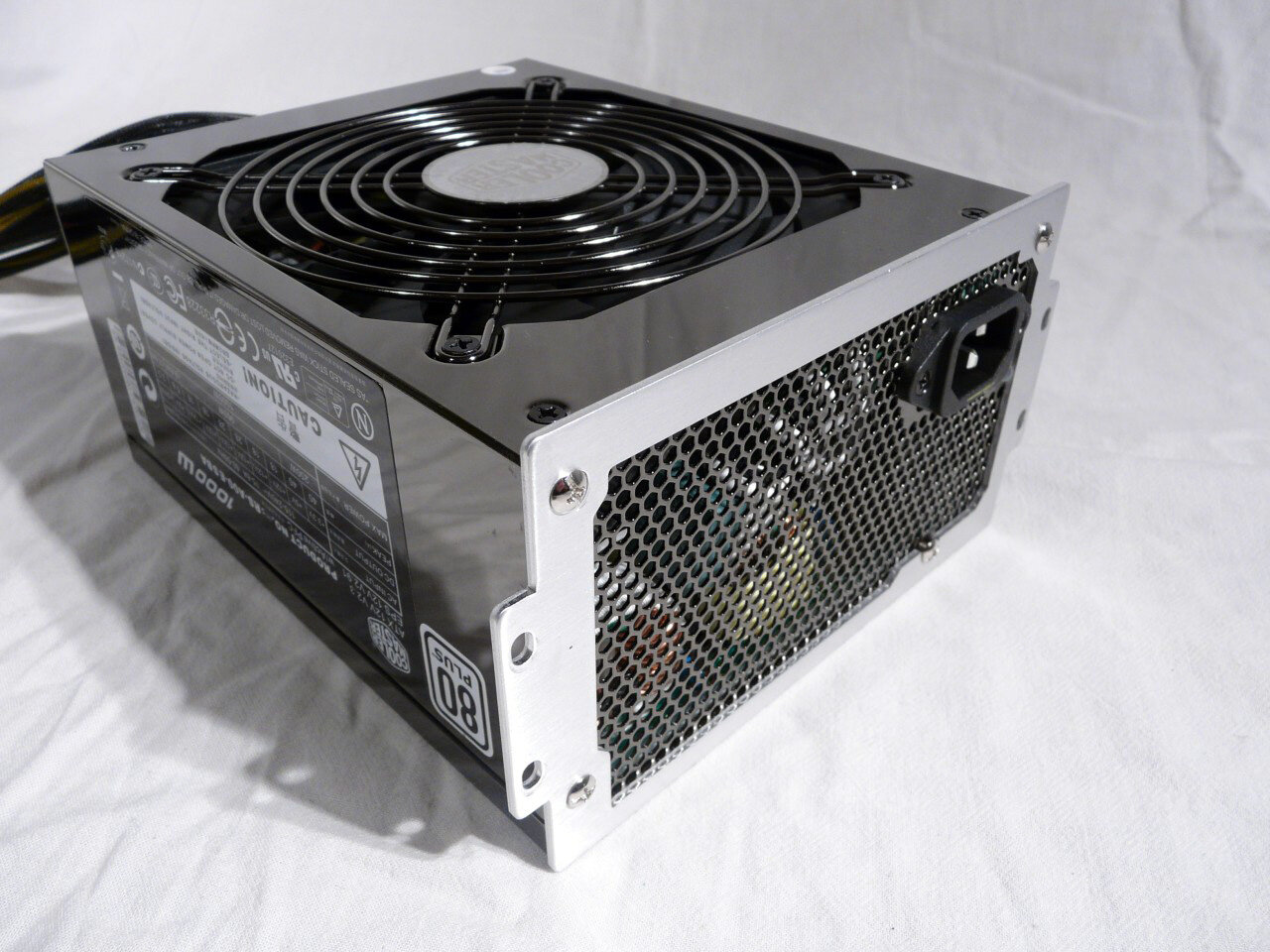
The removable plate also helps significantly, by simply allowing you to insert the PSU from the back, should something in front obstructs that proces:
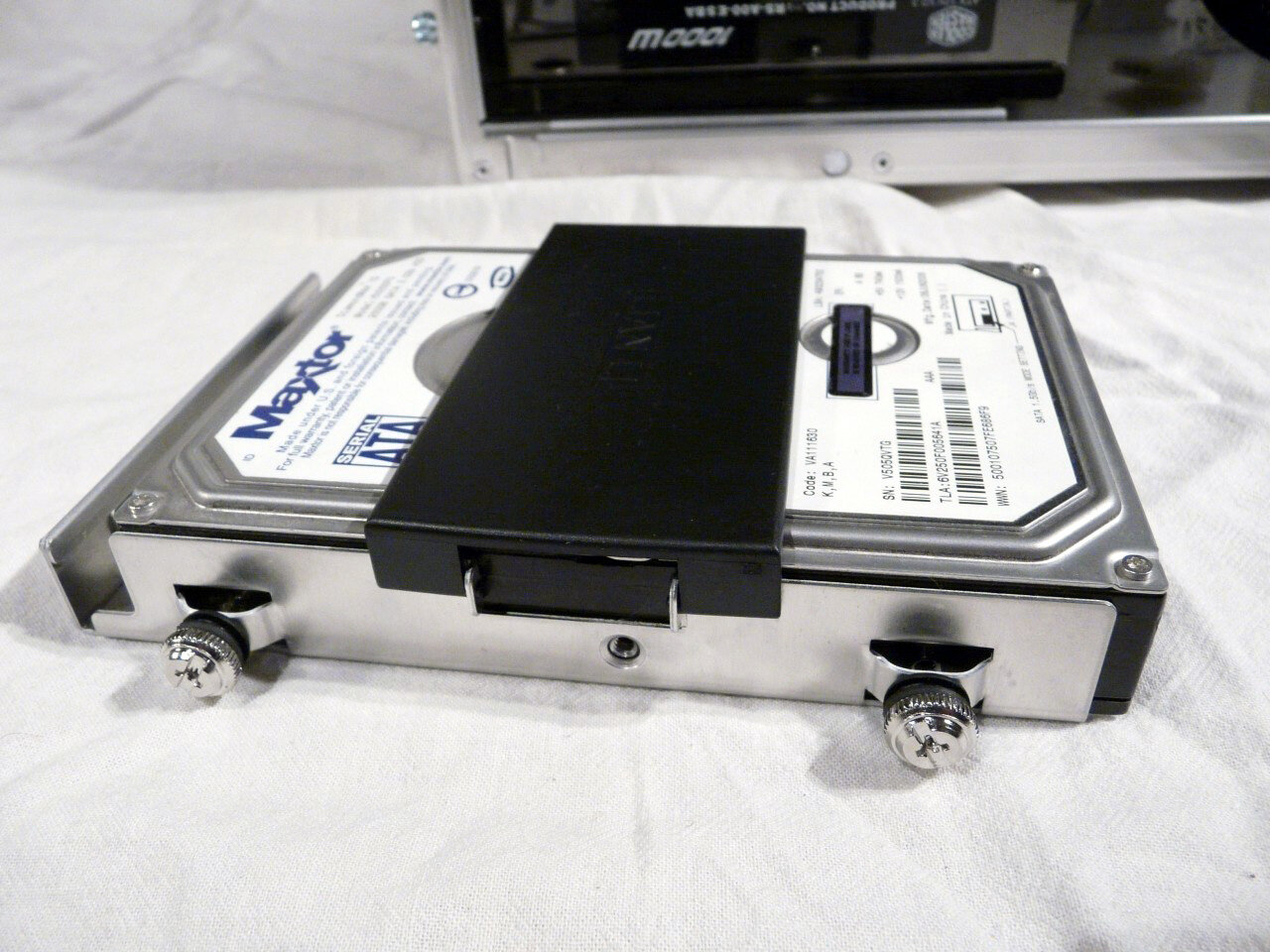
And now for the hard drives. At the picture you see the buds of which we spoke before. All that has to be done is merely slide in the drive and press the cap. It has thick sheet of rubber for vibration dampening:
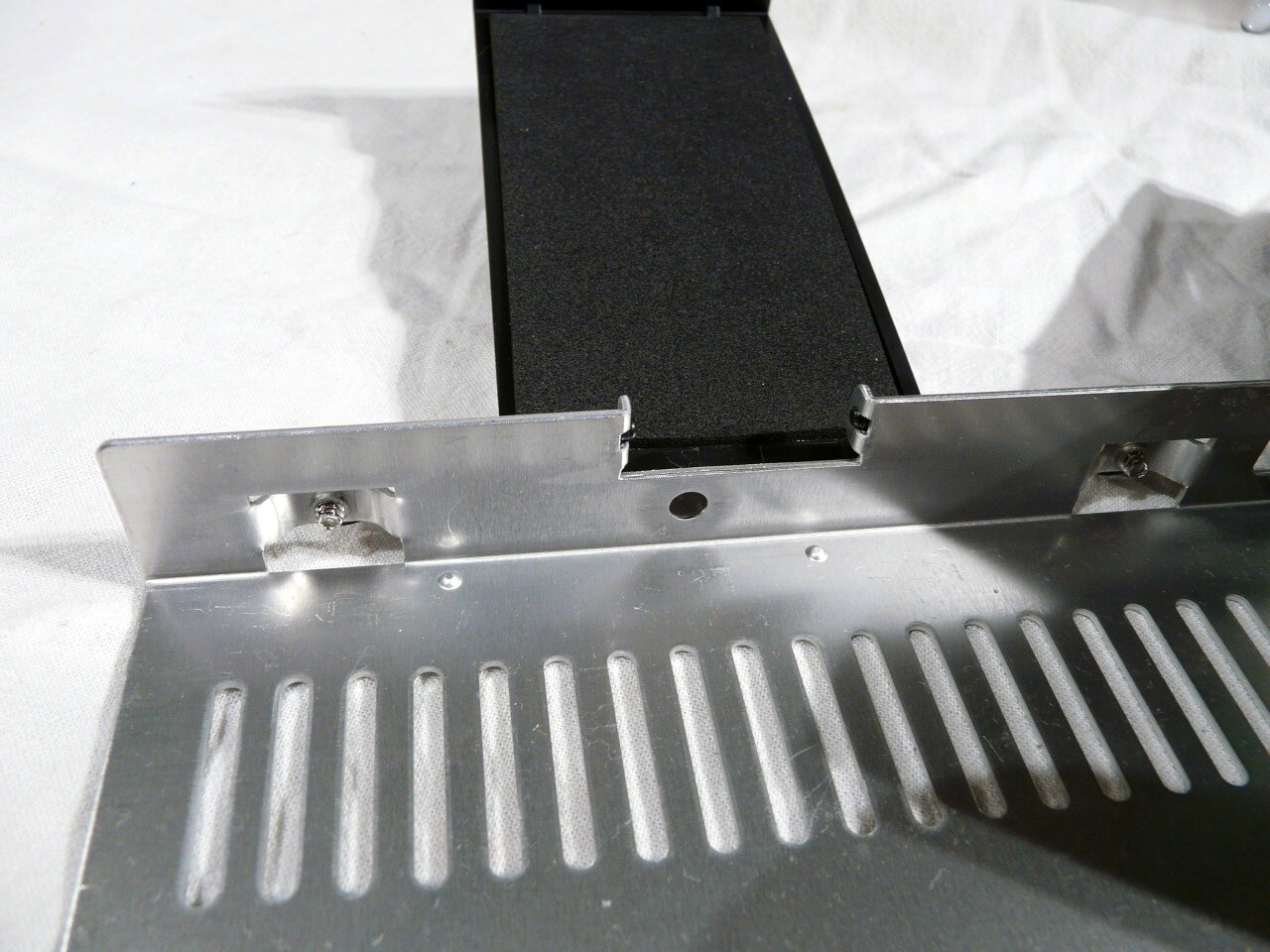
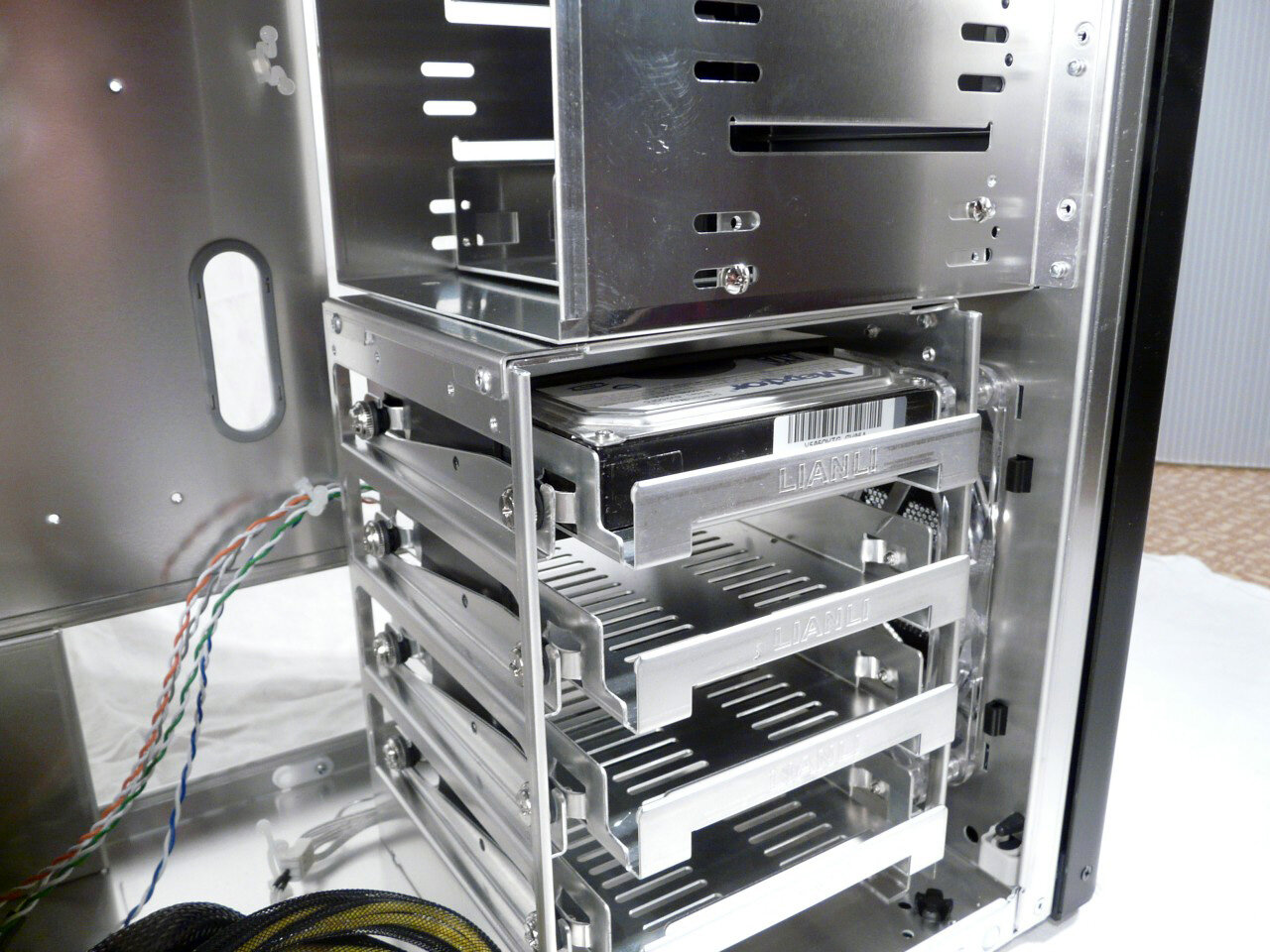
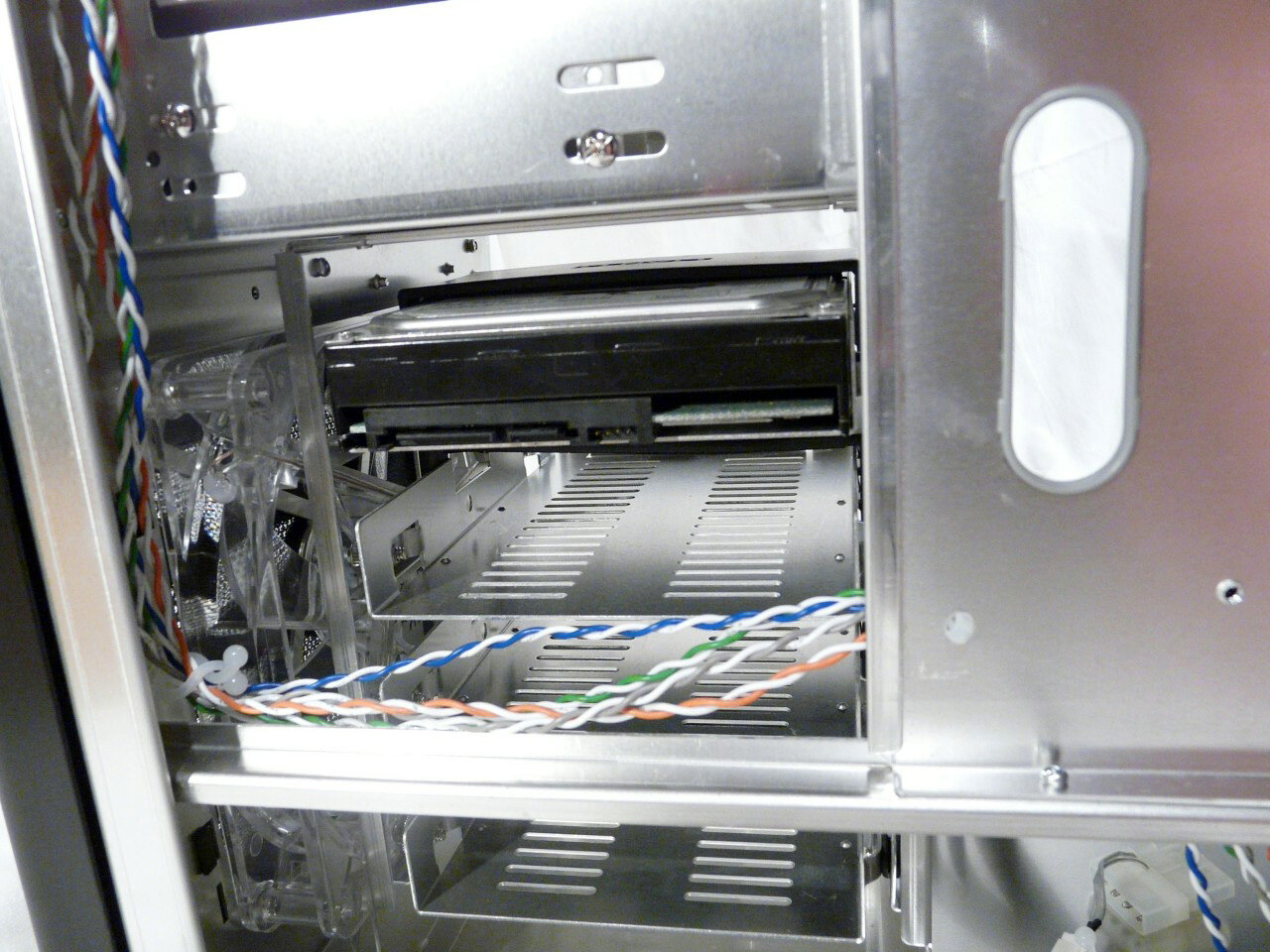
The hard drive drawer is then slid in place and its rubber seals serve dual purpose – dampening vibrations and fixing it in place. The space on the back provides enough space for all the cables with no worries:
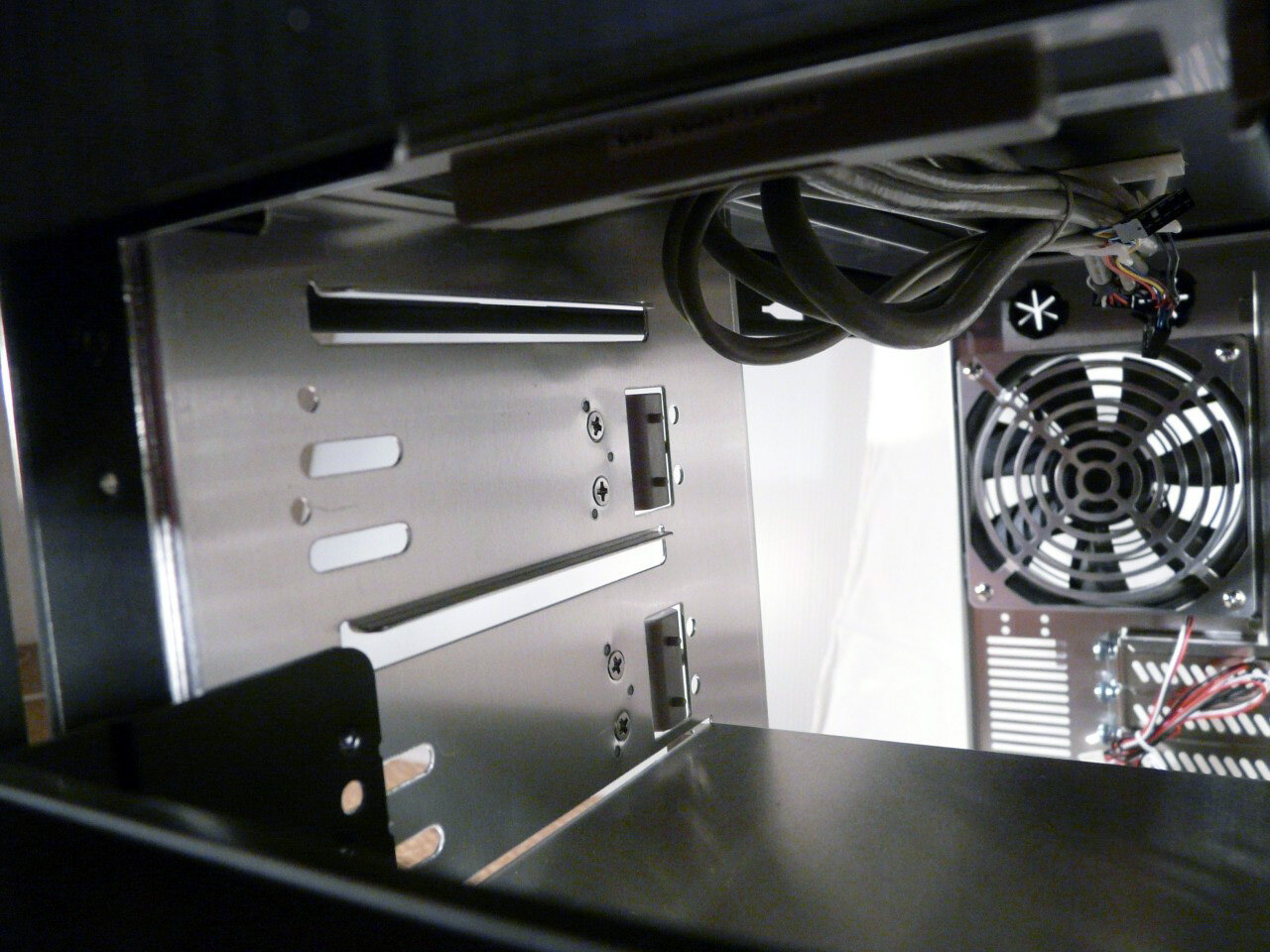
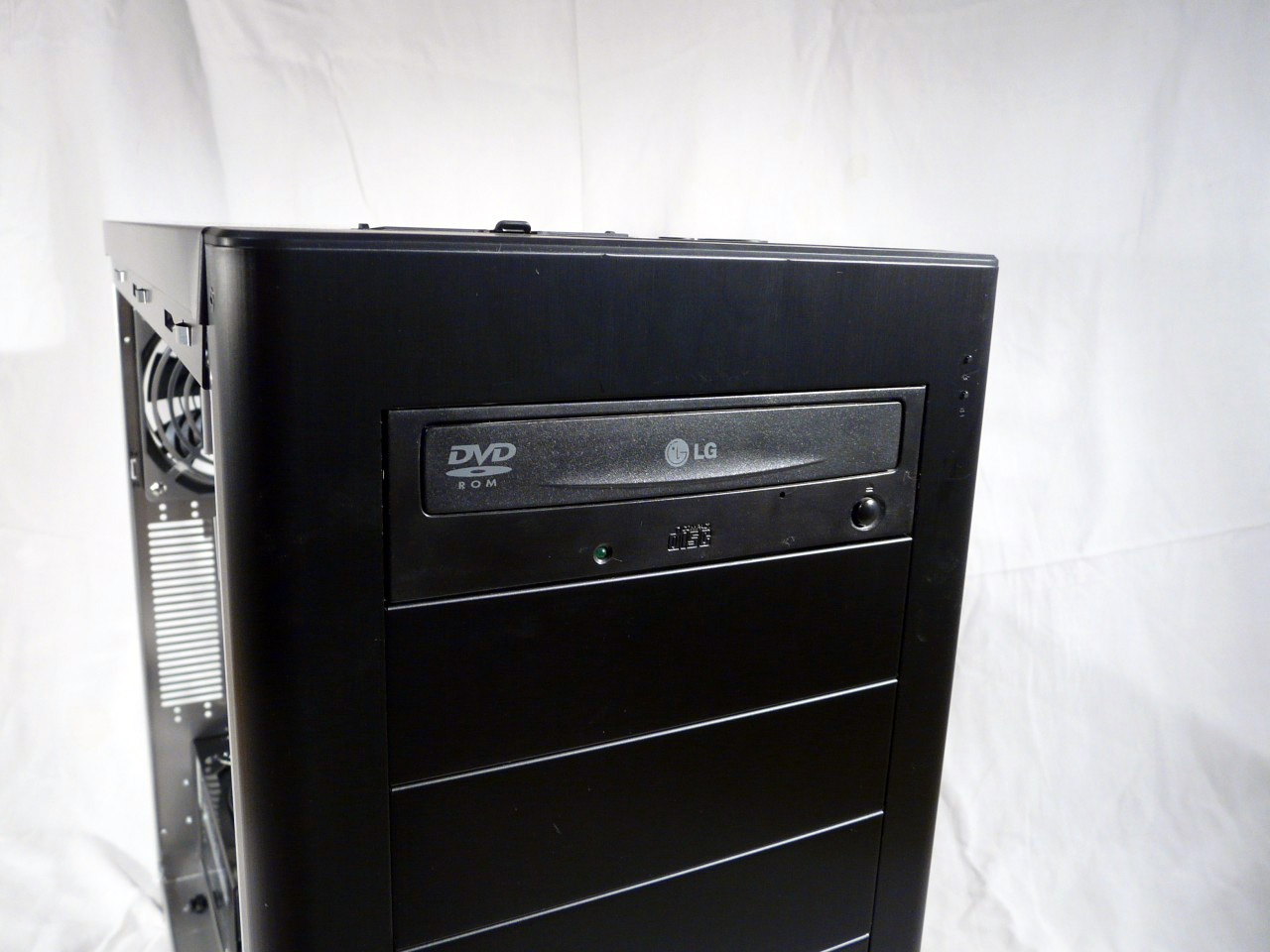
Installing 5.25” devices in the first two slots is done by simply removing the front panel covers and sliding them back until the clips click in place. Unfortunately there is only two sets are provided and for the slots below those two you'll have to use some boring old screws :)
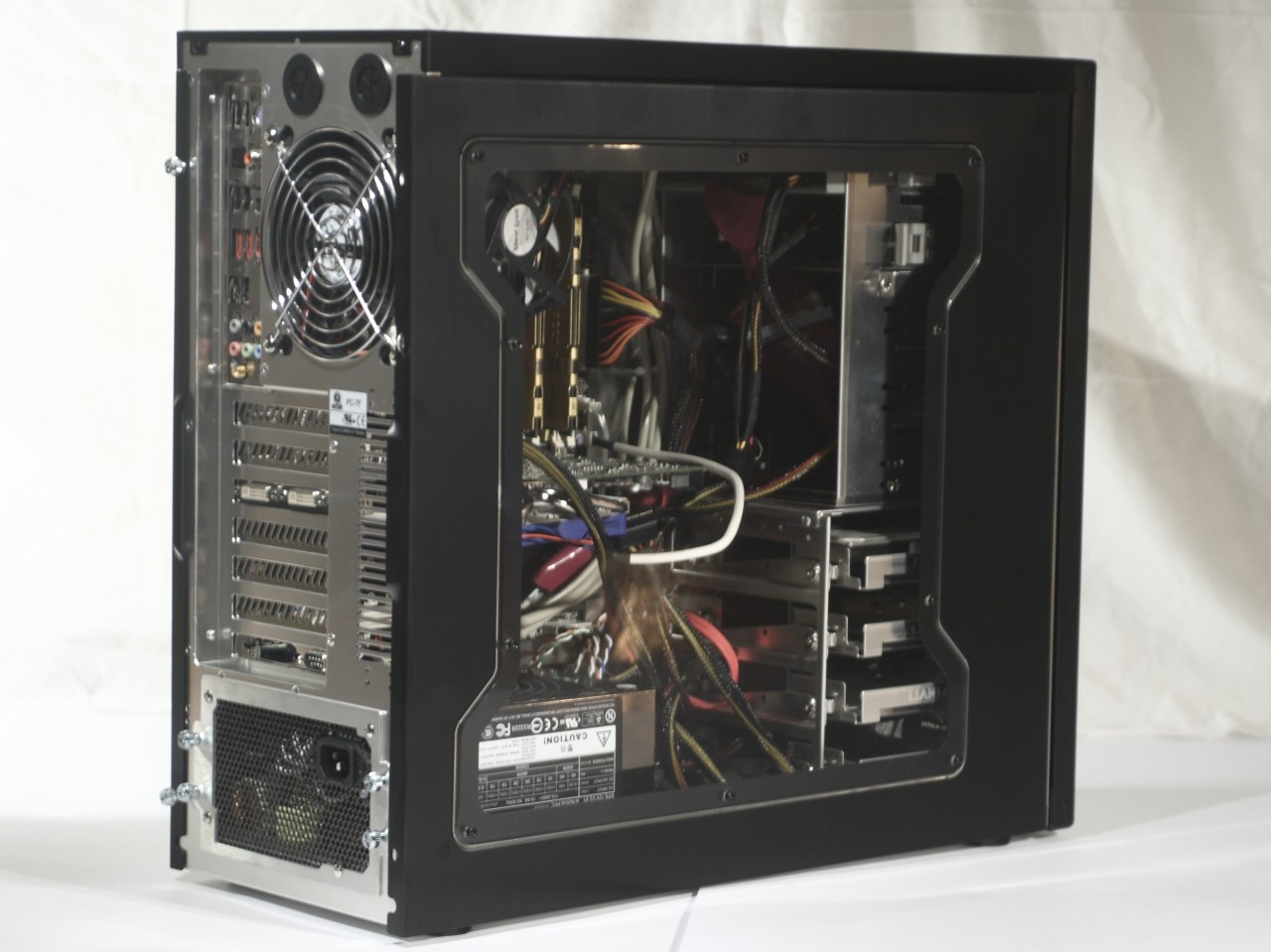
Adding the motherboard, additional cards, cabling. As whole the case is roomy enough for a mid-tower one, but still the motherboard fits kind of difficult. From there on we could work with decent access to all other components. Of course as expected access to the back of the motherboard without removing it is not possible:
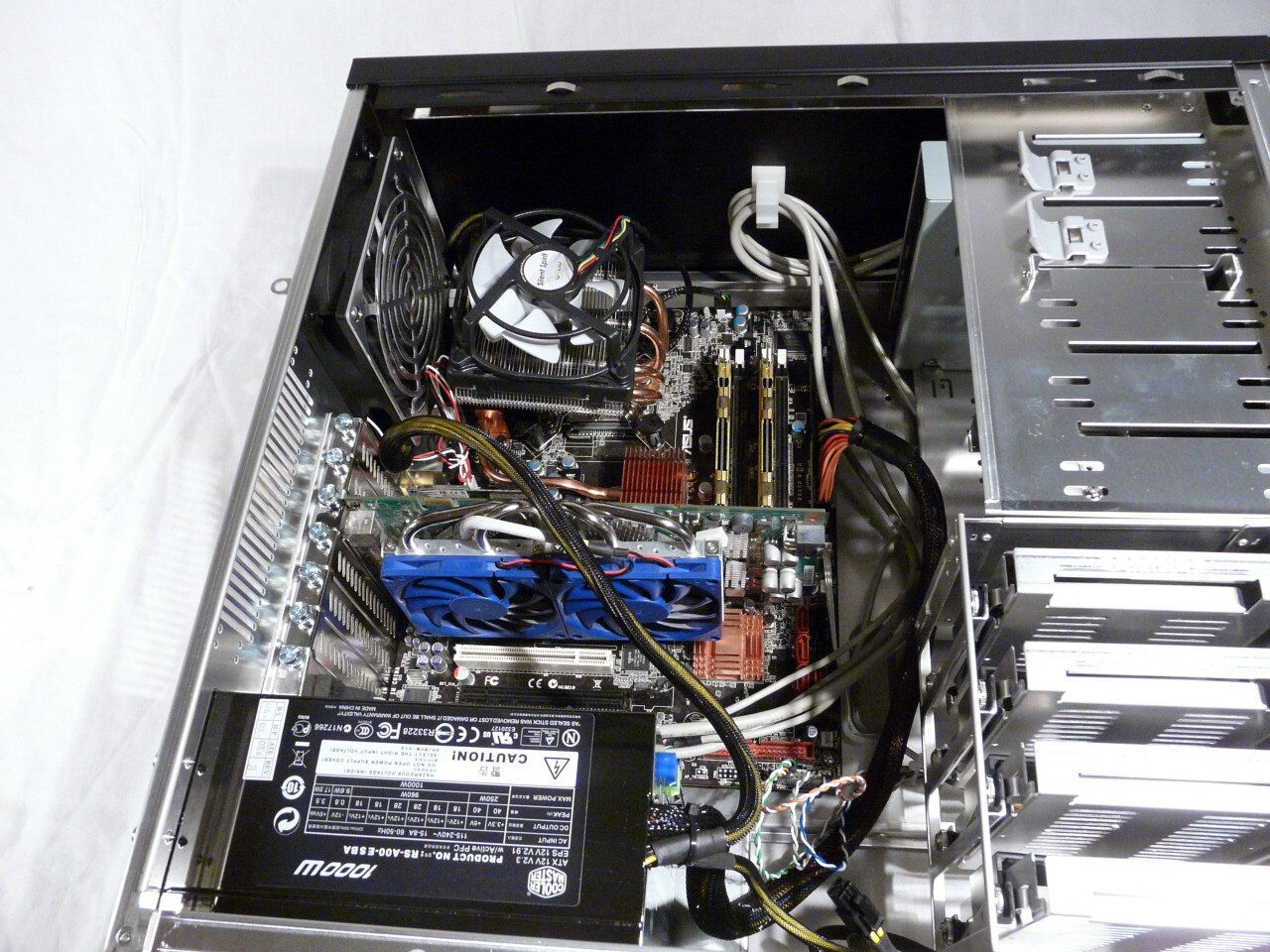
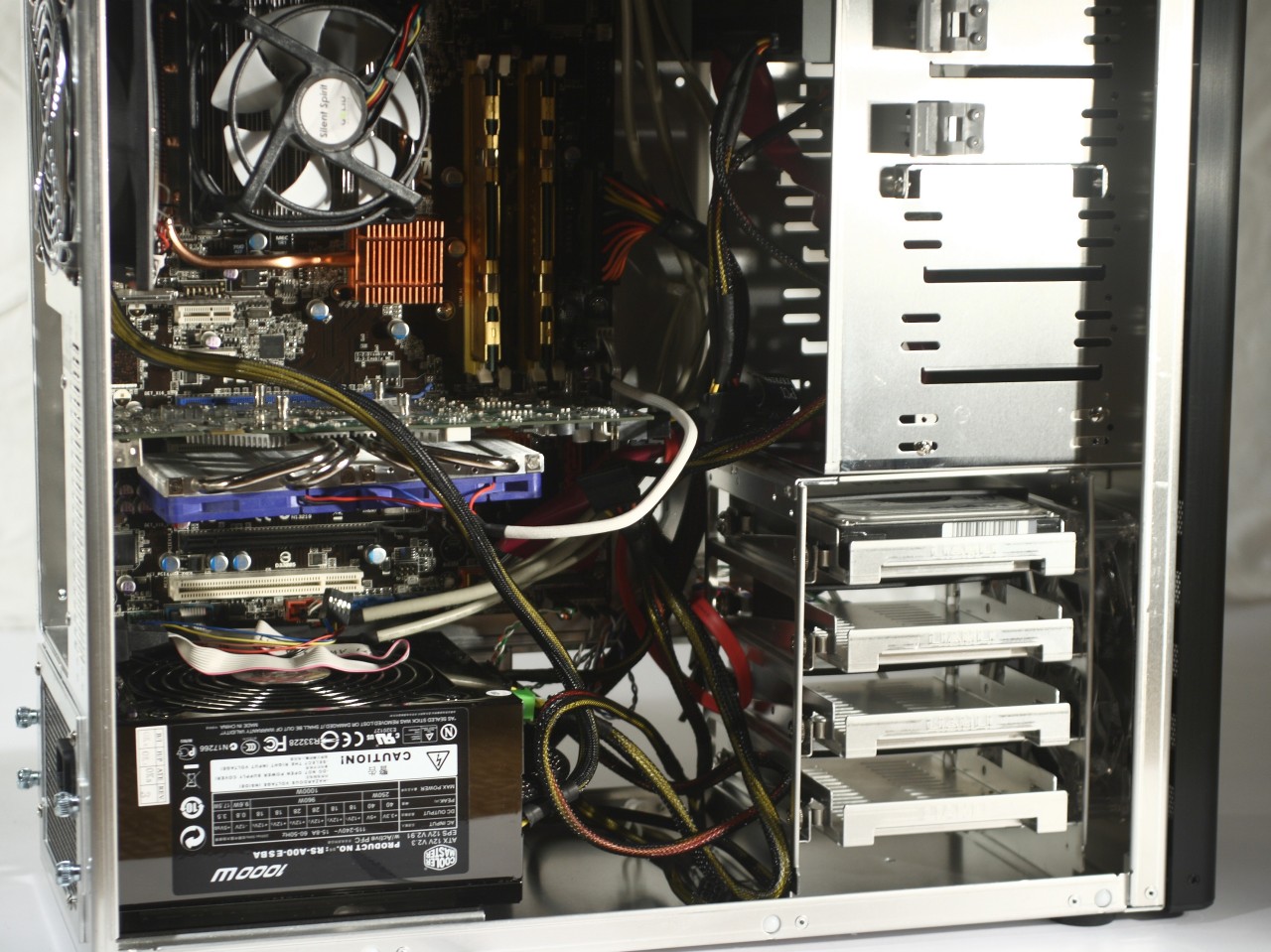
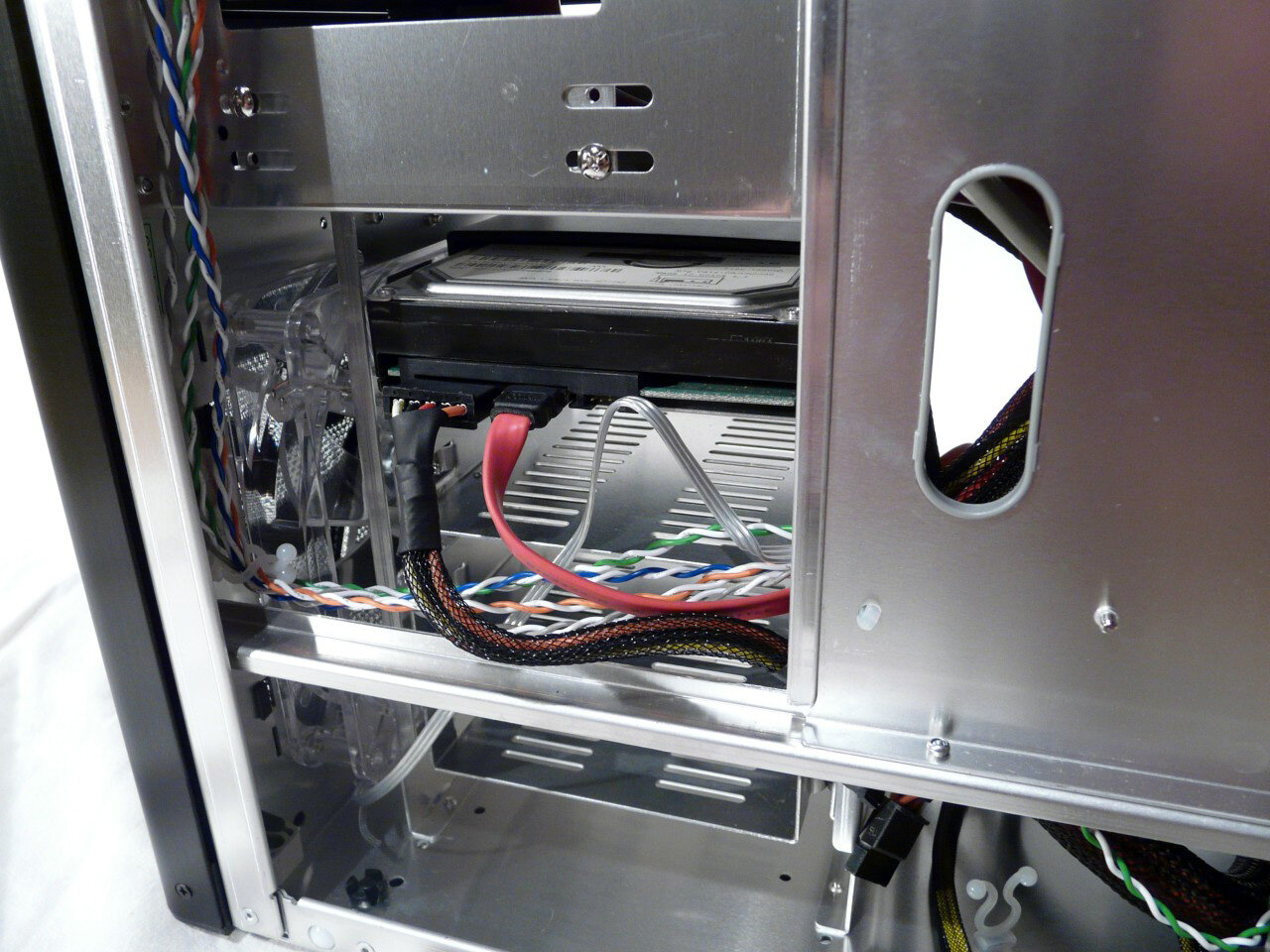
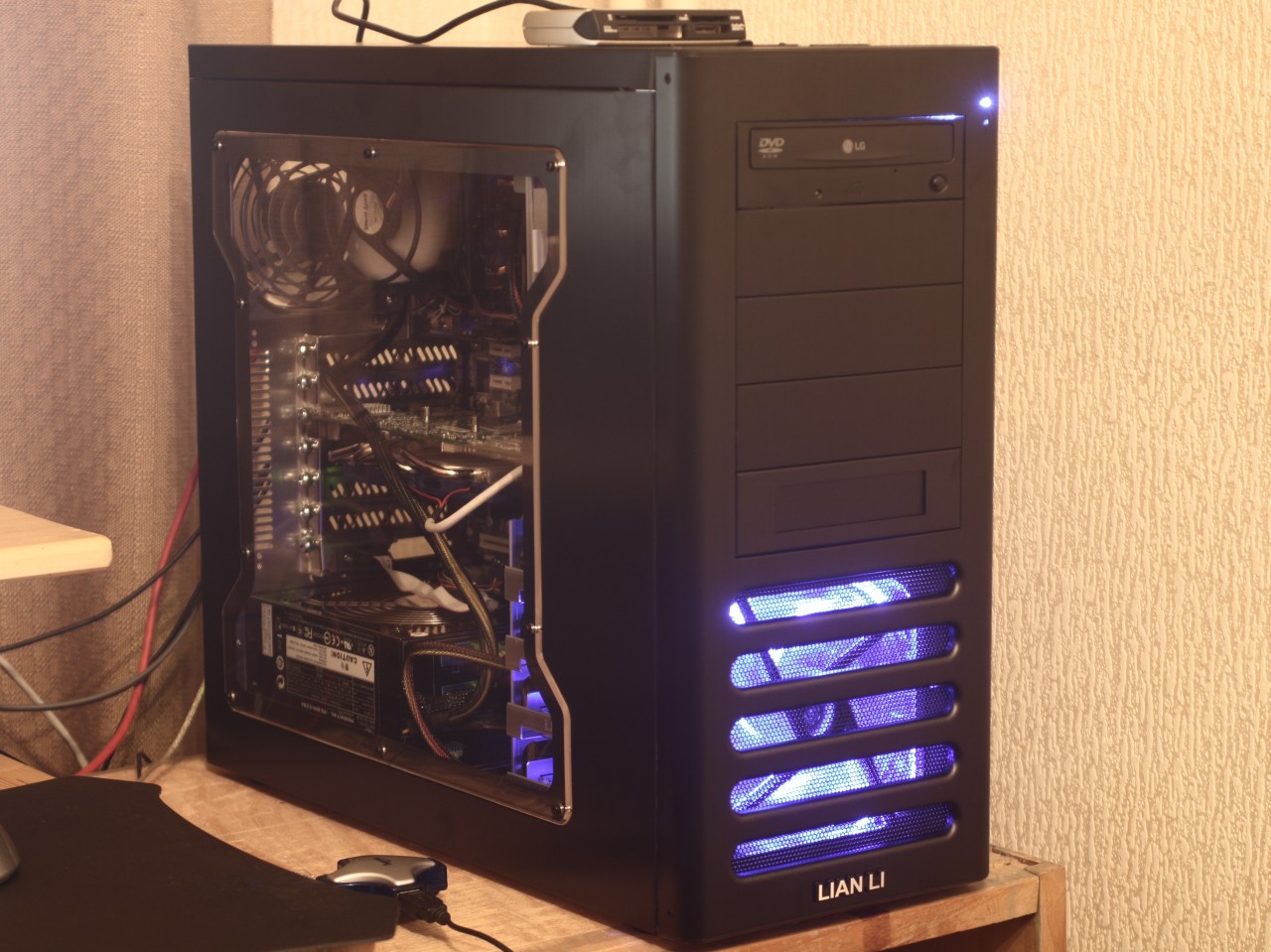
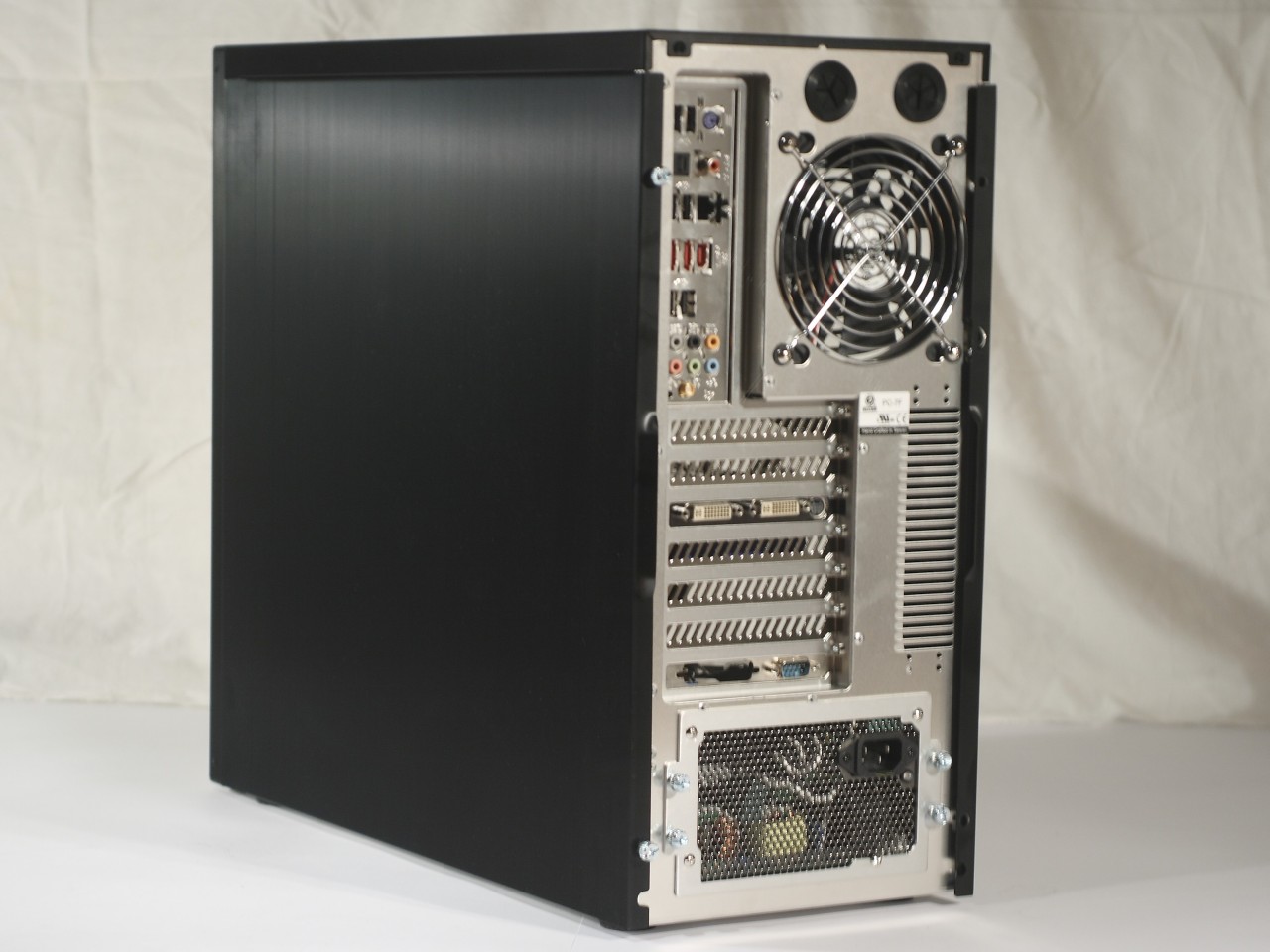
Here is the completely assembled computer:
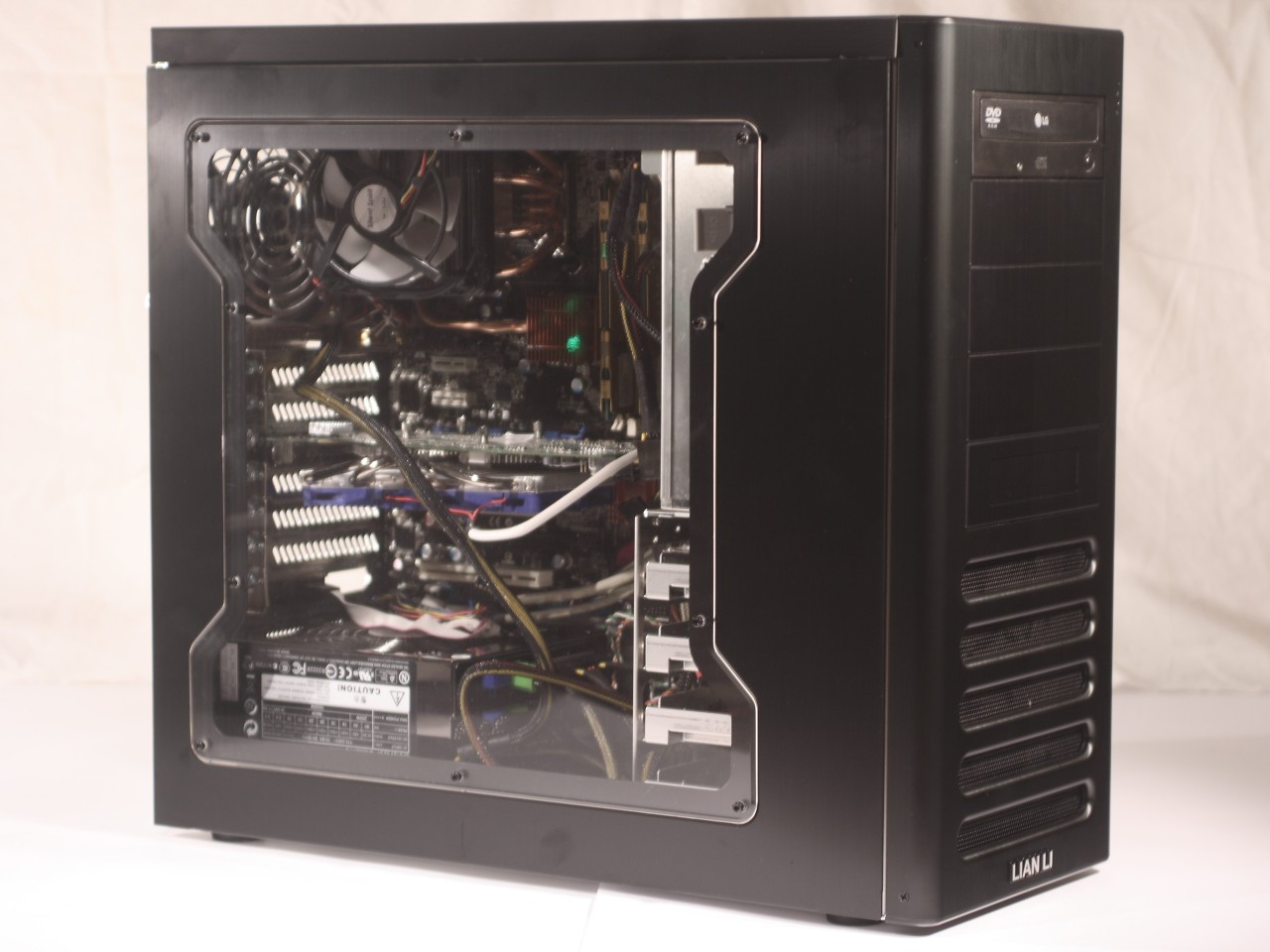
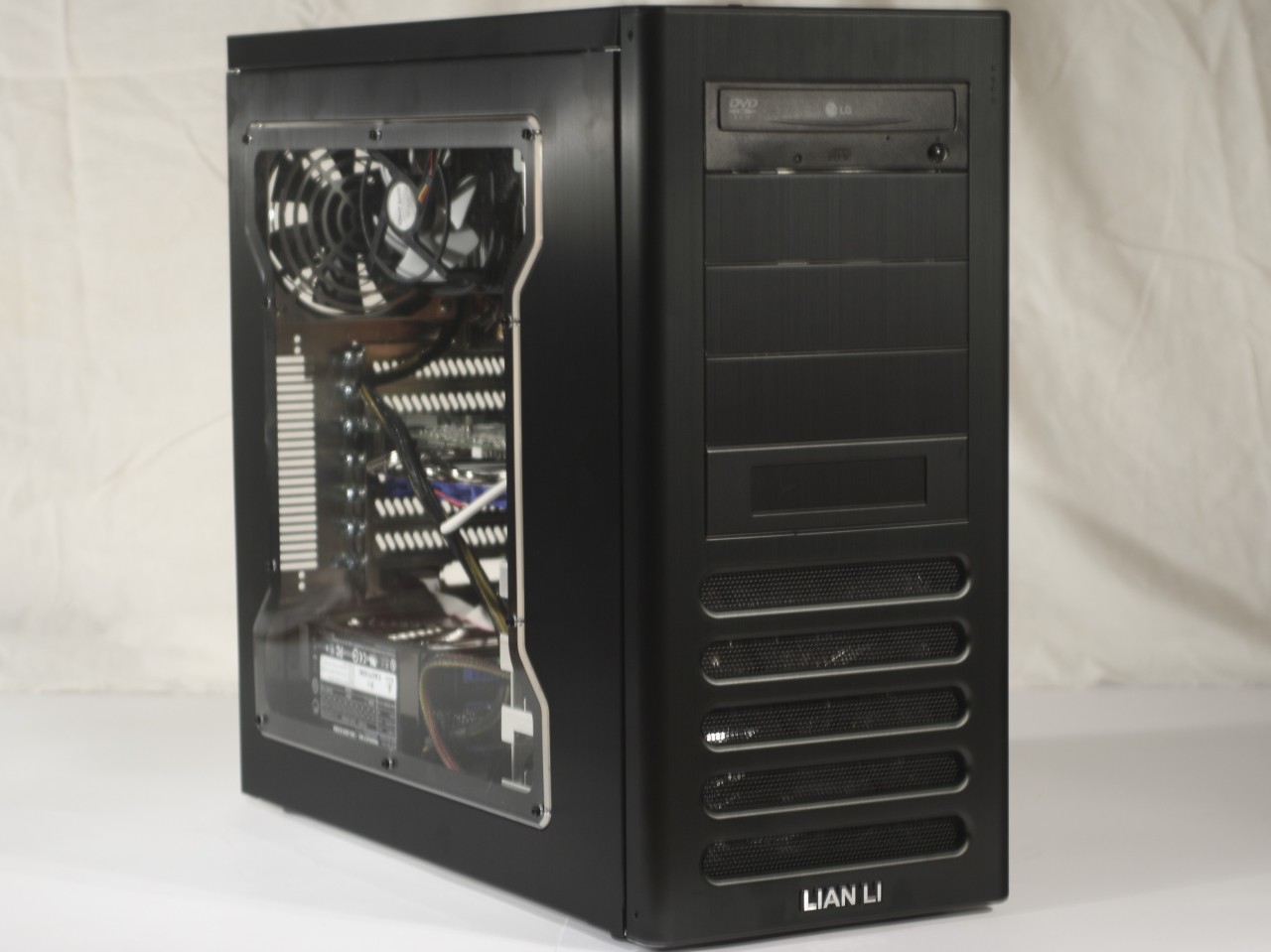
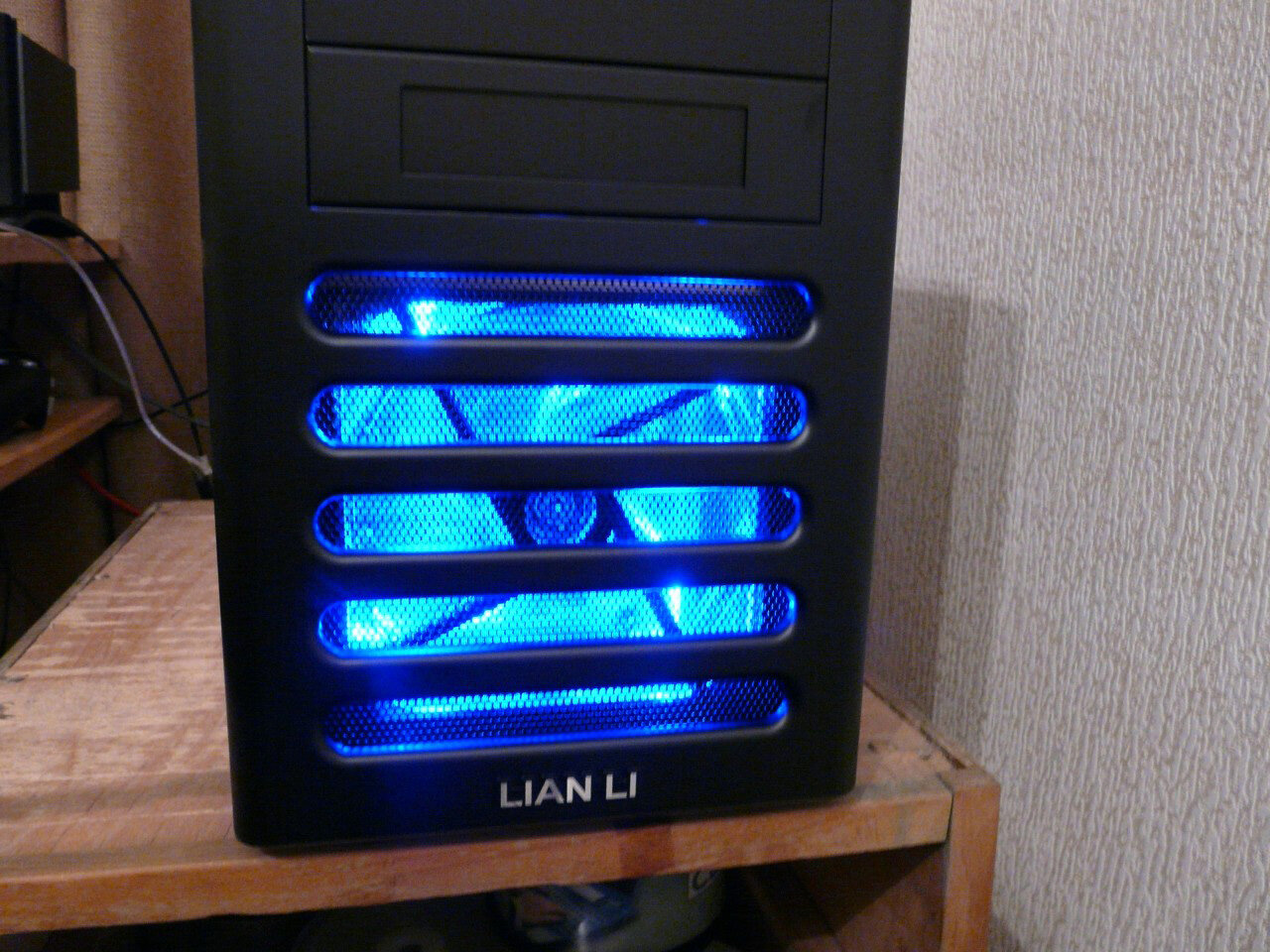
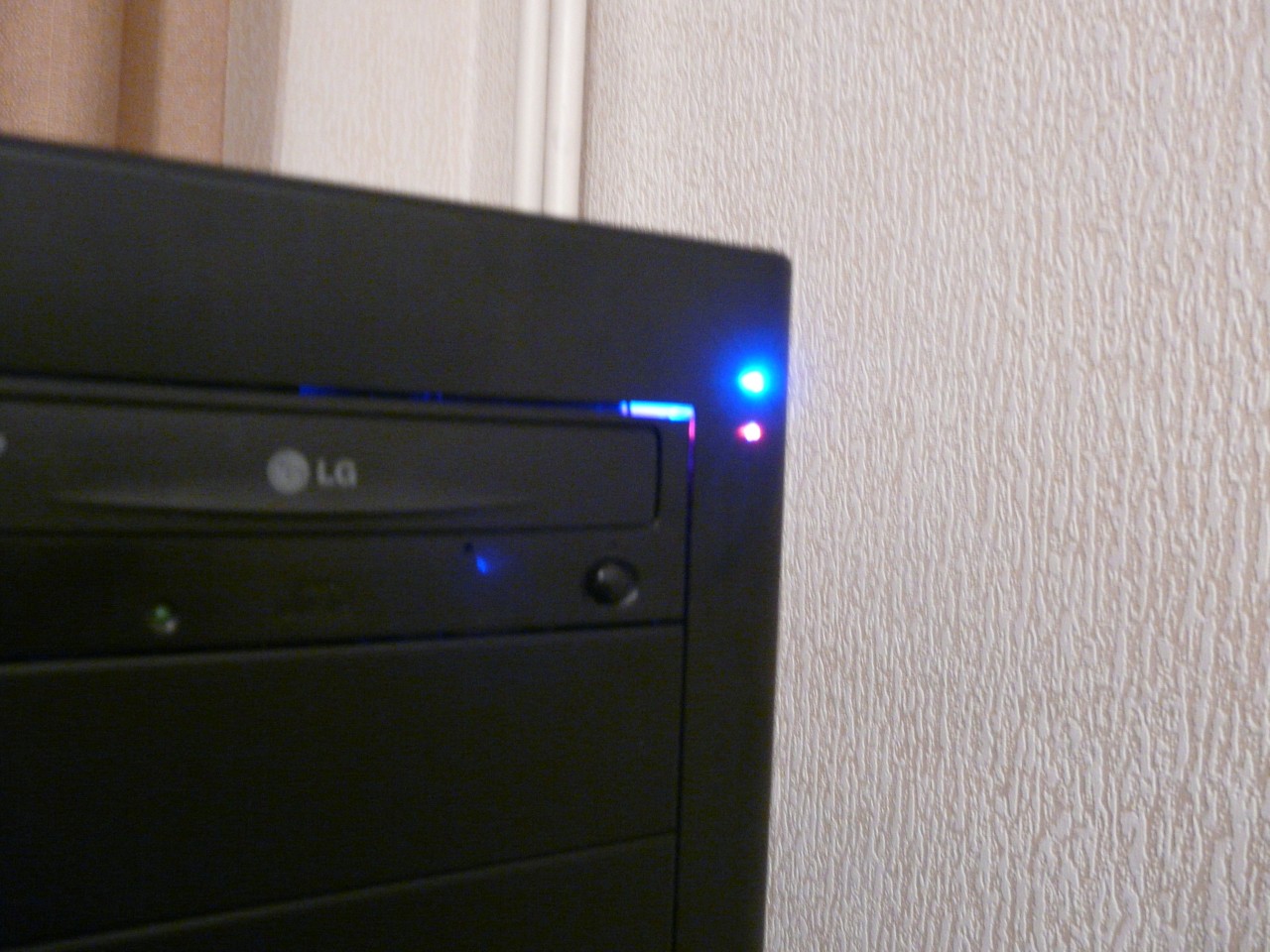
All that remains to be done is to power it up. And get greeted by the pleasant blue light of the 140mm fan of the front panel. And you can also see where are the two status LED's that are near invisible when the computer isn't powered on: