Lian Li PC-7FW Computer Case Review
- Lian Li PC-7FW Computer Case Review
- Page 2 - Outside look
- Page 3 - Inside look
- Page 4 - Installation
- Page 5 - Tests
- Page 6 - Conclusion
Page 3 - Inside look
Page 3 - Inside look
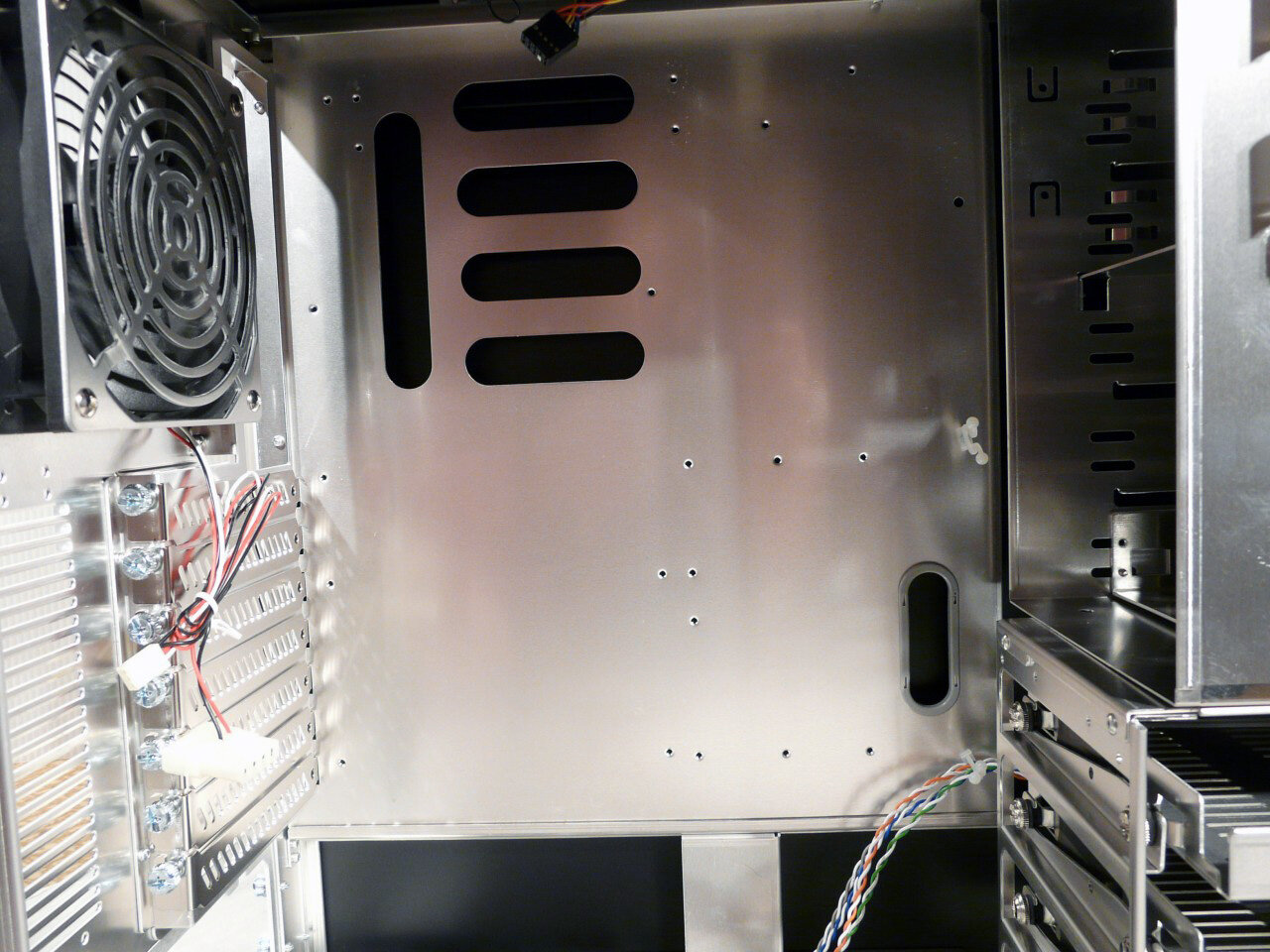
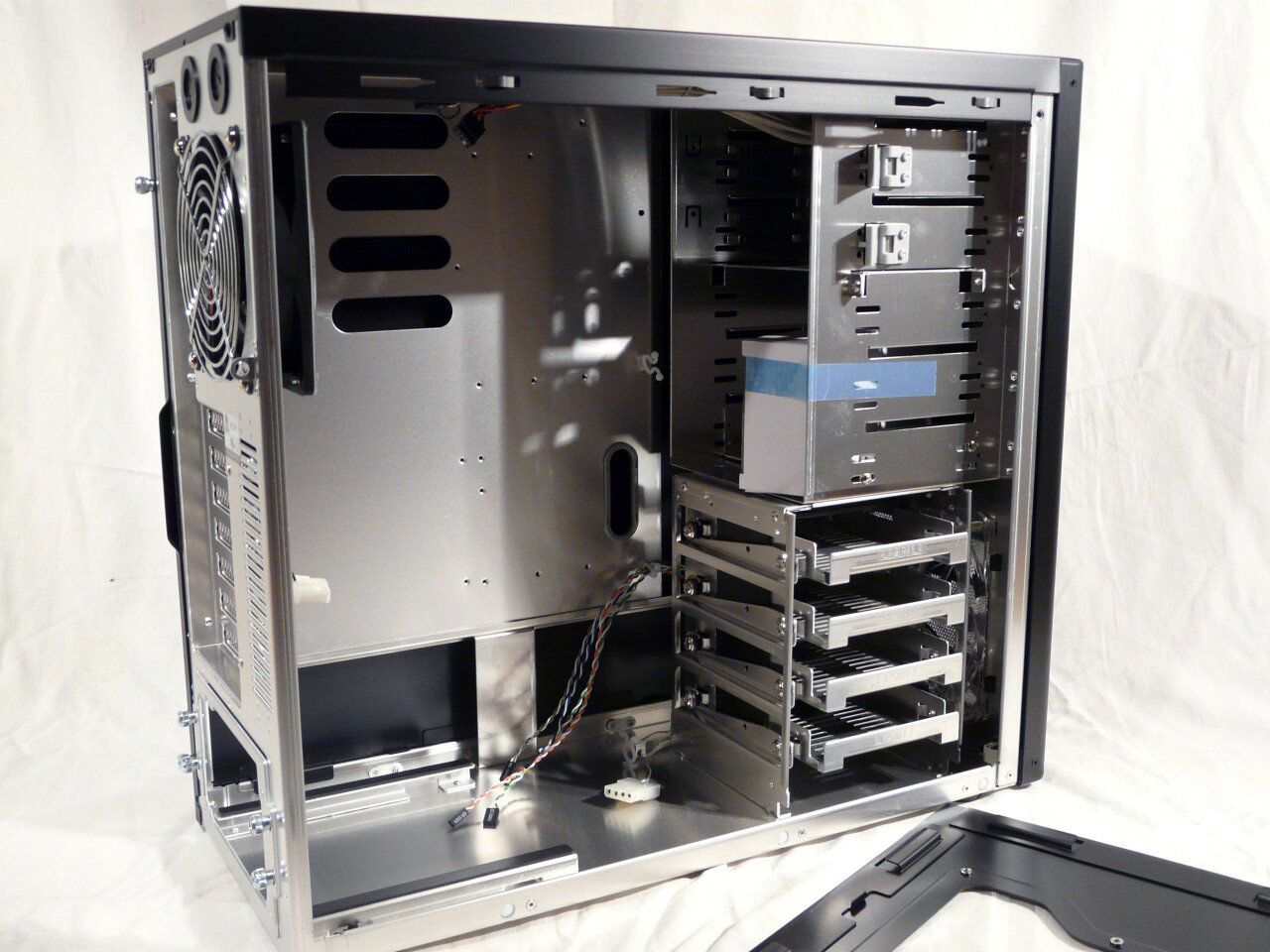
Time to remove the panels and take a look inside. Right away we notice that the motherboard tray is non-removable and has very few openings in it:
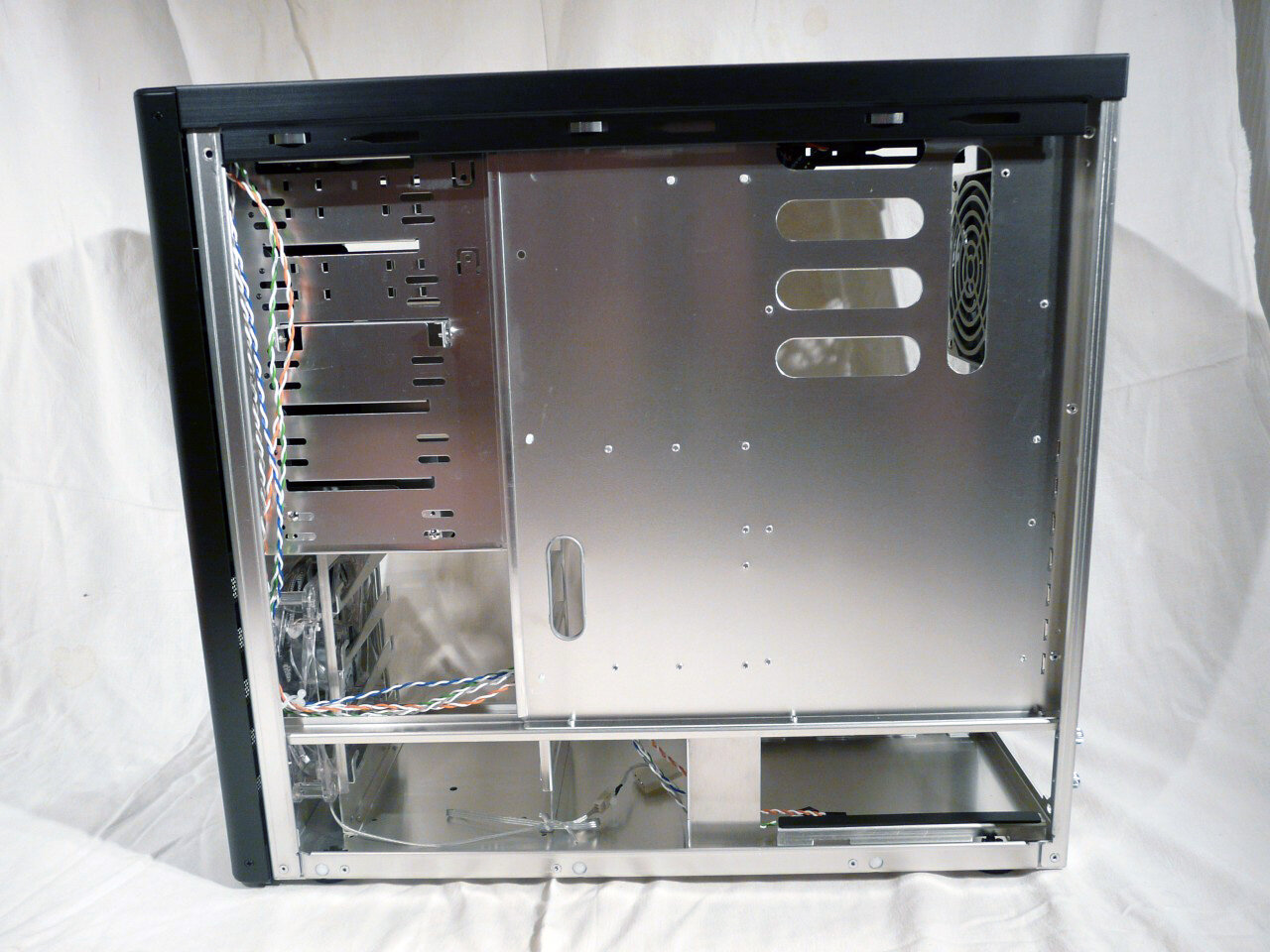
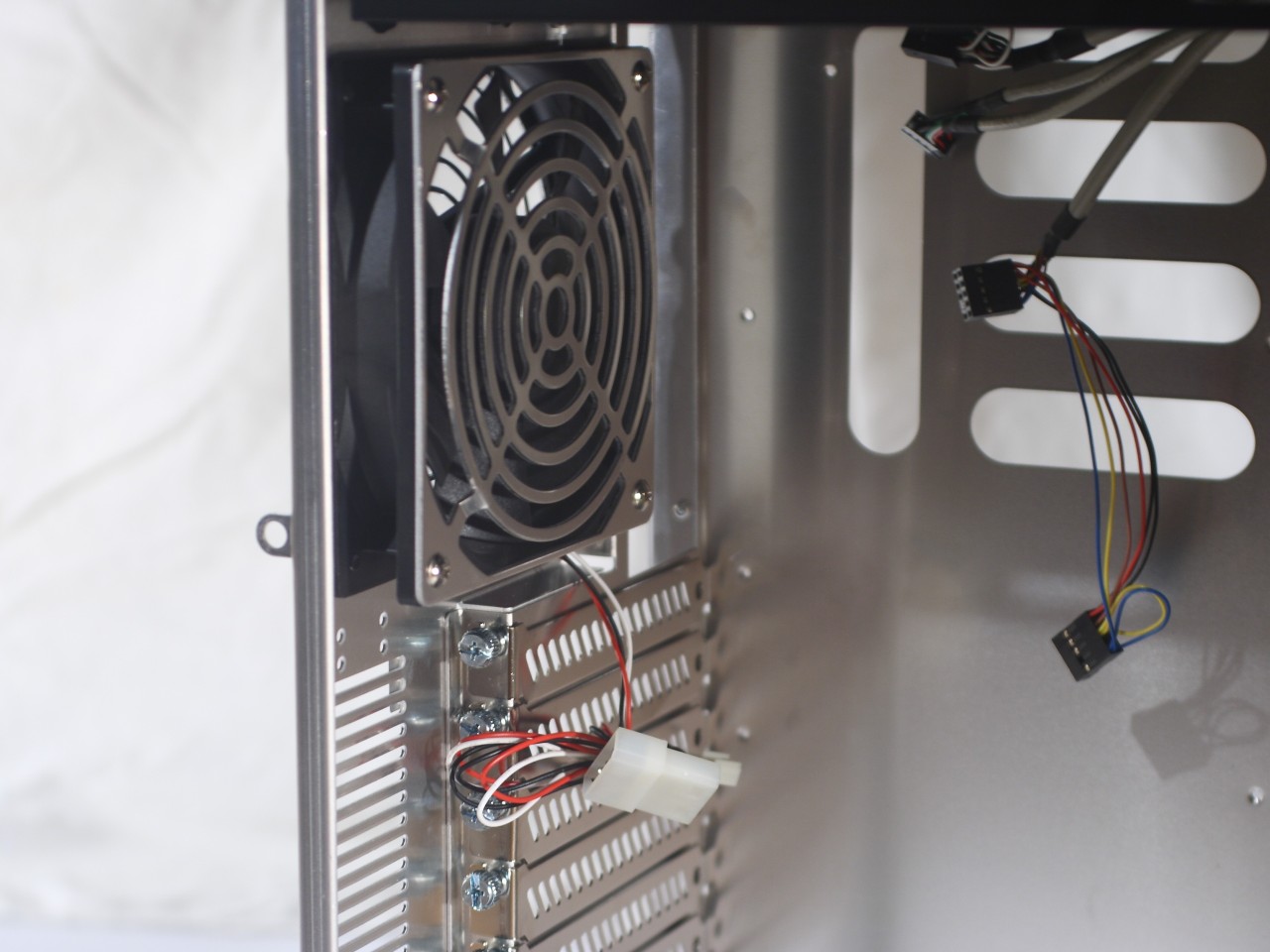
The pictures also clearly confirm that in order to mount more complex coolers you'll have to remove the motherboard and all the cables behind it. That is definitely consistent with the case being positioned at mid-range. The only openings in that tray are for slightly better cooling in the general area around the CPU.
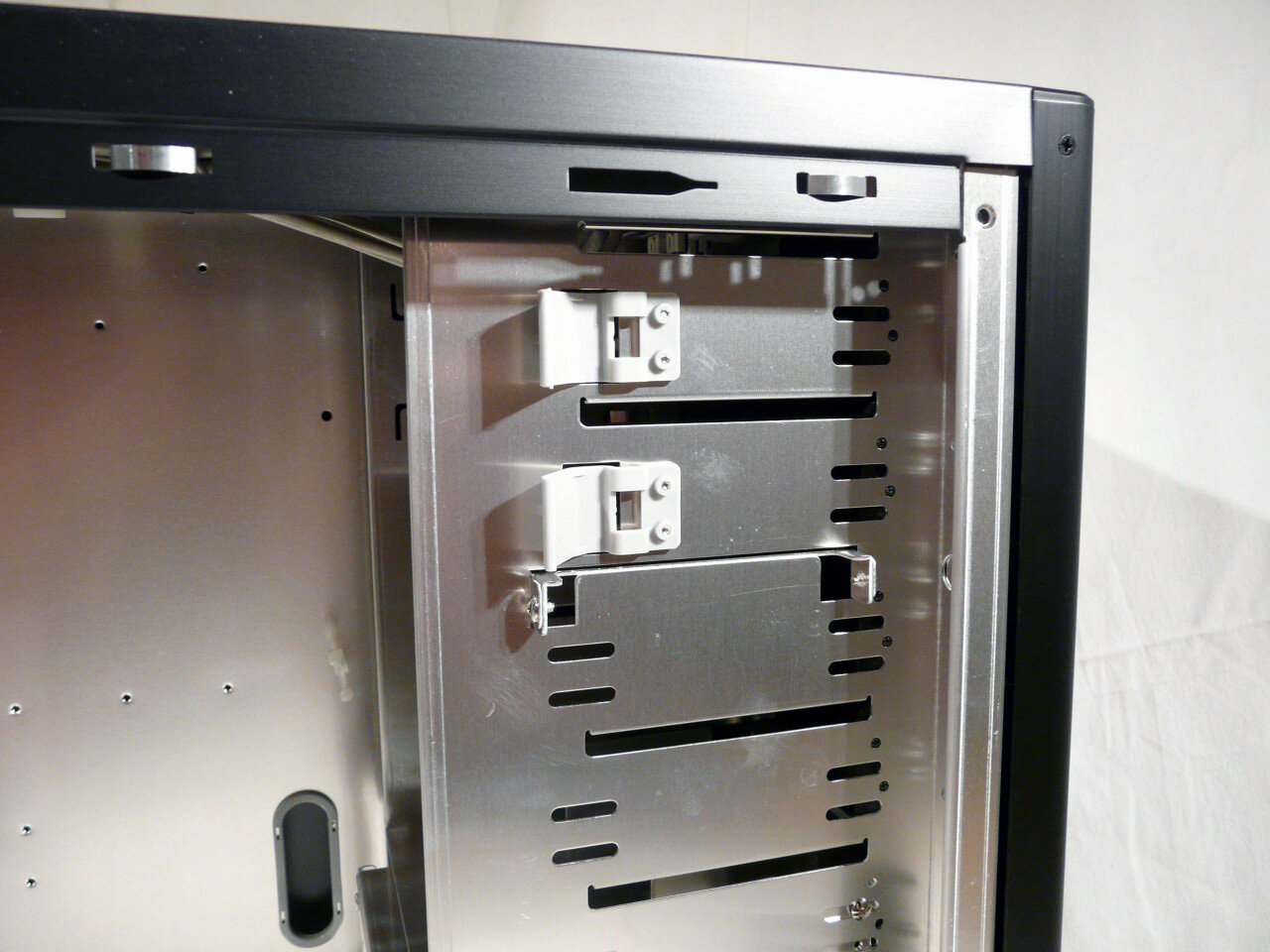
Lian Li PC-7FW as we already mentioned has only 4 internal slots for 3.25” devices. Considering its mid-range, they ought to be enough. The bays themselves are made in such way that when a drive is inserted its secured in place by closing the plastic cap (plastic buds pop in the openings for screws). The whole process of mounting and un-mounting drives is quite speedy and completely toolless:
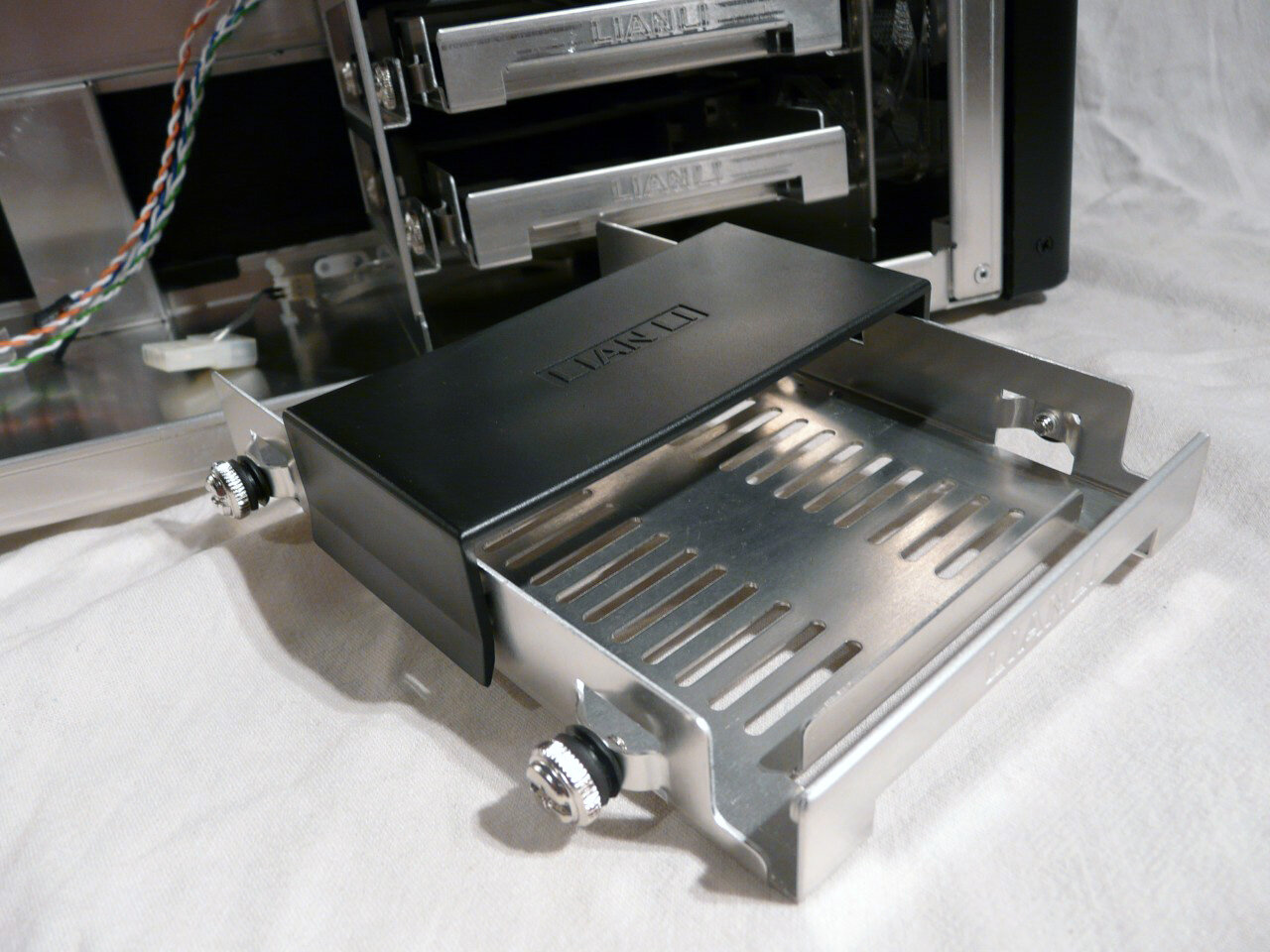
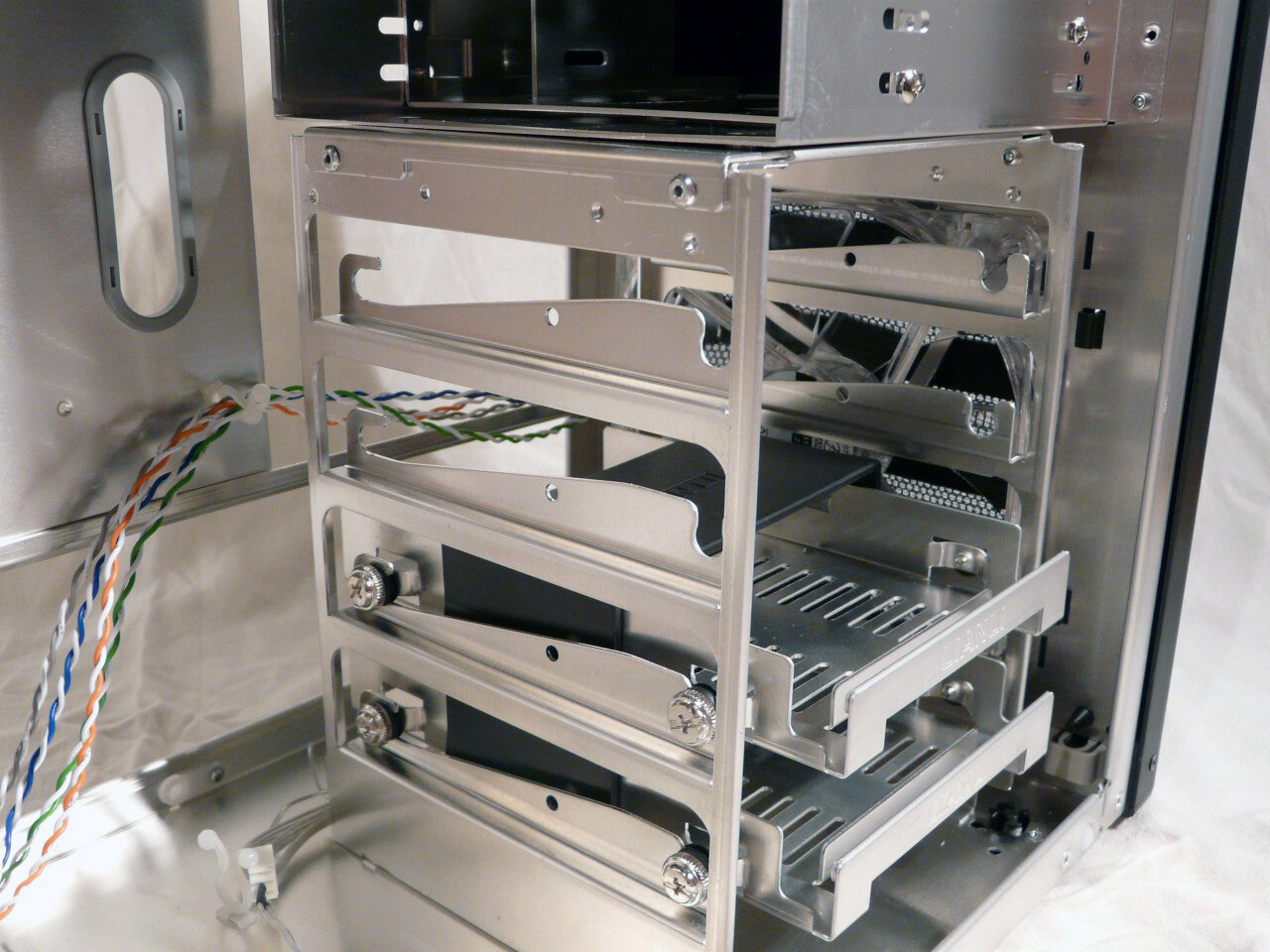
At the 5.25” slots we have one adapter plate for 3.25” device that can be used in any given slot of your choosing. Also below the top two is situated a plate on which you could mount various devices – a water pump or reservoir for example. But only the top two slots have plastic pegs for toolless device operation:
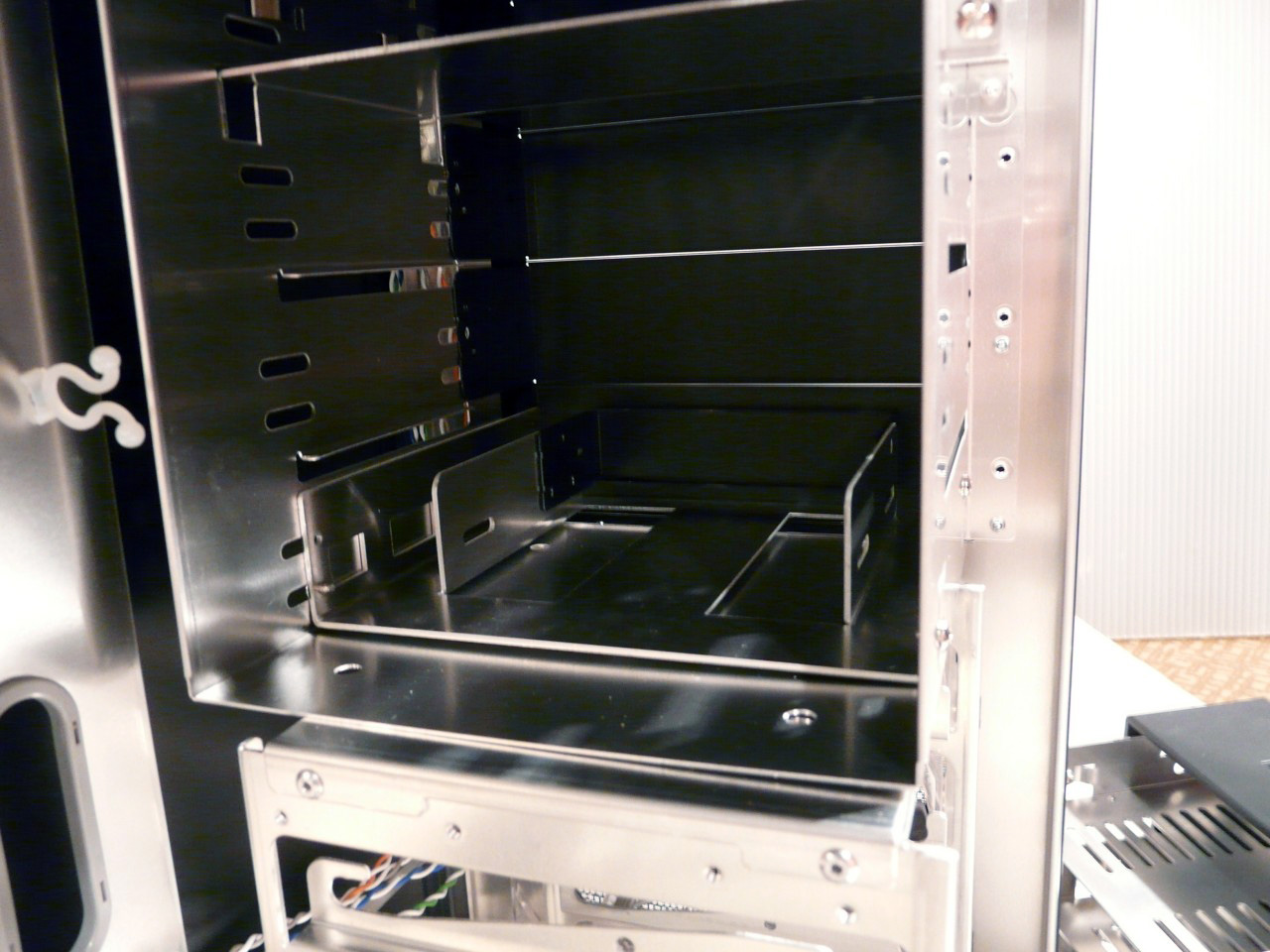
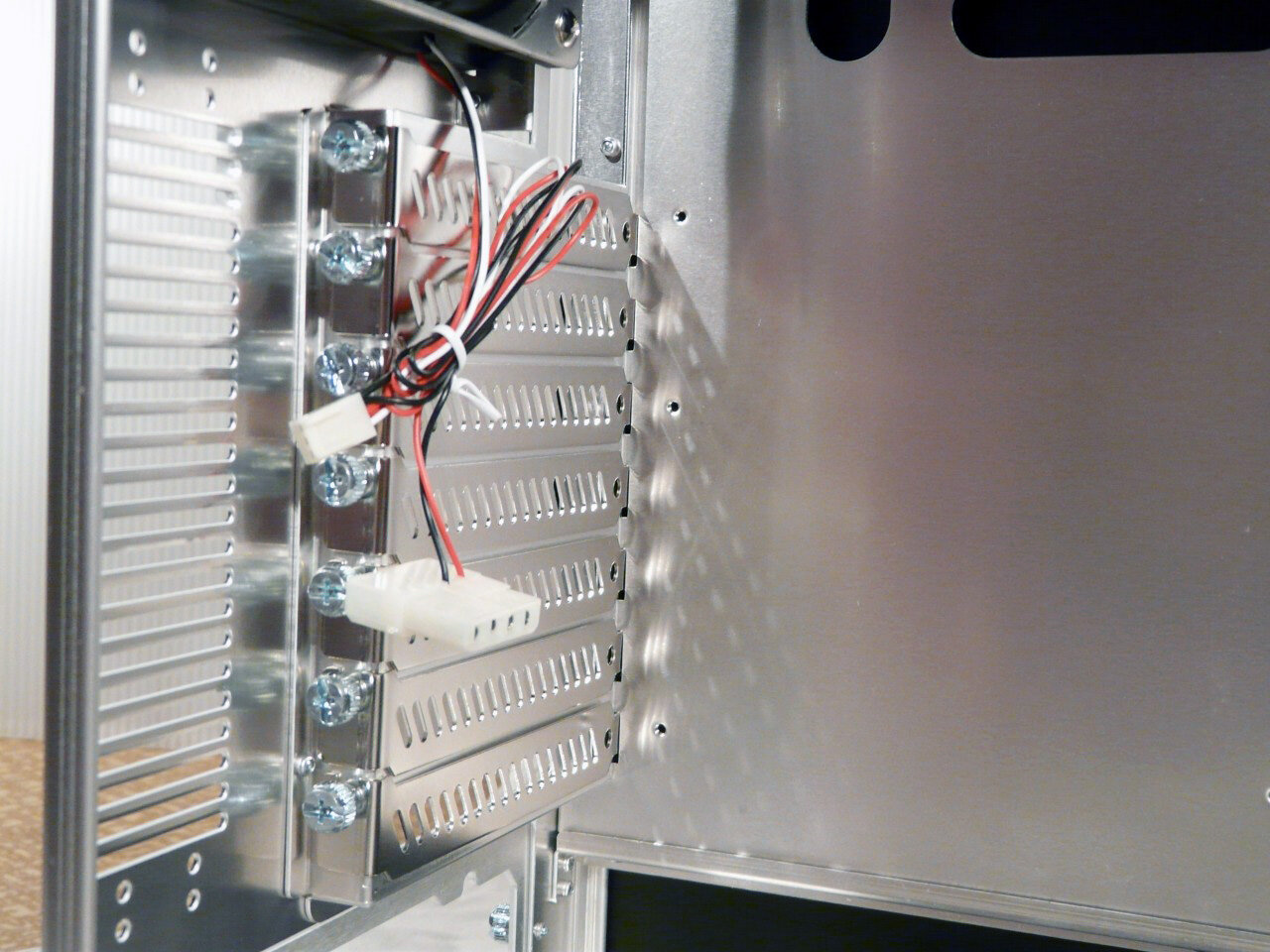
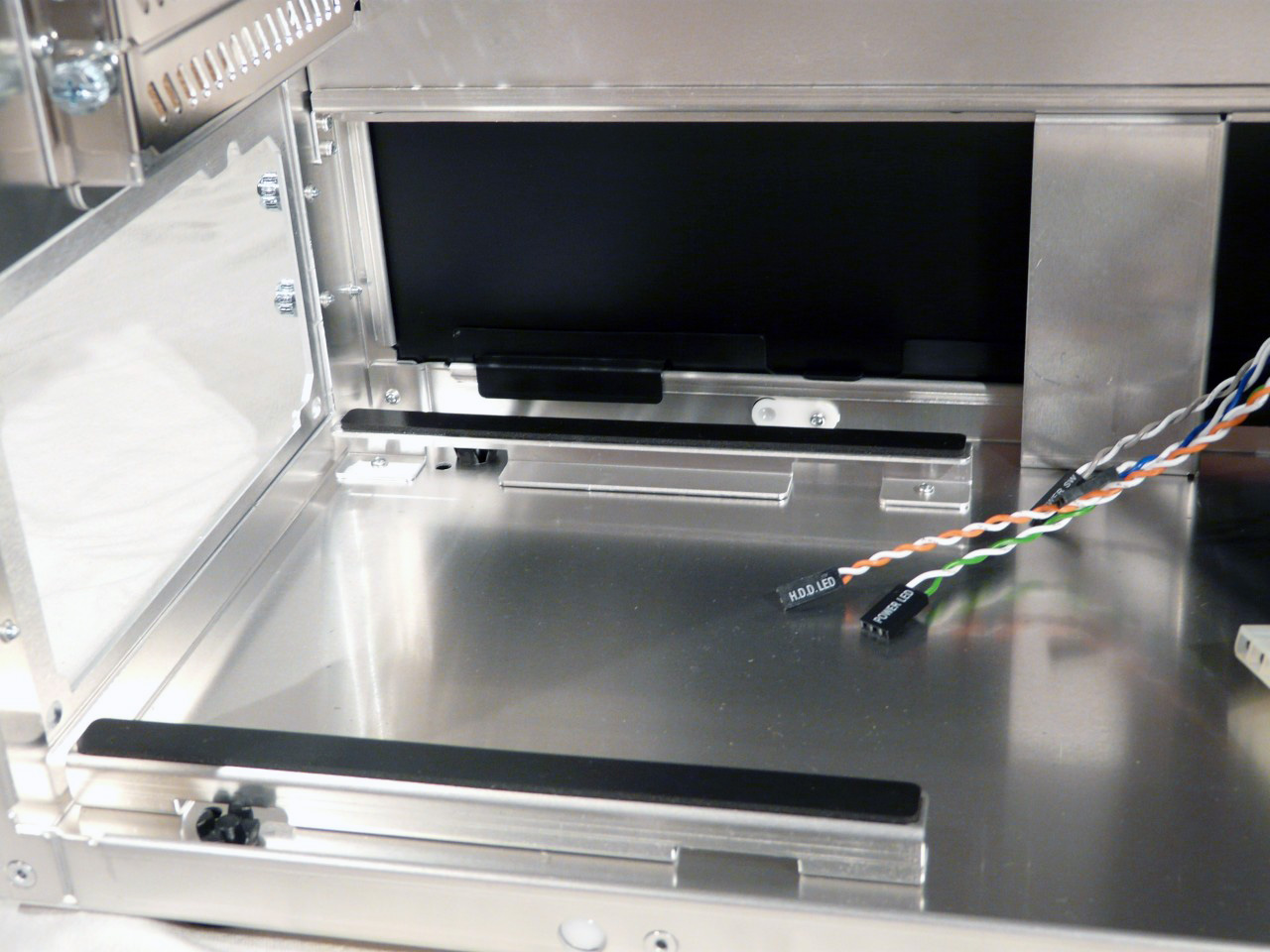
The openings for the additional cards have each a well ventilated plate to cover them. The stand for the PSU comes with rubber feet that have a dual purpose - protecting the PSU from scratching and dampening vibrations that it might try to introduce to the system:
And here is what the motherboard tray looks like and as you can well enough see, it doesn't have many openings. There is however just enough space to sit the cables of the PSU on the back, though not very comfy: