Vizo Shuttle ST - External 2.5-inch HDD Enclosure Review
- Vizo Shuttle ST - External 2.5-inch HDD Enclosure Review
- Page 2 - Closer look
- Page 3 - Tests, observational thoughts
- Page 4 - Conclusion
Page 2 - Closer look
Page 2 - Closer look
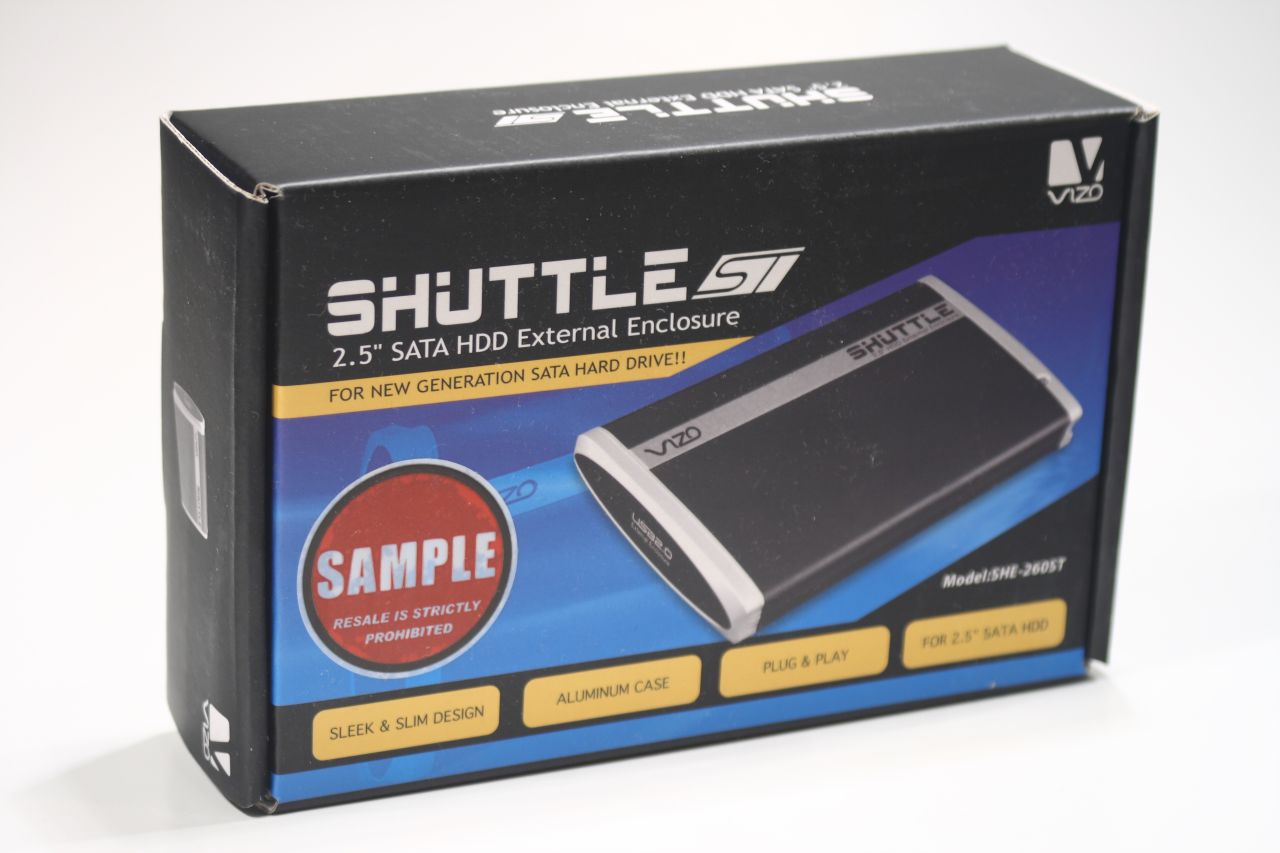
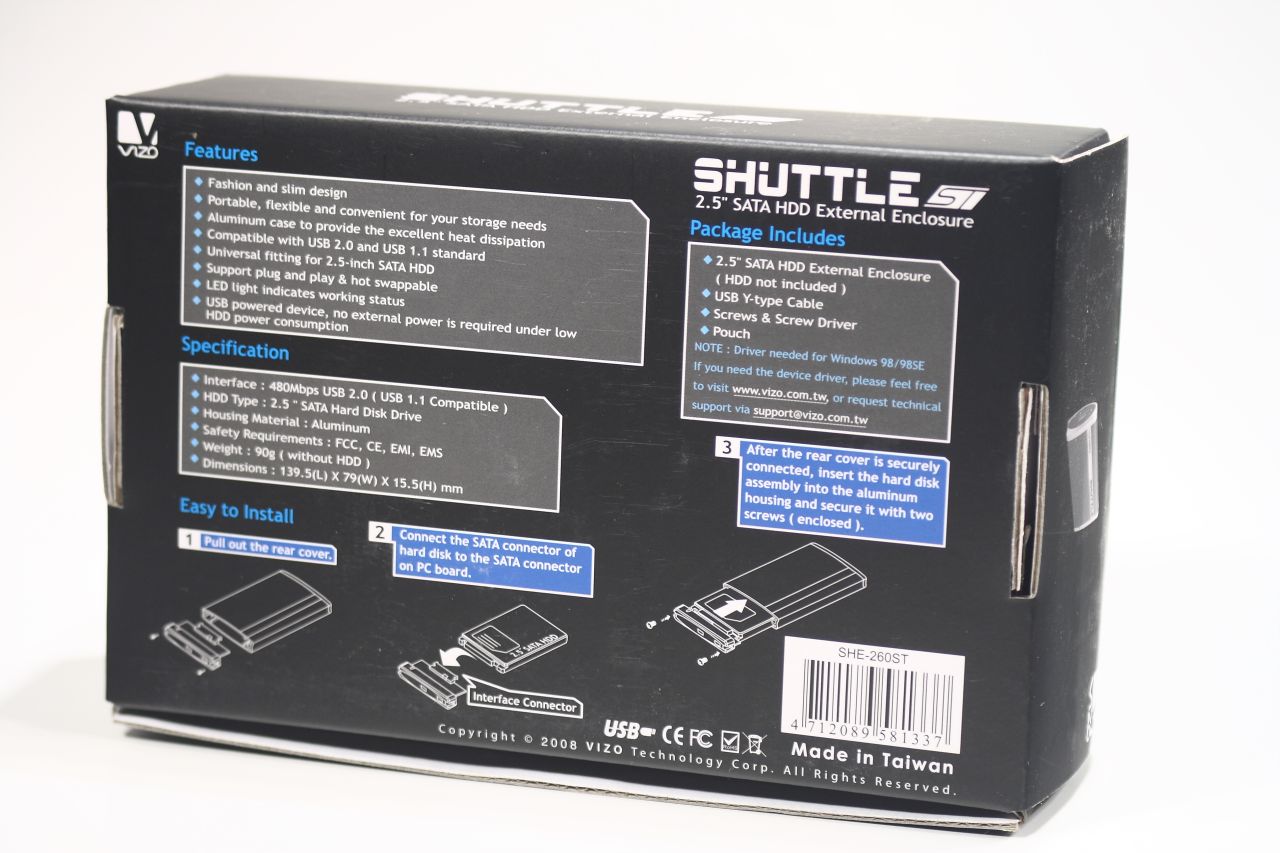
The Shuttle ST packaging is on a level were used to see from Vizo – good, well designed, with lots of notes about product features and specifications. The front besides everything else beard a big red sticker warning you that this is a review sample, so watch out fellows, should find such thing on sale at any store, be sure to give the popper guys a call:
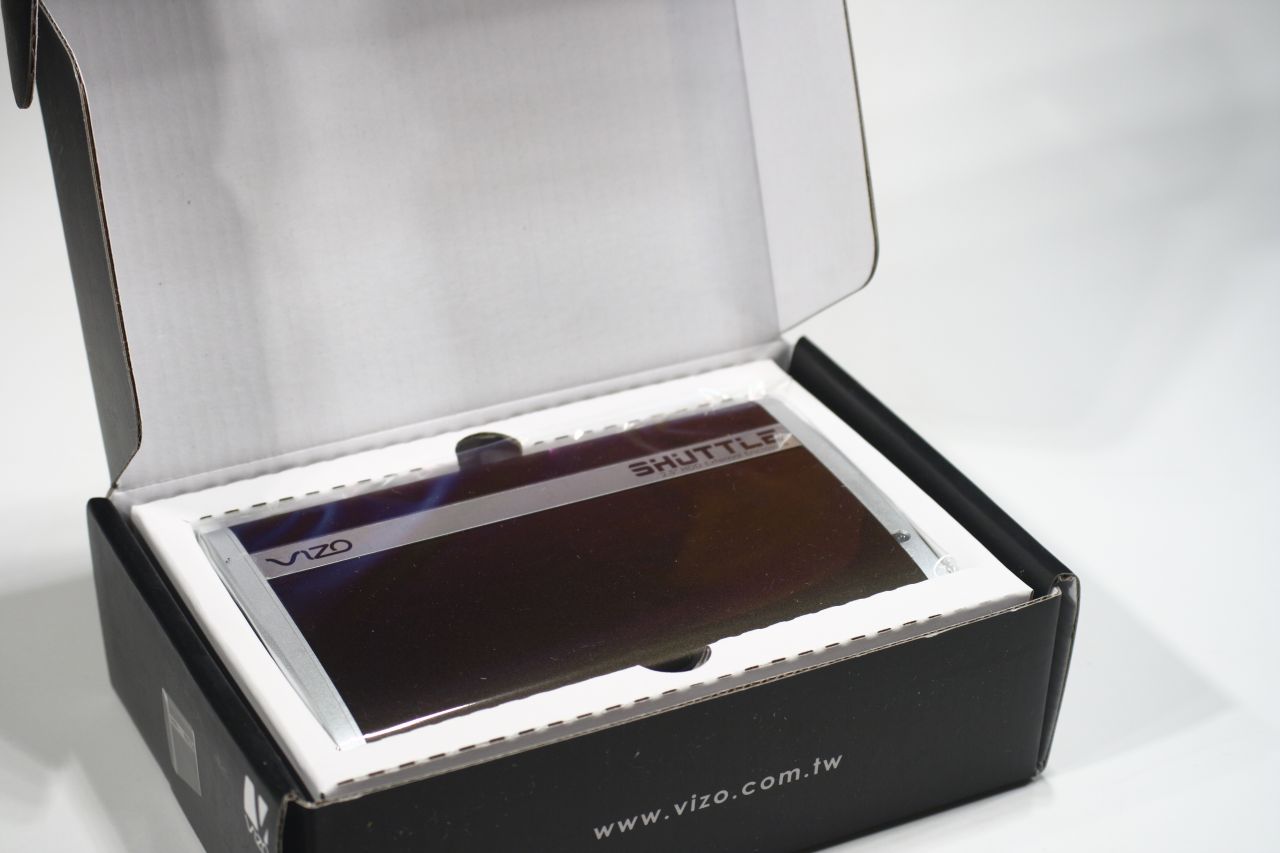
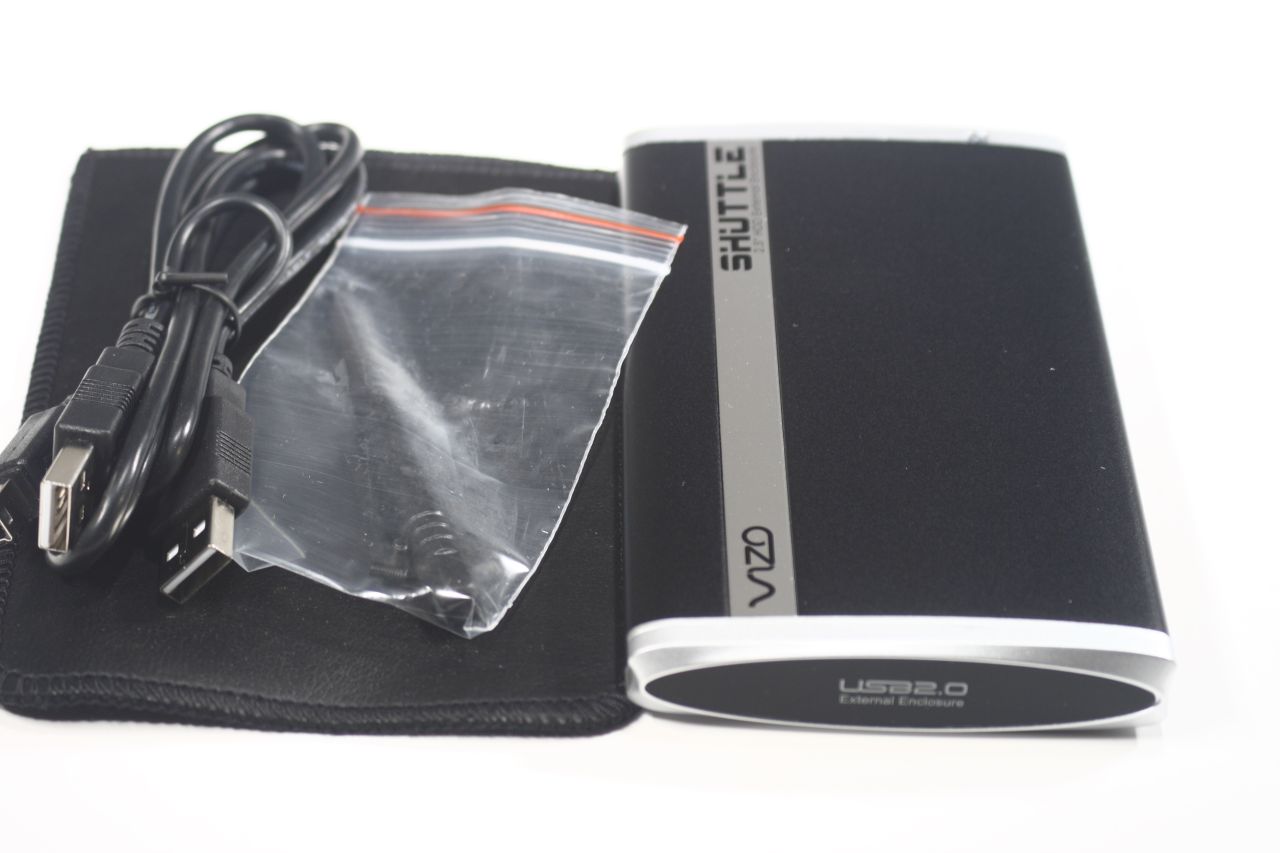
the contents of the box are of course well protected from harm (purely mechanical that is). Along with the manual inside the box we have the enclosure itself, a carrying sleeve, Y-shaped USB cable, 2 screws (which should have been 3 (one spare you know)) and a screwdriver:
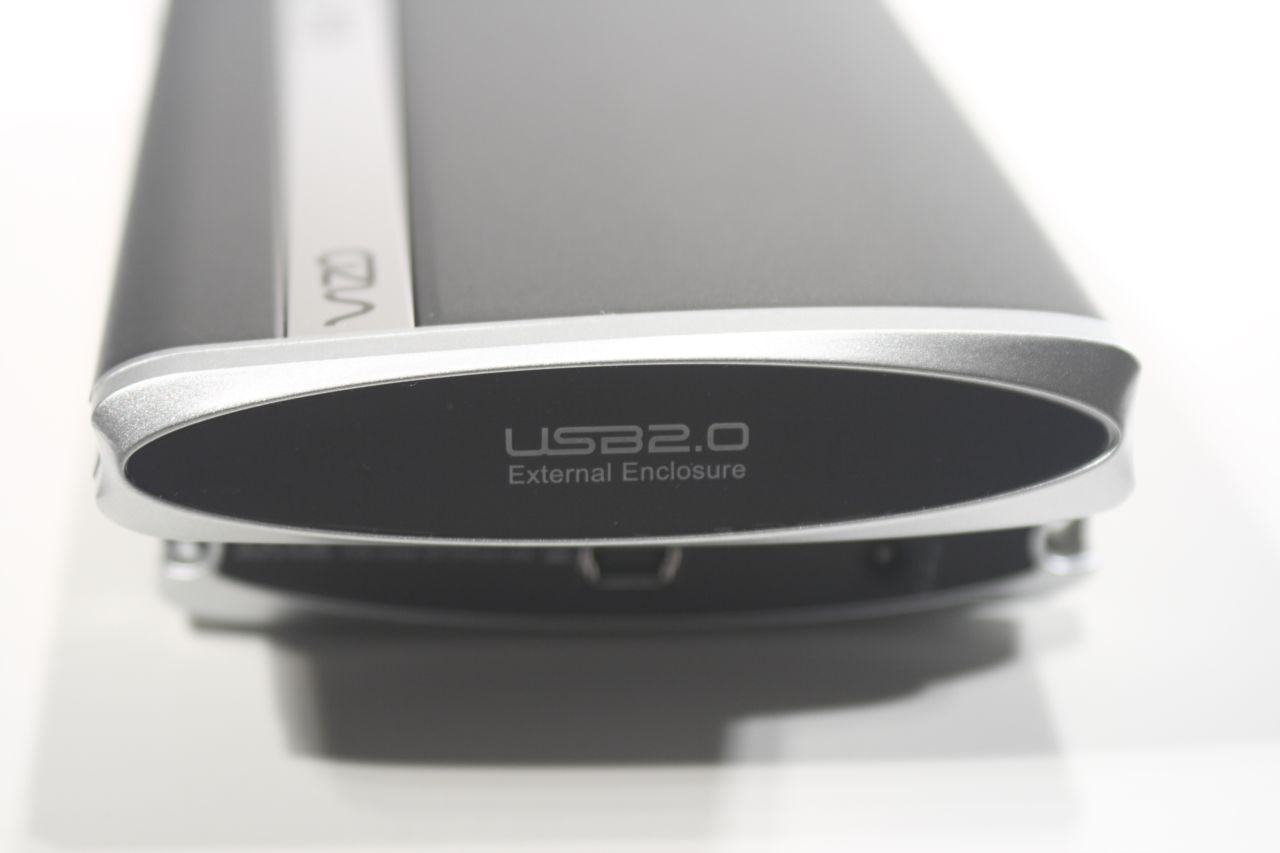
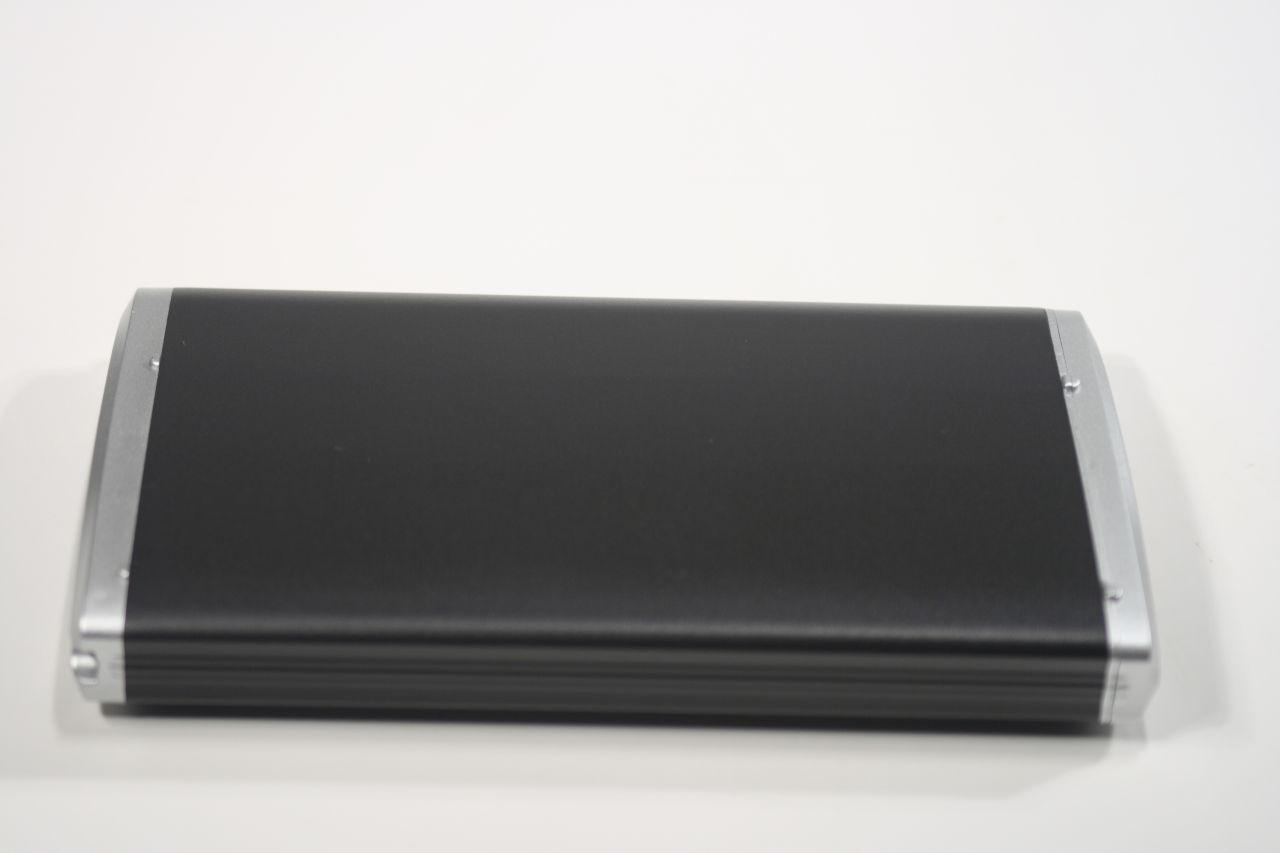
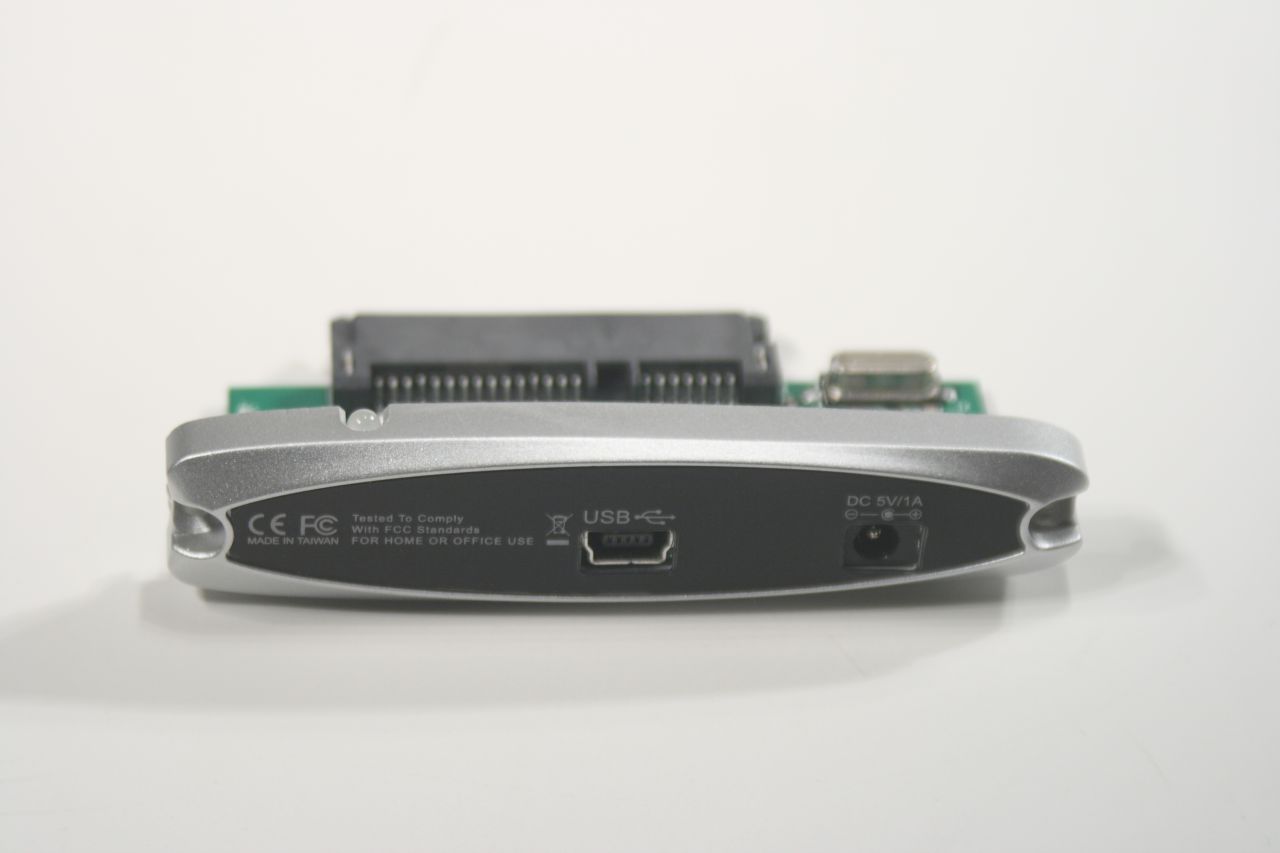
The enclosure itself has a slightly oval profile, slightly bulging in the middle. That makes it slightly bigger than the absolute minimum. The main body is from aluminum with plastic caps from either side. The front is non-removable and bears the product markings, while the back one is removable and has on it the USB and external power jack:
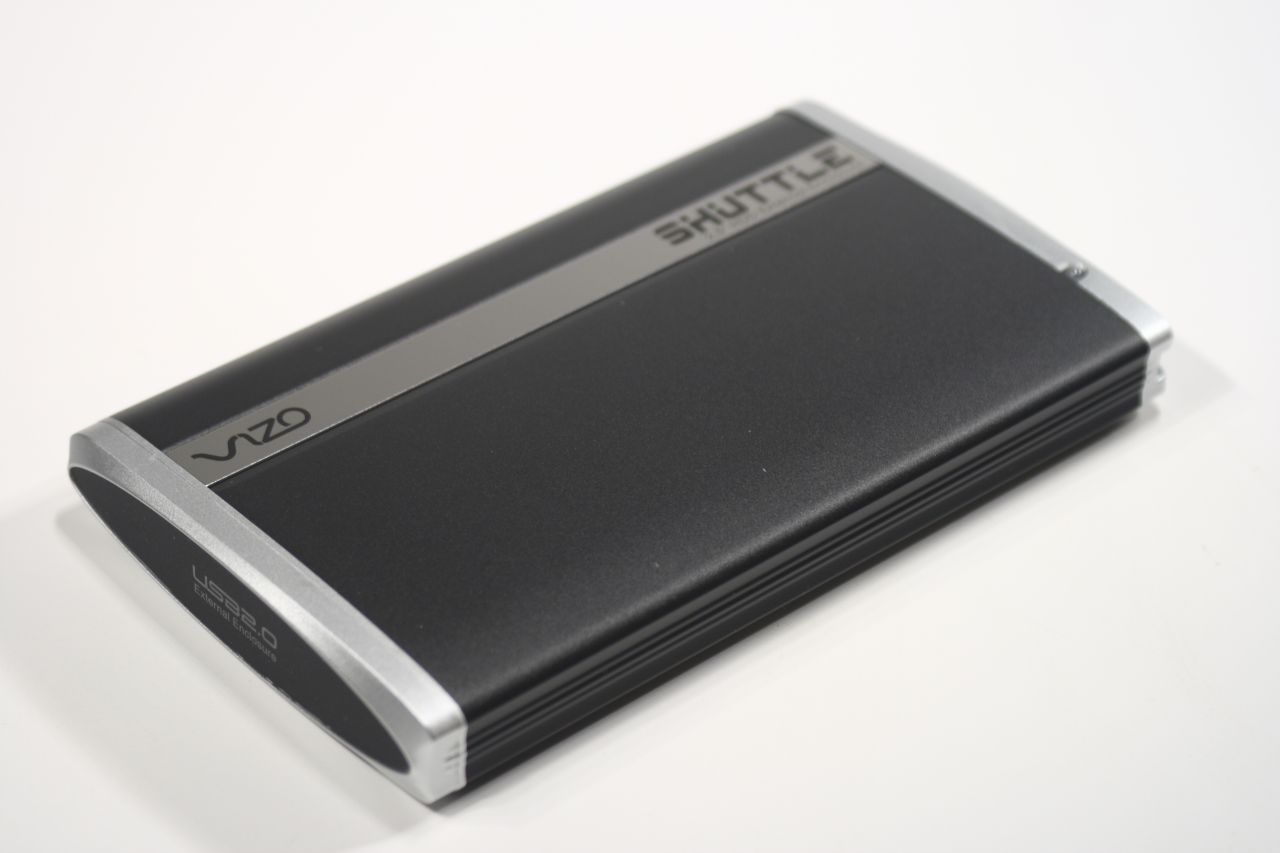
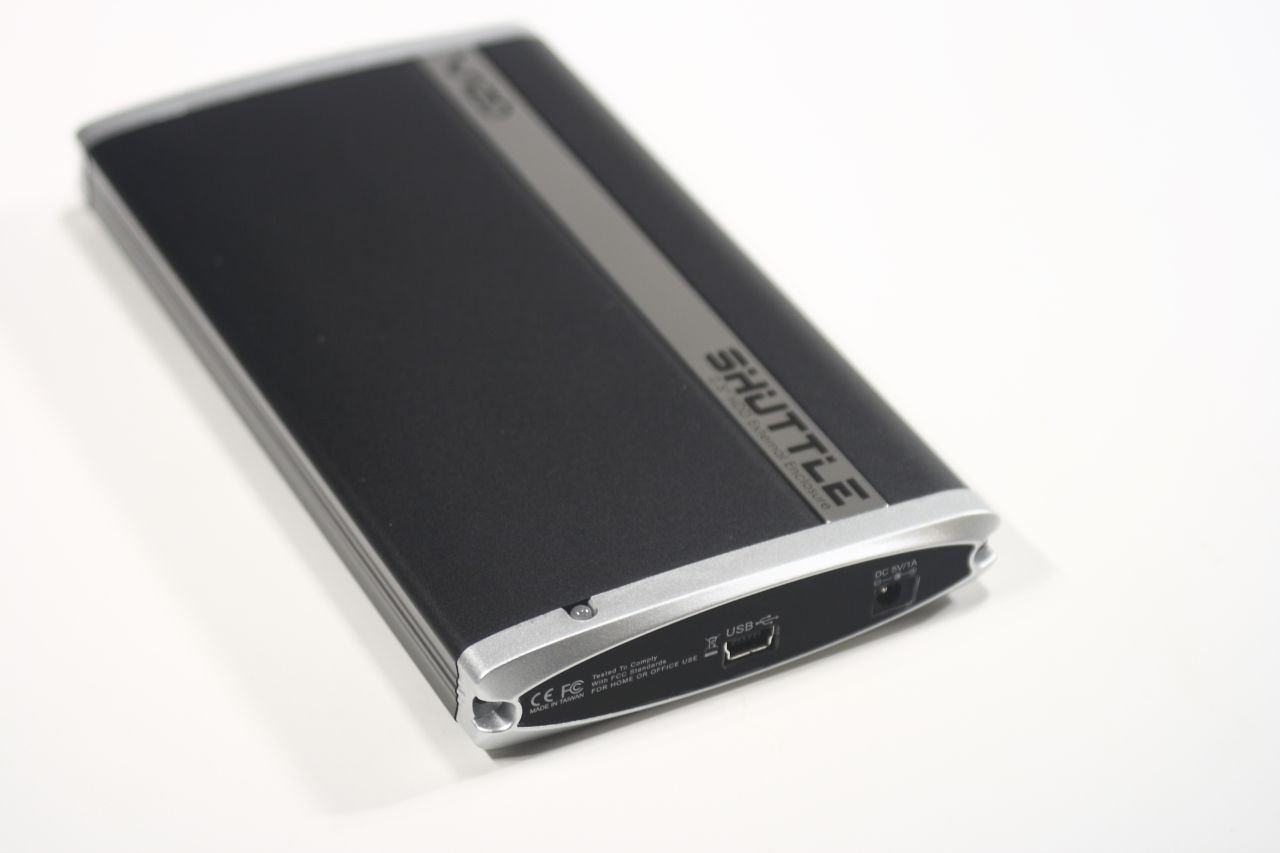
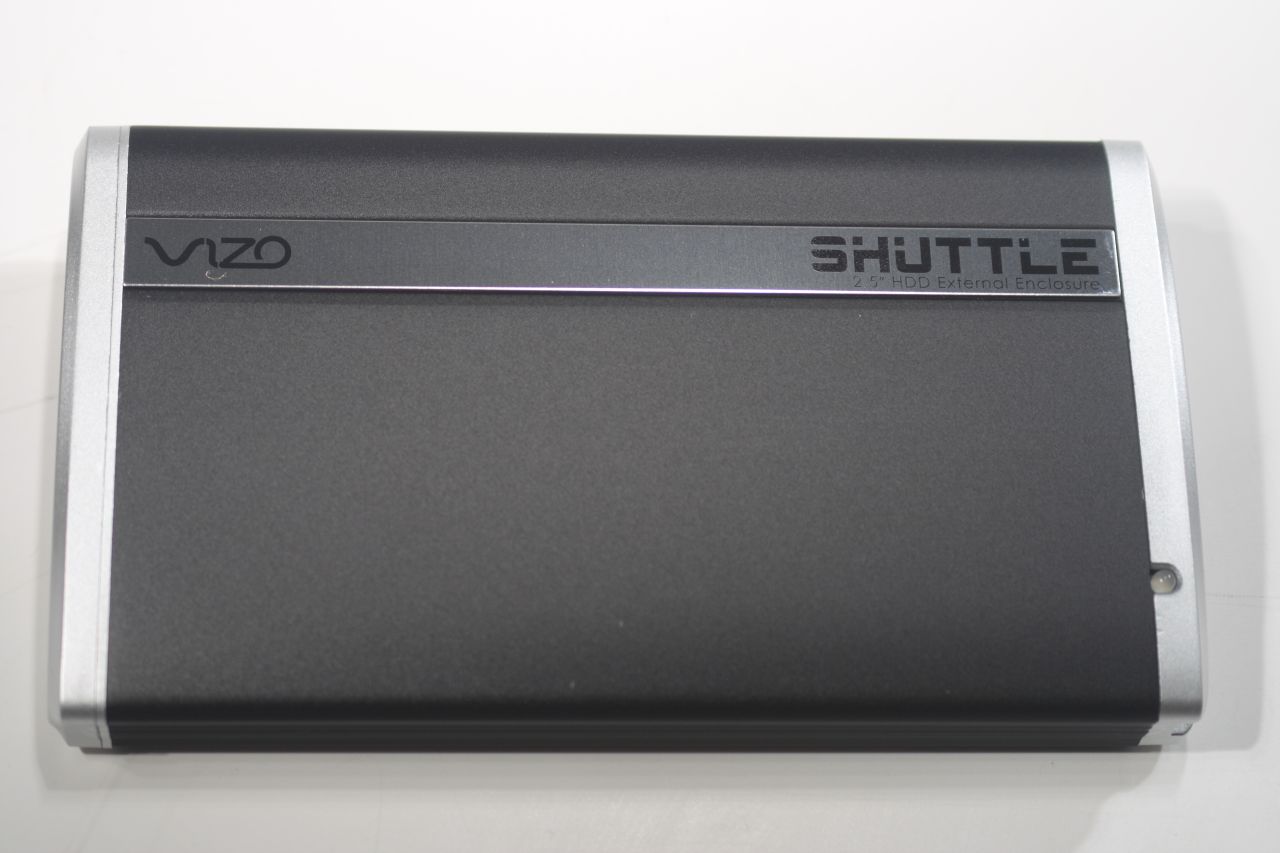
The top of Vizo Shuttle is further decorated by shiny plate with the name of company and product model. The LED indicator is also situated on top, right to the end at the back cap. The bottom of the enclosure has no distinguishable features:
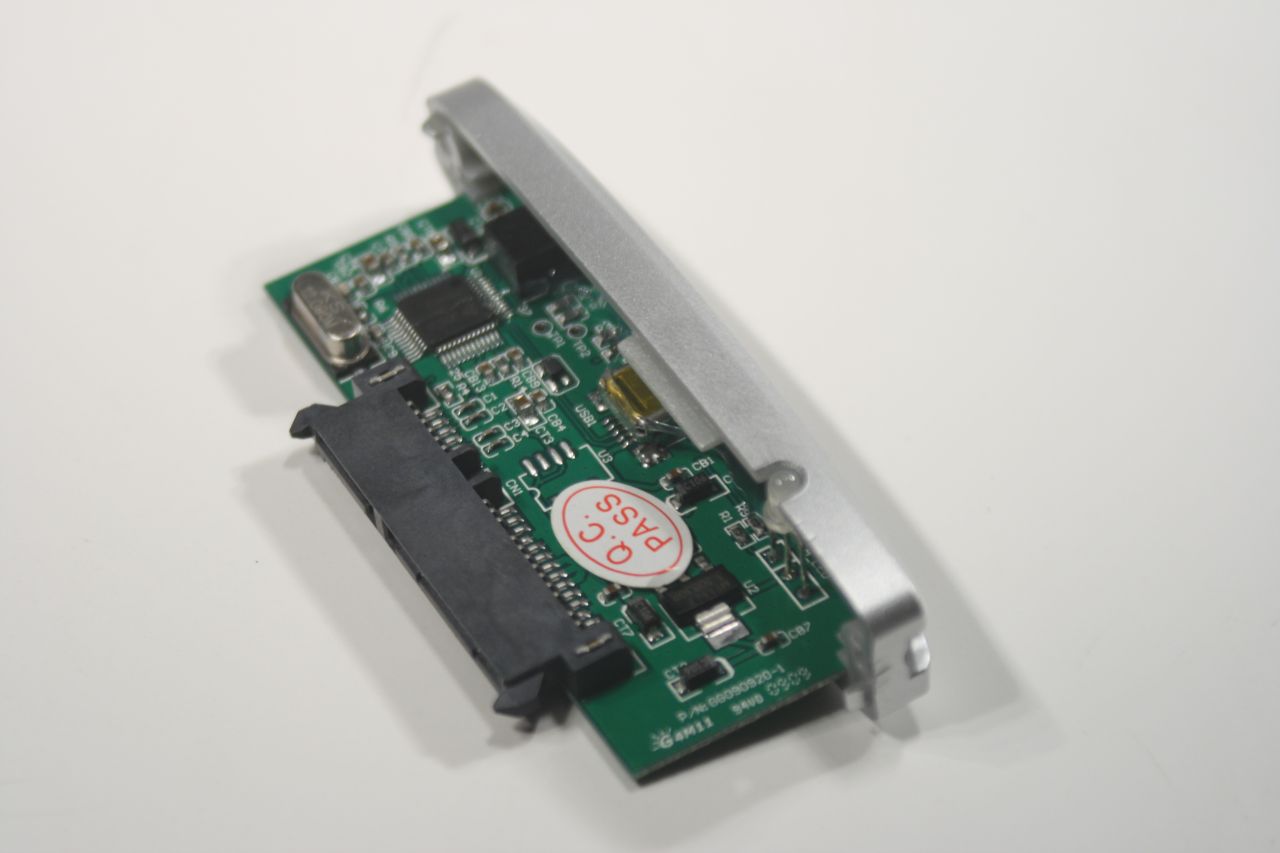
the back cap is in fact the actual SATA-to-USB controller. To it you plug the hard drive and with it you insert it in the rest of the enclosure, securing it in place with the provided two screws and screwdriver – easy, no? Stability is further assured by the soft seals/padding under the front cap, that keep the hard drive in place:
This is how the front cap looks like from up close: