Edimax BR-6324nL Wireless Router Review
- Edimax BR-6324nL Wireless Router Review
- Page 2 - Closer look
- Page 3 - Software
- Page 4 - Tests
- Page 5 - Conclusion
Page 2 - Closer look
Page 2 - Closer look
Edimax BR-6324nL is sold in mostly white box, the same white most of the company products use in fact. There is a short list of features and characteristics and pictures of the product an its intended use... you didn't really expected something more. Did you?
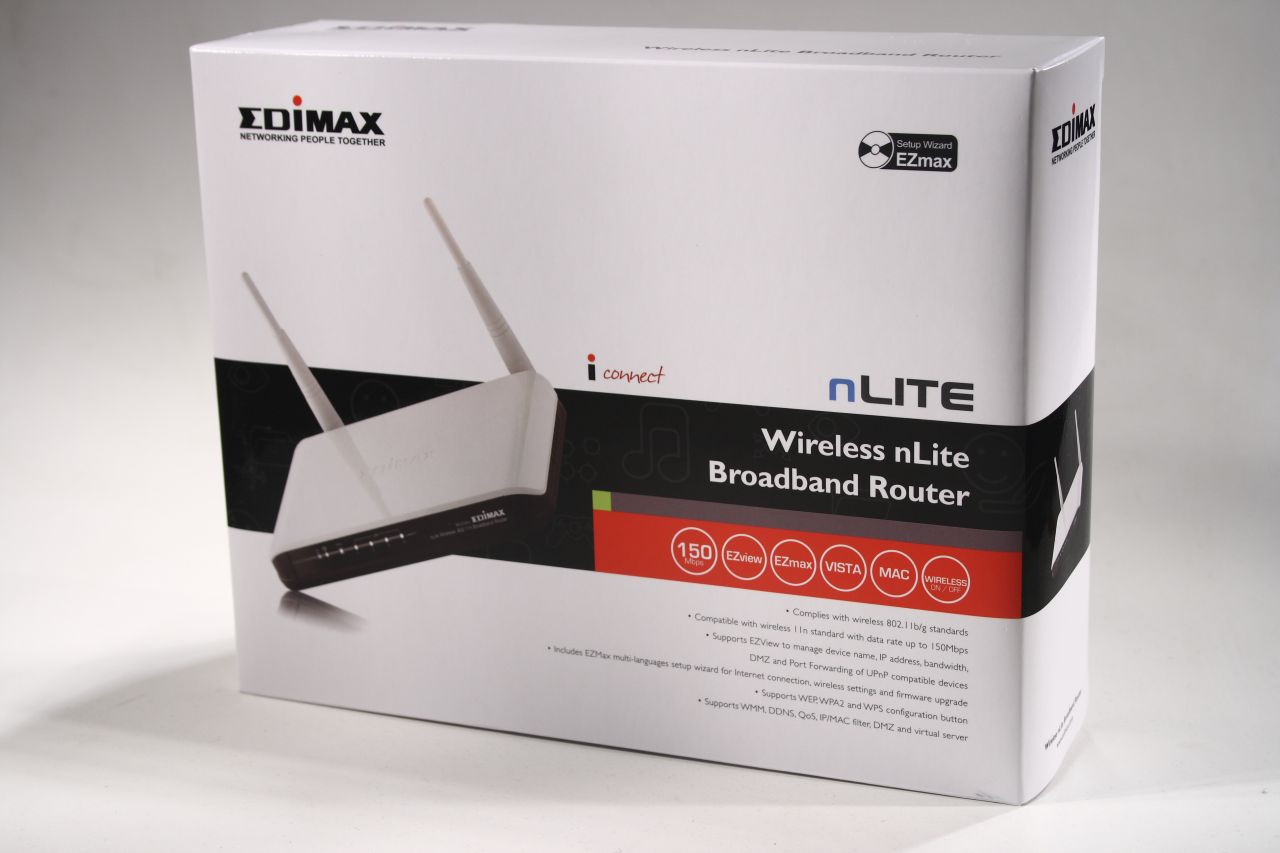
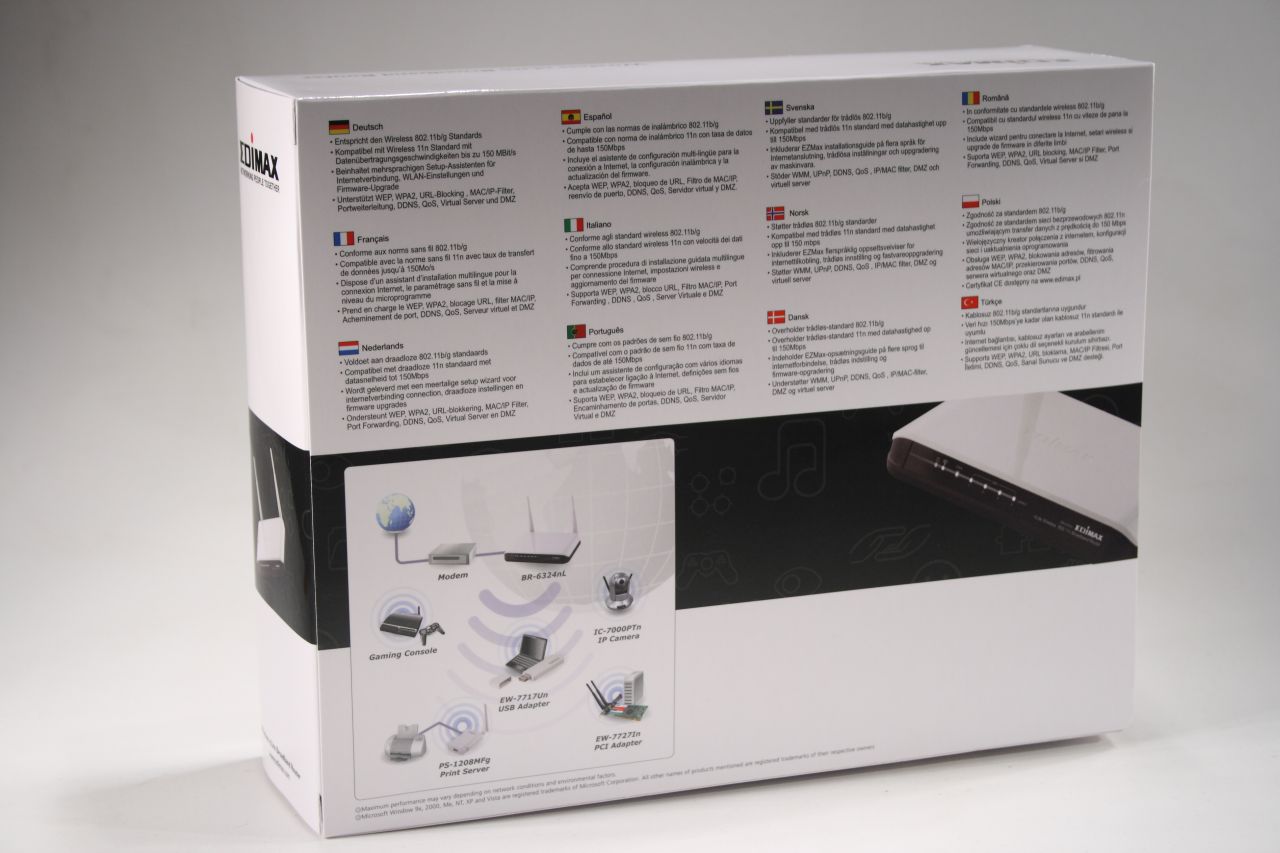
The box is roomy enough to protect its contents, exactly as we expected:
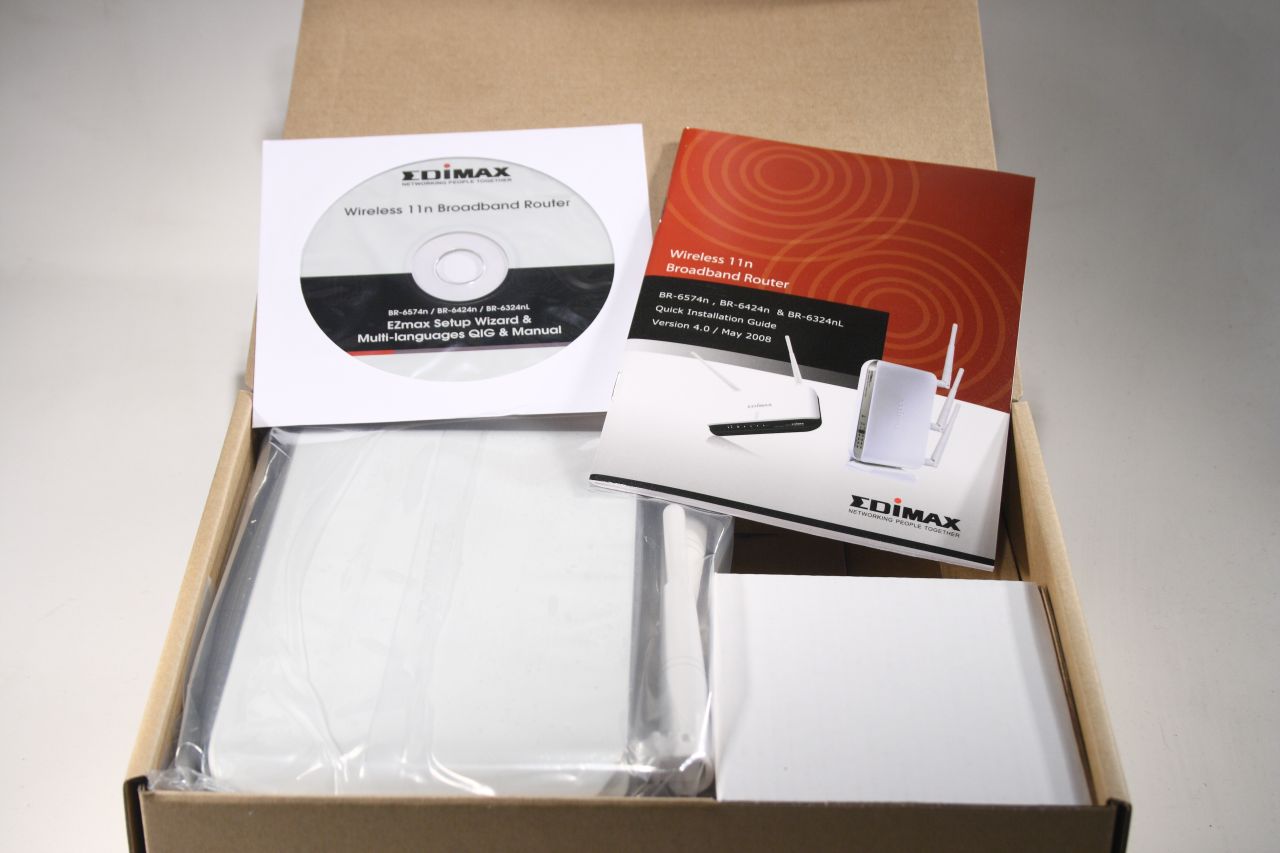
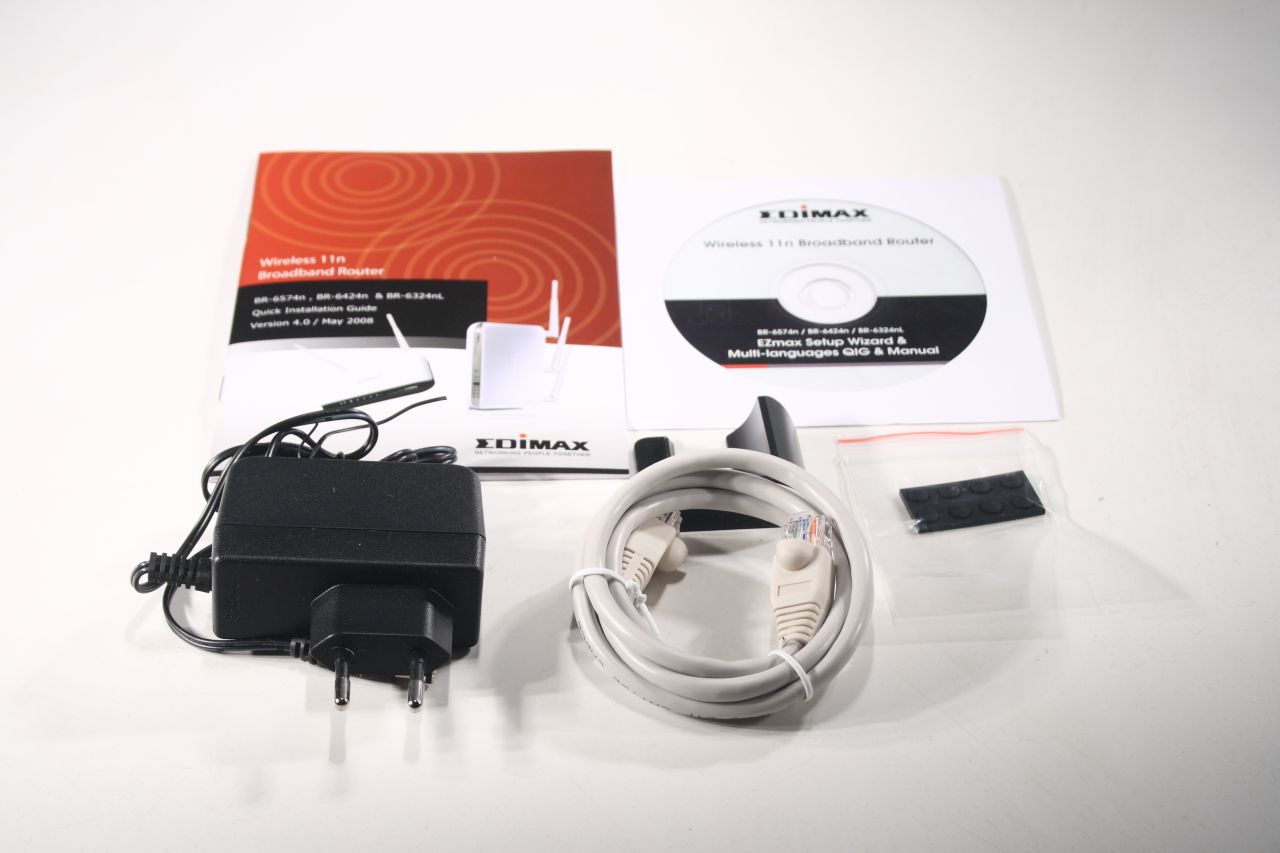
The contents consist of manual, power adapter (12V), software CD, rubber feet, stand for the router and short network cable (white of course):
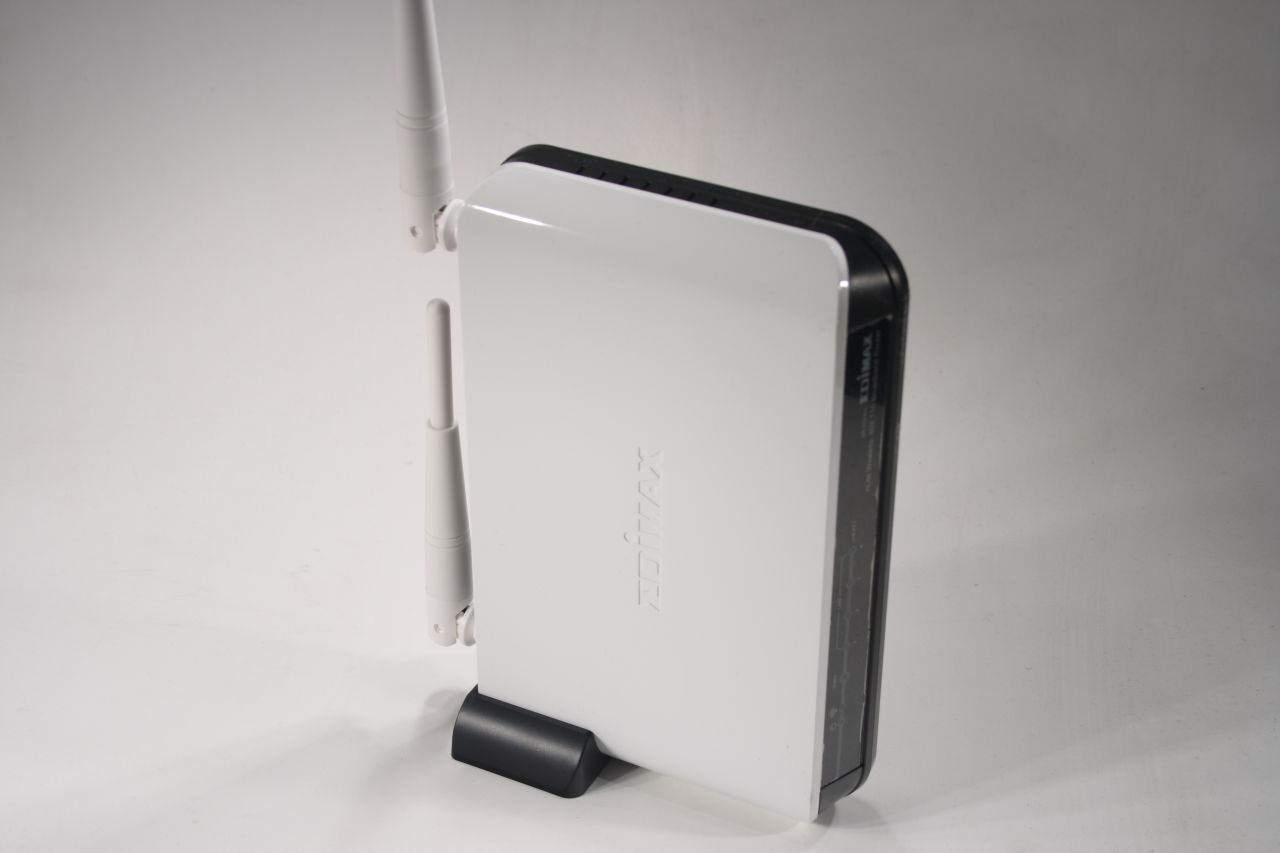
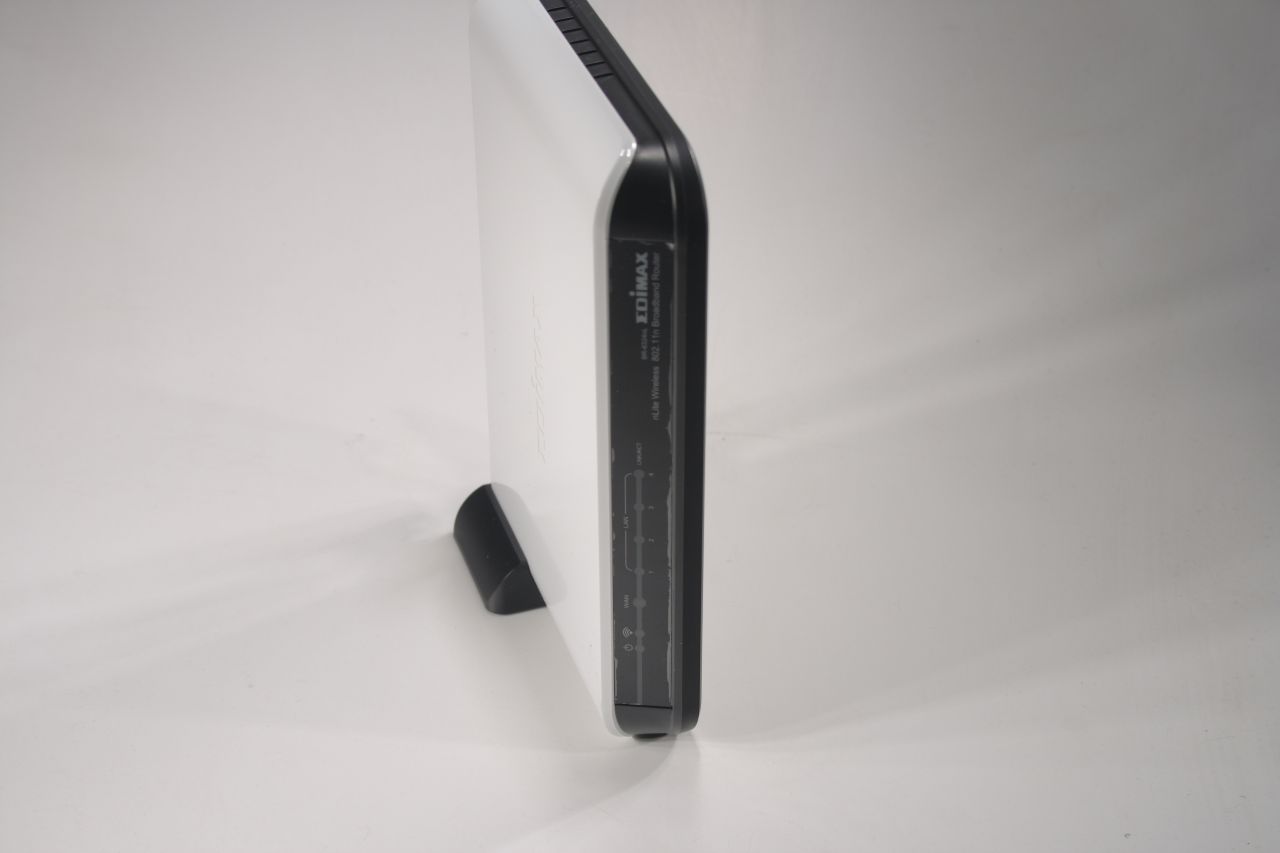
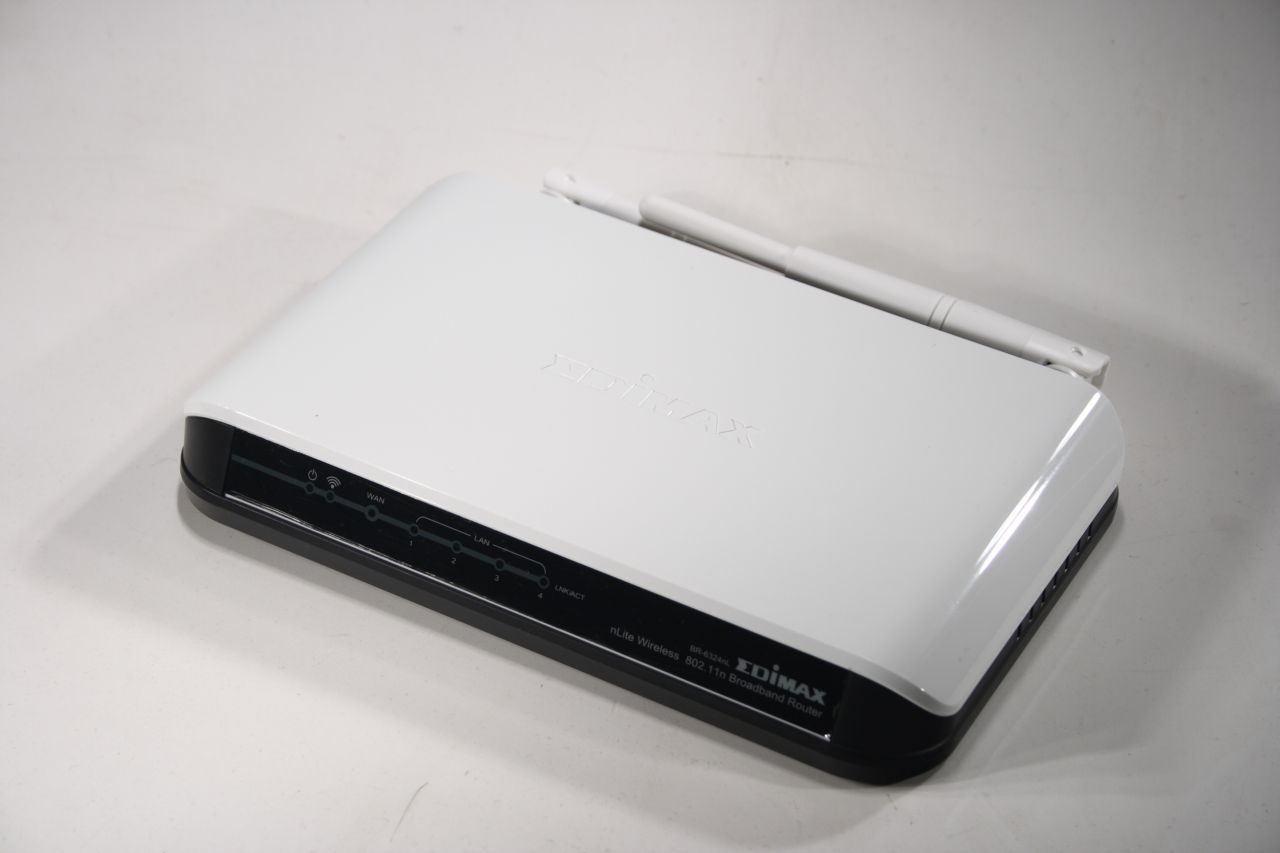
This is how the Edimax BR-6324nL looks like. The main body and the antennas have a white vinyl finish and concave Edimax logo. The stylish black front panel has light indicators for about everything – the four LAN ports, the Wan port, the wireless and power on indicator:
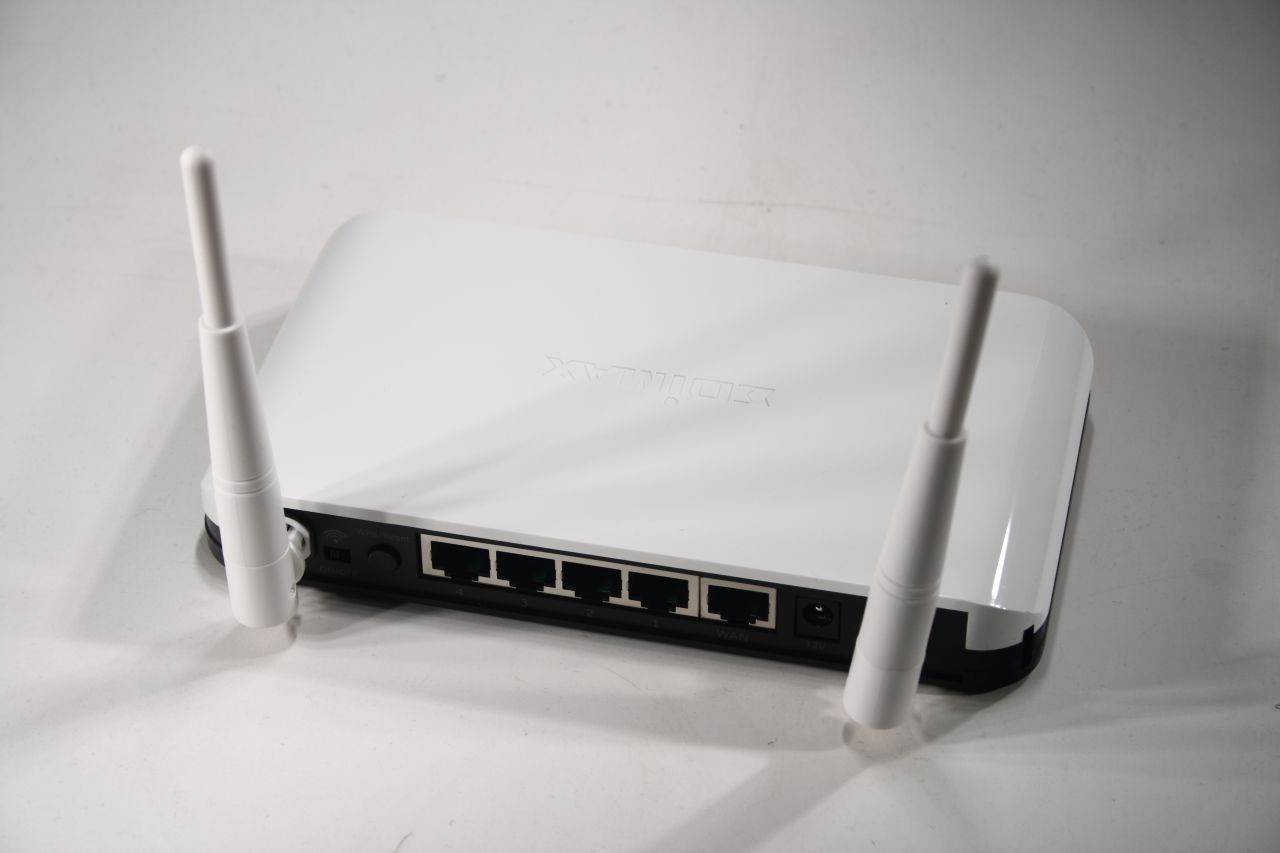
The back panel besides the expected 5 ports, 2 antennas and 12V power jack, has an additional push button and a switch. The switch is for turning on/off the wireless, which is a easy way to instantly revert to wired connectivity should a security issue demands it (or you just have no use of it). The push button has dual purpose - resetting the device to default settings and activating the Wi-Fi Protected Setup (WPS) function. That function practically allows you to create a secure wireless connection with the push of a button. These small features are one of the main differences between this product and its competition:
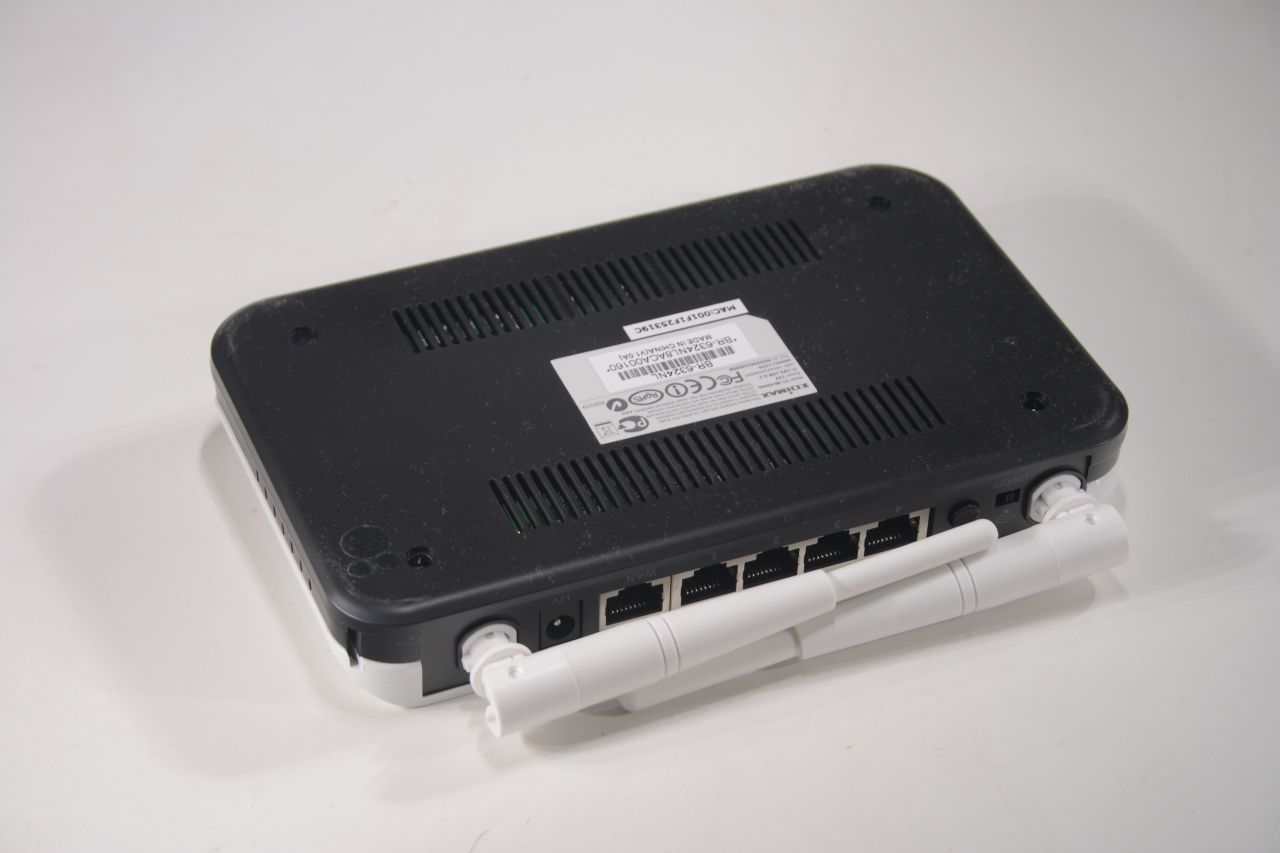
The bottom is unremarkable – some cooling vents and product markings:
This is how Edimax BR-6324nL looks in its vertical stand: