
DIY Waterchill Asetek LCD
Little more than a year ago Asetek water cooling pumps appeared on the PC market in Bulgaria. As you may have noticed, they have the optinal LCD connector. In this guide I will show how you can make one yourself.
The price of such an LCD is 40 Euro, while my solution cost only a foutrth of this price and also can be easily done at home.
How to make an extension LCD for Asetek water pump
This is the optional LCD itself:
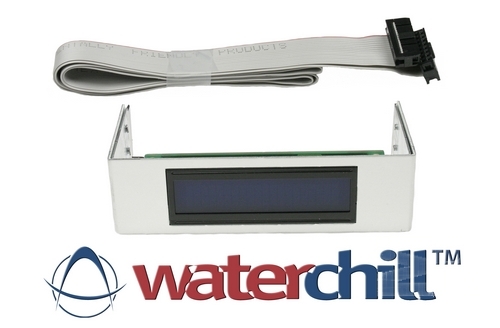
It is a common, parralel alphanumerical LCD module, 2х16.
In Asetek's documentation there is the pinout, I will post it here for reference:
LCD module - Pin layout
Pin number Symbol Description
1 VSS Ground (marked with triangle on PCB)
2 VDD +5V supply voltage for logic
3 VO Operating voltage for LCD (variable)
4 RS Register Selector
5 R/W Read / Write
6 E Chip enable signal
7 DB0 Data bit 0 (- not used -)
8 DB1 Data bit 1 (- not used -)
9 DB2 Data bit 2 (- not used -)
10 DB3 Data bit 3 (- not used -)
11 DB4 Data bit 4
12 DB5 Data bit 5
13 DB6 Data bit 6
14 DB7 Data bit 7
15 A LED+ (backlight)
16 K LED- (backlight)
The most important thing we need is an LCD module:
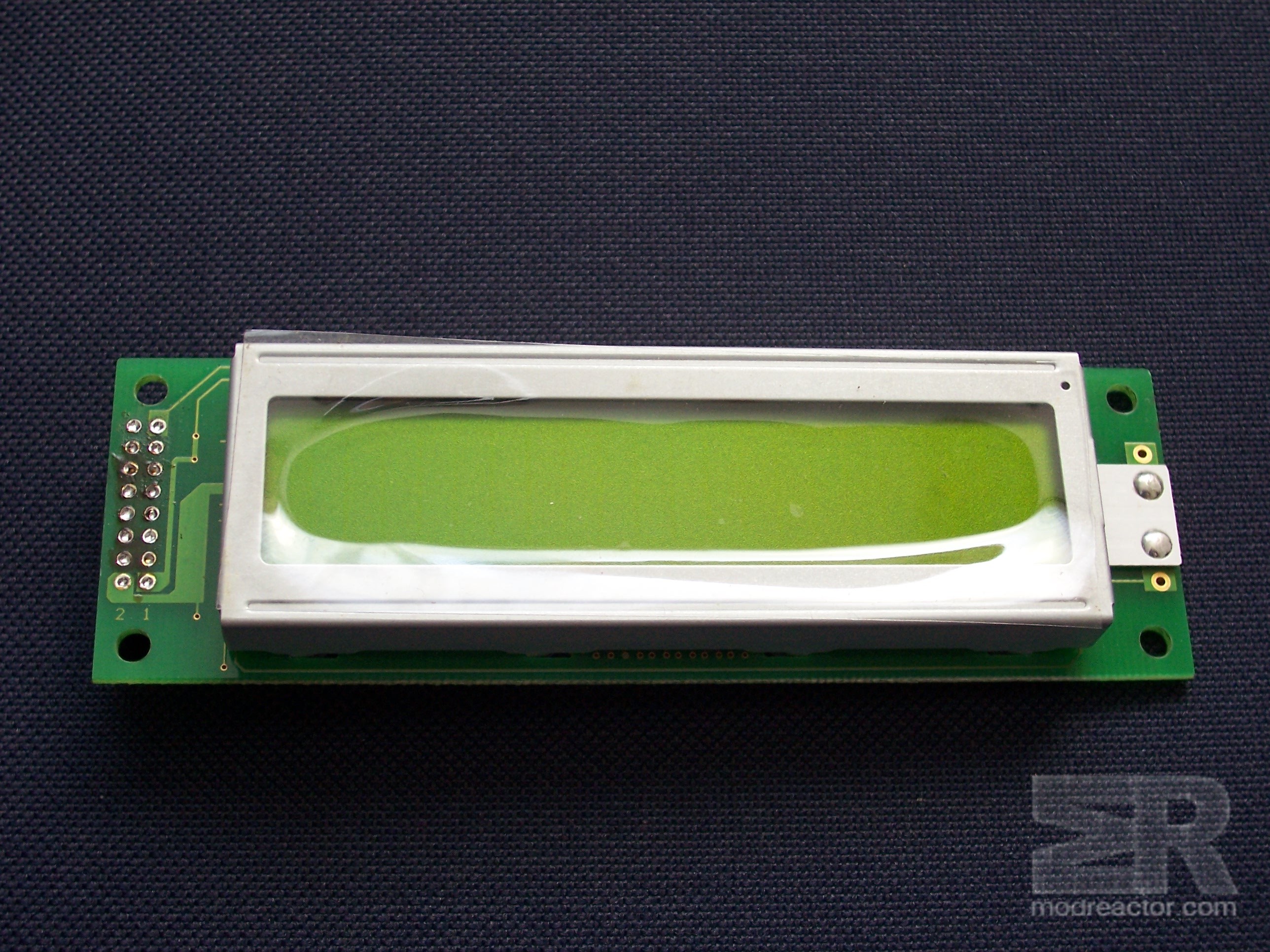
Widely available alphanumerical LCD, 2x16, bought from an electronics shop of your preference.
After areful study of the pinout, I noticed, that tha only thing you have to do is to solder the flat cable connectro ON THE BACK SIDE of the LCD:
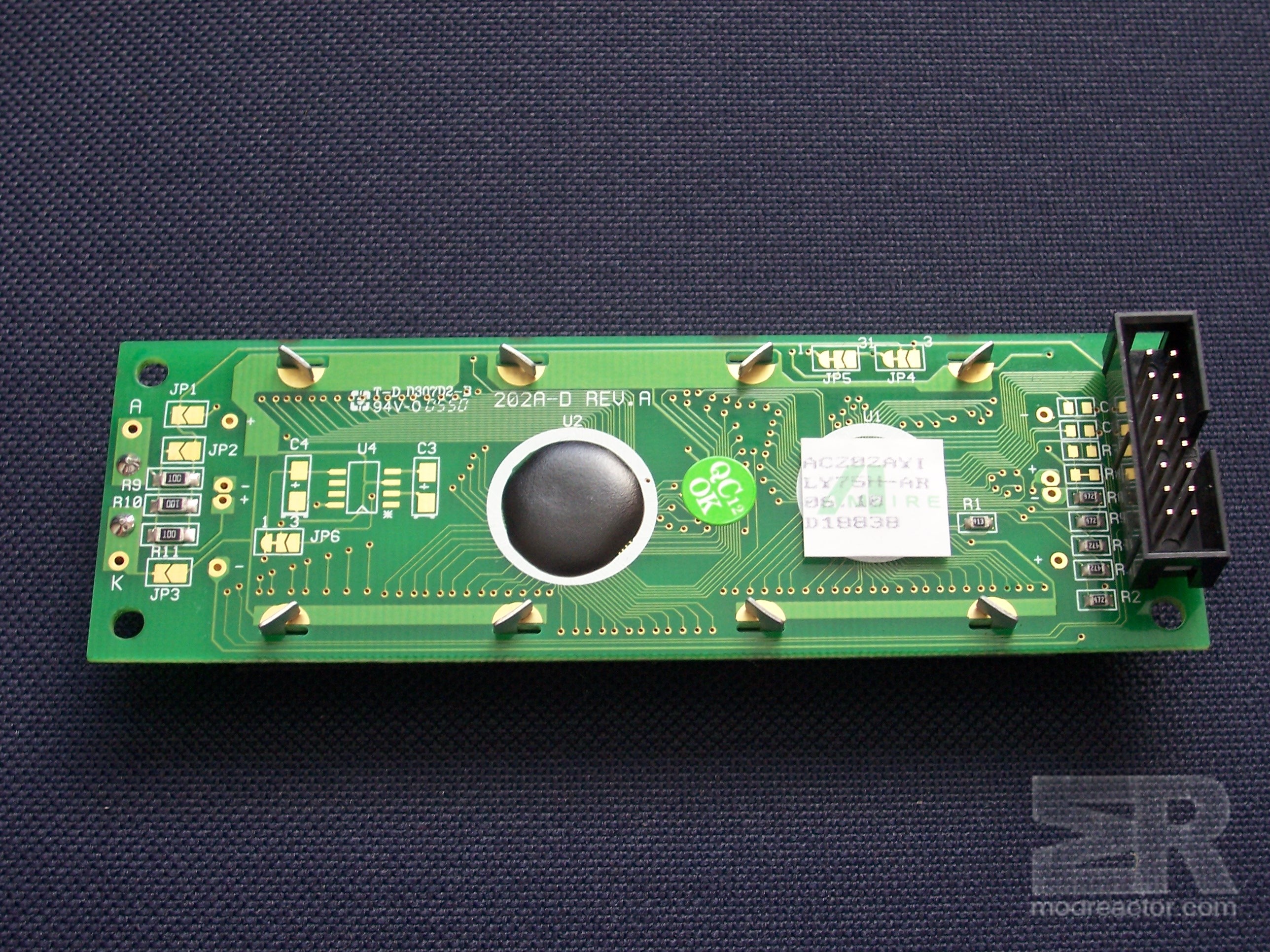
From now on you only have to make a flat, 16 pin cable:
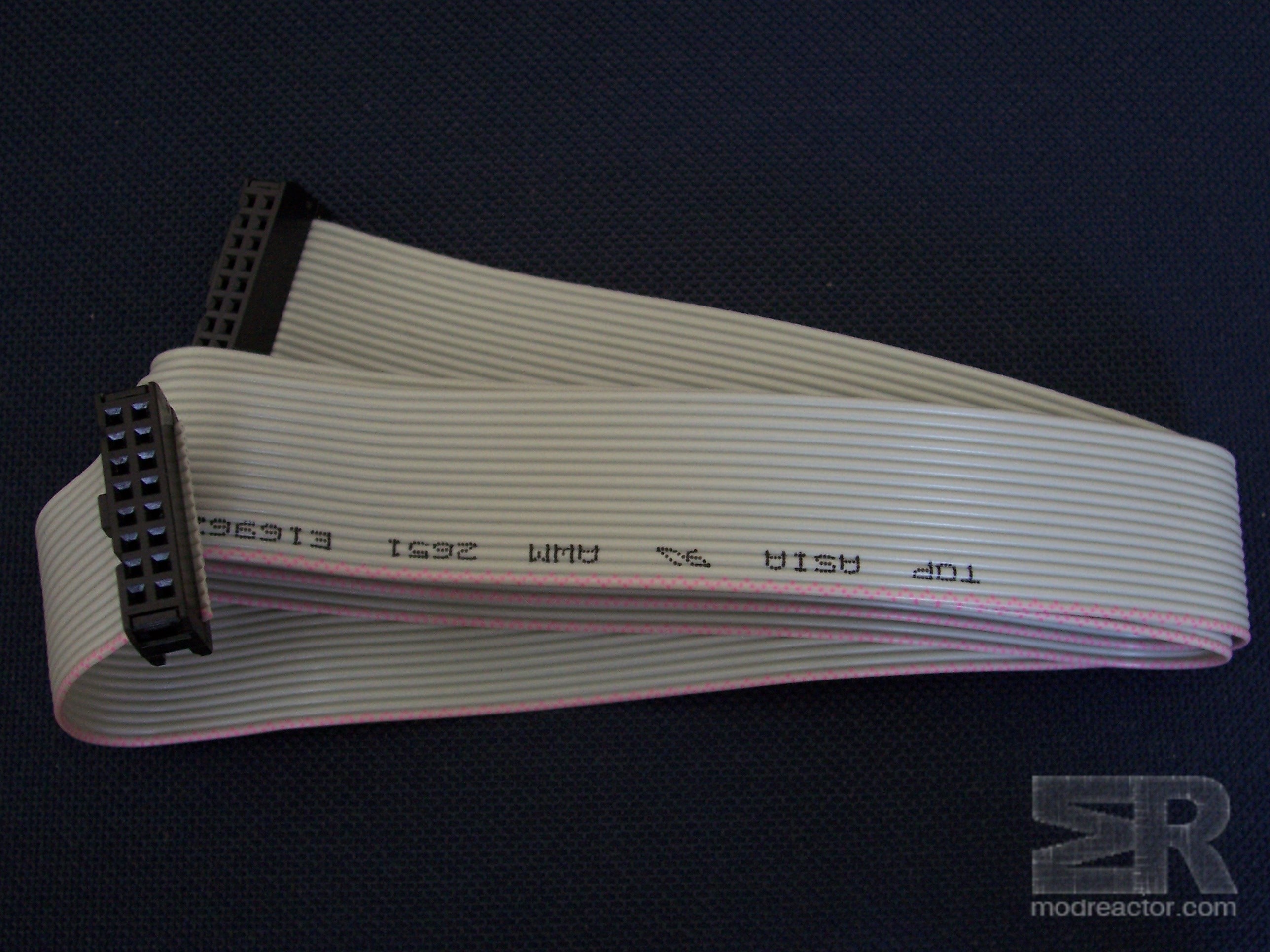
And to plug it to the pump:
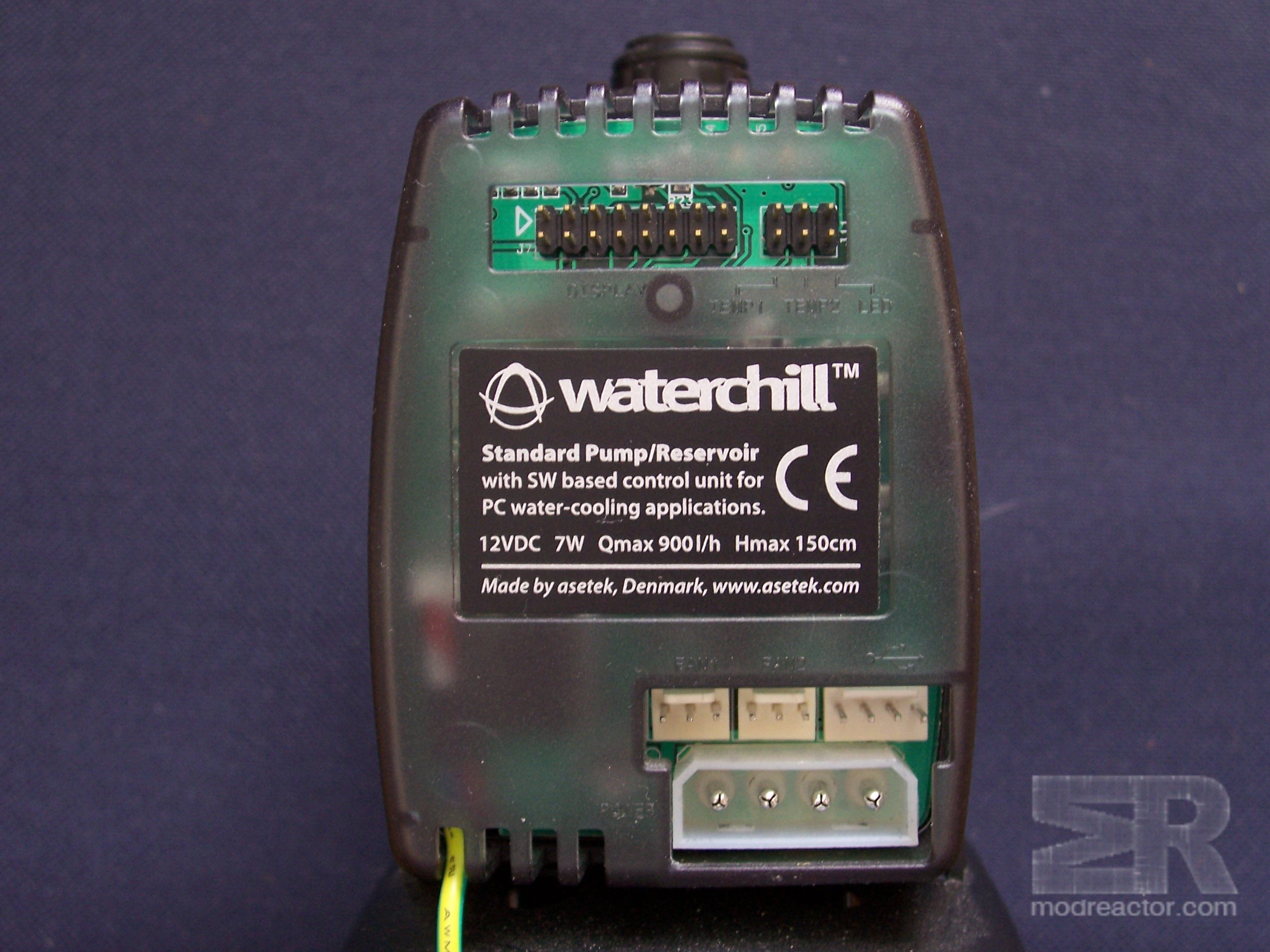
The software has wide variety of settings, including backlit and contrast.
What we need:
Alphanumerical paraller 2x16 LCD module
0.5 meter flat cable, 16 pin
2 female flat cable connectors, 16 pin
1 male flat cable connector, 16 pin
About half an hour from your time
Comments and questions concerning the project can be discussed in our forum HERE .